
AI vs Manual Photo Editing Compared
AI vs manual photo editing for speed, precision, and results. Which tasks AI handles better, where manual still wins, and how to go hybrid.

Product Marketing
Table of Contents
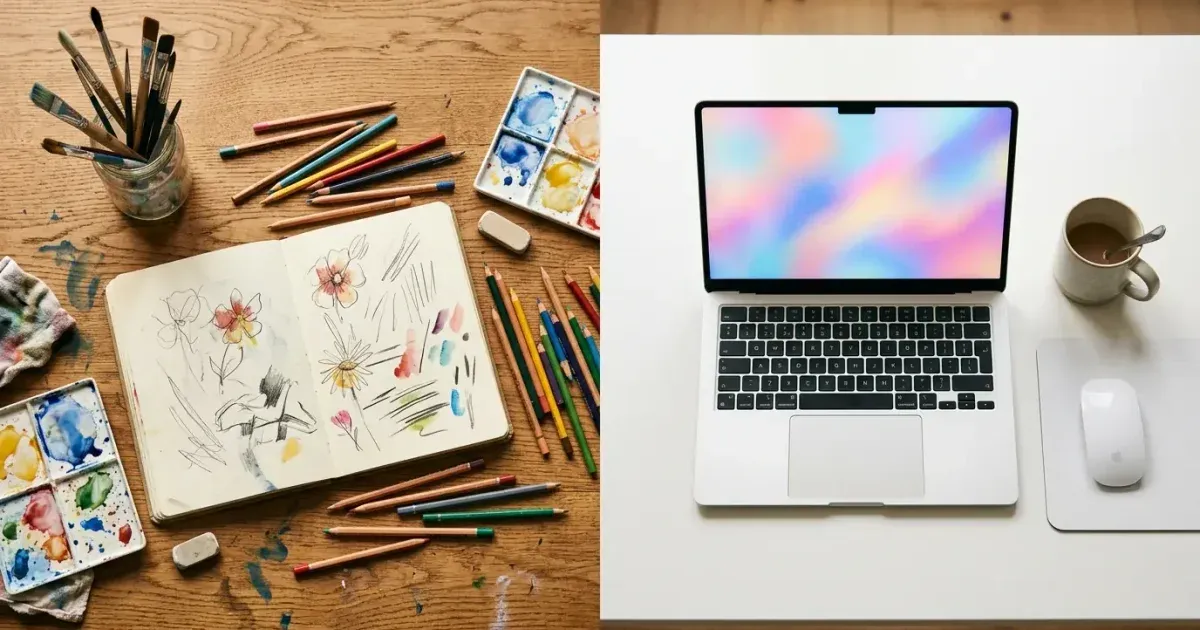
AI photo editing and manual editing are not competitors — they are matching tools for different situations. AI excels at speed and consistency for repeated tasks like background removal and object erasure. Manual editing excels at creative control and precision for tasks like complex compositing and fine art retouching.
The practical question for most people is not whether to use AI or manual editing, but which tool fits which task. This guide breaks down the strengths of each approach and shows how to build a workflow that uses both well.
- AI editing processes images in seconds; manual editing takes minutes to hours per image.
- Object removal, background erasure, and enhancement are where AI provides the biggest advantage.
- Complex compositing, creative retouching, and fine art work still benefit from manual control.
- Hybrid workflows use AI for the heavy lifting and manual tools for precision finishing.
- Cost per image drops dramatically when AI handles repetitive tasks at scale.
Where AI editing excels
AI photo editing tools are strongest in tasks that involve pattern recognition and context-aware reconstruction. Object removal is the clearest example: you brush over an unwanted element. The AI analyzes the surrounding area to reconstruct what should be behind it. This task takes seconds with AI and 5-20 minutes with manual clone stamping in Photoshop.
Background removal is another standout. AI can identify subject boundaries — including complex edges like hair, fabric, and transparent objects — and separate them from the background with one click. Manually creating that selection mask requires precision work that even experienced editors find tedious.
Image boost, including upscaling, noise reduction, color correction, and sharpening, is also well-suited to AI. These are mathematical changes guided by trained models that understand what natural photos should look like. The AI applies dozens of corrections at once in a way that would require multiple manual adjustment layers in traditional software.
- Object removal: seconds with AI vs 5-20 minutes manually.
- Background removal: one-click AI vs careful manual masking.
- Enhancement: simultaneous corrections vs multiple adjustment layers.
- Batch processing: AI maintains consistent quality across hundreds of images.
Where manual editing still wins
Creative compositing — combining elements from multiple photos into a single cohesive image — still benefits from manual control. While AI can generate fill content, the creative direction of a composite requires human judgment about lighting direction, color grading, perspective, and emotional storytelling.
Fine art retouching for fashion, beauty, and editorial photography demands precision that goes beyond what AI currently offers. Skin retouching that preserves texture while removing blemishes, frequency separation for tone and texture control, and dodge-and-burn for sculpting light on a face all require experienced hands.
Color grading for specific moods or brand aesthetics is another manual strength. AI can correct color to be technically accurate, but creating a specific cinematic look, a brand-consistent palette, or an editorial mood requires artistic decisions that only a human editor can make intentionally.
- Creative compositing requires human judgment about lighting and storytelling.
- Fine art retouching needs precision control over skin texture and lighting.
- Color grading for specific moods or brand aesthetics is an artistic decision.
- Complex layer-based designs with typography and graphics need manual layout work.
Building a hybrid workflow
The most efficient modern editing workflow uses AI for the heavy lifting and reserves manual editing for precision work. Start with AI to handle background removal, object erasure, basic boost, and batch processing. Then switch to manual tools for creative direction, final touches, and brand-specific adjustments.
For a product photography team, this might mean using Magic Eraser for background removal and boost on 50 product images (30 minutes total), then opening the 5 hero images in Photoshop for custom color grading and composite work (2 hours). The total is 2.5 hours for 50 images instead of 25+ hours if everything was done manually.
For social media teams, AI handles 90% of the work. Most social posts need quick cleanup, not fine art treatment. Reserve manual editing for campaign hero images and leave the daily content production to AI workflows.
- Use AI first for background removal, cleanup, and enhancement.
- Switch to manual tools for creative direction and brand-specific finishing.
- Product teams: AI for batch processing, manual for hero images.
- Social teams: AI for daily content, manual for campaign hero shots.
Cost and time comparison
The economics strongly favor AI for volume work. A skilled Photoshop editor might process 5-10 complex edits per hour at best. AI tools process 30-60 images per hour with one person supervising. For a business editing 200 product images per month, AI reduces a 40-hour workload to under 10 hours.
Software costs also differ greatly. Photoshop requires a $22/month Creative Cloud subscription and major training investment. AI editing tools like Magic Eraser work in the browser with no training required and lower per-image costs.
The real cost difference is in opportunity cost. Hours spent on repeated background removal and basic cleanup are hours not spent on creative work, strategy, or other high-value activities. AI handles the repeated work so humans can focus on what humans do best.
- AI processes 30-60 images per hour vs 5-10 for manual editing.
- 200 monthly images: under 10 hours with AI vs 40+ hours manually.
- No training investment required for AI browser-based tools.
- Reclaimed editing hours redirect to creative and strategic work.
Quality comparison across common tasks
For object removal and background replacement, AI tools now match or exceed the quality of mid-level manual editing for the vast majority of images. Where AI still falls short is on images with very complex edge detail. Think fine jewelry chains against textured fabric, or translucent materials like glass and tulle. For these edge cases, a hybrid approach works best: let AI handle the initial removal, then refine the difficult areas manually. This captures 90 percent of the speed benefit while keeping the quality standard for the hardest 10 percent of images. Boost and upscaling tasks show an even clearer AI advantage. Reconstructing lost detail from surrounding pixels is precisely what neural networks excel at.