
Create Stunning AI Art for Social Media in Seconds
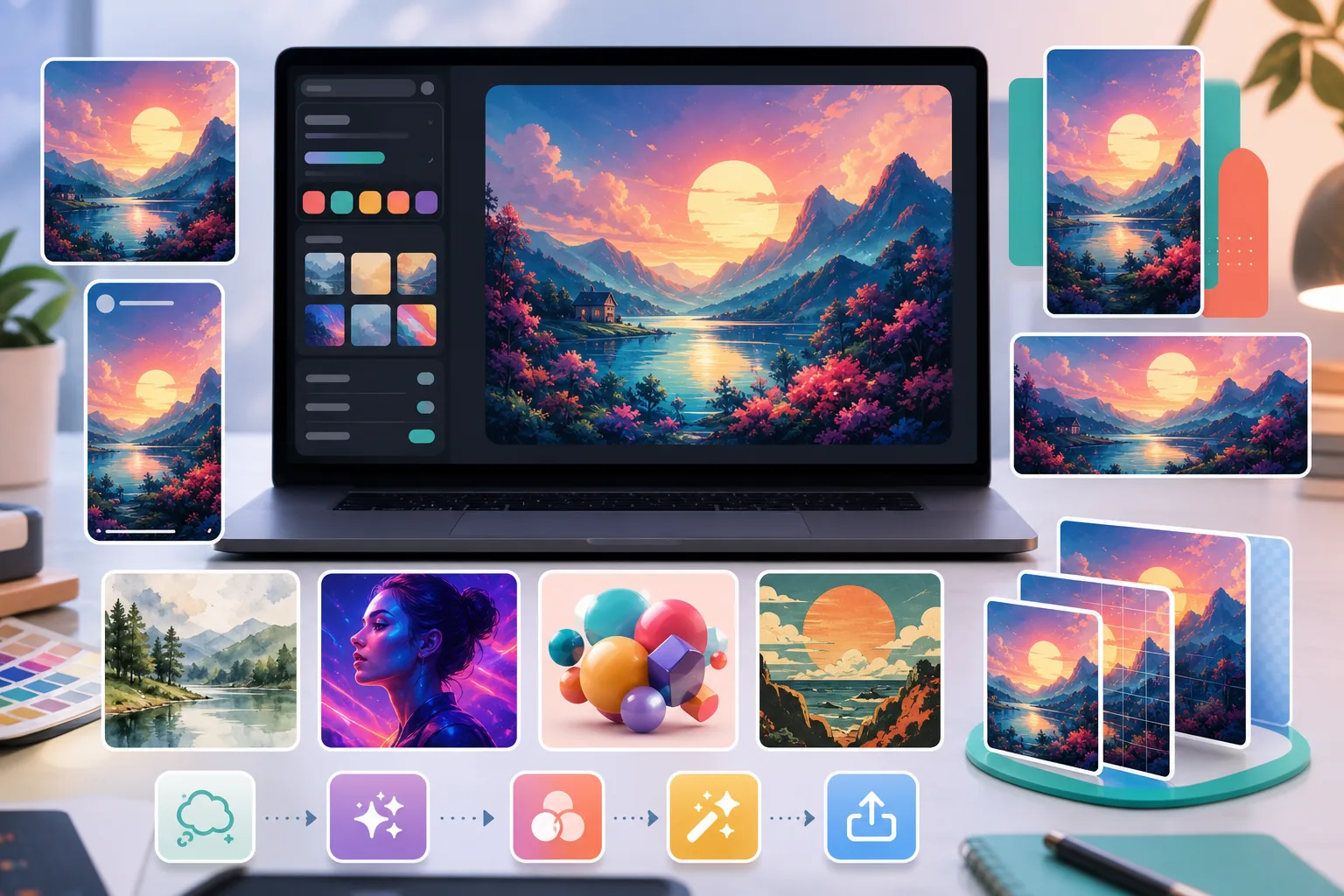
Tired of the same stock photos your competitors use? Stop paying designers hundreds per post. AI Create generates original illustrations, artwork, and visuals from simple text prompts — then AI Filter and AI Enhance polish them to perfection. Unique, on-brand content for every platform, every day.
Stock Photos Look Generic & Overused
You scroll through your feed and see the same corporate handshake photo on three different accounts. Stock libraries are recycled endlessly, making your brand blend into the noise. AI Create generates one-of-a-kind visuals from your own prompts so every post feels fresh and distinctly yours.
Hiring Designers Is Expensive & Slow
Freelance illustrators charge hundreds per piece and take days to deliver. When you need daily content for Instagram, TikTok, and Pinterest, the budget and turnaround simply do not work. AI Create lets you produce professional-quality art in seconds, not days, at a fraction of the cost.
Keeping a Consistent Visual Style Is Hard
One post looks minimalist, the next looks cartoonish, and your feed has no cohesion. Maintaining a unified aesthetic across dozens of weekly posts is exhausting. AI Filter applies consistent artistic styles across all your visuals so your brand identity stays recognizable and polished.
From Idea to Post-Ready Art in 4 Steps
Describe Your Vision
Type a text prompt describing the art you want — style, mood, colors, subject. The more specific, the better the result.
Generate with AI Create
AI Create transforms your prompt into original artwork in seconds. Generate multiple variations and pick your favorite.
Apply Style with AI Filter
Choose from dozens of artistic filters — watercolor, oil painting, anime, neon, vintage — to match your brand aesthetic perfectly.
Enhance & Export
AI Enhance upscales resolution and sharpens details for crisp results on any screen. Export in the right dimensions for Instagram, TikTok, Pinterest, or YouTube.
Frequently Asked Questions
Can I use AI-generated art commercially on social media?
+
Usage rights can depend on the service terms, your prompt and source materials, local law, and each platform's policies. Review those requirements before using AI-generated art in ads, branded content, or other commercial work, and do not assume an output is exclusive.
Will my AI art look like everyone else's?
+
No. Each image is generated from your unique text prompt, so no two results are identical. Combined with AI Filter's style options, your visuals will be distinctly on-brand and impossible to replicate.
What social media formats are supported?
+
You can export in any dimension — square for Instagram feed, 9:16 for Stories and Reels, 16:9 for YouTube thumbnails, and portrait for Pinterest pins. AI Enhance ensures crisp quality at any size.
Do I need design skills to use AI Create?
+
Not at all. Just describe what you want in plain language — for example, 'sunset over a mountain in watercolor style' — and AI Create handles the rest. No design software or experience needed.
Stop Blending In. Start Standing Out.
Join thousands of creators and marketers generating unique AI art for their social feeds. No design skills needed, no expensive software — just original visuals that stop the scroll.
Create AI Art FreeRelated use cases
See how professionals use these tools in real-world workflows.
Product listings need clear images before shoppers can judge the item. Magic Eraser helps sellers remove messy backgrounds, table edges, labels, props, glare, and other distractions so each product photo is easier to review before publishing.
Photobombers ruining your travel pics? Messy backgrounds killing your selfie game? Stop wasting hours in Photoshop. Magic Eraser removes distractions, cleans up cluttered shots, and expands your photos to fit any platform format — all in one tap.
Remove a distracting background and replace it with a clean solid color for a passport, visa, or ID photo. Because requirements vary by document and country, confirm the current official color, crop, size, and submission rules before you apply.
Related comparisons
See how Magic Eraser compares to similar tools.
Cleanup.pictures is a free web tool with one generic eraser brush. Magic Eraser gives you 100+ purpose-built removal tools — one for emoji, glasses, watermarks, sky, power lines, and dozens more — plus background removal, AI enhance, and mobile apps, in 16 languages. See how breadth changes the result.
remove.bg is the market leader for background removal, offering a powerful API and integrations with Photoshop and Figma. Magic Eraser goes further with eight AI-powered editing tools — from object removal and generative fill to AI enhance and design — all in one editor.
Two powerful AI photo editors with different strengths. Magic Eraser offers a broader set of generative AI tools for creative editing, while Photoroom excels at e-commerce product photography and batch processing. See which fits your workflow.
We tested and compared the top AI photo editing tools so you don't have to. From object removal to background replacement, see which editor delivers the best results for your workflow.
Related guides
Explore more guides and editorial content related to this workflow.
Explore how AI is reshaping business operations, from automation to data analysis and more personalized customer experiences.
Step-by-step guide to removing watermarks from your own photos using AI. Learn when it is appropriate, the best techniques, and how Magic Eraser handles it.
Fix blurry, low-resolution, and out-of-focus photos using AI enhancement. Learn how AI upscaling works and when it delivers the best results.