
Magic Eraser vs TouchRetouch: Which Object Remover Is Better?
TouchRetouch is a popular paid mobile app for removing objects and blemishes. Magic Eraser offers free AI-powered editing on any device with no install required. See how they compare across features, pricing, and ease of use.
Last updated
Try Magic Eraser freeComparison rows are editorial summaries from the latest page review, not a guarantee of current pricing, limits, watermark policy, batch support, speed, or platform availability.
Overview
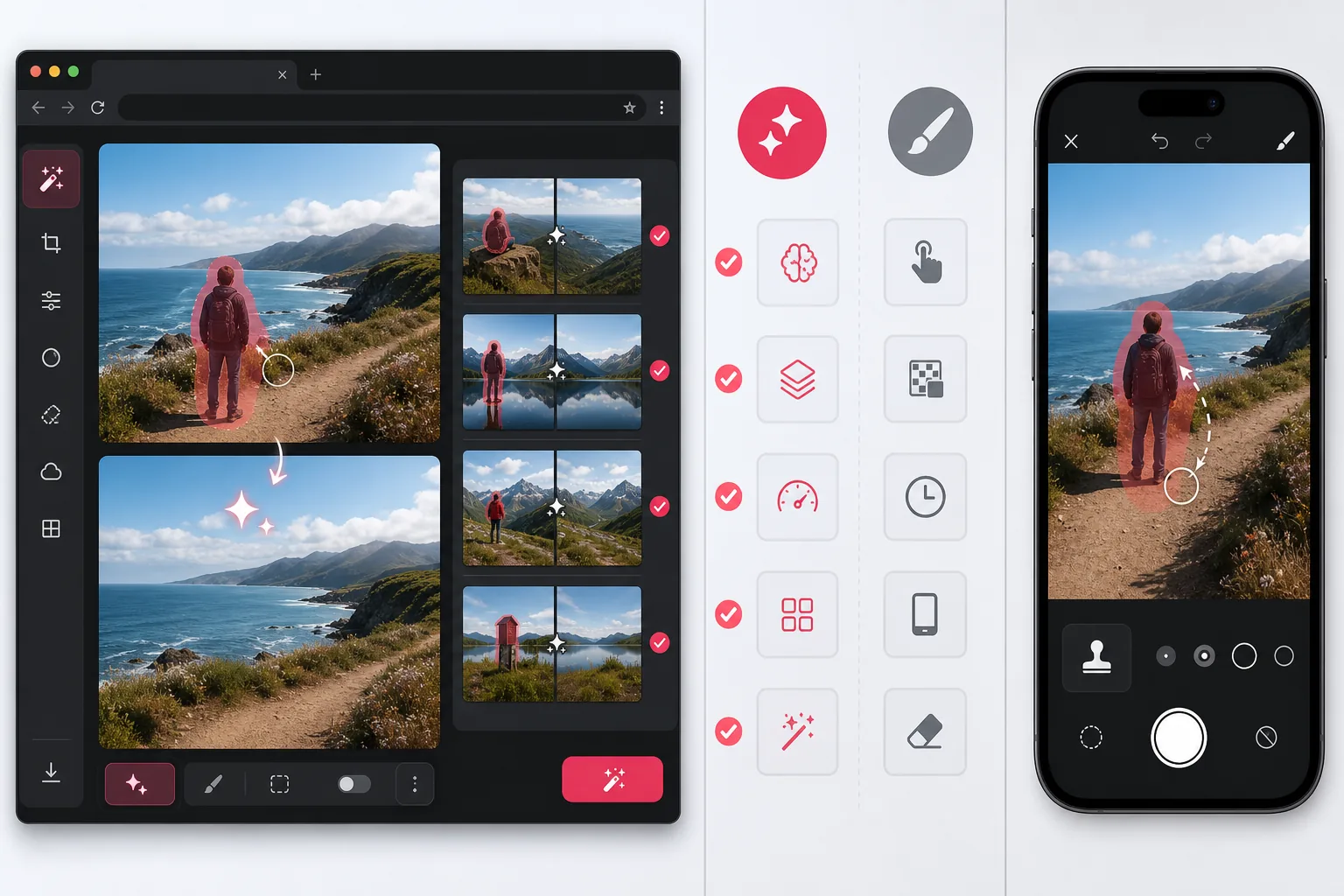
Magic Eraser is a free web-based AI photo editor with object removal, background removal, AI enhance, AI expand, AI fill, AI filter, and batch processing. It works on any device with a browser — no app install needed.
TouchRetouch is a paid mobile app ($2.99) focused on precise touch-based object and blemish removal. It features a line removal tool and clone stamp for detailed manual retouching on iOS and Android.
Feature Comparison
Magic Eraser is a free web-based AI photo editor with object removal, background removal, AI enhance, AI expand, AI fill, AI filter, and batch processing. It works on any device with a browser — no app install needed.
TouchRetouch is a paid mobile app ($2.99) focused on precise touch-based object and blemish removal. It features a line removal tool and clone stamp for detailed manual retouching on iOS and Android.
| Feature | Magic Eraser | TouchRetouch |
|---|---|---|
| Object Removal | Yes — AI-powered | Yes — manual brush |
| Background Removal | Yes — one click | No |
| Line Removal | Yes — via AI brush | Yes — dedicated tool |
| Batch Processing | Yes | No |
| AI Enhance & Upscale | Yes | No |
| AI Expand (Outpaint) | Yes | No |
| Platform | Web + mobile | Mobile only |
| Price | Free to start | $2.99 one-time |
Feature rows summarize visible product positioning and should be rechecked against official product pages before purchase, migration, or compliance decisions.
- Last content review May 1, 2026
- TouchRetouch source: official product site (https://www.adva-soft.com/products/touch-retouch)
- Magic Eraser source: https://magiceraser.live/en/product/magic-eraser
- Pricing, feature availability, platform support, and limits can change; recheck official sources before relying on a buying decision.
Pricing Comparison
| Plan | Magic Eraser | TouchRetouch |
|---|---|---|
| Free tier | Free — limited edits | No free tier |
| Monthly | $9.99/mo | N/A — one-time $4.99 |
| Annual | $4.99/mo (billed yearly) | N/A — one-time purchase |
Prices as of May 2026. Check each provider for current rates.
Pricing rows are snapshots from review time. Free tiers, subscriptions, trials, export limits, and regional availability can change without notice.
- Last content review May 1, 2026
- TouchRetouch source: official product site (https://www.adva-soft.com/products/touch-retouch)
- Magic Eraser source: https://magiceraser.live/en/product/magic-eraser
- Pricing, feature availability, platform support, and limits can change; recheck official sources before relying on a buying decision.
Why Choose Magic Eraser
Free to start with no install
Magic Eraser runs in your browser. There is no app to download and no upfront payment. Start editing photos in seconds from any device.
Multiple AI tools in one platform
Go beyond object removal. Remove backgrounds, enhance resolution, expand canvas, apply AI filters, and generate fills — all in a single editor.
Batch processing for teams
Edit multiple images at once. Product photographers, e-commerce sellers, and marketing teams can process entire photo sets without switching tools.
Works on any device
Access Magic Eraser from desktop, tablet, or phone. No platform lock-in and no need to transfer files between devices.
Frequently Asked Questions
Is Magic Eraser free to start?
+
Yes. Magic Eraser offers a free tier that lets you remove objects and try other AI tools without payment. Premium features are available through affordable plans.
Does TouchRetouch work on desktop?
+
TouchRetouch is designed for iOS and Android only. Magic Eraser works in any modern browser, so you can edit on desktop, laptop, tablet, or phone.
Which tool is better for removing people from photos?
+
Both tools can remove people from photos. Magic Eraser uses AI to automatically reconstruct the background, while TouchRetouch requires more manual brush work for complex removals.
Can I remove backgrounds with TouchRetouch?
+
No. TouchRetouch focuses on object and blemish removal only. Magic Eraser offers one-click background removal as a built-in feature.
Does Magic Eraser support batch editing?
+
Yes. You can upload and process multiple images at once, making it ideal for product photography and content creation workflows.
Which tool handles fine details like power lines better?
+
TouchRetouch has a dedicated line removal tool that works well for power lines and wires. Magic Eraser can handle similar tasks through its AI brush, which automatically fills gaps.
Ready to edit your photos?
Try Magic Eraser for free. No download, sign-in required — just open your browser and start removing objects with AI.
Try Magic Eraser freeRelated use cases
See how professionals use these tools in real-world workflows.
Listing photos cluttered with personal items, parked cars, or construction equipment can turn buyers away. Magic Eraser uses AI to clean up your property photos instantly — no Photoshop skills required.
Product listings need clear images before shoppers can judge the item. Magic Eraser helps sellers remove messy backgrounds, table edges, labels, props, glare, and other distractions so each product photo is easier to review before publishing.
Photobombers ruining your travel pics? Messy backgrounds killing your selfie game? Stop wasting hours in Photoshop. Magic Eraser removes distractions, cleans up cluttered shots, and expands your photos to fit any platform format — all in one tap.
Related guides
Explore more guides and editorial content related to this workflow.
Learn how to use Magic Eraser to remove objects, people, text, and distractions from photos with cleaner AI editing results.
Learn how to remove people from photos using AI in seconds. Step-by-step guide for travel photos, real estate shots, and product images.
Step-by-step guide to removing watermarks from your own photos using AI. Learn when it is appropriate, the best techniques, and how Magic Eraser handles it.
Other comparisons
See how Magic Eraser compares to other photo editing tools.
Two powerful AI photo editors with different strengths. Magic Eraser offers a broader set of generative AI tools for creative editing, while Photoroom excels at e-commerce product photography and batch processing. See which fits your workflow.
We tested and compared the top AI photo editing tools so you don't have to. From object removal to background replacement, see which editor delivers the best results for your workflow.
Photoshop is the industry standard for deep image editing, but many people only need fast object removal, clean backgrounds, and AI-powered fixes. Magic Eraser focuses on those jobs with a lighter workflow that works in seconds on web and mobile.
Canva is a design platform that bundles some photo editing; object removal is a side feature, often Pro-gated. Magic Eraser is a dedicated AI photo editor with 100+ task-specific removal tools. This comparison shows when you need cleanup-first power vs a design canvas.
Pixlr gives users a classic browser-based editing environment with layers and effects. Magic Eraser focuses on AI-first cleanup, enhancement, and background work for users who want polished results without a full editing interface.
PicWish is known for background removal and quick product image workflows. Magic Eraser goes broader with stronger object removal, fill, enhancement, and creative AI tools in one editor.