
AI Photo Editing for Nail Salons: Better Portfolio Photos for Instagram and Marketing
Learn how nail salons use AI photo editing to create professional portfolio shots, enhance nail art colors, remove skin distractions, and build a consistent Instagram feed that attracts new clients.

Product Marketing
Reviewed by Magic Eraser Editorial ·
Table of Contents
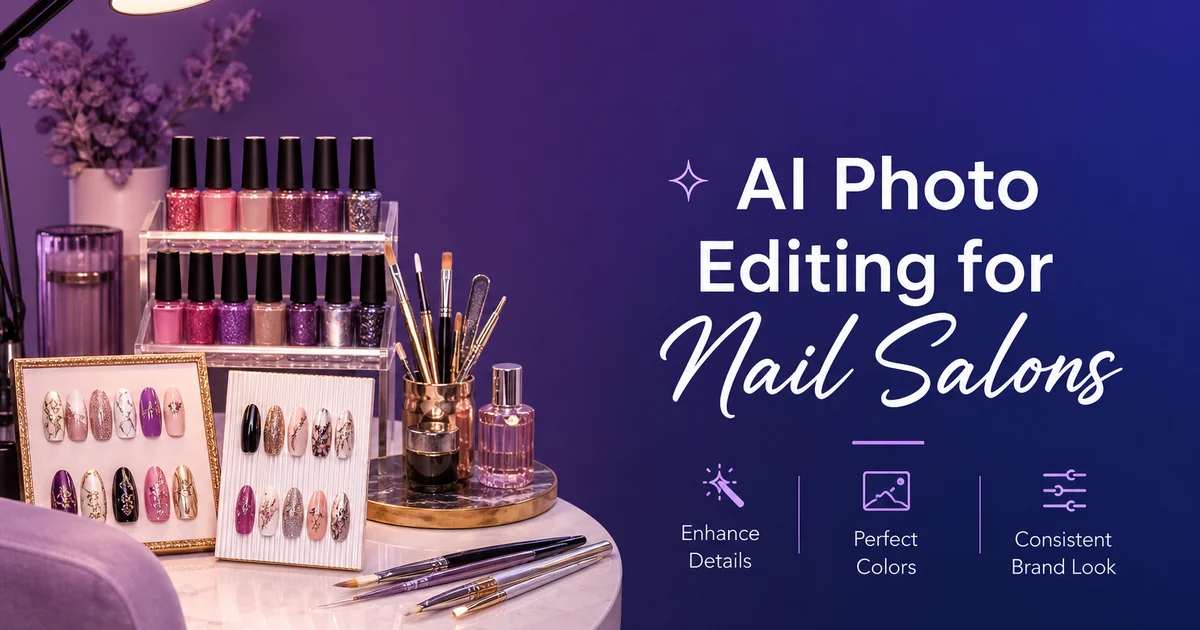
For nail salons, the portfolio is the business card. Potential clients decide where to book based almost fully on photos. Scrolling through an Instagram feed, swiping a Google Business Profile gallery, or browsing a website portfolio. The nail technician who always posts sharp, color-accurate photos of their work books more clients than an equally talented tech whose photos are blurry, yellow-tinted, or shot against a cluttered station background.
Yet nail photography is surprisingly difficult to do well. The subject is small, reflective, and sits on a hand that moves. Salon lighting is often warm overhead fluorescent mixed with whatever desk lamp the technician uses, creating inconsistent color casts that make reds look orange and whites look yellow. The background is whatever happens to be on the station — bottles, tools, towels, a phone. These conditions produce photos that do not represent the actual quality of the nail work.
AI photo editing gives nail technicians and salon owners a fast, repeatable workflow for turning station snapshots into portfolio-quality images. In a few minutes per photo, you can correct color accuracy so the polish shade matches reality, remove unwanted skin imperfections and cuticle roughness that pulls attention from the nails, replace cluttered backgrounds with clean ones, and create a consistent visual brand across your entire gallery.
- AI color correction ensures polish shades in photos match the actual color — critical for reds, nudes, and pastels that shift under warm salon lighting.
- Magic Eraser removes hangnails, dry cuticles, stray polish on skin, and minor blemishes that distract from the nail art.
- Background Eraser creates consistent, clean backgrounds for every shot regardless of where it was taken in the salon.
- Consistent editing across all portfolio images creates a professional Instagram grid that builds client trust.
- Enhanced photos of intricate nail art — fine line work, chrome finishes, ombre gradients — show detail that phone cameras typically lose.
Why photo quality directly drives bookings for nail salons
The nail industry operates on visual proof of skill. Unlike a haircut that a client can describe verbally, nail art is evaluated fully through images. When a potential client searches for a nail technician, they compare portfolios side by side: color vibrancy, design precision, finish quality, and overall aesthetic. The tech whose photos look sharper, more color-accurate, and more expertly presented wins the booking, even when the actual skill level is comparable.
Instagram is the primary discovery platform for nail salons, and the grid format is unforgiving. Nine thumbnail images displayed at once create an immediate visual impression. If those thumbnails show inconsistent lighting, different background colors, varying levels of blur, and inaccurate polish colors, the overall impression is amateur, regardless of how skilled the individual nail work is. A consistent, well-edited grid signals professionalism and attention to detail.
Google Business Profile photos play a similar role in local search. When someone searches for nail salons near me, the photo carousel is often the deciding factor between clicking on one listing versus another. Salons that invest in photo quality for their GBP gallery see measurably higher click-through rates and appointment requests compared to salons with unedited phone snapshots.
- Potential clients compare nail tech portfolios side by side, and photo quality often outweighs actual skill differences in winning bookings.
- Instagram's grid format amplifies inconsistency — nine thumbnails with varying lighting and backgrounds look amateur regardless of nail work quality.
- Google Business Profile photo quality directly impacts click-through rates and appointment requests from local search.
- A professionally presented portfolio justifies premium pricing for nail art and specialty services.
Correcting color and making nail finishes pop
Color accuracy is the single most important editing adjustment for nail photos. Clients choose polish colors from physical swatches or brand color charts, and they expect the finished result to match. When a salon photo shows a warm-tinted version of a color — a classic red that looks orange, a cool nude that looks yellow, or a crisp white that looks cream — it creates a disconnect between expectation and documented result that can undermine client confidence.
AI Enhance corrects the color temperature of the entire image, neutralizing the warm cast from salon fluorescents and the orange tint from incandescent desk lamps. The correction is intelligent — it does not simply shift the entire image to cool tones but identifies the light sources and adjusts each area on its own. The nail polish returns to its true color while skin tones remain natural and warm.
For specialty finishes — chrome, holographic, cat-eye magnetic, or glass-effect gel — AI Enhance also optimizes the reflection and gloss traits that define these techniques. Chrome nails should show mirror-sharp reflections, holographic polish should scatter rainbow light, and high-shine gel should have a wet-look surface. The boost preserves and amplifies these optical qualities that phone cameras tend to flatten, giving viewers a more accurate sense of the actual finish.
- Warm salon lighting shifts reds to orange, whites to yellow, and nudes to cream — AI color correction restores true polish colors.
- Intelligent color adjustment corrects light source casts without making skin tones look cold or unnatural.
- Chrome, holographic, and glass-effect finishes benefit from enhancement that preserves their characteristic light-play qualities.
- Color-accurate photos build trust when clients compare the portfolio photo to their expected polish shade.
Cleaning up hands and creating distraction-free compositions
Nail photos are hand photos, and hands present editing challenges that other product photography does not. Dry cuticles, hangnails, minor skin blemishes, visible veins, and slight redness around freshly pushed cuticle beds all draw the viewer's eye away from the nail art. These are not flaws — they are normal features of every hand — but in a portfolio photo designed to showcase nail work, they compete for visual attention.
Magic Eraser handles these distractions quickly. Brush over a hangnail and the AI smooths it into the surrounding skin. Remove a spot of stray polish on the cuticle edge, and the skin tone fills cleanly. Soften visible redness around pushed cuticle beds by lightly erasing the reddest areas and letting the AI blend them into the natural skin tone. The goal is not to make the hand look artificial but to reduce distractions that pull the viewer's gaze away from the nails.
Background cleanup is equally important. Use Background Eraser to isolate the hand against a clean, consistent surface. Many nail techs photograph their work at the station with polish bottles, UV lamps, cotton pads, and tools visible in the frame. These elements add clutter and make every photo look different. Replacing the background with a consistent solid color or minimal texture creates portfolio cohesion and puts 100 percent of the visual focus on the nail work.
- Hangnails, dry cuticles, stray polish, and minor skin blemishes compete for visual attention with the nail art itself.
- Magic Eraser smooths distracting hand features without making skin look artificially retouched or plastic.
- Background Eraser isolates hands against clean, consistent surfaces regardless of station clutter in the original shot.
- Consistent backgrounds across all portfolio images create a professional gallery that clients browse with confidence.
Building a consistent brand across Instagram and your website
The most successful nail salon Instagram accounts share one trait: visual consistency. Every photo has similar lighting, similar backgrounds, similar color grading, and similar composition. This consistency is not accidental — it is the result of a deliberate editing workflow applied to every image before posting. AI editing tools make this consistency achievable without expert photography training.
Decide on your visual brand: a background color or style (white, marble, solid pastel, textured surface), a color grading temperature (warm, neutral, or cool), and a composition standard (full-hand spread, angled close-up, or both). Then apply these same AI editing steps to every photo. AI Enhance with the same settings normalizes lighting and color. Background Eraser with the same replacement background creates visual uniformity. The result is a feed where every post looks like it belongs to the same brand.
This consistency extends to your website portfolio and Google Business Profile gallery. When a potential client sees the same visual quality and style across your Instagram, your website, and your Google listing, the reinforced impression is of an expert operation that takes display as seriously as the nail work itself. That impression directly converts to bookings and justifies premium pricing for specialty services like nail art, ombre, and 3D designs.
- Visual consistency across every post is the defining trait of high-performing nail salon Instagram accounts.
- A repeatable AI editing workflow — same color correction, same background, same composition — creates brand cohesion with minimal effort.
- Consistent visual branding across Instagram, website, and Google Business Profile reinforces professionalism at every client touchpoint.
- Professional photo presentation justifies premium pricing for specialty nail art and complex design work.
How to do it
- 1
Photograph nail work under consistent lighting
Use a ring light or LED panel positioned directly above the client's hand to eliminate shadows between fingers and provide even illumination across all nails. Shoot against a solid surface — white, marble, or matte black — to minimize unwanted backgrounds. Take both a full-hand spread shot and close-up detail shots of individual nail art.
- 2
Remove skin imperfections and cuticle distractions
Open the photo in Magic Eraser and brush over hangnails, dry cuticle edges, minor skin blemishes. Any stray polish on the skin around the nail. This creates a clean canvas that puts the viewer's attention fully on the nail art and finish quality.
- 3
Enhance color accuracy and gel shine
Run the image through AI Enhance to correct the color temperature so the polish color matches the actual shade. Adjust brightness to make gel and chrome finishes pop with their trait high-gloss reflection. This is mainly important for reds, nudes, and pastels that shift color under different lighting conditions.
- 4
Create clean backgrounds for portfolio and social media
Use Background Eraser to isolate the hand and nails against a pure white, solid color, or branded background. This creates a consistent look for your Instagram grid or website portfolio regardless of where the original photo was taken. At the station, in natural light by the window, or in the back room.
- 5
Build a cohesive gallery and social media feed
Apply the same boost settings and background style to every nail photo so your portfolio has a uniform, expert aesthetic. Consistent color grading and backgrounds transform a random collection of snapshots into a curated gallery that clients browse with confidence and share with friends.
Sources
- Nails Magazine: Social Media Marketing for Nail Professionals — Nails Magazine
- IBISWorld: Nail Salons in the US Market Research Report — IBISWorld
- Professional Beauty Association: Salon Industry Statistics — Professional Beauty Association