
AI Photo Editing for Insurance Adjusters — Magic Eraser
How insurance adjusters use AI photo editing to enhance damage documentation, improve claim photos from poor field conditions, and accelerate claims processing.

Product Marketing
Reviewed by Magic Eraser Editorial ·
Table of Contents
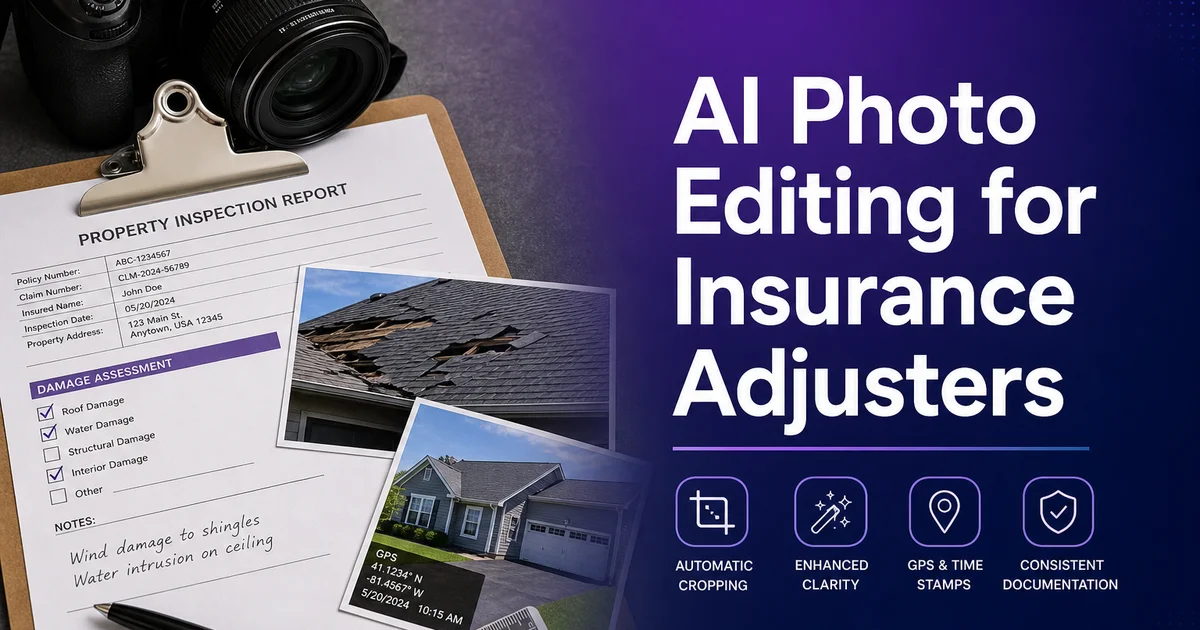
Insurance adjusters capture hundreds of photographs per week in conditions that are actively hostile to good photography. Flooded basements with no overhead lighting, fire-damaged structures where smoke haze obscures details, rooftops at midday with harsh shadows hiding hail damage. Vehicle interiors too cramped for a proper camera angle. The resulting photos are often dark, blurry, poorly framed, or obscured by debris. Yet they serve as the primary evidence for claim decisions worth thousands to hundreds of thousands of dollars.
Traditional photo editing is impractical for adjusters working high-volume caseloads. Spending 15 minutes in Photoshop per image when you have 200 photos from a single property inspection would consume more time than the site visit itself. Most adjusters submit photos as-shot, relying on written notes to compensate for poor image quality. This creates friction downstream when reviewers, underwriters, and legal teams struggle to see the damage that was obvious in person but invisible in a dark, poorly composed photograph.
AI photo editing tools collapse the time between capturing a field photo and producing records-quality evidence. Boost that would take a skilled editor minutes per image happens in seconds. The results are consistent across an entire claim file. This guide covers how adjusters, claims experts. Independent appraisers use AI tools to produce clear, expert damage records without photography expertise or post-processing time.
- AI Enhance recovers detail from underexposed photos taken in basements, crawl spaces, and fire-damaged interiors without re-visiting the property.
- Magic Eraser removes visual clutter — furniture, personal items, debris — to create unobstructed documentation of structural damage.
- Batch processing standardizes photo quality across entire claim files, producing consistent documentation from wildly variable field conditions.
- Faster claim processing results from clearer photos that reduce reviewer questions, follow-up requests, and repeat site visits.
- Field adjusters spend seconds per photo instead of minutes, making professional-quality documentation feasible on high-volume caseloads.
Why field conditions produce poor documentation photos
Insurance photography happens in the worst possible conditions because damage itself creates those conditions. A water-damaged basement has no working lights. A fire-damaged structure is filled with smoke residue that scatters flash light. A storm-damaged roof is photographed at whatever time the adjuster arrives, often at midday when harsh overhead sun creates deep shadows under eaves and in valleys where damage hides. The adjuster cannot control any of these variables — they document what they find in the conditions they find it.
The tools available compound the problem. Most adjusters shoot with smartphones, which produce excellent photos in good light but struggle in exactly the conditions claims photography demands. Small phone sensors amplify noise in low light, phone flashes wash out close subjects while leaving backgrounds black. Wide-angle phone lenses distort spatial relationships that matter for documenting damage extent. A crack that is clearly visible in person becomes an ambiguous shadow in a phone photo taken from arm's length in a dark room.
Time pressure eliminates the option of careful composition. An adjuster inspecting a property has a limited appointment window, multiple rooms or areas to document. A policyholder who is anxious and watching. There is no time to set up tripods, adjust exposure settings, or take multiple shots of each damage area from different angles. The adjuster captures what they can as quickly as they can and moves on, knowing the photos need to tell the story later even if they are imperfect.
- Damage itself creates poor photography conditions — water kills lights, fire leaves haze, storms force midday roof shoots with harsh shadows.
- Smartphone cameras amplify low-light noise and wash out close subjects with flash, producing documentation that obscures the damage it should reveal.
- Wide-angle phone lenses distort spatial relationships, making it harder for reviewers to judge actual crack widths, hole sizes, and damage extent.
- Time-limited site visits eliminate the option of careful composition or multiple exposure attempts per damage area.
Enhancing damage visibility in challenging photos
AI Enhance addresses the most common field photography problem: insufficient light. Basement water damage, attic mold growth, interior fire damage. Under-vehicle collision damage are all documented in near-darkness, and the resulting photos are often so dark that reviewers cannot distinguish damage from shadow. AI Enhance recovers the shadow detail by intelligently brightening dark areas while preventing already-bright areas from blowing out, producing a balanced exposure that reveals the damage as it appeared to the adjuster's eyes in person.
Color accuracy matters for damage assessment. Water stains have specific brown-yellow-gray color patterns that indicate age and source. Mold ranges from black to green to white depending on species and health risk level. Fire damage colors indicate temperature and intensity. When phone cameras under fluorescent or mixed lighting produce inaccurate colors, reviewers may misidentify damage types. AI Enhance corrects color casts from artificial lighting to produce natural, accurate color that supports proper damage classification.
Detail sharpening recovers information from slightly out-of-focus photos — common when shooting one-handed in cramped spaces. The AI applies intelligent sharpening that enhances real edge detail like cracks, water lines. Damage boundaries without amplifying noise or compression artifacts. This can make the difference between a photo that shows a hairline crack clearly and one where the crack is invisible among JPEG compression noise.
- Shadow recovery reveals damage in dark field photos without overexposing already-bright areas, matching what the adjuster saw in person.
- Color correction from mixed artificial lighting ensures accurate damage-type identification — water stain colors, mold species, and fire intensity indicators.
- Intelligent sharpening recovers detail from slightly out-of-focus field shots without amplifying JPEG noise or compression artifacts.
- Batch enhancement processes an entire site visit's photos to consistent quality in minutes rather than hours of manual editing.
Clearing visual obstructions from damage documentation
The most useful damage photos show the damage clearly with nothing in the way, but field conditions rarely cooperate. Furniture sits against water-damaged walls. Personal belongings cover damaged flooring. Fallen debris from a collapsed ceiling obscures the structural damage behind it. Moving these obstructions is sometimes impossible — heavy furniture, hazardous debris, or a policyholder's reluctance to have their belongings disturbed. The adjuster photographs what is visible and notes the rest.
Magic Eraser allows adjusters to create added records that removes visual clutter from damage photos without altering the damage itself. Remove a couch from in front of a water-stained wall and the AI reconstructs the wall surface behind it, possibly revealing damage extent that was only partially visible in the original shot. This added cleaned photo accompanies the unedited original. Both serve the claim file, with the original providing realism and the cleaned version providing clarity.
This approach is mainly valuable for roof and exterior damage where trees, vehicles, or neighboring structures partially block the view. An adjuster photographing hail damage on a roof may have branches obscuring sections of the roofline. Removing the branches from a copy of the photo creates a clear view of the full damage pattern that helps reviewers understand the claim without needing a second site visit from a different angle.
- Supplementary cleaned photos accompany unedited originals — the original provides authenticity, the cleaned version provides clarity.
- Removing furniture and belongings from damage photos reveals wall, floor, and structural damage extent that was partially hidden in field conditions.
- Exterior obstruction removal — branches, vehicles, neighboring structures — creates clear views of full damage patterns from limited vantage points.
- Cleaned documentation reduces follow-up site visit requests by answering reviewer questions that cluttered original photos could not address.
Building professional claim packages efficiently
A well-organized claim photo package with consistent quality builds credibility with reviewers and accelerates processing. When all photos in a claim file have similar brightness, contrast. White balance, the reviewer can focus on damage assessment rather than mentally compensating for varying photo quality. AI batch processing achieves this standardization automatically. Upload all photos from a site visit and the tool normalizes them to consistent, expert quality.
The time savings scale greatly with claim volume. An independent adjuster handling 40 claims per month with an average of 80 photos per claim is processing 3,200 photos monthly. Spending even 30 seconds per photo on manual boost would consume 26 hours per month. At its core losing three full workdays to photo editing. AI batch processing reduces this to minutes per claim, freeing that time for extra inspections, more thorough records, and faster claim turnaround.
Expert-quality records also reduces disputes. When damage is clearly visible and always documented, there is less room for disagreement about damage existence, extent, or causation. Adjusters report that enhanced photo packages generate fewer supplemental information requests, fewer re-inspection demands, and faster approvals. Benefits that serve both the insurer and the policyholder by resolving claims more quickly.
- Consistent photo quality across an entire claim file lets reviewers focus on damage assessment rather than compensating for variable field conditions.
- Batch processing 80+ photos per claim saves hours of manual editing time that compounds to multiple workdays per month for high-volume adjusters.
- Clearer documentation reduces supplemental information requests, re-inspection demands, and approval delays.
- Professional-quality claim packages build credibility with reviewers and underwriters, supporting fair damage assessments.
How to do it
- 1
Enhance underexposed damage photos from dark interiors
Upload photos taken in basements, attics, or crawl spaces where flash was insufficient. AI Enhance recovers shadow detail and corrects color casts from mixed lighting, making water stains, mold growth. Structural damage clearly visible without re-visiting the property.
- 2
Remove visual clutter that obscures damage documentation
Use Magic Eraser to remove personal belongings, furniture, and debris that block the view of structural damage in claim photos. This creates clear records of the actual damage area without asking policyholders to move their possessions during an already stressful situation.
- 3
Use AI Fill to reconstruct measurement context in photos
When a damage photo was shot at an angle that distorts scale, use AI Fill to add clean background context that helps reviewers understand the true extent of damage. This supplements the adjuster notes with visual clarity that flat photos from field conditions often lack.
- 4
Standardize photo quality across field conditions
Apply AI Enhance to batch-process all photos from a claim site visit to consistent brightness, contrast, and white balance. Field photos vary wildly — bright exterior shots alongside dark interior captures — and standardized quality makes the claim file more expert and easier for reviewers to evaluate.
- 5
Annotate and prepare final claim photo packages
After enhancing and cleaning up field photos, organize them into a consistent claim records set. Clear, well-lit damage photos reduce back-and-forth with reviewers and underwriters, accelerating claim processing and reducing the need for follow-up site visits.
Sources
- Best Practices for Digital Claims Documentation — National Association of Insurance Commissioners
- Property Damage Assessment Photography Standards — Insurance Information Institute