
AI Photo Editing for Driving Schools — Magic Eraser
Learn how driving schools use AI photo editing for fleet photography, student success posts, social media marketing, and enrollment campaigns. Practical tips for small driving school owners.
SEO & Growth
Reviewed by Magic Eraser Editorial ·
Table of Contents
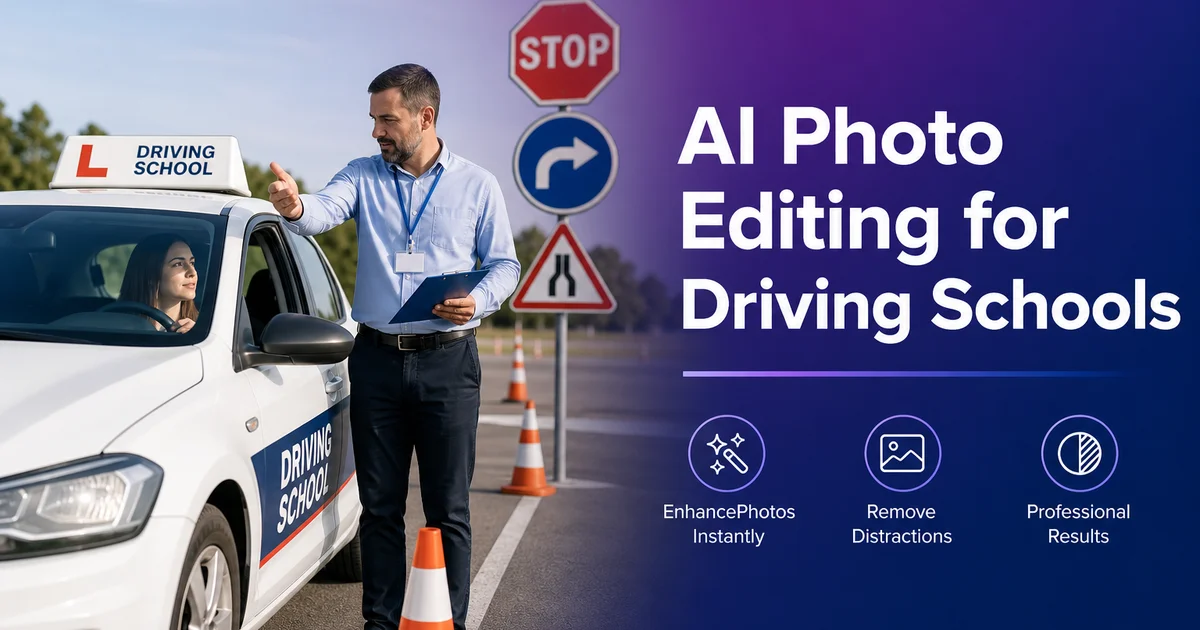
Driving schools operate in one of the most visually competitive local service markets. Parents comparing schools check Google Business Profile photos, browse Instagram for social proof, and judge website quality within seconds. Yet most driving school owners are not photographers. They are instructors and small business operators working with phone cameras, limited time, and no design budget. The result is often a collection of dark parking lot shots, blurry in-car selfies, and cluttered office photos that fail to convey professionalism or build trust.
BrightLocal research consistently links strong Google Business Profile photo libraries with more clicks, calls, and direction requests than profiles with poor or missing images. For driving schools, this means the difference between a parent choosing your school or the competitor down the street. The photos that matter most — fleet vehicles, classroom settings, student success moments, and instructor portraits — are exactly the images that are hardest to capture well in the field with a smartphone.
AI photo editing tools solve the specific problems driving schools face. Magic Eraser removes background clutter from fleet and facility photos. Background Eraser creates clean, branded backdrops for student celebration images. AI Enhance corrects the poor lighting typical of indoor classrooms and through-windshield car shots. This guide walks through practical workflows a driving school owner can set up in minutes per day using only a phone and these three tools.
- Magic Eraser removes parked cars, trash cans, and signage clutter from fleet vehicle photos, producing clean images for websites and Google Business Profile.
- Background Eraser replaces cluttered DMV and office backgrounds with branded backdrops for student success posts that get shared on social media.
- AI Enhance corrects dim classroom lighting and windshield glare in behind-the-wheel training photos without manual adjustment.
- A daily five-minute photo habit builds a content library that sustains weeks of social media posts with minimal ongoing effort.
- Seasonal enrollment campaigns benefit from polished fleet and facility images that can be adapted to flyers, Facebook ads, and Google Ads.
Fleet photography that builds trust before the first call
Your training vehicles are the most visible representation of your brand. They drive around town with your logo, and they are the first thing a student sees on their first lesson. Photos of clean, well-maintained fleet vehicles signal professionalism and safety to parents making enrollment decisions. But photographing cars is harder than it looks. Reflections, busy parking lots, and inconsistent lighting produce images that make even new vehicles look worn.
Magic Eraser turns parking lot fleet photos into images that look closer to a professional shoot. Remove other vehicles from the background, erase unwanted signage or utility poles, and clean up reflections of the photographer in the car's surface. The result is a clean image of your branded vehicle against an uncluttered background. Photograph each car from the same angle. Front three-quarter view works best — and process them all with the same approach for a consistent fleet gallery on your website.
For Google Business Profile, which is often a prospective student's first impression of your school, upload a complete set of fleet photos alongside classroom and office images. A diverse, high-quality photo library also makes the profile more useful for families comparing options. Three to five clean fleet photos, three to five facility photos, and a handful of student success images form a practical minimum photo library for a competitive local listing.
- Photograph each fleet vehicle from a consistent front three-quarter angle for a uniform website gallery.
- Use Magic Eraser to remove background vehicles, signage, and reflections from parking lot shots.
- Upload diverse fleet and facility photos to Google Business Profile to improve local search visibility.
- Reprocess fleet photos seasonally to keep images current and reflect any new vehicle additions or branding updates.
Student success photos that drive organic social media reach
The moment a student passes their driving test is a natural marketing opportunity. A quick photo of the student holding their certificate or sitting in the driver's seat creates a social media post that the student, their parents, and their friends all want to share. This organic sharing is the most cost-effective marketing a driving school can do. Each shared post reaches dozens of potential future students in the exact demographic and geographic area you serve.
The problem is that these photos are taken in rushed, visually unappealing settings. A DMV waiting area, a cluttered office desk, or a parking lot. Background Eraser solves this instantly. Remove the messy background and replace it with a clean, branded backdrop. Use your school's colors, add a subtle logo watermark, and create a template that every success photo follows. The result looks expert enough that students are proud to share it. The consistent branding ensures every share promotes your school.
Hootsuite's local business social media guidance highlights user-generated content and celebration posts as useful engagement drivers for service businesses. A real student's genuine smile in front of a clean branded background hits the sweet spot. It is authentic enough to feel real and polished enough to feel expert. Post these to Instagram and Facebook with the student's permission, tag the student. Use location tags to maximize local discovery.
- Take a quick photo of every student who passes their test — this is your highest-value social media content.
- Use Background Eraser to replace cluttered DMV or office backgrounds with a clean, branded backdrop.
- Create a consistent template with school colors and a subtle logo so every success post reinforces your brand.
- Tag students and use location tags on Instagram and Facebook to maximize organic local reach.
Classroom and in-car training images that show your environment
Parents want to see where their teenager will be learning before they commit to a school. Classroom photos and behind-the-wheel training images answer questions that text descriptions cannot. How modern is the classroom, how clean are the vehicles, does the setting look professional and safe? But these settings are notoriously difficult to photograph. Classrooms have harsh fluorescent lighting. In-car shots through windshields produce glare, and the cramped interior makes it hard to get a good angle.
AI Enhance handles both of these common problems. For classroom shots, it corrects the color cast from fluorescent tubes, brightens dark corners, and increases the overall sharpness so that whiteboards, projector screens, and training materials are legible. For in-car shots, it reduces windshield glare, balances the extreme contrast between the bright exterior and dark interior, and clarifies the student and instructor's faces so they do not appear as silhouettes against a bright window.
Take classroom photos from the back of the room facing the instructor's area. This gives the widest view and shows the full teaching setting. For in-car shots, mount the phone on the dashboard or have the rear passenger take the photo to show both the student and instructor. Run both types through AI Enhance before posting. The corrected images accurately represent your training quality, which is exactly what prospective families evaluate when browsing your site or Google listing.
- AI Enhance corrects fluorescent color cast and dark corners in classroom photos automatically.
- In-car training shots benefit from glare reduction and contrast balancing between the bright exterior and dark interior.
- Photograph classrooms from the back of the room for the widest, most informative view of the teaching environment.
- Dashboard-mounted or rear-seat angles work best for behind-the-wheel training photos showing student and instructor.
Building a content library from daily operations
The biggest obstacle to consistent social media marketing for driving schools is not editing. It is having photos to edit. Most schools post sporadically because they forget to take photos during the day, then scramble to find something to post. The solution is a simple daily habit: spend five minutes at the start or end of each day photographing one thing. Monday is a fleet vehicle. Tuesday is the classroom setup. Wednesday is an in-car moment. Thursday is a student milestone. Friday is a behind-the-scenes shot of the team.
Batch-process the week's photos every Friday. Run all five through AI Enhance for lighting correction, use Magic Eraser on any that have unwanted background elements. Save the edited versions to a shared folder organized by month. Within two months, you will have a library of 40 to 50 edited images that can be scheduled across platforms for weeks at a time. This approach turns content creation from a stressful scramble into a predictable routine that takes under 30 minutes per week.
Repurpose the same images across channels. A fleet photo works on your website, Google Business Profile, Instagram, Facebook, and in printed enrollment packets. A student success photo works on social media, in email newsletters, and on a testimonials page. The AI editing ensures every image is polished enough for any context. You get maximum value from every photo you take.
- Establish a five-minute daily photo habit — one subject per day builds a robust content library over weeks.
- Batch-process the week's images every Friday using AI Enhance and Magic Eraser for a consistent 30-minute weekly workflow.
- Organize edited photos by month in a shared folder so instructors and staff can find and use them easily.
- Repurpose the same edited images across website, Google Business Profile, social media, and print materials for maximum value.
How to do it
- 1
Clean up fleet vehicle photos with Magic Eraser
Photograph each vehicle in your fleet and use Magic Eraser to remove unwanted background elements like other parked cars, trash cans, or signage that clutters the shot. This produces clean, expert images of your branded vehicles that work across your website, Google Business Profile, and printed materials.
- 2
Create consistent student success photos with Background Eraser
When students pass their driving test, take a quick photo with their certificate. Use Background Eraser to replace the cluttered DMV or office background with a clean, branded backdrop featuring your school's colors. This creates a polished social media post that students want to share, extending your organic reach.
- 3
Enhance classroom and behind-the-wheel training images
Use AI Enhance to improve the lighting and clarity of indoor classroom photos and in-car training shots taken through windshields. Dim interiors and dashboard glare are common problems that AI Enhance corrects automatically, producing images that accurately represent the quality of your training setting.
- 4
Build a social media content library from daily operations
Set aside five minutes each day to photograph routine moments. A student practicing parallel parking, the classroom setup, a freshly washed training car. Batch-process these images using AI Enhance for lighting correction and Magic Eraser to clean up any unwanted elements. A library of 30 to 50 edited photos sustains weeks of social media content.
- 5
Prepare promotional materials for seasonal enrollment campaigns
Before back-to-school and new year enrollment pushes, create promotional images by combining your best fleet and facility photos. Use Background Eraser to isolate vehicles onto seasonal backgrounds. AI Enhance to ensure every image is crisp and well-lit for use in flyers, Facebook ads, and Google Ads campaigns.
Sources
- Digital Marketing Strategies for Driving Schools — Driving School Association of the Americas
- How Visual Content Impacts Local Business Conversion Rates — BrightLocal
- Social Media Marketing for Service-Based Local Businesses — Hootsuite