
AI Photo Editing for Architects: Present Projects at Their Best
Use AI photo editing to transform raw site photos into portfolio-ready architectural images. Remove construction clutter, fix lighting, enhance material textures, expand tight frames, and create consistent project records.

Technical Writer
Reviewed by Magic Eraser Editorial ·
Table of Contents
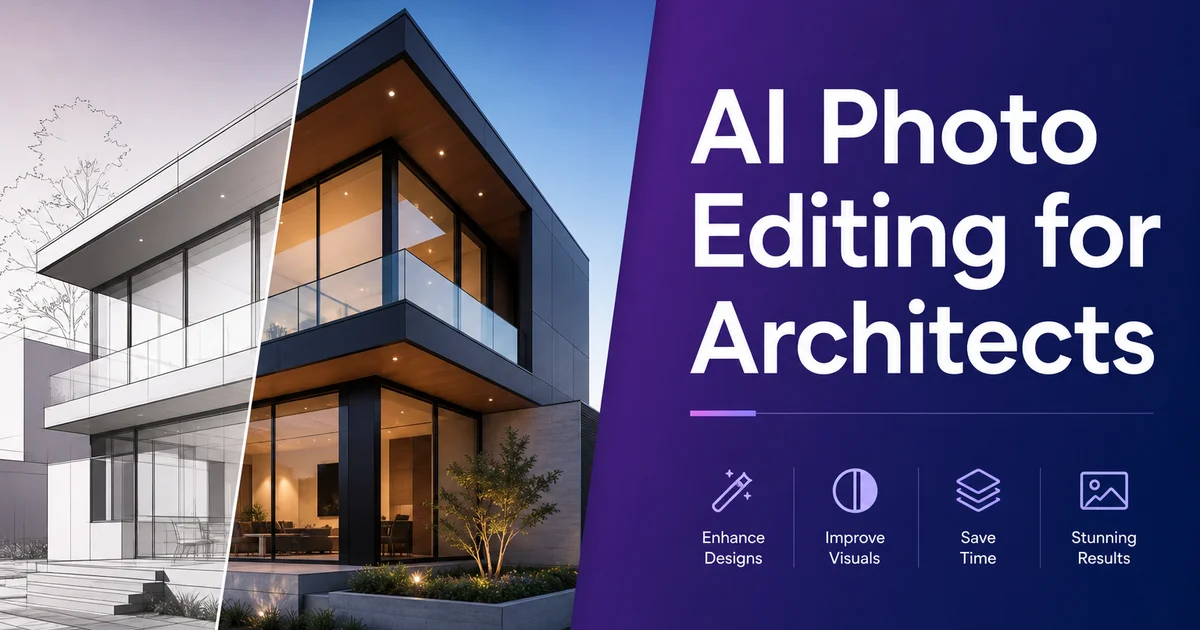
Architecture is a visual profession. Whether a firm is pitching for new commissions, submitting to design competitions, publishing in journals, or simply documenting its body of work, the quality of project photography directly influences how the work is perceived. The American Institute of Architects regularly surveys firms on business development practices. Strong project imagery always ranks among the most important marketing assets. Potential clients, awards jurors, and editorial teams form their first impression of a building from photographs. Often before reading a single word of the project description.
Yet the reality of documenting built work rarely cooperates with the vision. Construction fencing still surrounds the site at the time of the photo shoot. Cars fill the parking lot. Trash bins sit at the curb. The sky is overcast when you needed blue sky to show the facade material. The interior space has extraordinary volume, but the photographer could not get far enough back to capture it in a single frame without a distorting ultra-wide lens.
AI photo editing addresses these practical challenges without the cost of reshooting or the time investment of manual Photoshop retouching. In minutes, you can remove site clutter, correct lighting conditions, enhance material legibility, and even extend the frame. It transforms raw record photos into images worthy of your portfolio and publication submissions.
- Object removal eliminates construction fencing, parked cars, dumpsters, and temporary signage from site photos.
- AI lighting correction balances overexposed windows and underexposed interiors in a single pass.
- Material texture enhancement reveals concrete grain, wood warmth, metal reflectivity, and glass clarity.
- AI frame expansion lets you show the full building when the shooting position was too tight.
- Consistent editing across a project photo set creates a cohesive portfolio presentation.
- Minutes per image instead of hours — a full project set can be edited in an afternoon.
The gap between built reality and portfolio ideal
Every architect knows the tension between how a building is designed to be experienced and how it looks on a particular Tuesday afternoon during a photo shoot. The design intent is a serene public plaza with clean sight lines and carefully framed landscape. The reality includes delivery trucks, security bollards the client added post-occupancy, wayfinding signage that was not part of the design. A dumpster enclosure placed exactly where the photographer needs to stand for the hero elevation shot.
Interior photography multiplies the challenges. Modern architecture often features expansive glazing, which creates extreme dynamic range. The view through the windows is several stops brighter than the interior surfaces. A camera exposure that captures the interior detail blows out the windows to featureless white. An exposure that preserves the view renders the interior as a dark cave. Expert architectural photographers bracket exposures and blend them in post-production, a process that takes hours per image.
Even with expert photography, the raw captures need editing to reach portfolio standard. The Society for Marketing Professional Services emphasizes that firms investing in high-quality visual content can improve proposal response, shortlist selection, and client confidence. The question is not whether to edit project photos, but how to do it efficiently enough that every project in the firm's portfolio receives the same quality treatment.
- Site conditions during photo shoots rarely match the design intent — vehicles, trash, construction remnants, and post-occupancy additions clutter the frame.
- Interior photography with large glazing creates extreme dynamic range that cameras struggle to capture in a single exposure.
- Even professional photographs need post-production to reach portfolio and publication standards.
- High-quality project imagery measurably improves proposal response rates and competition outcomes.
Removing site clutter and temporary elements
The highest-impact edit for architectural photography is removing elements that are not part of the permanent design. Parked cars are the most common offender. They fill every exterior shot and scale the building in ways that feel mundane rather than designed. Construction fencing, orange safety barriers, portable signage, dumpsters. Utility infrastructure (exposed conduit runs, temporary power panels) all fall into the same category: present on the day but not part of the architecture.
Magic Eraser handles these removals efficiently. Brush over a parked car in a plaza shot. The AI reconstructs the paving pattern, landscape elements, and shadows that should exist in that space. Remove construction fencing, and the AI generates the sidewalk, curb, and plantings behind it. Erase a dumpster enclosure, and the ground plane and adjacent building facade continue naturally.
The tool handles the complex edge interactions that make manual Photoshop work so time-consuming. A car in front of a building creates overlapping depth. Removing the car requires reconstructing the building facade, the ground shadow, and the pavement texture at once. The AI processes these interactions in seconds rather than the 20-40 minutes a skilled retoucher would need per object.
A practical tip: photograph the building from multiple angles so you have reference images showing the areas hidden behind obstructions. While the AI can reconstruct most contexts convincingly, having a clean reference of the facade section behind the dumpster enclosure lets you verify the result against reality.
Lighting correction and dynamic range management
Architectural photographers spend major time managing light because it is fundamental to how architecture reads. The direction and quality of light reveal the depth of a facade, the texture of materials, and the spatial volume of interiors. Flat overcast light makes buildings look like cardboard models. Harsh midday sun creates deep shadows that obscure ground-floor details while overexposing upper stories.
AI Enhance corrects these issues across an image in a single pass. For overcast exteriors, it adds tonal contrast that restores the sense of depth and material variation the flat light suppressed. For harsh sunlight conditions, it pulls detail out of shadows while taming blown highlights. For interior shots, it balances the exposure between bright windows and dark floors, recovering both the view and the interior detail that the camera could not capture in a single frame.
The boost is mainly effective on material textures. Exposed concrete with formwork patterns, Corten steel with its oxidized surface variation, timber cladding with visible grain, and stone facades with veining. These material qualities define the architect's design intent, and they only read clearly when lighting and exposure reveal them properly. AI Enhance lifts these details without adding the halos or noise that traditional HDR processing introduces.
- Overcast exteriors gain tonal contrast that restores depth and material differentiation.
- Interior shots balance window brightness against floor and wall exposure in a single pass.
- Material textures — concrete formwork, Corten steel, timber grain, stone veining — become legible after enhancement.
- No HDR halos or noise artifacts that traditional tone-mapping processes introduce.
Expanding the frame for context and scale
Architectural photography often faces a fundamental constraint: physical space. A narrow street means you cannot get far enough from the building to capture the full facade without an ultra-wide lens that introduces barrel distortion. A tight interior corner limits how much of the room volume you can show. A roof terrace with a parapet prevents you from capturing the skyline context beyond the building.
AI Expand addresses this by extending the image boundaries with generated content. If your exterior shot captures the building but crops tightly at the top and sides, AI Expand can add sky, extend the ground plane, and generate contextually appropriate neighboring elements. The result is a wider frame that shows the building in context without the distortion of a wider lens.
For interior photography, AI Expand can extend a tight corner shot to reveal more of the floor plane, ceiling detail, or adjacent spaces that the photographer could not physically fit in frame. This is mainly valuable for small residential interiors, restaurant and retail fit-outs. Adaptive reuse projects where the camera position is constrained by existing structure.
The generated content matches the perspective, lighting, and material context of the existing image. Sky extensions match the cloud coverage, lighting direction, and color temperature of the original sky. Ground extensions continue paving patterns and landscape treatments. The expansion reads as a natural continuation of the photograph rather than an obvious digital addition.
- Extend exterior shots to include full facades when narrow streets prevent backing up far enough.
- Add sky, ground plane, and context without the barrel distortion of ultra-wide lenses.
- Expand tight interior shots to reveal more spatial volume in constrained shooting conditions.
- Generated content matches the perspective, lighting, and material palette of the original photograph.
Portfolio and competition submission standards
Design competitions and publication submissions have specific expectations for image quality that raw site photos rarely meet. Awards programs like the AIA Honor Awards, RIBA Awards, and Architizer A+ Awards evaluate design quality partly through the photography. A strong design presented in mediocre photos will score lower than it deserves because the imagery does not share the spatial experience and material quality.
AI editing helps bring every project in your portfolio to a consistent standard regardless of when or how it was photographed. A project shot five years ago by a different photographer under less-than-ideal conditions can be enhanced to sit alongside your most recent expert shoot. Old photos with color casts, flat lighting, or moderate resolution can respond well to AI enhancement, gaining the material clarity and tonal range that modern portfolio standards expect.
Consistency across a portfolio matters as much as individual image quality. When a potential client reviews your firm's work, they are looking at 20-30 project images in sequence. If some are bright and crisp while others are dark and flat, the inconsistency suggests uneven attention to quality. Not just in photography, but possibly in the architecture itself. A uniform editing treatment across all projects shows a firm that cares about every detail.
Practical workflow for architecture firms
The most efficient workflow processes project photos in three passes. First, Magic Eraser for removals: walk through every exterior and interior photo, removing cars, construction remnants, temporary elements. Any objects that are not part of the permanent design. This is the most time-intensive step but produces the highest visual impact. Budget 2-5 minutes per image depending on the number of objects to remove.
Second, AI Enhance for global corrections: run every photo through boost to correct exposure, balance highlights and shadows, and reveal material textures. This step takes seconds per image and produces consistent tonal quality across the entire photo set. For interior shots with extreme dynamic range, apply a second pass focused on the window areas.
Third, AI Expand for any shots where the frame is too tight. This applies selectively — only photos where the physical shooting position prevented capturing the full composition. Review the expanded content at full zoom to verify that generated elements are architecturally plausible.
A complete project photo set of 30-40 images can be processed in 2-3 hours using this workflow, compared to 2-3 full working days for equivalent manual Photoshop editing. For firms with large backlogs of undocumented or poorly documented projects, this efficiency makes it realistic to build a full portfolio without a massive time investment.
- Pass one: Magic Eraser removals — 2-5 minutes per image for cars, construction, and temporary elements.
- Pass two: AI Enhance for exposure correction and material texture — seconds per image across the full set.
- Pass three: AI Expand selectively for shots where the frame was too tight.
- A 30-40 image project set takes 2-3 hours versus 2-3 days of manual Photoshop retouching.
How to do it
- 1
Photograph the building in optimal conditions
Shoot during golden hour (shortly after sunrise or before sunset) for warm, directional light that reveals facade depth and material texture. Capture exteriors from multiple vantage points: straight-on elevation shots, three-quarter angles, and wide establishing views that show context. For interiors, photograph from corner positions to capture the full volume of the space.
- 2
Remove construction and site distractions with Magic Eraser
Brush over construction fencing, portable toilets, dumpsters, scaffolding, temporary signage, parked cars, trash bins, and other elements that are not part of the permanent design. The AI reconstructs sidewalks, landscaping, sky, and surrounding context so the building appears as designed rather than as documented during a busy Tuesday.
- 3
Enhance lighting and material detail with AI Enhance
Run each photo through AI Enhance to correct exposure, balance highlights and shadows, and reveal material textures. The grain of exposed concrete, the reflectivity of curtain wall glazing, the warmth of wood cladding. One pass corrects most lighting issues; a second helps with high-contrast interiors where windows blow out while floors go dark.
- 4
Expand the frame with AI Expand for full context
If the site was too tight to capture the full building in frame, use AI Expand to extend the image boundaries. The AI generates contextually appropriate sky, ground plane, and surrounding setting so the building reads at its full scale without distortion from an ultra-wide lens.
- 5
Export for portfolio, submissions, and publications
Save at the highest resolution for print portfolio books, competition submissions, and publication requests. Create web-optimized versions for your firm's website, social media, and platforms like ArchDaily and Dezeen. Consistent photo quality across all touchpoints reinforces the firm's design credibility.
Sources
- AIA Architecture Firm Survey Report — American Institute of Architects
- Architectural Photography Best Practices — ArchDaily
- The Role of Visual Communication in Architecture Marketing — Society for Marketing Professional Services