
Remove Unwanted People from Wedding Photos
Remove photobombers, clean reception clutter, fix ceremony backgrounds, and polish wedding photos with AI tools — for photographers and couples.

Content Lead
Table of Contents
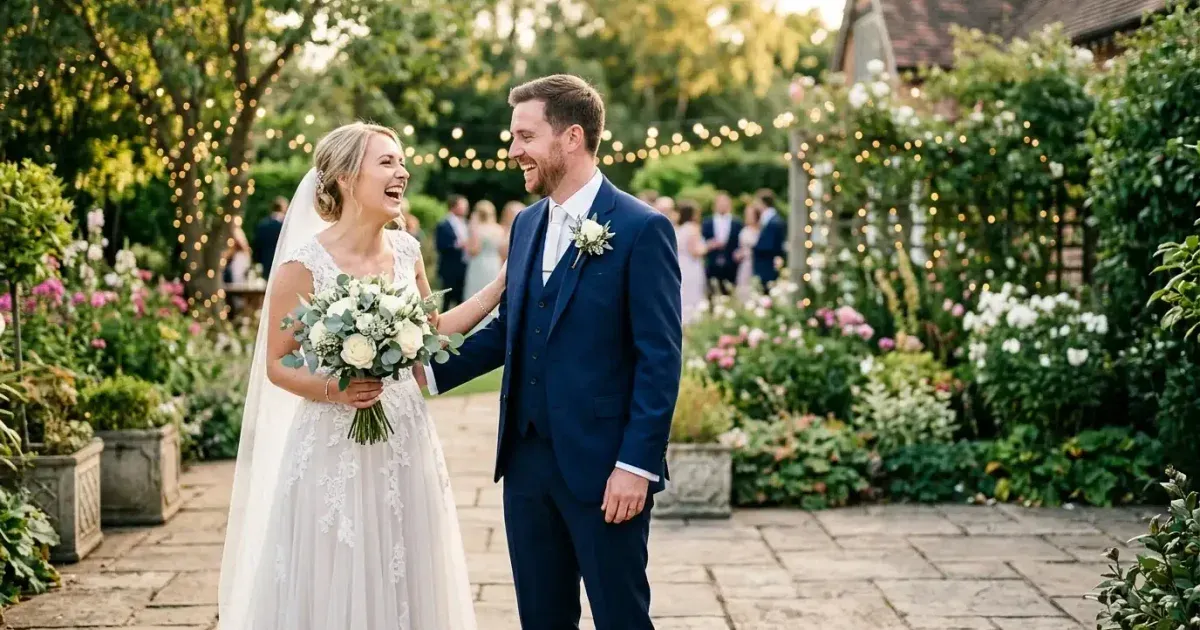
Wedding photos capture once-in-a-lifetime moments, but they also capture everything else: a stranger walking through the ceremony background, a waiter crossing behind the first dance, exit signs glowing above the altar. Chairs and cables cluttering the reception venue.
Couples invest thousands of dollars in wedding photography. A single distraction in an otherwise perfect shot can diminish the emotional impact of the image. AI editing tools now make it possible to remove these distractions quickly and naturally, whether you are an experienced photographer editing a 500-image delivery or a couple wanting to fix a few favorite shots.
- AI erasure removes people and objects while naturally reconstructing the background.
- Process ceremony and reception photos separately — they have different editing needs.
- Work on the most emotionally important shots first: ceremony, first look, portraits.
- Use a smaller brush for people near the couple and a larger brush for distant distractions.
- Save originals alongside edited versions for the couple's complete archive.
Removing photobombers from ceremony shots
Ceremony photos are the highest-priority editing targets because they document the core emotional moments. A guest leaning into the aisle, a child running in the background, or a vendor standing in a doorway can pull attention away from the couple at the altar.
Upload the ceremony photo to Magic Eraser and brush over the person you want to remove. For distant background figures, a single pass with a medium brush usually produces a clean result because the AI can easily reconstruct floor, wall, or foliage textures. For people closer to the couple or partially overlapping with important elements, use a smaller brush and work carefully around the edges.
After removing the person, check the surrounding area for leftover shadows or reflections that might look unnatural without the person present. These are easy to miss at first glance but become obvious in prints. A quick touch-up pass with the eraser tool handles them.
- Distant background figures: medium brush, single pass, clean results.
- People near the couple: smaller brush, careful edge work.
- Check for leftover shadows and reflections after removing a person.
- Process the aisle-view ceremony shot first — it is often the most printed image.
Cleaning up reception backgrounds
Reception venues are inherently cluttered. Stacked chairs along walls, service carts near the dance floor, exit signs above doors. Tangled cables running to DJ equipment and lighting rigs all appear in photos. These elements are invisible during the event but prominent in images.
Focus on the photos that will be printed or prominently displayed: the first dance, toasts, cake cutting, and candid moments with close family. These are the images couples frame, share, and include in albums. Background cleanup on these high-impact shots provides the most value for the editing time invested.
For first dance photos, remove any unwanted background elements that draw the eye away from the couple. Service staff, visible equipment, cluttered tables, and bright exit signs are common targets. The AI reconstructs dance floor, drapery, or venue wall textures seamlessly.
- Prioritize first dance, toasts, cake cutting, and family candids for cleanup.
- Remove exit signs, equipment, and service staff from dance floor backgrounds.
- Clean up table clutter visible behind the couple in posed reception shots.
- Venue wall and drapery textures reconstruct well with AI fill.
Group photo composition fixes
Group photos at weddings are notoriously difficult to get right. Someone blinks, someone looks away, a random guest wanders into the edge of the frame, or the group arrangement has an awkward gap where someone left early. AI editing can fix several of these problems.
For unwanted people at the edges of a group photo, simply erase them and the AI fills in the background. For gaps within the group, use AI fill to reconstruct the background that should be visible between people. For someone partially hidden behind another guest, you may not be able to remove them cleanly. You can remove other distractions to improve the overall composition.
Be cautious with group photos where people are tightly packed. Removing someone who is touching or overlapping with the people next to them is much harder than removing someone with clear space around them. In tight groups, focus on removing unwanted background elements rather than people within the group itself.
- Remove unwanted people at the edges of group shots cleanly.
- Fill gaps within groups with background reconstruction.
- Tightly packed groups: focus on background cleanup rather than removing people.
- Check that removing one person does not leave an unnatural gap in the arrangement.
Preserving the emotional authenticity of wedding photos
Wedding photo editing should enhance the memories, not rewrite them. When removing unwanted guests or distractions, the goal is to bring the viewer's attention back to the couple and their closest family and friends. Not to fabricate a scene that never existed. Keep the original unedited versions of every photo you modify, both as a backup and as an honest record of the day.
Discuss edits with the couple before making major changes. Some people want every stray guest removed from every shot. Others only care about a handful of key photos like the ceremony kiss, the first dance, and the formal family portrait. Understanding their priorities saves you time and ensures the final album reflects what matters most to them. For expert wedding photographers, offering a standard cleanup pass on the top 50 images and detailed editing on the top 10 is a workflow that balances thoroughness with efficiency.
Delivering edited wedding photos efficiently
Organize edited wedding photos into clearly labeled folders: ceremony, reception, portraits, details, and candids. Export at full resolution for prints and a smaller web-optimized set for online galleries. Couples often share photos on social media right away. Delivering a curated set of 20-30 highlight images within a week keeps them engaged while you complete the full album. Include before-and-after comparisons for major edits so the couple can appreciate the work that went into their final images. This also shows the value of your editing service and encourages referrals from satisfied clients to their recently engaged friends.