
이미지 편집 벤치마크와 예시 갤러리: 방법론, 캡션, 한계
Magic Eraser 이미지 편집 예시를 방법론, 설명형 캡션, 한계, 워크플로 링크와 함께 정리한 정성 보고서입니다.
Editorial Team
검토자 Magic Eraser Editorial ·
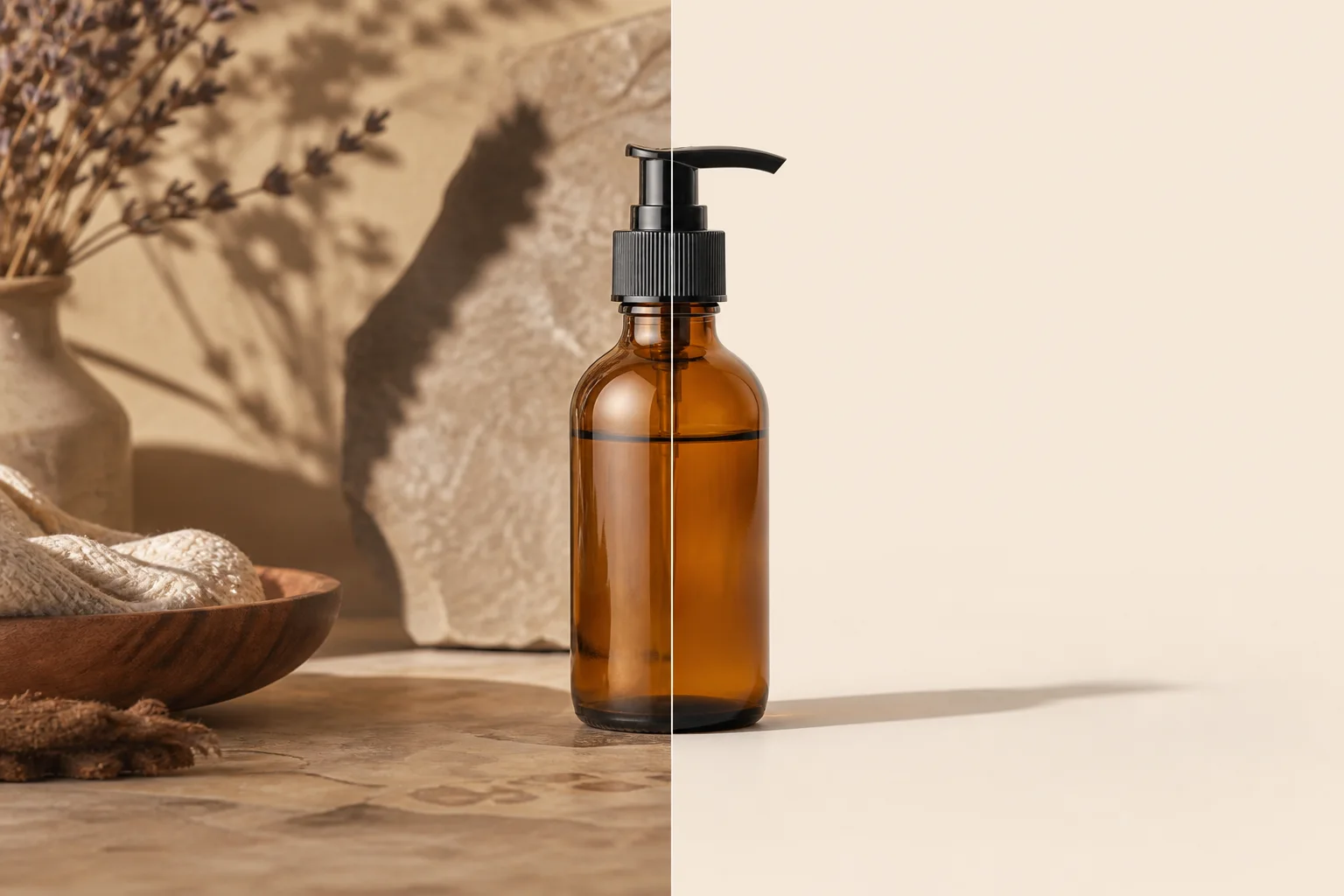
이 보고서는 제품 정리, 객체 제거, 배경 교체, 인물 보정, 오래된 사진 복원 같은 일반 편집 작업을 위한 작은 벤치마크 틀입니다.
예시는 고객 이미지가 아닌 대표 시나리오를 사용합니다. 어떤 입력을 검토하고 어떤 정직한 캡션을 붙여야 하는지 보여줍니다.
전후 예시를 게시하기 전 투명한 템플릿으로 사용하고 /en/product/background-eraser, /en/product/magic-eraser 및 Academy 강의와 연결하세요.
- Benchmark type: qualitative editorial review with repeatable criteria, not a lab-certified performance study.
- Primary criteria: edit accuracy, edge quality, artifact visibility, workflow fit, and disclosure needs.
- Every example needs descriptive alt text, an honest caption, and a relevant workflow link.
- Avoid unsupported superlatives such as fastest, best, flawless, or professional-grade unless measured and documented.
방법론
Use the same five-step checklist: define the user goal, record source constraints, complete the default workflow, review full-size and mobile previews, then write a caption that states what changed and what stayed unchanged.
Use descriptive ratings: strong, acceptable, needs review, or unsuitable. Review against the user intent, such as marketplace compliance, conservative restoration, or small-screen readability.
- Document source type, channel, workflow, reviewer notes, and publish decision.
- Inspect edges, faces, hands, text, logos, transparent objects, and repeated patterns.
- Keep the original file for audit.
- Record whether disclosure is needed when a material fact changes.
예시 갤러리 자산과 캡션
The original assets in public/benchmarks/ can be placeholders for crawlable examples. Replace them with reviewed before-and-after images only when measurement notes are available.
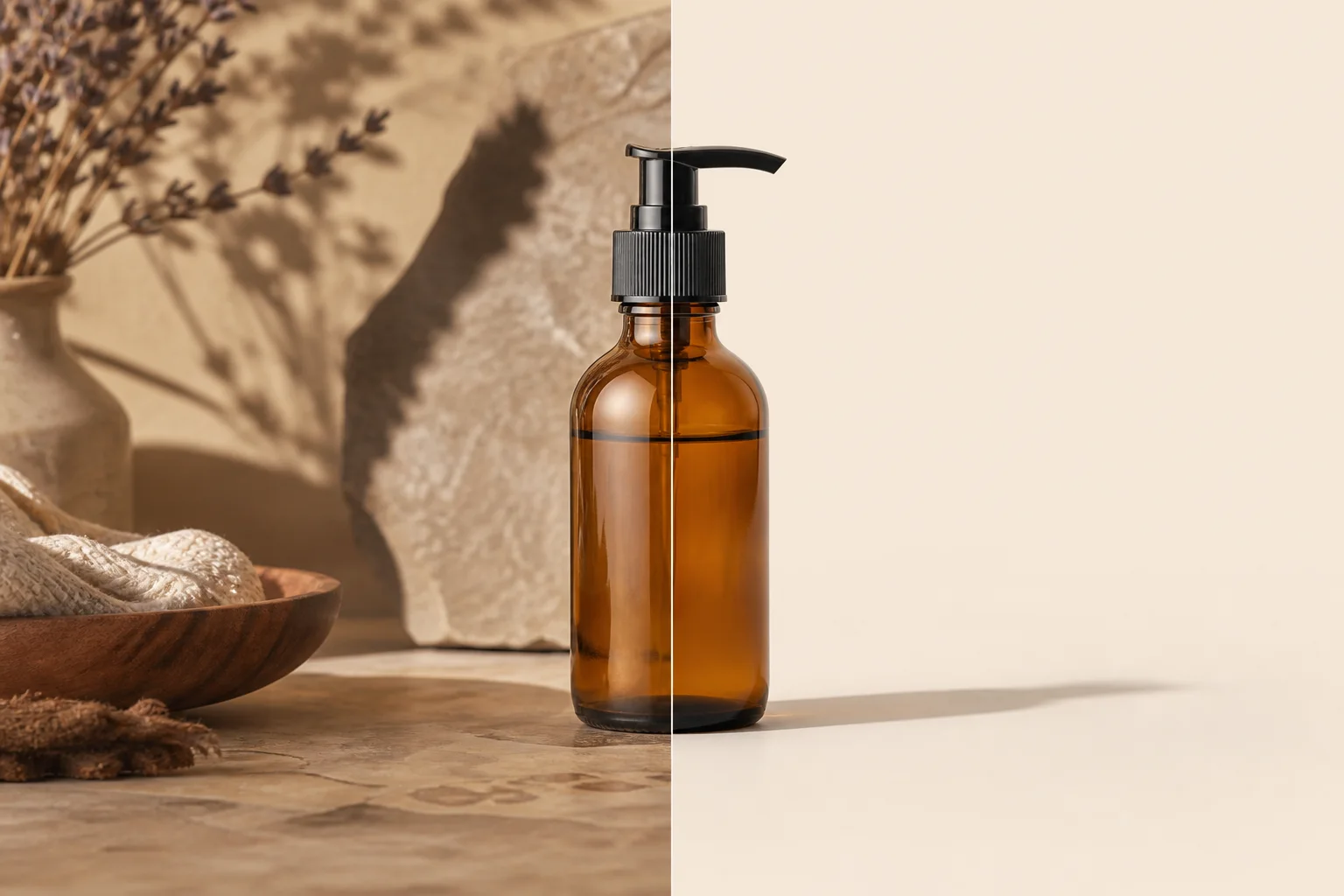
- /benchmarks/editing-gallery-clean-product.webp: product cleanup example; check edges, shadow softness, and pure-white export. Links: /en/product/background-eraser and /en/academy/ecommerce-product-photography.
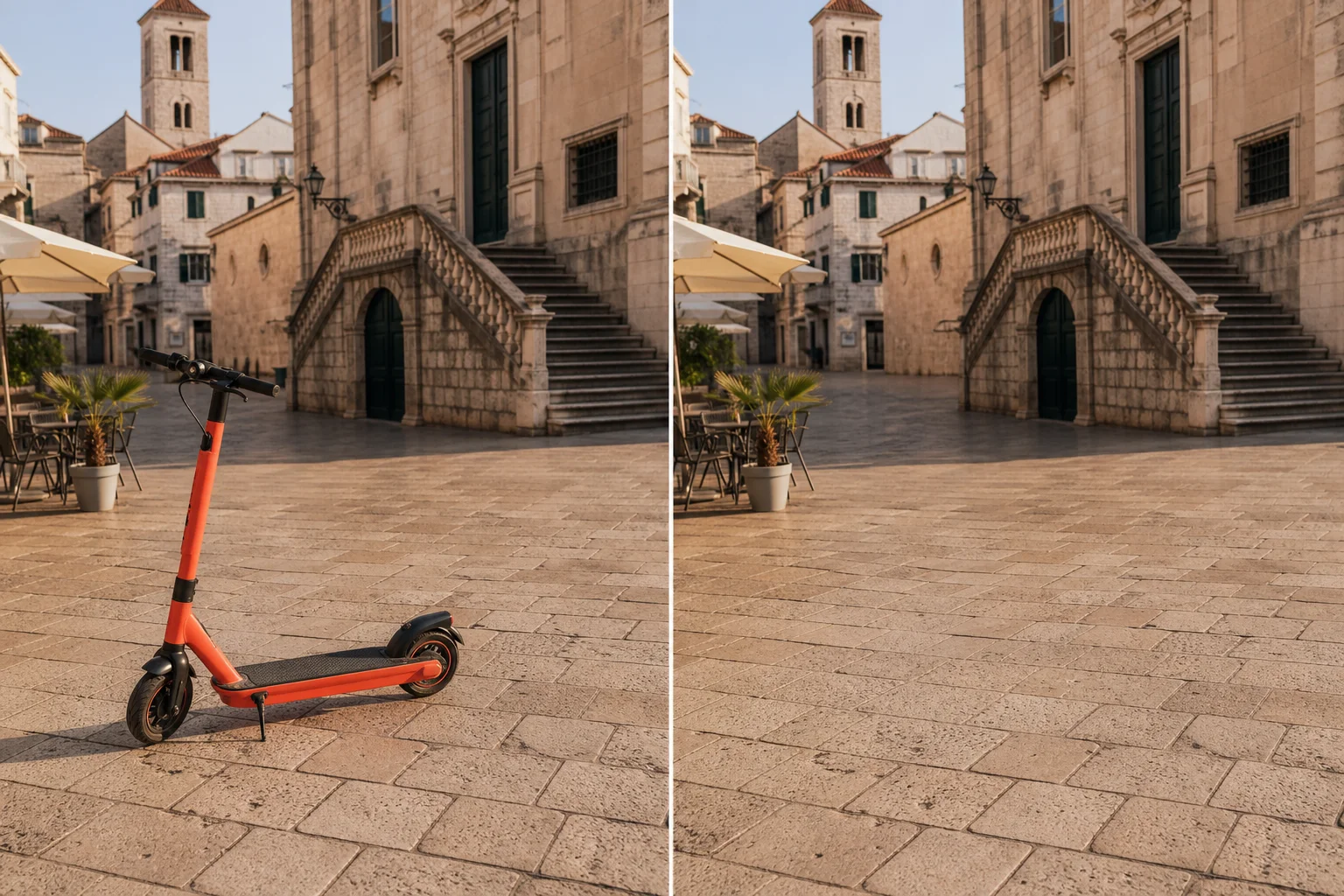
- /benchmarks/editing-gallery-object-removal.webp: object removal example; verify that removals do not alter material facts. Links: /en/product/magic-eraser and /en/academy/object-removal-fundamentals.
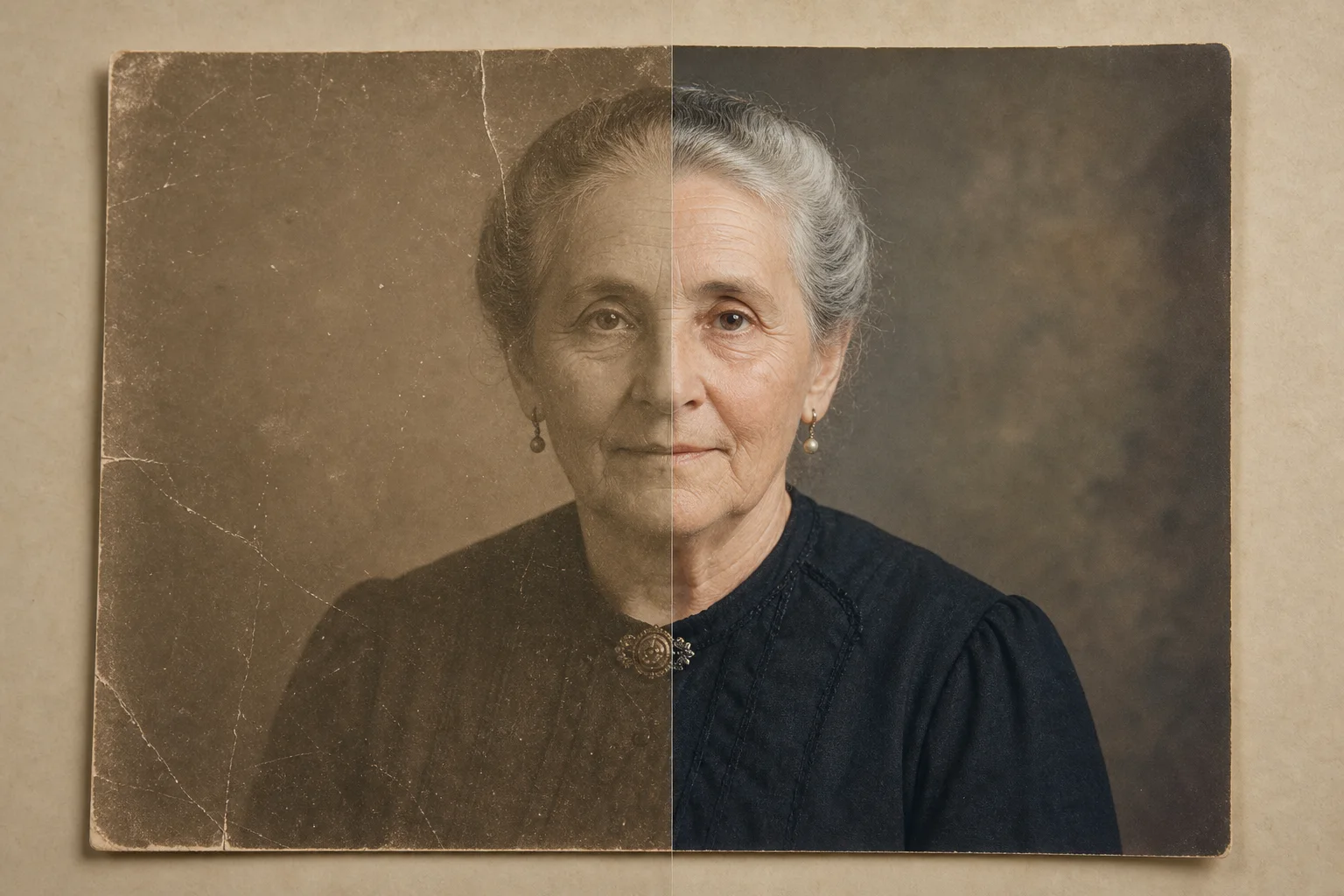
- /benchmarks/editing-gallery-photo-restoration.webp: restoration example; repair dust and scratches cautiously. Links: /en/product/ai-enhance and /en/academy/ai-photo-enhancement.
- /benchmarks/editing-gallery-generative-fill.webp: generative fill example; inspect repeated textures, text, hands, and brand elements. Links: /en/product/ai-fill and /en/academy/generative-fill-techniques.
한계와 안전한 표현
This page does not claim statistically significant performance and is not a substitute for a production benchmark across large image sets, devices, regions, and network conditions.
Use safer wording such as in this reviewed example, suitable for many marketplace cleanup tasks, may require manual review, and inspect before publishing. Disclose edits that change material facts.
다음 단계를 위한 내부 링크
For product workflows, use /en/product/magic-eraser, /en/product/background-eraser, /en/product/ai-enhance, and /en/product/ai-fill. For training, use /en/academy/object-removal-fundamentals, /en/academy/background-removal-mastery, /en/academy/ecommerce-product-photography, and /en/academy/generative-fill-techniques.
Related reading includes /en/blog/ethics-of-ai-object-removal, /en/blog/how-to-remove-background-for-ecommerce, and /en/blog/photo-editing-workflow-for-marketing-teams.
Visual review set
Example benchmark gallery
These illustrations make the review criteria visible. They are qualitative examples, not measured model scores.

출처
- Magic Eraser background removal workflow — Magic Eraser
- Object removal fundamentals academy course — Magic Eraser Academy
- AI photo enhancement academy course — Magic Eraser Academy