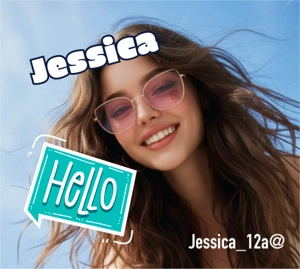
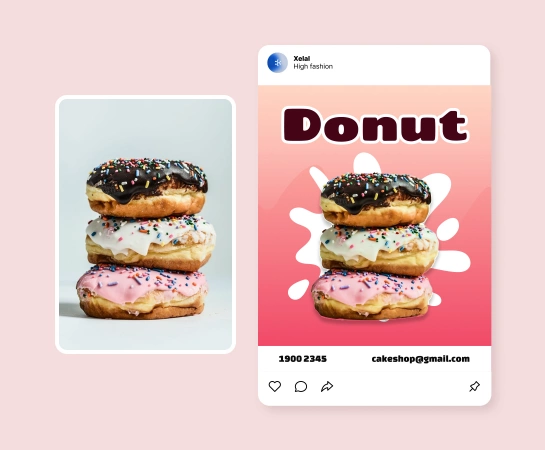
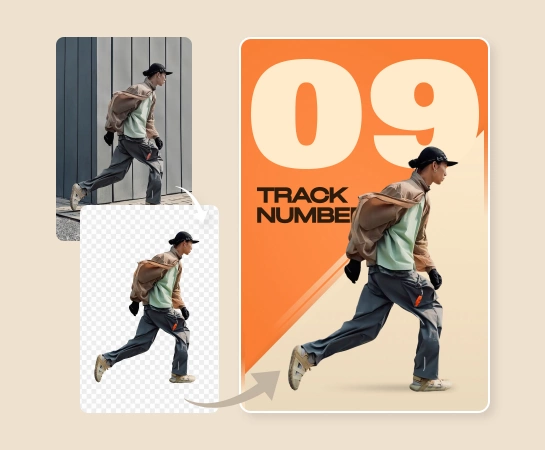
"Our team uses the Design editor to turn one source image into social posts, ad visuals, and campaign covers without moving between multiple design apps."
Design images faster with an AI editor for text, layers, backgrounds, and resize workflows
Use Magic Eraser's Design editor to create social media posts, thumbnails, banners, posters, product visuals, and marketing assets faster. Combine text, shapes, backgrounds, resize presets, image adjustments, and AI editing tools inside one online canvas.
Dựng visual hoàn chỉnh từ một canvas online duy nhất
Dùng Design editor để kết hợp ảnh, text, shape và background styling mà không cần dựng asset qua nhiều công cụ khác nhau. Cách này rất hợp cho layout quảng bá nhanh, content ecommerce và các nhu cầu thiết kế social hằng ngày.
Start your free trial
Move from source image to finished asset without jumping between multiple tools
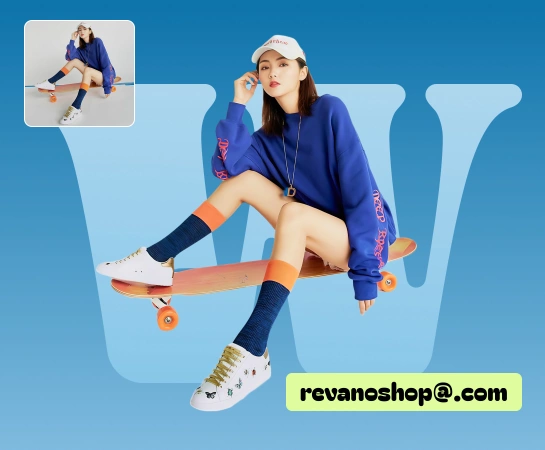
When teams need to add headlines, swap backgrounds, arrange layers, resize layouts, or prepare multiple campaign variations, the Design editor keeps everything in one place. It is a practical way to reduce tool switching and produce visuals faster.
Start your free trial
Use Design for social media posts, ads, thumbnails, banners, and product content
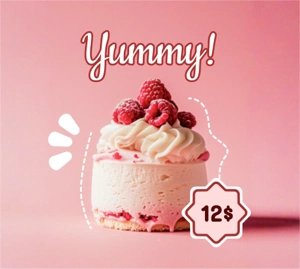
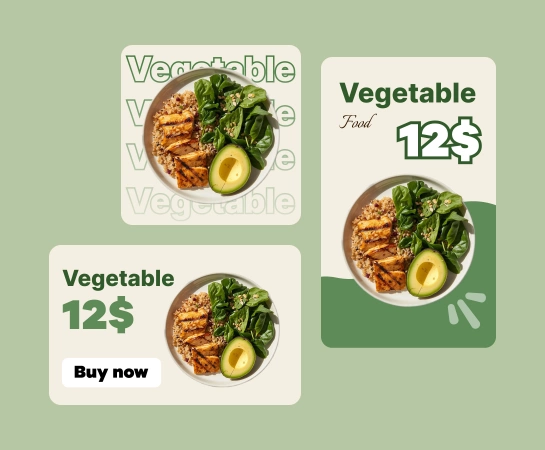
From product images and social posts to thumbnails, hero banners, and campaign visuals, the Design editor helps you build layouts faster with text, shapes, images, backgrounds, and resize presets. It is especially useful when one idea needs to be exported across multiple formats.
Start your free trial
Combine design work with the rest of the Magic Eraser AI toolset
Once the image is inside the editor, you can continue with background removal, object cleanup, enhancement, expansion, or AI-generated visuals to finish the asset. Keeping the workflow in one stack makes production smoother for creators, marketers, and ecommerce teams.
Start your free trial
Cách thiết kế visual trong Magic Eraser
Bắt đầu với ảnh hoặc canvas trống
Tải ảnh gốc lên hoặc mở editor và bắt đầu dựng layout từ một canvas sạch.
Thêm text, shape và các thành phần thiết kế
Xây dựng bố cục với layer, text styling, shape, background và các điều chỉnh hình ảnh cần thiết.
Resize và tinh chỉnh layout
Chuyển thiết kế sang đúng định dạng bạn cần, cân lại khoảng cách và chuẩn bị nhiều biến thể cho các kênh khác nhau.
Tải xuống hoặc chỉnh tiếp với AI tools
Xuất asset cuối cùng hoặc chuyển tiếp sang Remove Background, AI Enhance, AI Filter hay AI Create.
Tất cả công cụ AI image editing bạn cần
Khám phá các tính năng chỉnh ảnh chính hiện có trong Magic Eraser Web, từ cleanup và enhancement đến generation và design.
Design editor
Tạo layout hoàn chỉnh với text, shape, image, layer và background ngay trong một editor chạy trên trình duyệt.
Resize presets
Chuyển nhanh giữa các định dạng phổ biến khi bạn cần bản cho social post, ads, banner và nhiều kênh khác.
Text và shapes
Thêm headline, đoạn mô tả, badge và các thành phần đồ họa đơn giản mà không cần rời khỏi canvas.
Image adjustments
Tinh chỉnh cách hình ảnh nằm trong layout trước khi xuất asset cuối cùng.
Xóa background
Chuyển sang flow cutout khi bố cục cần chủ thể sạch hơn hoặc asset nền trong suốt.
AI Create
Tạo visual mới và đưa thẳng vào workflow thiết kế để thử nhiều hướng sáng tạo nhanh hơn.
AI Filter
Áp style lên hình ảnh trước hoặc sau khi đặt chúng vào bố cục thiết kế.
AI Expand
Tạo thêm khoảng canvas quanh ảnh khi khung hiện tại quá chật cho bố cục mới.
Common workflows for the Design editor
These examples show how creators, sellers, and marketers use the Design editor to build assets quickly for social media, marketplaces, and campaign production.
"Text tools, background controls, and resize presets make it much easier to prepare assets for several platforms from one canvas."
"For product content, I can clean the image, add headlines, and export marketplace layouts in the same workflow."
"Thumbnail and banner production feels much lighter when layers, image adjustment, and layout controls all live in one editor."
Câu hỏi thường gặp
Design editor phù hợp để làm social media post, ad creative, thumbnail, banner, poster, ảnh sản phẩm và nhiều loại marketing asset hoặc creator asset cần kiểm soát bố cục tốt hơn.
Có. Editor được xây dựng theo canvas có layer, cho phép bạn thêm text, shape, image và background rồi sắp xếp, tinh chỉnh tất cả trong cùng một workflow.
Có. Công cụ resize và kiểm soát layout giúp bạn đưa cùng một ý tưởng visual sang nhiều định dạng khác nhau, rất hữu ích cho social post, ads, marketplace graphic và banner.
Có. Design editor nằm trong một workflow lớn hơn có thể kết hợp Remove Background, AI Enhance, AI Create, AI Filter, AI Expand và các công cụ khác tùy theo nhu cầu của asset.
Flow phổ biến là bắt đầu với ảnh hoặc canvas trống, dựng bố cục với text và các thành phần hình ảnh, resize theo định dạng mục tiêu rồi xuất asset hoặc chỉnh tiếp bằng AI tool.