
TutorialsMaya Rodriguez
How to Use Magic Eraser to Remove Objects from Photos
Learn how to use Magic Eraser to remove objects, people, text, and distractions from photos with cleaner AI editing results.
Follow step-by-step Magic Eraser tutorials for removing objects, cleaning backgrounds, enhancing photos, and creating AI images.
Learn how to use Magic Eraser to remove objects, people, text, and distractions from photos with cleaner AI editing results.
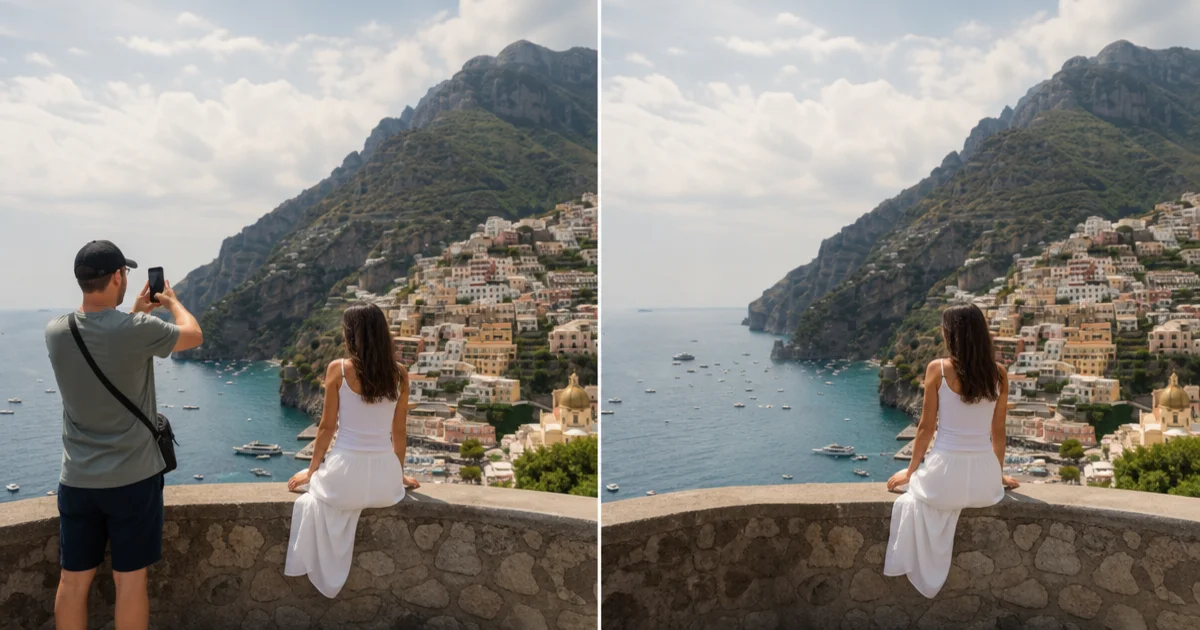
Learn how to remove people from photos using AI in seconds. Step-by-step guide for travel photos, real estate shots, and product images.
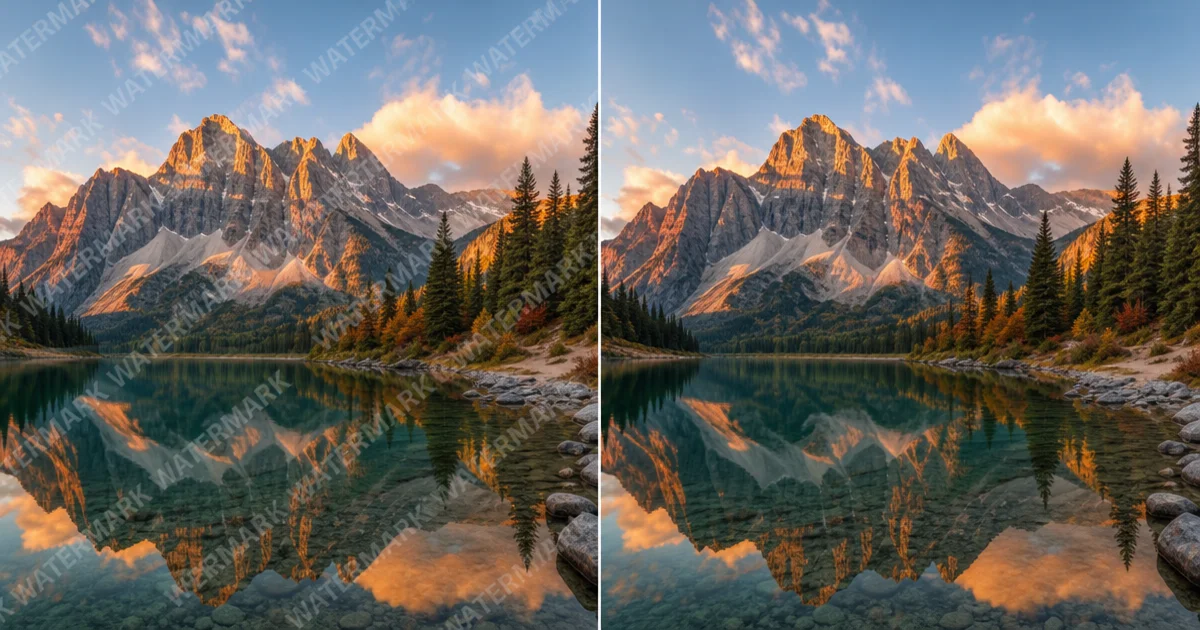
Step-by-step guide to removing watermarks from your own photos using AI. Learn when it is appropriate, the best techniques, and how Magic Eraser handles it.
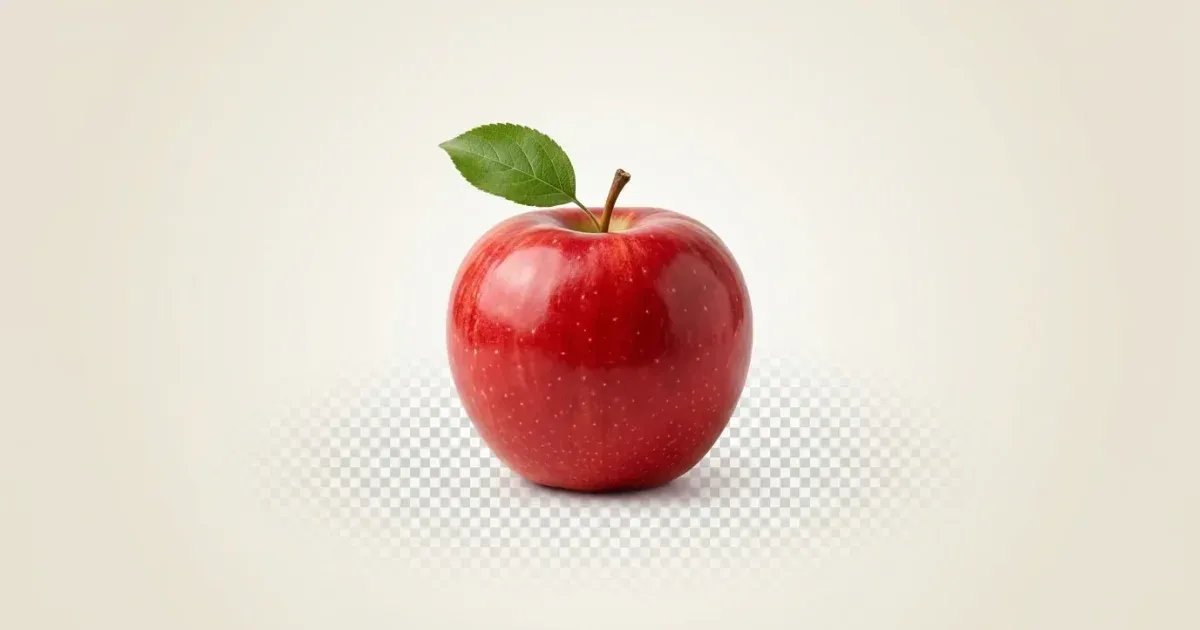
Learn how to remove a photo background in seconds with AI. Follow a step-by-step workflow for transparent PNG, white, and custom backgrounds.
Fix blurry, low-resolution, and out-of-focus photos using AI enhancement. Learn how AI upscaling works and when it delivers the best results.

Learn how AI outpainting extends your photos beyond their original borders. Fix tight crops, change aspect ratios, and create wider compositions in seconds.
Learn how AI filters transform photos with style transfer and intelligent adjustments. Step-by-step guide for Instagram, LinkedIn, ecommerce, and more.
Learn how generative fill (inpainting) replaces objects, fixes damaged areas, and extends backgrounds. Step-by-step guide using Magic Eraser's AI Fill.

Learn how text-to-image AI works and how to write effective prompts. Step-by-step guide using Magic Eraser's AI Create for marketing, social media, and concept art.
Learn how to make your Instagram photos stand out with AI editing tools, consistent feed aesthetics, and smart design techniques for stories and reels.
Learn how to remove text, captions, watermarks, and overlays from photos using AI tools. Step-by-step guide with tips for clean results.

Learn how marketing teams use batch photo editing to process images at scale. Covers workflows for background removal, enhancement, and resizing.
Remove unwanted objects from any photo with Magic Eraser. Step-by-step instructions for removing people, wires, text, signs, and debris.
Restore and enhance old, faded, or low-quality photos with AI: fix color fading, sharpen details, remove scratches, upscale low-res images.
Go beyond object removal with AI generative fill: extend canvases, replace objects, generate context, and create design variations.

Restore vintage and damaged photos with AI: fix tears, remove mold damage, repair water stains, upscale small prints, and preserve family archives.

Create polished professional headshots using AI tools. Replace backgrounds, fix lighting, enhance detail, and build consistent team pages without a photo studio.

Remove photobombers, clean reception clutter, fix ceremony backgrounds, and polish wedding photos with AI tools — for photographers and couples.

Turn a phone selfie into a LinkedIn-ready headshot in about 10 minutes with AI. Background replacement, lighting fixes, circular-crop framing, and the export settings LinkedIn rewards.

Travel photos always have strangers walking through the frame. AI removes them in seconds — landmarks, beaches, monuments, and city shots — without manual cloning.
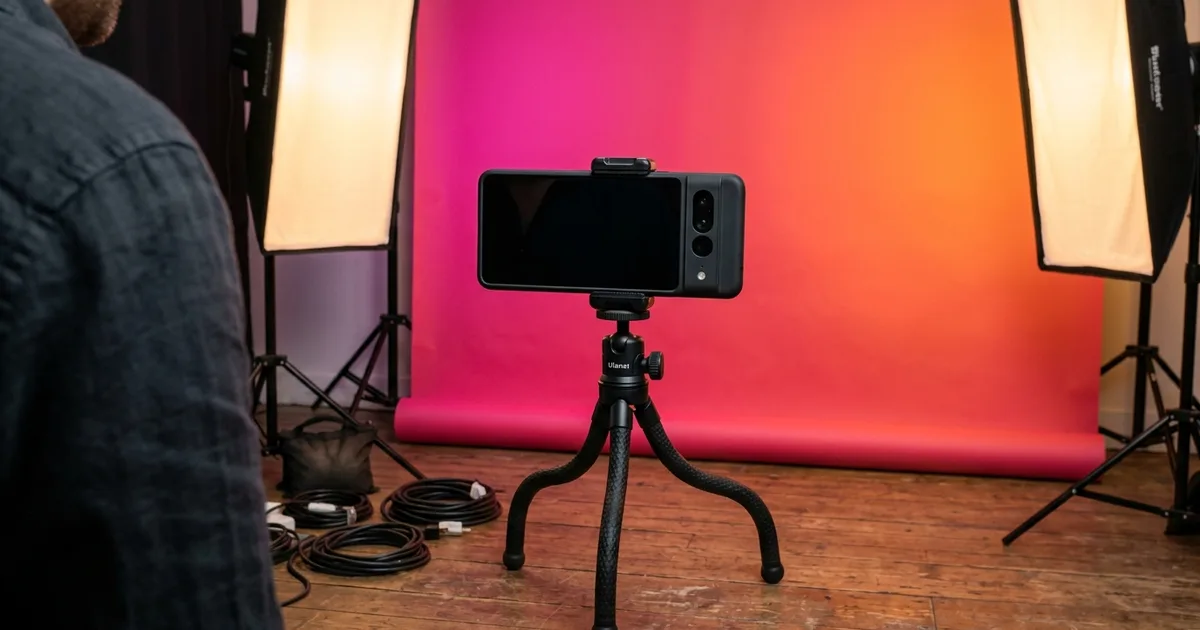
Turn a video screenshot into a scroll-stopping TikTok cover in 5 minutes with AI. Background swaps, hook text, the export sizes TikTok actually uses, and the design moves that move the needle.

Cut hours from your yearbook editing workflow with the AI moves that actually work. Background cleanup, low-light fixes, portrait standardization, and the print-ready export settings your publisher wants.
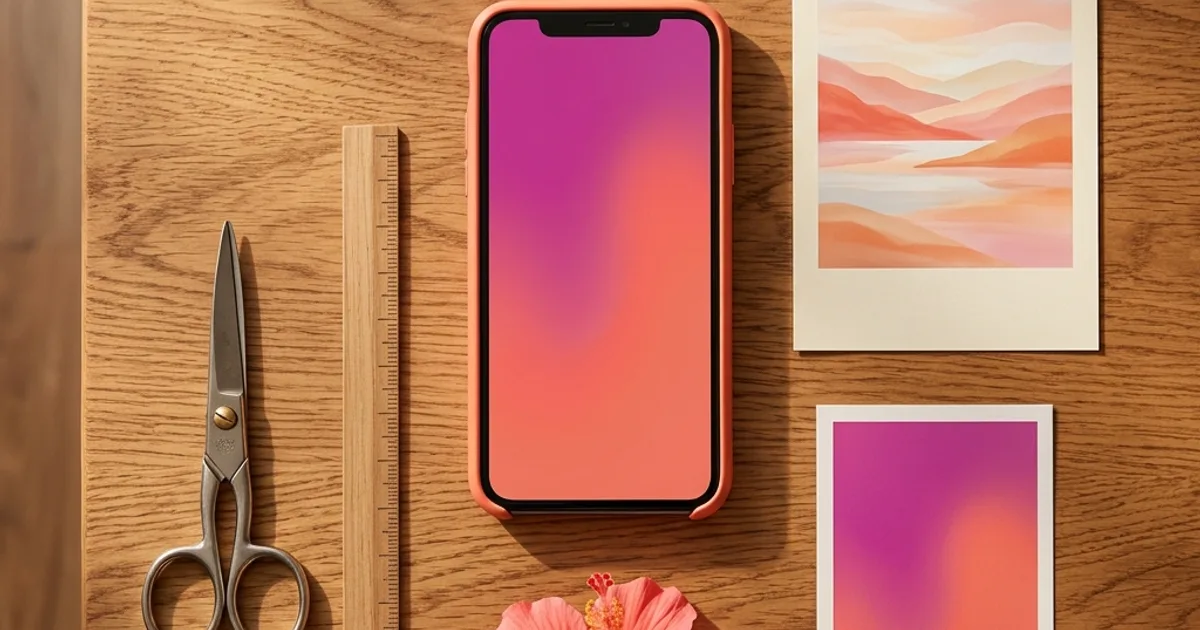
Turn horizontal photos into vertical Reels and Shorts in 60 seconds with AI outpainting — no cropping, no awkward dead space, no losing the subject. Exports and hook overlays included.
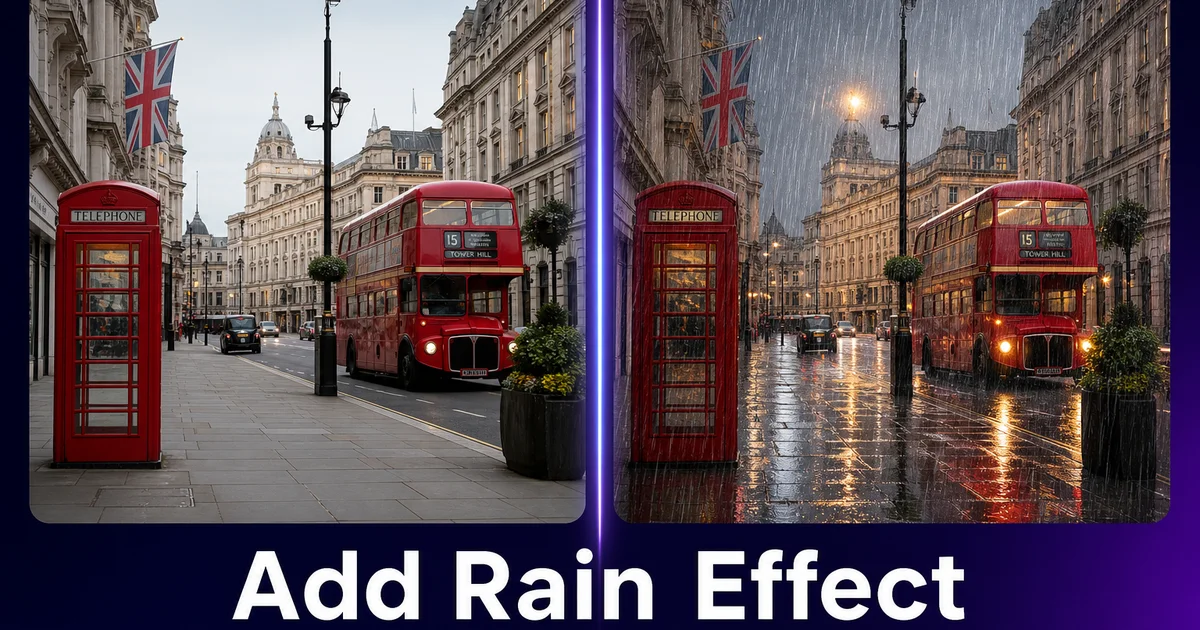
Learn how to add realistic rain and weather effects to any photo using AI generation tools. Step-by-step guide covering rain streaks, wet surfaces, reflections, and atmospheric mood grading.