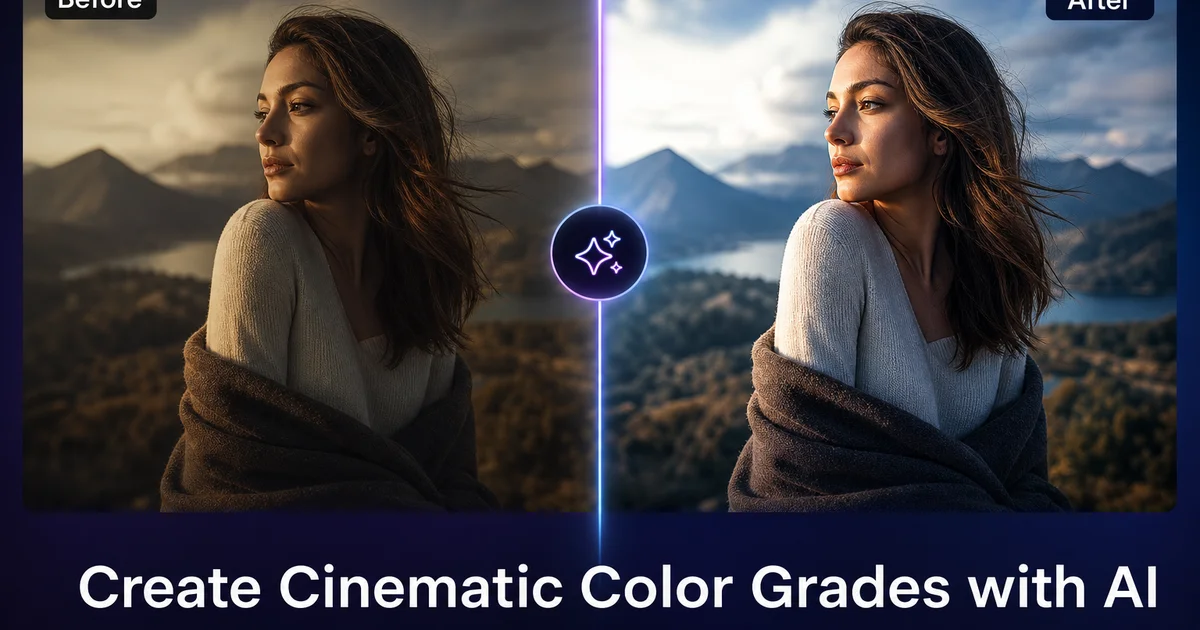
How to Create Cinematic Color Grades with AI — Magic Eraser
Create cinematic color grades on photos using AI filters. Learn film-inspired looks including teal-and-orange, vintage film, and moody tones with step-by-step techniques.
Guides and tips for editing photos with AI — from object removal to background cleanup and retouching.

Create cinematic color grades on photos using AI filters. Learn film-inspired looks including teal-and-orange, vintage film, and moody tones with step-by-step techniques.

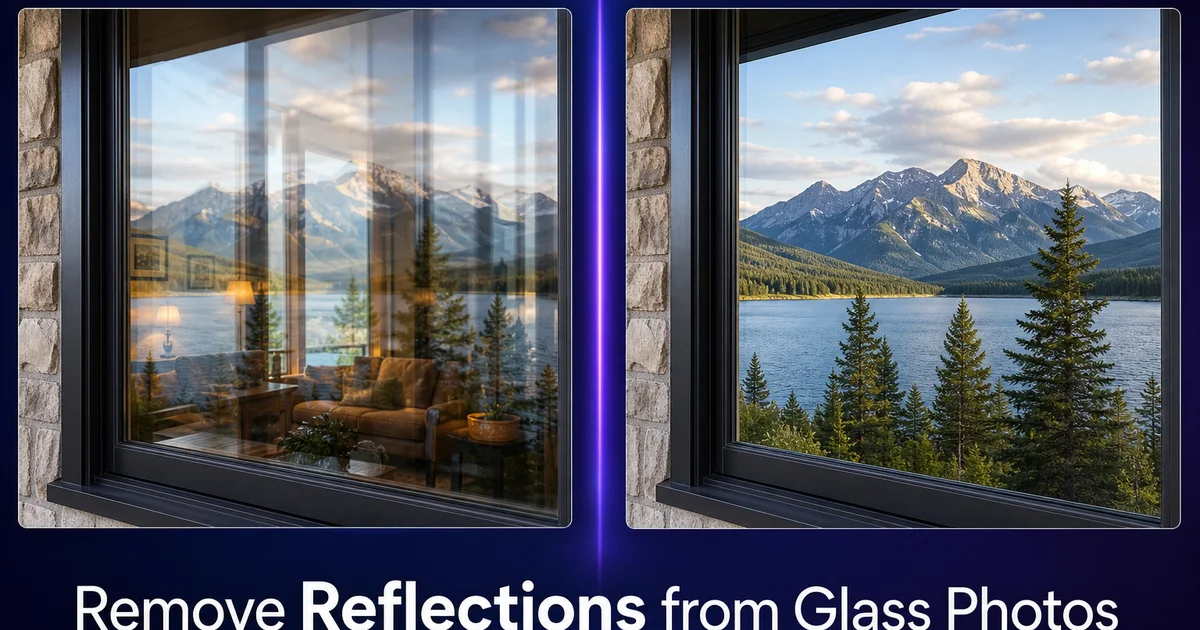
Remove unwanted reflections from glass, windows, mirrors, and glossy surfaces in photos using AI. Step-by-step guide for cleaning glare from architectural, museum, and product photography.

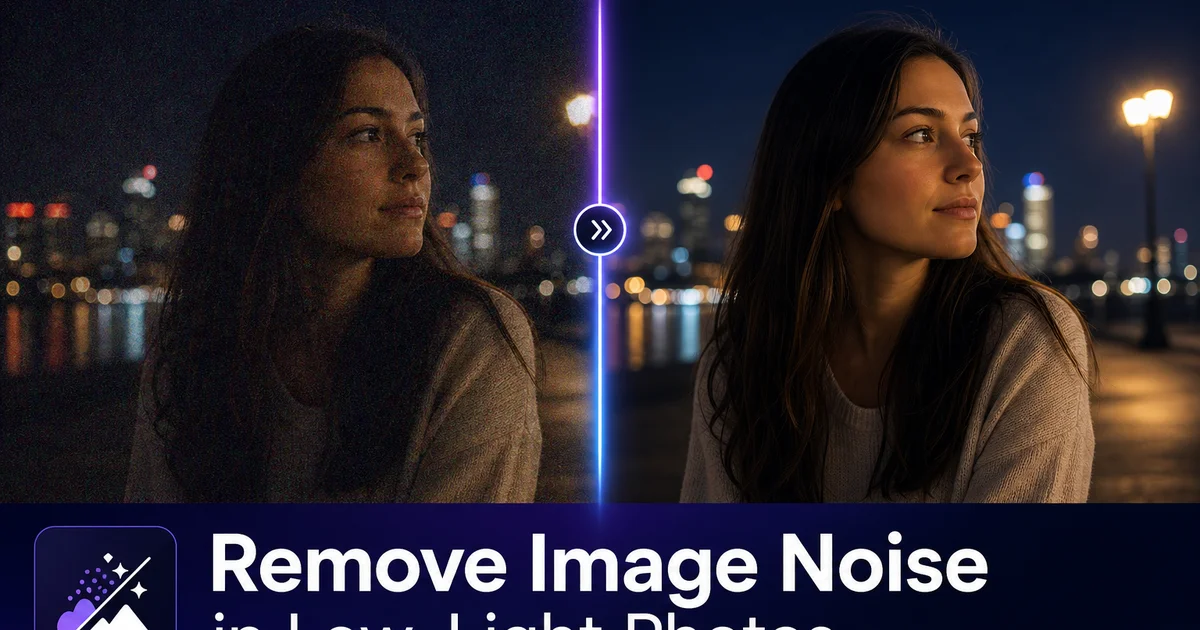
Learn how to reduce grain, luminance noise, and color noise in low-light and high-ISO photos using AI denoising tools. Practical techniques for cleaner night, indoor, and concert photography.

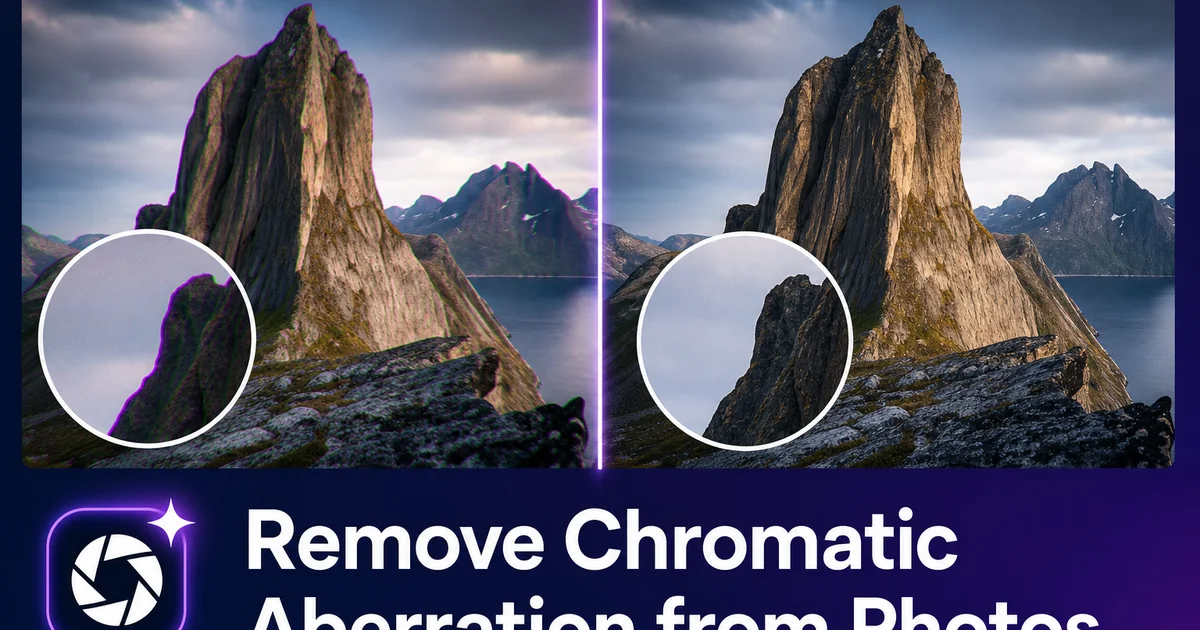
Fix chromatic aberration, purple fringing, and color fringing at edges in your photos. AI-powered correction removes lens color distortion while preserving edge sharpness.

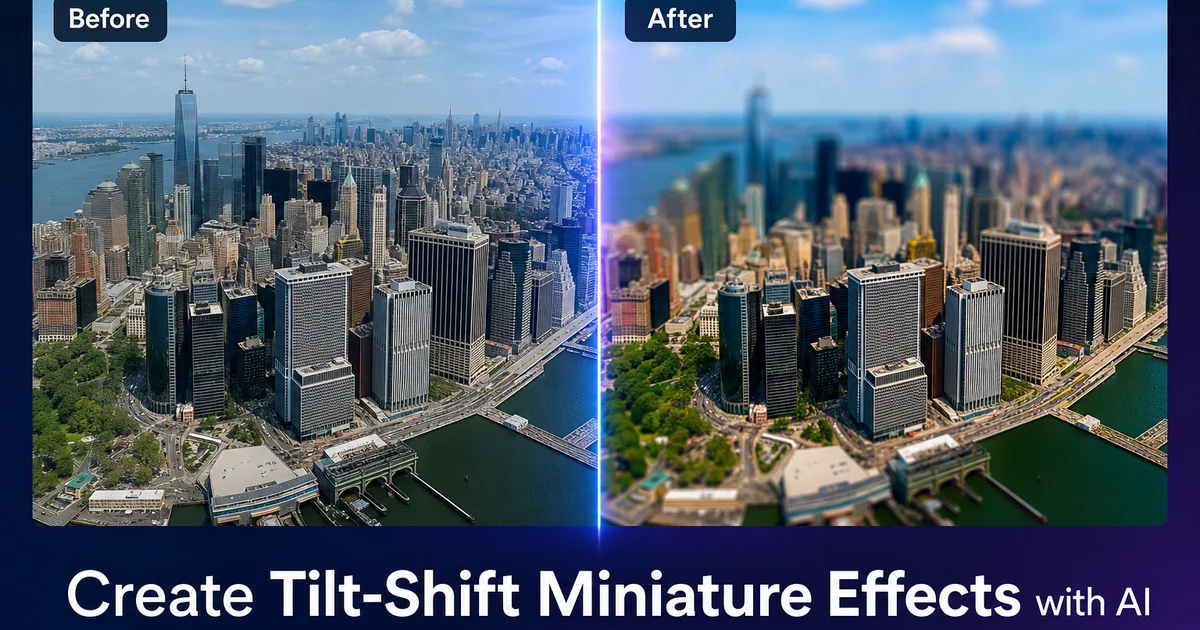
Transform regular photos into stunning tilt-shift miniature diorama effects using AI. Learn selective blur techniques, saturation boosting, and perspective tricks that make real scenes look like tiny models.

Fix white balance problems in photos with mixed lighting sources like tungsten plus daylight, fluorescent plus natural light, and LED color contamination. AI-powered correction for natural-looking results.

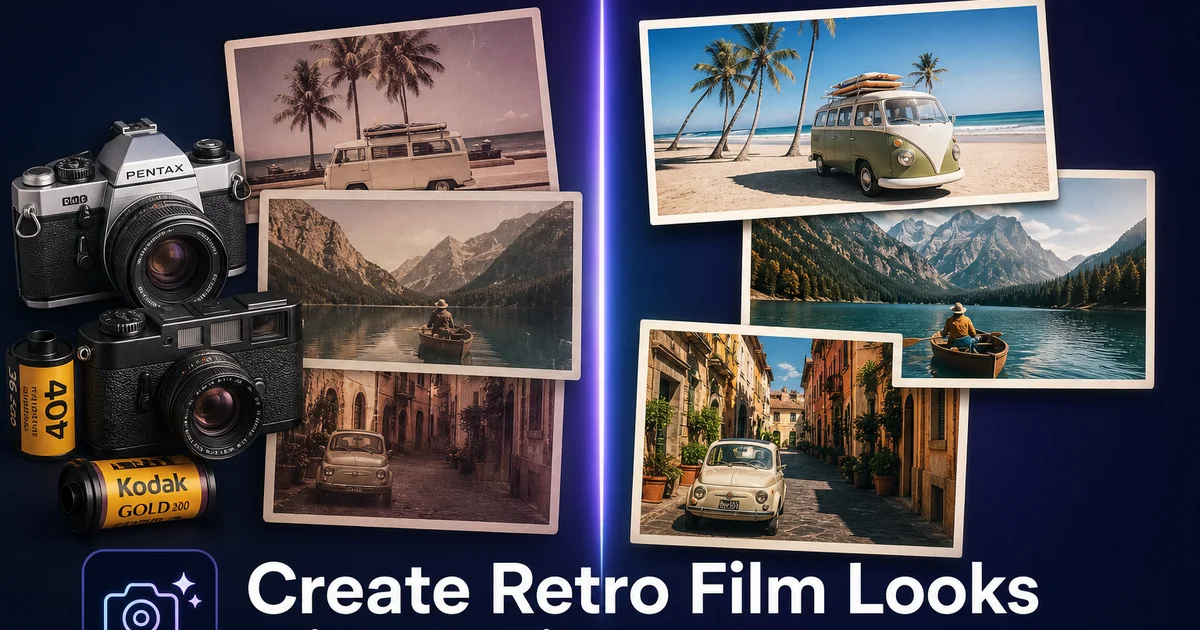
Learn how to recreate vintage film photography aesthetics like Kodak Portra, Fuji Velvia, Polaroid, and more using AI filters and color grading. Step-by-step guide for authentic analog looks.

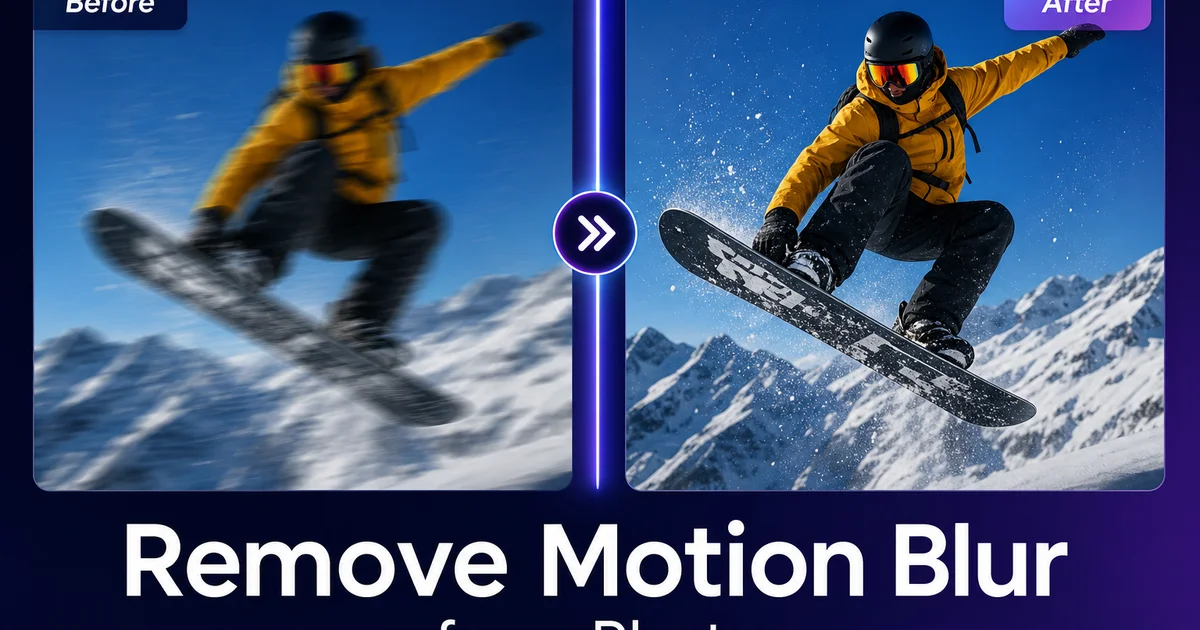
Learn how to fix motion blur from camera shake or subject movement using AI sharpening and deblurring techniques. Step-by-step guide with prevention tips for sharper photos.

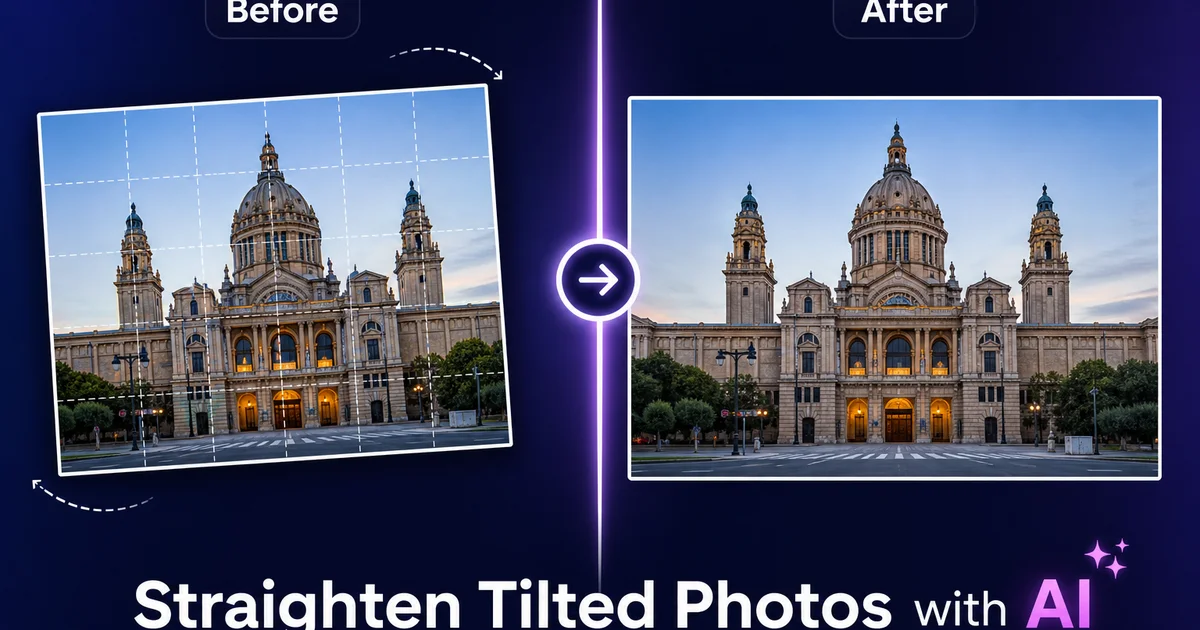
Learn how to fix crooked horizons, leaning buildings, and skewed perspectives in your photos using AI auto-leveling and perspective correction. Step-by-step guide with tips for landscapes, architecture, and real estate photography.

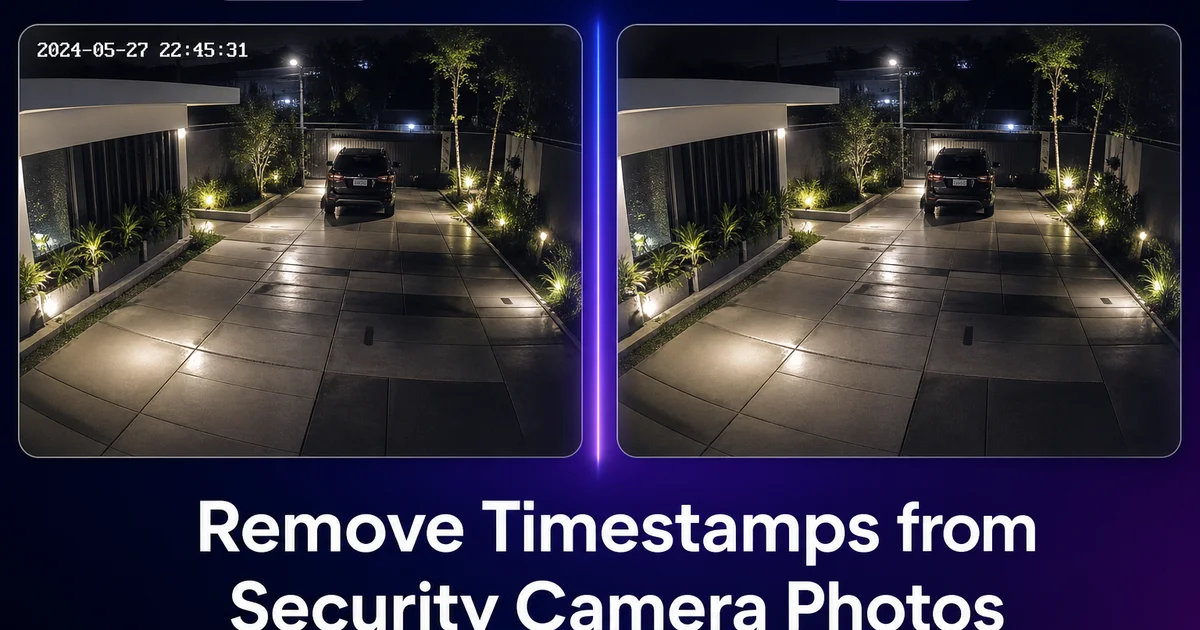
Learn how to remove timestamp overlays, camera model text. HUD elements from security camera stills and dashcam photos using AI. Step-by-step guide for clean, expert results from surveillance footage.

Learn how to create stunning HDR photos from a single exposure using AI tone mapping. Step-by-step guide covering highlight recovery, shadow lifting, and natural versus dramatic HDR looks.

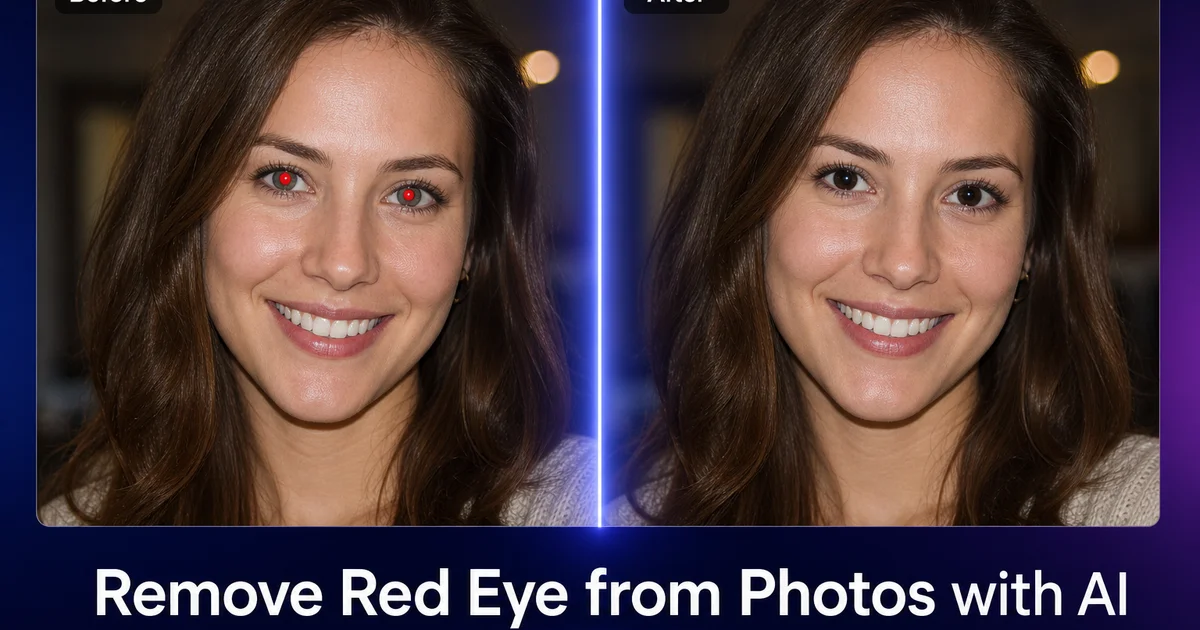
Fix red-eye, pet-eye glow, and flash reflection artifacts using AI. Step-by-step guide covering automatic detection, manual correction, and prevention techniques for flash photography.

Create professional bokeh background blur on any photo using AI depth estimation. Step-by-step guide covering portrait blur, product isolation, and natural-looking depth-of-field simulation.

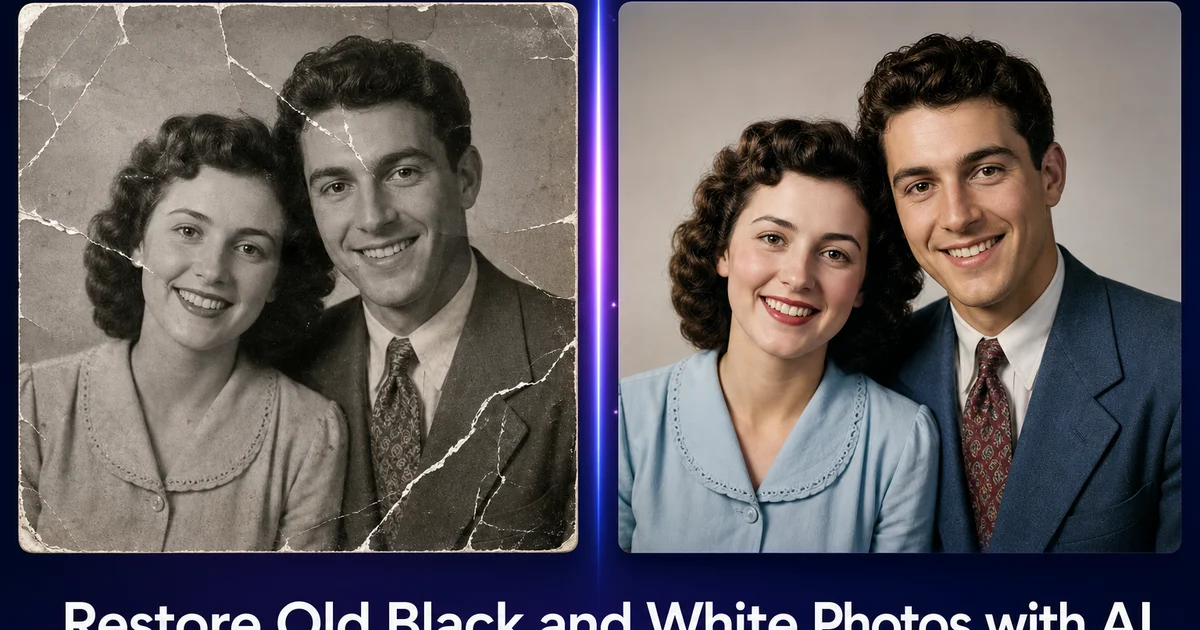
Restore and colorize vintage black-and-white photographs using AI. Step-by-step guide to repairing damage, adding realistic color, and enhancing sharpness on family photos from any era.

Remove dental braces from smile photos using AI inpainting. Step-by-step guide to naturally reconstructing tooth surfaces after bracket and wire removal for portraits and social media.

Add realistic snow and winter effects to any photo using AI generation. Step-by-step guide covering falling snowflakes, surface accumulation, winter color grading, and atmospheric consistency.

How landscape architects use AI photo editing for site records, vegetation analysis, seasonal visualization, design displays, and client communication. Remove site clutter, enhance terrain detail, and create strong before-and-after project narratives.

How yoga instructors use AI photo editing to create expert pose guides, studio marketing photos, retreat imagery, and social media content. Remove distractions, enhance lighting, and build consistent visual brands without expert photography budgets.

How paleographers use AI photo editing to enhance manuscript images, remove modern annotations, boost faded ink contrast, and isolate palimpsest text layers for scholarly publication.

How vexillologists use AI photo editing to document flags, correct faded colors, remove damage artifacts, isolate specimens from backgrounds, and prepare standardized images for reference databases.