
Mobile Photo Editing
Master photo editing directly on your phone. This beginner course covers everything from taking better photos with your phone camera to building an efficient mobile editing workflow for quick, professional-quality results.
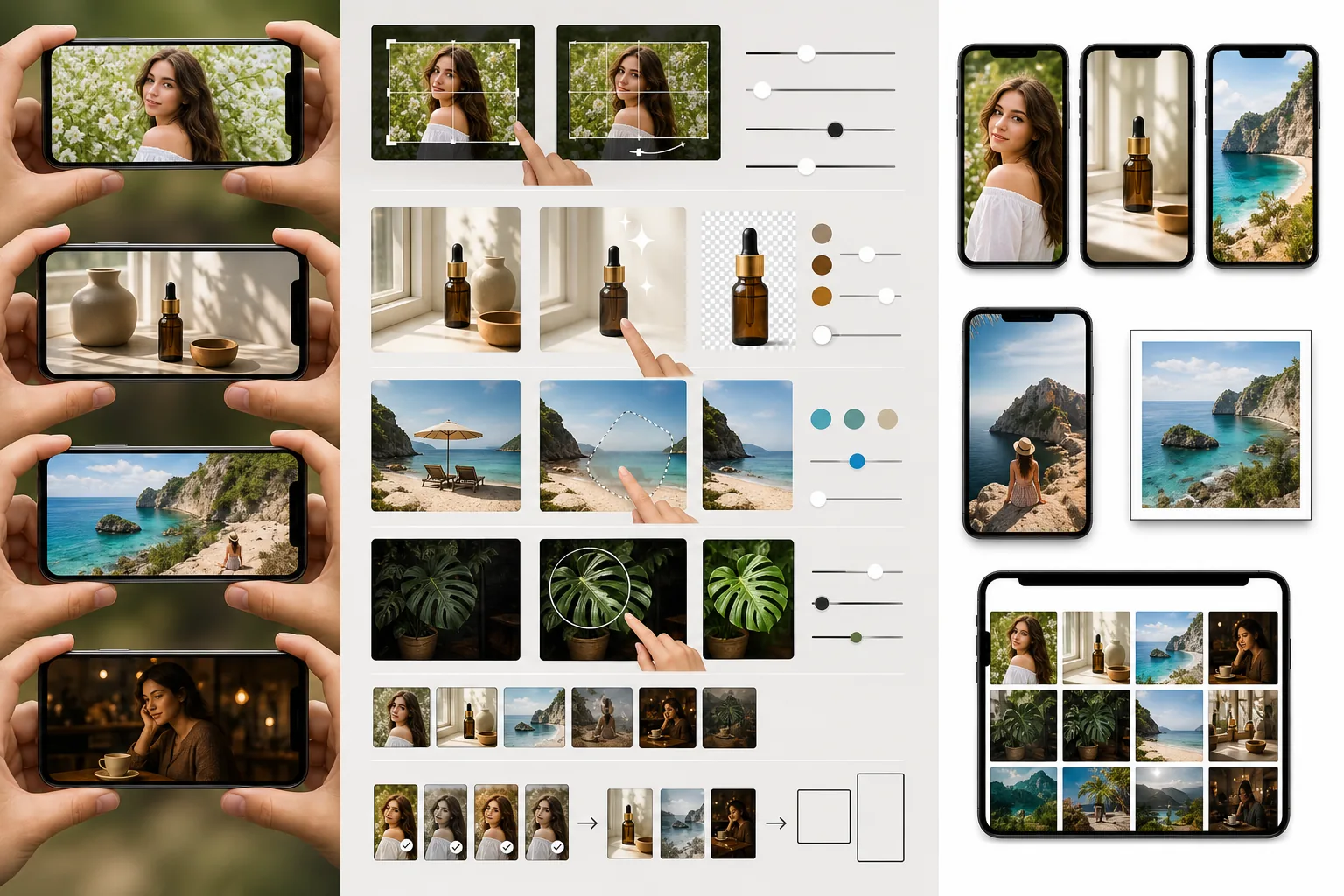
Course Overview
This beginner course teaches you how to capture and edit high-quality photos entirely on your mobile device. You will learn phone camera techniques, quick editing workflows, image optimization for sharing, and how to build habits that make mobile editing fast and effective.
Course Lessons
Why Mobile Photo Editing Matters
Understand why mobile photo editing has become a viable professional option and how it fits into modern creative workflows.
Taking Better Photos on Your Phone
Improve the quality of your phone photos at capture time with better composition, lighting awareness, and camera settings.
Quick Photo Fixes for On-the-Go Editing
Master a rapid five-step mobile editing workflow that handles the most common photo improvements in under two minutes.
Optimizing Photos for Sharing and Upload
Export and resize your edited photos correctly for different social media platforms, messaging apps, and web destinations.
Building an Efficient Mobile Editing Workflow
Design a personal mobile editing system with organized storage, reusable presets, and efficient batch processing habits.
Frequently Asked Questions
Can mobile-edited photos be used for professional purposes?
+
Absolutely. Modern phone cameras capture images with enough resolution and dynamic range for most professional uses including social media marketing, web content, and even print up to moderate sizes. Many professional photographers and content creators use mobile editing as a core part of their workflow, especially for time-sensitive deliverables.
Do mobile editing apps reduce the quality of my original photo?
+
Quality-focused apps like Magic Eraser apply non-destructive edits or save a new copy rather than overwriting your original. Your original captured photo remains untouched in your camera roll. The exported edited version may be slightly compressed depending on your export settings, which is why keeping the original as a backup is always recommended.
How much storage space do I need for mobile photo editing?
+
A good rule of thumb is to keep at least 5-10 GB of free storage for a comfortable editing workflow. This gives you room for the editing app, temporary files created during processing, and your exported edited images. If you shoot in RAW format on your phone, you will need more storage as RAW files are 3-5 times larger than JPEGs.
Start Editing on Your Phone
Put your mobile editing skills into practice right now. Open Magic Eraser on your phone and transform your latest photos with AI-powered tools built for mobile.
Try Magic Eraser freeMore Courses
Continue learning with more photo editing courses.
Master the essential skills of removing unwanted objects from any photo. This beginner-friendly course walks you through AI selection tools, complex scene handling, and batch workflows so you can clean up images with confidence.
BeginnerLearn everything about removing, replacing, and perfecting photo backgrounds. From one-click removal to fine edge work and creative backdrop swaps, this course gives you the skills to produce studio-quality images from any source photo.
IntermediateTurn ordinary product snapshots into professional e-commerce listings. This intermediate course covers marketplace requirements, white-background techniques, lifestyle-to-studio conversions, batch catalog editing, and image optimization strategies that drive higher conversion rates.
BeginnerCreate scroll-stopping social media visuals in minutes, not hours. This course teaches you platform-specific image rules, attention-grabbing editing techniques, brand-consistent content creation, batch workflows for weekly scheduling, and vertical-format optimization for Stories and Reels.
IntermediateProduce listing photos that sell properties faster. This intermediate course teaches you how to evaluate listing imagery, declutter interiors, clean up exterior shots, replace dull skies, and introduce virtual staging elements — all using AI-powered editing tools that save hours compared to traditional retouching.
IntermediateLearn professional portrait retouching techniques that preserve natural skin texture while removing distractions. This course covers everything from subtle skin smoothing to efficient group portrait editing using AI-powered tools.