
E-Commerce Product Photography
Turn ordinary product snapshots into professional e-commerce listings. This intermediate course covers marketplace requirements, white-background techniques, lifestyle-to-studio conversions, batch catalog editing, and image optimization strategies that drive higher conversion rates.
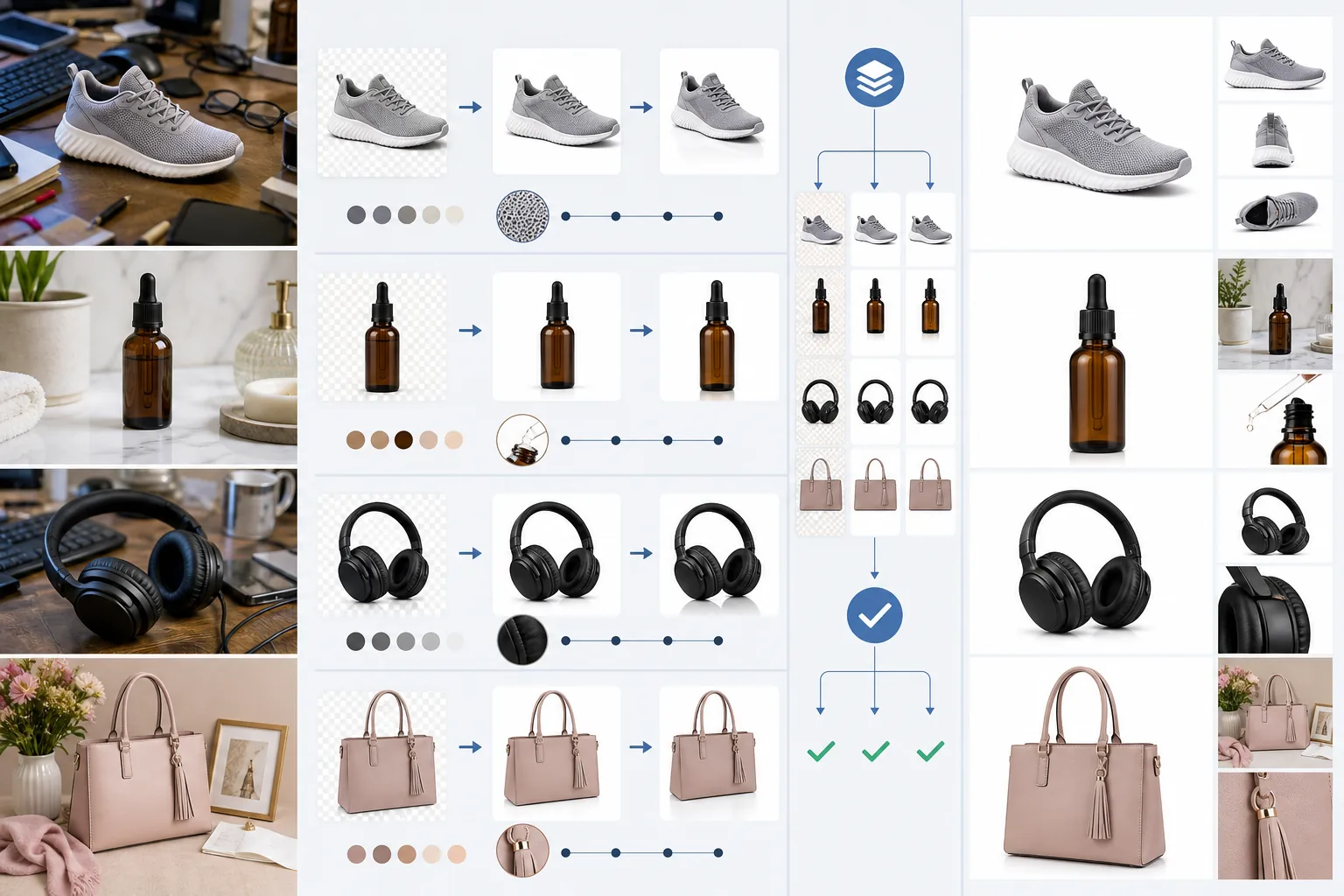
Course Overview
This course equips online sellers, photographers, and marketing teams with the skills to produce compliant, high-converting product images at scale. You will learn marketplace photo rules, studio-quality editing workflows, and data-driven optimization techniques that turn browsers into buyers.
Course Lessons
Understanding Marketplace Photo Requirements
Learn the specific image rules enforced by major e-commerce platforms so your listings are never rejected.
Creating Perfect White Background Product Photos
Achieve a true RGB 255 white background while preserving natural product shadows and color accuracy.
Converting Lifestyle Shots to Studio Quality
Rescue usable product photos from lifestyle settings by removing context and enhancing to studio standards.
Batch Editing for Large Product Catalogs
Scale your product photo editing to hundreds or thousands of SKUs using automated batch pipelines.
Optimizing Product Images for Higher Conversions
Use evidence-based strategies to make your product images generate more clicks and sales.
Frequently Asked Questions
Can I use these techniques for any e-commerce platform?
+
Yes. The principles apply to Amazon, Shopify, Etsy, eBay, Walmart Marketplace, and any other platform. Specific dimension and format requirements vary, but the editing workflows are universal.
Do I need professional photography equipment?
+
Not necessarily. A smartphone with a decent camera and good natural lighting can produce source images suitable for the techniques taught in this course. The AI tools handle most of the heavy lifting in post-production.
How many images should I have per product listing?
+
Most marketplaces allow 7-9 images. We recommend using all available slots: one main white-background image, two alternate angles, one lifestyle image, one scale or size reference, and two infographic or feature-callout images.
Transform Your Product Photos Today
Upload a product photo and see how quickly you can create a marketplace-ready listing image with AI-powered editing tools.
Try Magic Eraser freeMore Courses
Continue learning with more photo editing courses.
Master the essential skills of removing unwanted objects from any photo. This beginner-friendly course walks you through AI selection tools, complex scene handling, and batch workflows so you can clean up images with confidence.
BeginnerLearn everything about removing, replacing, and perfecting photo backgrounds. From one-click removal to fine edge work and creative backdrop swaps, this course gives you the skills to produce studio-quality images from any source photo.
BeginnerCreate scroll-stopping social media visuals in minutes, not hours. This course teaches you platform-specific image rules, attention-grabbing editing techniques, brand-consistent content creation, batch workflows for weekly scheduling, and vertical-format optimization for Stories and Reels.
IntermediateProduce listing photos that sell properties faster. This intermediate course teaches you how to evaluate listing imagery, declutter interiors, clean up exterior shots, replace dull skies, and introduce virtual staging elements — all using AI-powered editing tools that save hours compared to traditional retouching.
IntermediateLearn professional portrait retouching techniques that preserve natural skin texture while removing distractions. This course covers everything from subtle skin smoothing to efficient group portrait editing using AI-powered tools.
BeginnerUnderstand the fundamentals of AI-powered photo enhancement and learn to fix common image problems automatically. This beginner-friendly course covers lighting correction, sharpening, color grading, and intelligent upscaling.