
Social Media Photo Editing
Create scroll-stopping social media visuals in minutes, not hours. This course teaches you platform-specific image rules, attention-grabbing editing techniques, brand-consistent content creation, batch workflows for weekly scheduling, and vertical-format optimization for Stories and Reels.
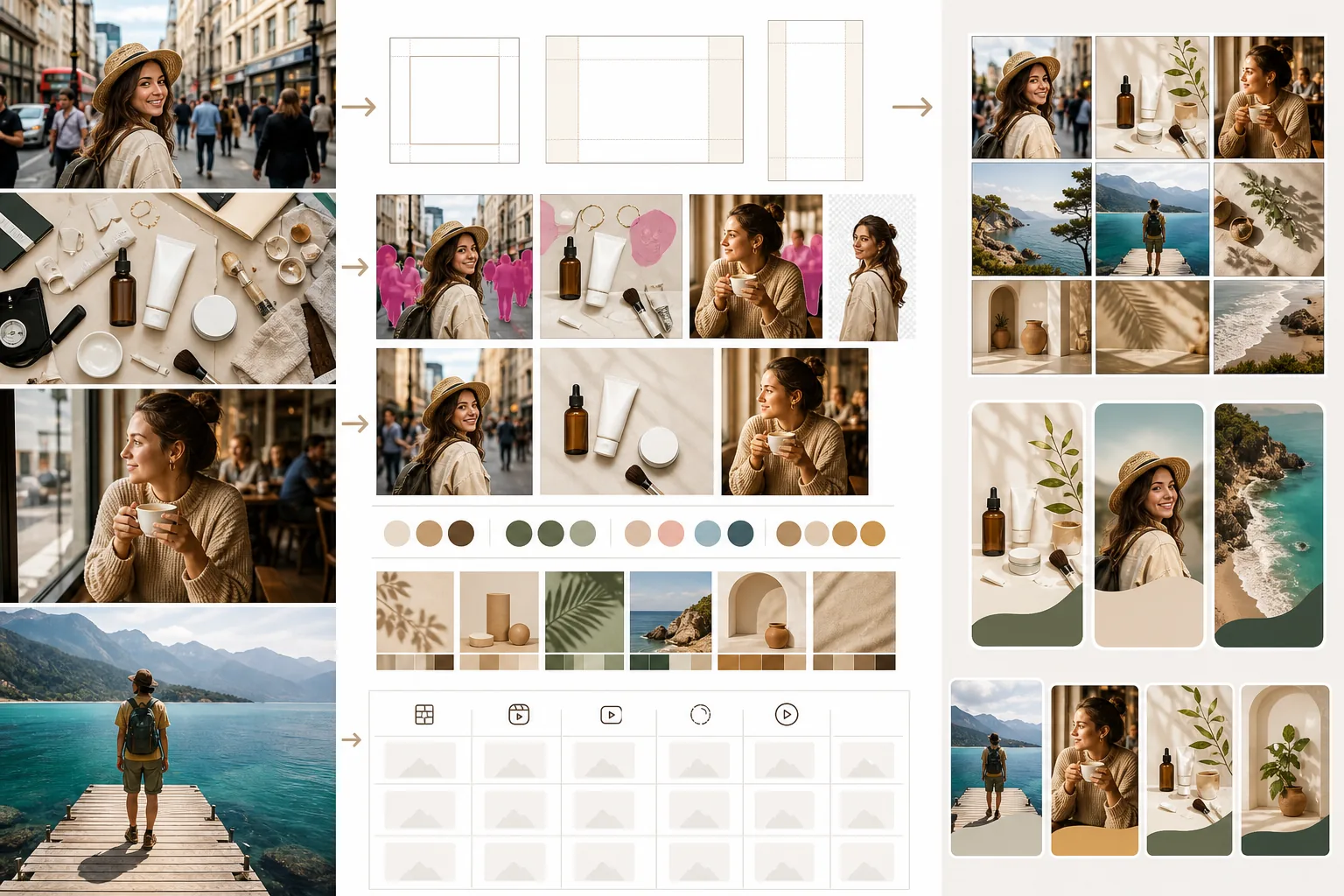
Course Overview
This course covers everything social media managers, creators, and small-business owners need to produce high-performing visual content. You will learn the technical specifications for every major platform, fast editing techniques that boost engagement, and batch workflows that let you produce a full week of content in a single session.
Course Lessons
Image Specs for Every Social Platform
Know the exact dimensions, aspect ratios, and file-size limits for every major social network.
Editing Photos That Stop the Scroll
Apply visual techniques that make your images stand out in crowded social feeds.
Maintaining Visual Brand Consistency
Establish and enforce a cohesive visual style across all your social media channels.
Creating a Week of Content in Minutes
Use batch editing workflows to produce and schedule five to seven days of social content in one sitting.
Editing Images for Stories and Reels
Adapt your images to the vertical 9:16 canvas used by Stories, Reels, TikTok, and YouTube Shorts.
Frequently Asked Questions
Do I need different image files for each social platform?
+
Ideally, yes. Each platform has different optimal dimensions and compression behavior. Using platform-specific exports ensures your images look sharp and are not awkwardly cropped.
How often should I post visual content?
+
Consistency matters more than frequency. Posting three to five times per week with high-quality, on-brand images outperforms daily posting with inconsistent quality. Use batching to maintain a sustainable schedule.
Can I use the same editing style across all platforms?
+
Yes, and you should. A consistent editing style builds brand recognition regardless of where your audience encounters your content. Use the same color grading preset and adjust only the dimensions per platform.
Level Up Your Social Media Visuals
Start creating professional social media content in minutes. Upload a photo and see how Magic Eraser's editing tools can transform your social presence.
Try Magic Eraser freeMore Courses
Continue learning with more photo editing courses.
Master the essential skills of removing unwanted objects from any photo. This beginner-friendly course walks you through AI selection tools, complex scene handling, and batch workflows so you can clean up images with confidence.
BeginnerLearn everything about removing, replacing, and perfecting photo backgrounds. From one-click removal to fine edge work and creative backdrop swaps, this course gives you the skills to produce studio-quality images from any source photo.
IntermediateTurn ordinary product snapshots into professional e-commerce listings. This intermediate course covers marketplace requirements, white-background techniques, lifestyle-to-studio conversions, batch catalog editing, and image optimization strategies that drive higher conversion rates.
IntermediateProduce listing photos that sell properties faster. This intermediate course teaches you how to evaluate listing imagery, declutter interiors, clean up exterior shots, replace dull skies, and introduce virtual staging elements — all using AI-powered editing tools that save hours compared to traditional retouching.
IntermediateLearn professional portrait retouching techniques that preserve natural skin texture while removing distractions. This course covers everything from subtle skin smoothing to efficient group portrait editing using AI-powered tools.
BeginnerUnderstand the fundamentals of AI-powered photo enhancement and learn to fix common image problems automatically. This beginner-friendly course covers lighting correction, sharpening, color grading, and intelligent upscaling.