
Instagram Post Square Crop
Optimize any photo for Instagram's square grid format at the exact 1080×1080px resolution. Enhanced colors, clean backgrounds, and the visual punch that earns engagement in a crowded feed.
Try this template freeSocial Media template preview
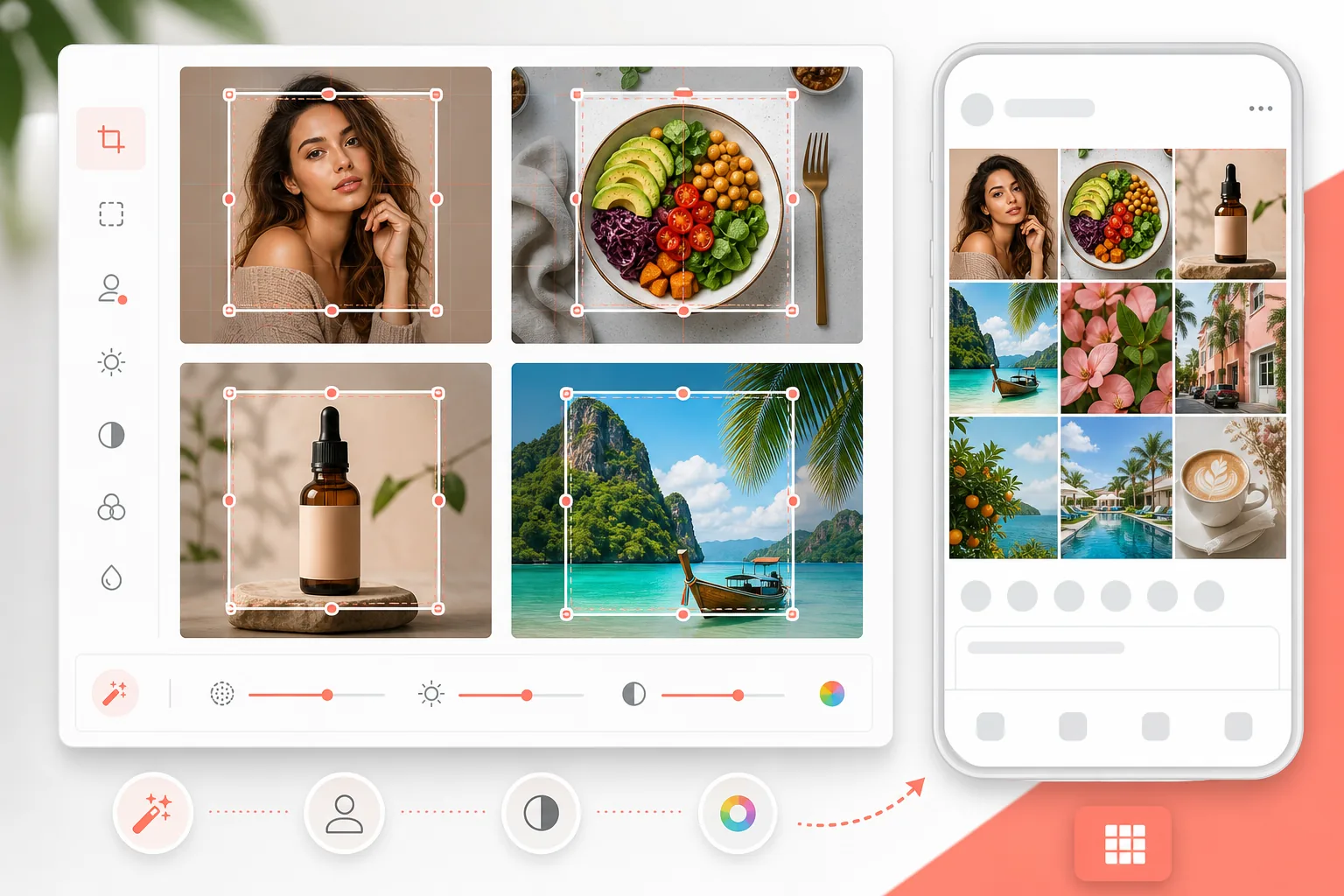
What this template does
Crops and resizes your photo to Instagram's optimal 1080×1080px square format, enhances colors for mobile screen vibrancy, and cleans up backgrounds for a professional grid aesthetic. Works for product shots, portraits, food, and lifestyle content.
Template settings
| Output size | 1080×1080px (Instagram square) |
| File format | JPEG (95% quality) |
| Color saturation | +15% (mobile screen optimized) |
| Sharpening | Medium (optimized for mobile display) |
| Color profile | sRGB |
How to use this template
Upload your photo
Any aspect ratio works — the template will help you crop to the perfect square. Portrait, landscape, or already-square photos all work.
Choose your crop area
Select the most impactful square portion of your image. For portraits, center on the face. For products, center on the item. For landscapes, choose the most dramatic section.
Clean and enhance
Remove background distractions with Magic Eraser, then AI Enhance boosts color saturation and sharpness specifically for mobile screen viewing — where 95% of Instagram content is consumed.
Export at 1080×1080
Download at Instagram's optimal resolution. The file is sized for fast upload while maintaining maximum quality on both phone and tablet screens.
Pro tips for best results
- ✓Leave space around your subject — Instagram adds padding, and a tightly cropped image feels cramped in the feed.
- ✓Slightly warmer tones (golden hour feel) consistently outperform cool tones in Instagram engagement metrics.
- ✓If your grid has a consistent color palette, match the background and enhancement to your existing aesthetic.
- ✓Test how the square crop looks at thumbnail size (the grid view) — that's where most first impressions happen.
Common questions
Is 1080×1080 still the best size for Instagram?
+
Yes. Instagram displays feed posts at 1080px wide. Square (1080×1080) gives you the most screen real estate in the grid view. For single feed posts, 1080×1350 (portrait) gets more screen space in the scrolling feed, but square is ideal for grid consistency.
Will the quality be affected by cropping?
+
Only if the source image is low resolution. Phone photos at 12MP (4000×3000) have more than enough resolution for a 1080×1080 crop from any portion of the image. AI upscaling is available if your source is smaller.
Can I use this for Instagram Reels covers?
+
Reels covers use 1080×1920 (vertical). This template is specifically for square feed posts and grid aesthetic. A separate portrait template would be needed for Reels covers.
Make every post grid-perfect
Upload your photo and get an Instagram-optimized square image in seconds.
Try it freeRelated templates
More social media templates for your workflow.
YouTube banner template at 2560×1440px with safe-zone guides. Clean background removal for creator photos, device-aware layout, and brand-consistent channel art.
Facebook cover photo template at 820×312px for desktop and 640×360px mobile crop. Clean brand images with proper safe zones for profile picture overlap and CTA button placement.
Create professional Twitter/X header images at the exact 1500×500px dimension. Accounts for profile picture overlap, works in both dark mode and light mode.
Enhance dating profile photos with natural skin smoothing, background cleanup, lighting correction, and subtle color grading that looks authentic — not filtered.
Create scroll-stopping Pinterest pin images with clean backgrounds, optimal 2:3 vertical dimensions, vibrant color enhancement, and pin-ready composition.
Create eye-catching TikTok video cover photos with clean backgrounds, bold subject framing, and optimized 9:16 vertical dimensions for profile grid consistency.