
Photo Editing for Print
Learn how to prepare photos for professional print output across multiple formats and use cases. This advanced course covers resolution requirements, color management, large format preparation, and product packaging specifications.
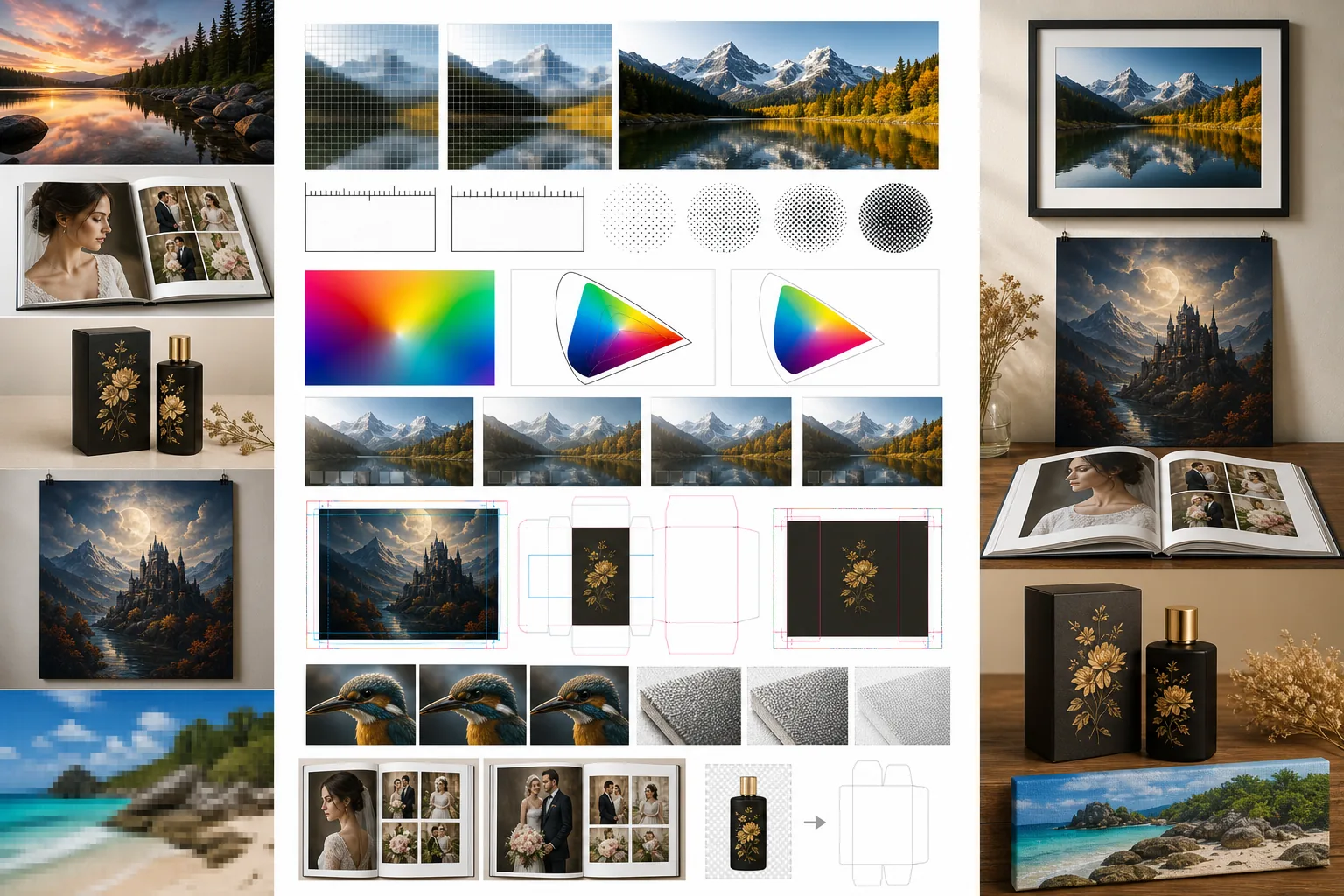
Course Overview
This advanced course covers everything you need to know to prepare photos for professional printing. From understanding DPI and color profiles to formatting images for large posters, photo books, and product packaging, you will gain the technical knowledge to ensure your prints match your screen edits.
Course Lessons
Understanding Resolution and DPI for Print
Master the relationship between pixel dimensions, resolution, and DPI to produce sharp prints at any size.
Color Profiles: sRGB vs CMYK
Navigate color management to ensure your printed photos match what you see on screen by understanding and using the correct color profiles.
Preparing Images for Large Format Printing
Prepare your photos for large format output including posters, canvas prints, banners, and gallery displays.
Editing Photos for Photo Books and Albums
Curate, edit, and prepare photo collections for printed photo books and albums with consistent quality and professional layouts.
Preparing Product Images for Packaging
Prepare product photos for packaging, labels, and merchandise with the correct technical specifications for manufacturing.
Frequently Asked Questions
Can I use images edited in Magic Eraser for commercial print projects?
+
Yes, Magic Eraser exports high-resolution files suitable for commercial printing. Export at the maximum resolution available and ensure you convert to the color profile required by your print vendor. For professional results, always do a soft proof and request a physical proof from the printer before a full production run.
What file format should I use for print submissions?
+
TIFF is the gold standard for print because it supports high bit depth, CMYK color, and lossless compression. Use PSD or TIFF for files that need transparency. If your print vendor accepts PDF, that is also an excellent choice as it embeds fonts, color profiles, and vector elements in a single package. Avoid JPEG for professional print when possible.
My prints look different from my screen. How do I fix this?
+
The most common cause is an uncalibrated monitor displaying inaccurate colors. Calibrate your monitor using a hardware colorimeter for best results. Additionally, ensure you are using the correct color profile for your print method and always soft proof your images before sending them to print. Viewing environment also matters: colors look different under warm room light versus daylight.
Prepare Print-Perfect Photos
Put your print editing knowledge into practice. Use Magic Eraser to clean up, enhance, and prepare your images for flawless print output at any size.
Try Magic Eraser freeMore Courses
Continue learning with more photo editing courses.
Master the essential skills of removing unwanted objects from any photo. This beginner-friendly course walks you through AI selection tools, complex scene handling, and batch workflows so you can clean up images with confidence.
BeginnerLearn everything about removing, replacing, and perfecting photo backgrounds. From one-click removal to fine edge work and creative backdrop swaps, this course gives you the skills to produce studio-quality images from any source photo.
IntermediateTurn ordinary product snapshots into professional e-commerce listings. This intermediate course covers marketplace requirements, white-background techniques, lifestyle-to-studio conversions, batch catalog editing, and image optimization strategies that drive higher conversion rates.
BeginnerCreate scroll-stopping social media visuals in minutes, not hours. This course teaches you platform-specific image rules, attention-grabbing editing techniques, brand-consistent content creation, batch workflows for weekly scheduling, and vertical-format optimization for Stories and Reels.
IntermediateProduce listing photos that sell properties faster. This intermediate course teaches you how to evaluate listing imagery, declutter interiors, clean up exterior shots, replace dull skies, and introduce virtual staging elements — all using AI-powered editing tools that save hours compared to traditional retouching.
IntermediateLearn professional portrait retouching techniques that preserve natural skin texture while removing distractions. This course covers everything from subtle skin smoothing to efficient group portrait editing using AI-powered tools.