
图像编辑基准与示例图库:方法、说明和限制
面向 Magic Eraser 图像编辑示例的定性报告,包含方法、图库说明、限制和工作流链接。
Editorial Team
审稿人 Magic Eraser Editorial ·
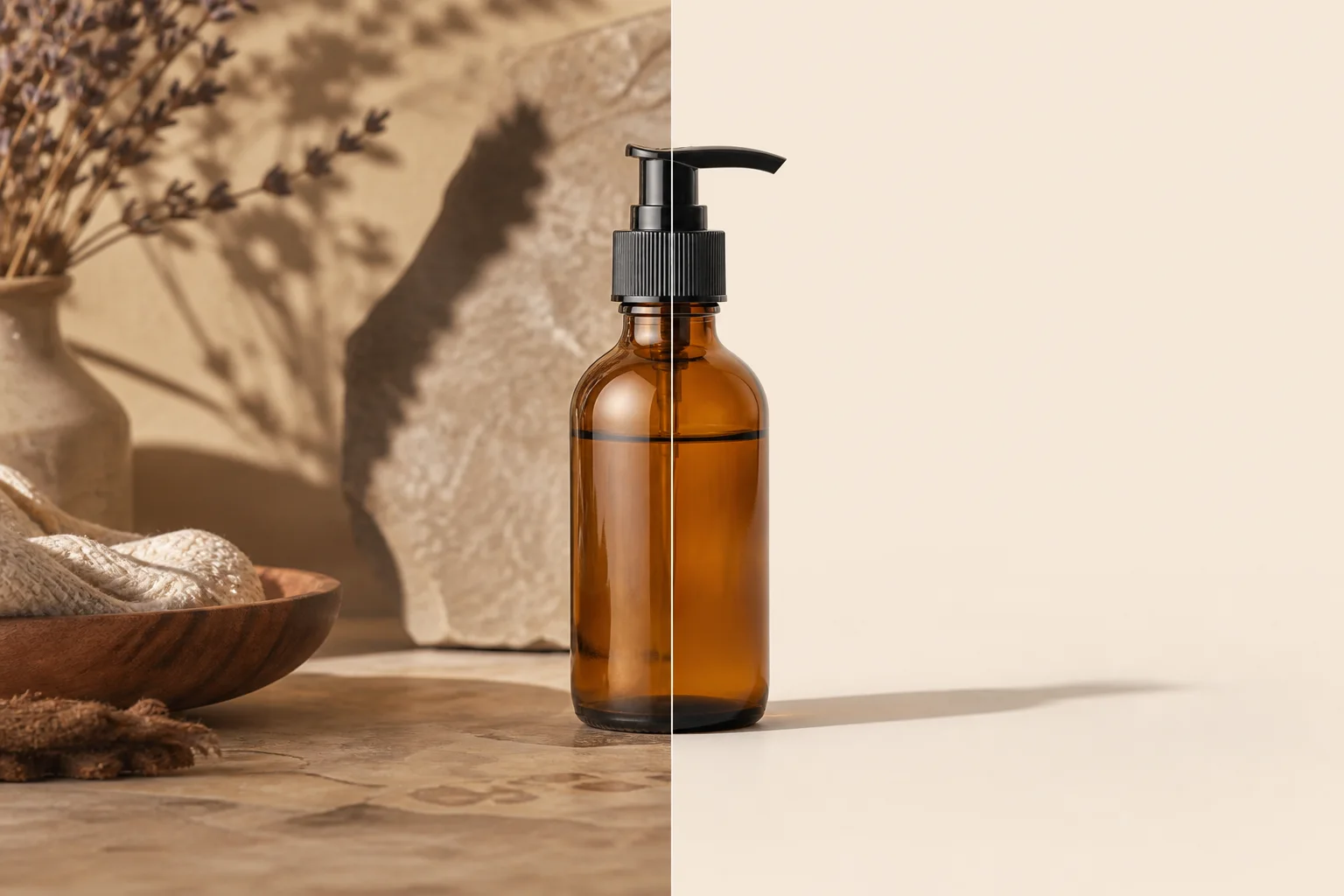
本报告为产品清理、移除物体、更换背景、人像润色和旧照修复等常见任务提供一个小型基准框架。
示例使用代表性场景,不使用客户图片。它们说明应测试的输入,以及编辑结果应配套的真实说明。
发布前后对比前,可将本页作为透明模板,并连接 /en/product/background-eraser、/en/product/magic-eraser 和相关 Academy 课程。
- Benchmark type: qualitative editorial review with repeatable criteria, not a lab-certified performance study.
- Primary criteria: edit accuracy, edge quality, artifact visibility, workflow fit, and disclosure needs.
- Every example needs descriptive alt text, an honest caption, and a relevant workflow link.
- Avoid unsupported superlatives such as fastest, best, flawless, or professional-grade unless measured and documented.
方法
Use the same five-step checklist: define the user goal, record source constraints, complete the default workflow, review full-size and mobile previews, then write a caption that states what changed and what stayed unchanged.
Use descriptive ratings: strong, acceptable, needs review, or unsuitable. Review against the user intent, such as marketplace compliance, conservative restoration, or small-screen readability.
- Document source type, channel, workflow, reviewer notes, and publish decision.
- Inspect edges, faces, hands, text, logos, transparent objects, and repeated patterns.
- Keep the original file for audit.
- Record whether disclosure is needed when a material fact changes.
示例图库素材和说明
The original assets in public/benchmarks/ can be placeholders for crawlable examples. Replace them with reviewed before-and-after images only when measurement notes are available.
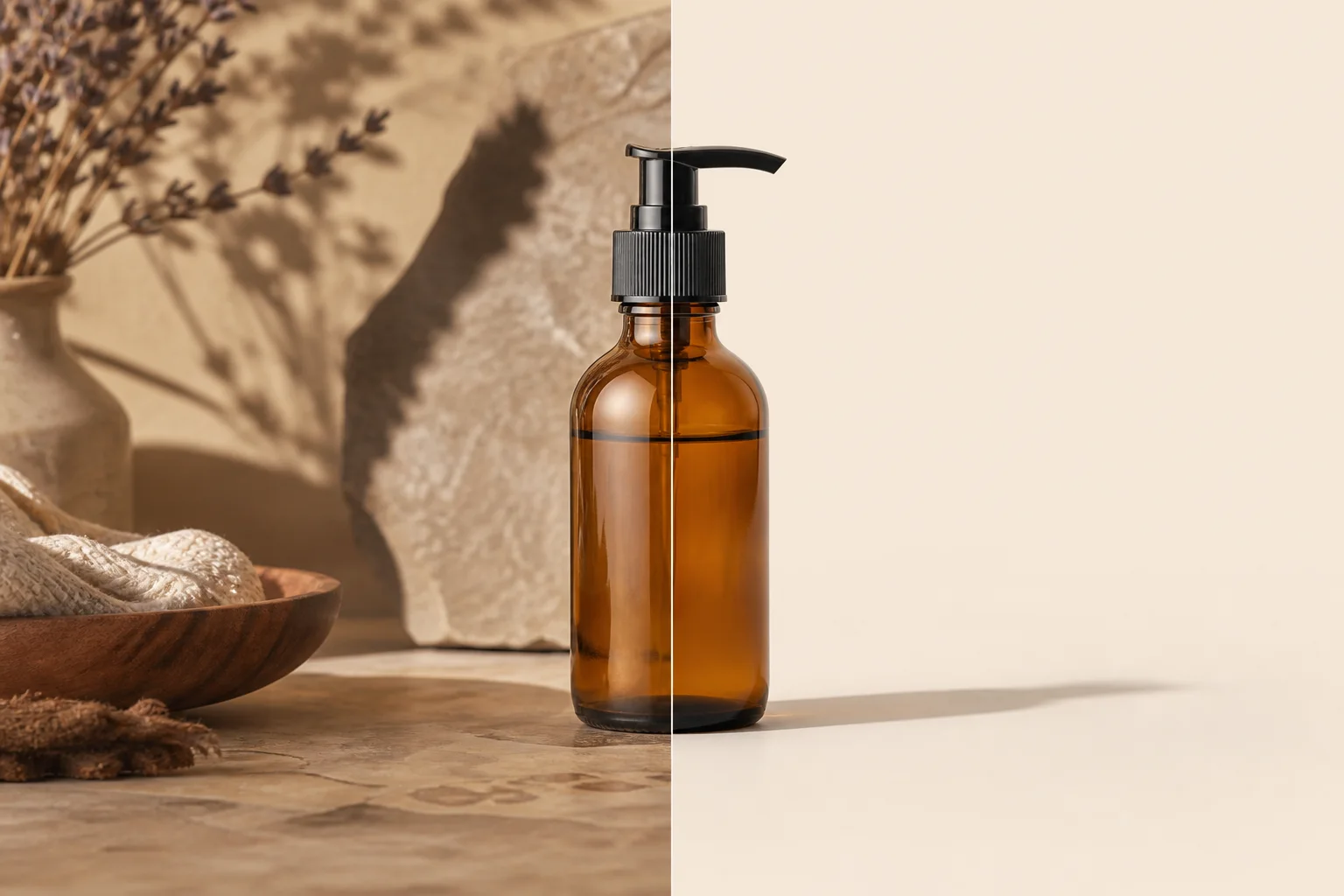
- /benchmarks/editing-gallery-clean-product.webp: product cleanup example; check edges, shadow softness, and pure-white export. Links: /en/product/background-eraser and /en/academy/ecommerce-product-photography.
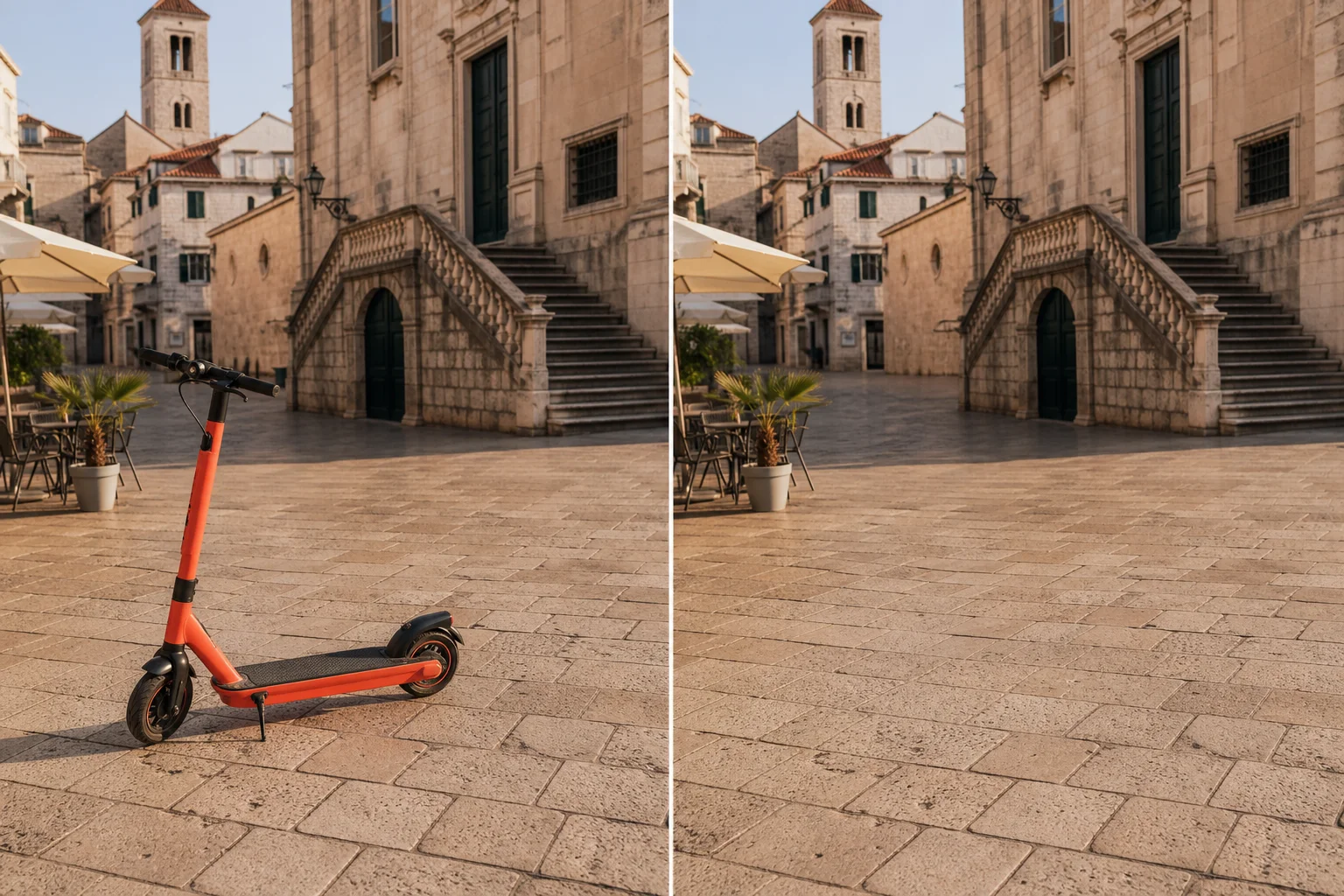
- /benchmarks/editing-gallery-object-removal.webp: object removal example; verify that removals do not alter material facts. Links: /en/product/magic-eraser and /en/academy/object-removal-fundamentals.
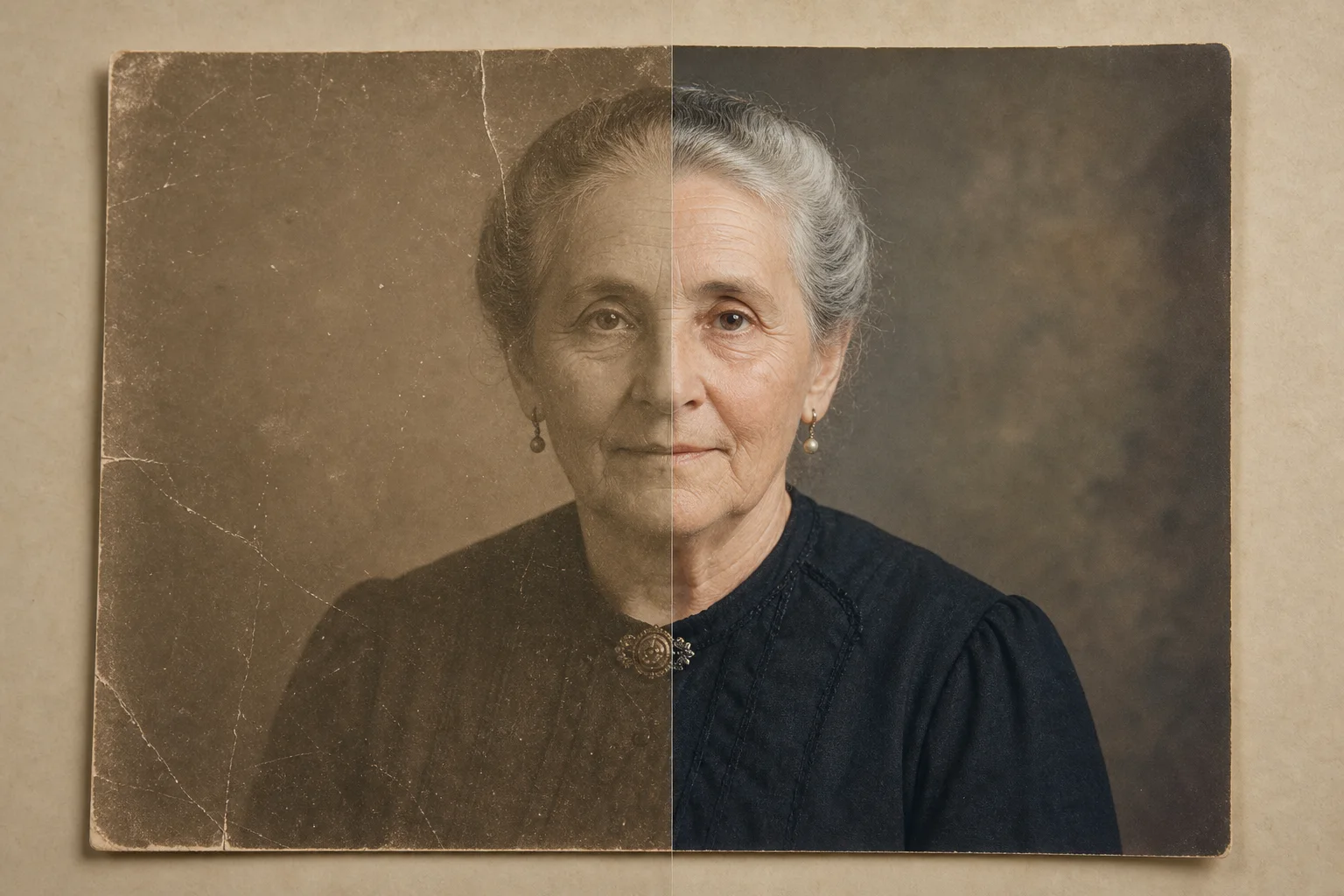
- /benchmarks/editing-gallery-photo-restoration.webp: restoration example; repair dust and scratches cautiously. Links: /en/product/ai-enhance and /en/academy/ai-photo-enhancement.
- /benchmarks/editing-gallery-generative-fill.webp: generative fill example; inspect repeated textures, text, hands, and brand elements. Links: /en/product/ai-fill and /en/academy/generative-fill-techniques.
限制与安全表述
This page does not claim statistically significant performance and is not a substitute for a production benchmark across large image sets, devices, regions, and network conditions.
Use safer wording such as in this reviewed example, suitable for many marketplace cleanup tasks, may require manual review, and inspect before publishing. Disclose edits that change material facts.
后续内部链接
For product workflows, use /en/product/magic-eraser, /en/product/background-eraser, /en/product/ai-enhance, and /en/product/ai-fill. For training, use /en/academy/object-removal-fundamentals, /en/academy/background-removal-mastery, /en/academy/ecommerce-product-photography, and /en/academy/generative-fill-techniques.
Related reading includes /en/blog/ethics-of-ai-object-removal, /en/blog/how-to-remove-background-for-ecommerce, and /en/blog/photo-editing-workflow-for-marketing-teams.
Visual review set
Example benchmark gallery
These illustrations make the review criteria visible. They are qualitative examples, not measured model scores.

参考资料
- Magic Eraser background removal workflow — Magic Eraser
- Object removal fundamentals academy course — Magic Eraser Academy
- AI photo enhancement academy course — Magic Eraser Academy