
Magic Eraser vs PicWish:クリーンアップ作業に適しているのはどちらのAIエディター?
PicWishは背景削除と素早い商品画像ワークフローで知られています。Magic Eraserは、より強力なオブジェクト削除、塗りつぶし、画質向上、クリエイティブなAIツールを1つのエディターに備え、より幅広く対応します。
Last updated
Magic Eraserを無料で試すComparison rows are editorial summaries from the latest page review, not a guarantee of current pricing, limits, watermark policy, batch support, speed, or platform availability.
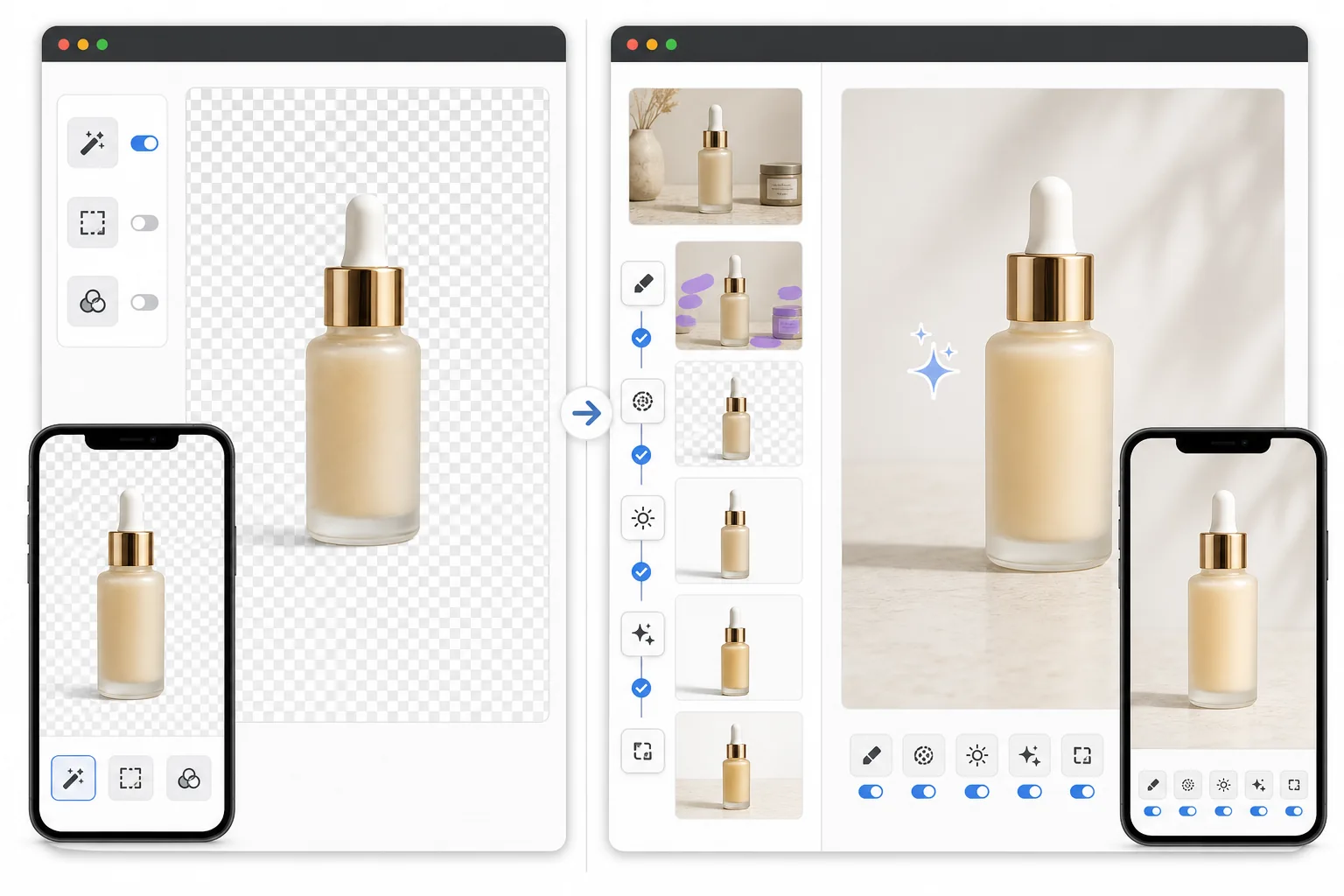
概要
Magic Eraserは、オブジェクト削除、背景編集、画質向上、AI塗りつぶし、クリエイティブ生成を1つのワークフローに統合し、実用的で速い画像クリーンアップのために作られています。
PicWishは背景削除と基本的な商品画像編集に重点を置いています。シンプルな切り抜きには便利ですが、本格的なAIクリーンアップ・画質向上スイートよりも範囲が狭いです。
機能比較
Magic Eraserは、オブジェクト削除、背景編集、画質向上、AI塗りつぶし、クリエイティブ生成を1つのワークフローに統合し、実用的で速い画像クリーンアップのために作られています。
PicWishは背景削除と基本的な商品画像編集に重点を置いています。シンプルな切り抜きには便利ですが、本格的なAIクリーンアップ・画質向上スイートよりも範囲が狭いです。
| Feature | Magic Eraser | PicWish |
|---|---|---|
| 背景削除 | あり | あり |
| オブジェクト削除 | あり — 強力な中核ツール | 限定的 |
| AI塗りつぶし | あり | なし |
| AI画質向上 | あり | 基本的 |
| クリエイティブ生成 | あり | 限定的 |
| 最適な用途 | より幅広いAIクリーンアップ | シンプルな切り抜き |
| プラットフォーム | ウェブ + モバイル | ウェブ + モバイル |
| ワークフローの深さ | より広い | より狭い |
Feature rows summarize visible product positioning and should be rechecked against official product pages before purchase, migration, or compliance decisions.
- Last content review June 21, 2026
- PicWish source: official product site (https://picwish.com/)
- Magic Eraser source: https://magiceraser.live/ja/product/magic-eraser
- Pricing, feature availability, platform support, and limits can change; recheck official sources before relying on a buying decision.
価格比較
| Plan | Magic Eraser | PicWish |
|---|---|---|
| 無料プラン | 無料 — 編集回数に制限あり | 無料 — ウォーターマークあり |
| 月額 | $9.99/月 | $5.99/月(Pro) |
| 年額 | $4.99/月(年払い) | $3.33/月(Pro、年払い) |
価格は2026年5月時点。現在の料金は各プロバイダーをご確認ください。
Pricing rows are snapshots from review time. Free tiers, subscriptions, trials, export limits, and regional availability can change without notice.
- Last content review June 21, 2026
- PicWish source: official product site (https://picwish.com/)
- Magic Eraser source: https://magiceraser.live/ja/product/magic-eraser
- Pricing, feature availability, platform support, and limits can change; recheck official sources before relying on a buying decision.
Magic Eraserを選ぶ理由
切り抜きだけにとどまらない
Magic Eraserはクリーンアップから画質向上、生成までの一連の流れを処理します。画像にきれいな背景以上のものが必要なときに特に便利です。
より強力なオブジェクト削除ワークフロー
配線、ラベル、人物、傷、雑然とした要素の削除こそ、Magic Eraserが範囲の狭い背景優先ツールよりも便利になる場面です。
多様な編集作業に適している
チームが抱える画像の問題は1つだけとは限りません。次の作業が背景クリーンアップ、その次が画質向上、さらに次がコンテンツに応じた塗りつぶしというときに、Magic Eraserが役立ちます。
出品者やマーケターによりフィット
商品チームやマーケターは、複雑さが増すたびにツールを切り替えるのではなく、複数のAI編集作業を1か所で解決できることから恩恵を受けます。
よくある質問
背景削除ではMagic Eraserの方がPicWishより優れていますか?
+
どちらも背景削除をうまく処理します。切り抜き後にオブジェクトのクリーンアップ、AI塗りつぶし、画質向上、より柔軟な編集も必要な場合は、Magic Eraserがより強力な選択肢になります。
商品写真のクリーンアップにはどちらのツールが向いていますか?
+
Magic Eraserの方が良い場合が多いです。商品画像は通常、透明な背景だけでなく、ほこりのクリーンアップ、ラベルの削除、影の修正、ディテールの向上も必要になることが多いためです。
PicWishは写真からオブジェクトを削除できますか?
+
PicWishにもある程度の編集サポートはありますが、専用のオブジェクト削除と自然な背景再構築においてはMagic Eraserの方が高性能です。
Magic EraserはSNS画像にも使えますか?
+
はい。Magic Eraserは商品画像、出品、SNS投稿、クリエイティブ素材、そして日常的な写真クリーンアップ全般に役立ちます。
どちらのツールがより成長の余地がありますか?
+
Magic Eraserは、背景削除だけにとどまらない幅広いAI写真編集作業をカバーするため、ワークフローの深さがより大きいです。
関連するユースケース
プロフェッショナルが実際のワークフローでこれらのツールをどのように活用しているかをご覧ください。
生活感あふれる私物や路上駐車、工事機材が写り込んだ物件写真は、内見意欲を下げてしまいます。Magic Eraserを使えば、Photoshopのスキルがなくても瞬時にきれいな物件写真に仕上がります。
背景がごちゃごちゃした商品写真では、お客様はすぐにスクロールして通り過ぎてしまいます。Magic Eraserなら、プロ品質の商品画像を数秒で作成できます。Photoshopのスキルは不要。アップロードして、不要な部分を消して、すぐに出品しましょう。
旅行写真に知らない人が写り込んでいませんか?自撮りの背景がごちゃごちゃしていませんか?Photoshopで何時間もかける必要はもうありません。Magic Eraserなら不要なオブジェクトの除去、背景のクリーンアップ、各プラットフォーム向けのリサイズがワンタップで完了します。
他の比較
Magic Eraserが他の写真編集ツールとどう比較されるかをご覧ください。
TouchRetouchはオブジェクトや傷の除去に特化した人気の有料モバイルアプリです。Magic Eraserはインストール不要で、あらゆるデバイスから無料でAI編集が利用できます。機能、価格、使いやすさを比較してみましょう。
異なる強みを持つ2つの強力なAI写真エディター。Magic Eraserはより幅広いジェネレーティブAIツールを提供し、Photoroomはeコマース商品撮影とバッチ処理に優れています。あなたのワークフローに合うのはどちらか確認しましょう。
主要なAI写真編集ツールをテスト・比較しました。オブジェクト除去から背景置換まで、あなたのワークフローに最適なエディターを見つけましょう。
Photoshopは本格的な画像編集の業界標準ですが、多くの人は素早いオブジェクト削除、きれいな背景、AIによる補正だけを必要としています。Magic Eraserはそうした作業に特化し、ウェブとモバイルで数秒で動く軽快なワークフローを提供します。
Canva はレイアウトやソーシャルグラフィックに優れていますが、多くのユーザーはより高速なオブジェクト除去、よりきれいな背景編集、より強力な AI 写真ツールを必要としています。この比較では、画像優先のワークフローにおいて Magic Eraser がどこでより適しているかを示します。
Pixlr はレイヤーやエフェクトを備えた、クラシックなブラウザベースの編集環境をユーザーに提供します。Magic Eraser は、本格的な編集インターフェースなしで洗練された仕上がりを求めるユーザーのために、AIを最優先したクリーンアップ、強調、背景処理に特化しています。