
Magic Eraser 対 Inpaint:どちらのツールがより効率的に邪魔な要素を除去するか?
Inpaintは写真から不要なオブジェクトを除去することで知られた名前です。Magic Eraserはそのワークフローを基盤に、より幅広いAI編集ツール、より高速なクロスデバイスアクセス、単一タスクを超えたより便利なクリーンアップ機能を構築します。
Last updated
Magic Eraserを無料で試すComparison rows are editorial summaries from the latest page review, not a guarantee of current pricing, limits, watermark policy, batch support, speed, or platform availability.
概要
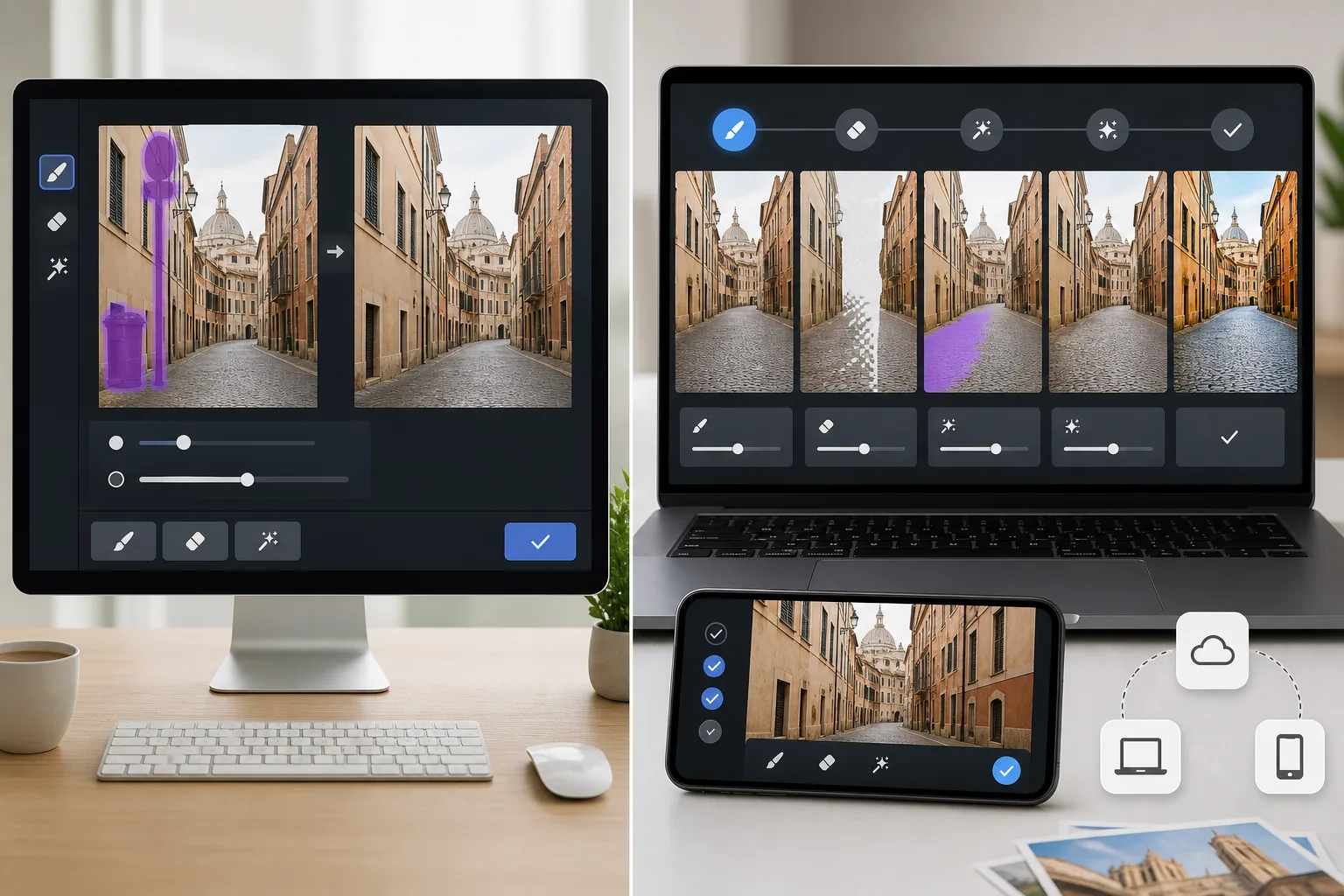
Magic Eraserは、オブジェクト、テキスト、雑然としたもの、背景の邪魔な要素を除去しながら、強化、塗りつぶし、より広範な画像クリーンアップツールも提供するAI写真エディターです。
Inpaintは写真から不要な要素を除去することに焦点を当てています。シンプルなクリーンアップ作業には効果的ですが、Magic Eraserと同じ幅広い編集ツールキットは提供しません。
機能比較
Magic Eraserは、オブジェクト、テキスト、雑然としたもの、背景の邪魔な要素を除去しながら、強化、塗りつぶし、より広範な画像クリーンアップツールも提供するAI写真エディターです。
Inpaintは写真から不要な要素を除去することに焦点を当てています。シンプルなクリーンアップ作業には効果的ですが、Magic Eraserと同じ幅広い編集ツールキットは提供しません。
| Feature | Magic Eraser | Inpaint |
|---|---|---|
| オブジェクト除去 | あり — AIファースト | あり |
| テキスト除去 | あり | あり |
| 背景除去 | あり | なし |
| AI塗りつぶし | あり | なし |
| 画像強化 | あり | なし |
| プラットフォーム | Web + モバイル | Web + デスクトップ |
| 最適な用途 | 複数ステップのクリーンアップ | 単一タスクのオブジェクト除去 |
| ワークフローの幅 | 広い | 狭い |
Feature rows summarize visible product positioning and should be rechecked against official product pages before purchase, migration, or compliance decisions.
- Last content review June 21, 2026
- Inpaint source: official product site (https://theinpaint.com/)
- Magic Eraser source: https://magiceraser.live/ja/product/magic-eraser
- Pricing, feature availability, platform support, and limits can change; recheck official sources before relying on a buying decision.
価格比較
| Plan | Magic Eraser | Inpaint |
|---|---|---|
| 無料枠 | 無料 — 編集制限あり | 無料枠なし |
| 月額 | $9.99/mo | 該当なし — 一回 $19.99 |
| 年額 | $4.99/mo(年払い) | 該当なし — 一回購入 |
価格は2026年5月時点。現在の料金は各プロバイダーをご確認ください。
Pricing rows are snapshots from review time. Free tiers, subscriptions, trials, export limits, and regional availability can change without notice.
- Last content review June 21, 2026
- Inpaint source: official product site (https://theinpaint.com/)
- Magic Eraser source: https://magiceraser.live/ja/product/magic-eraser
- Pricing, feature availability, platform support, and limits can change; recheck official sources before relying on a buying decision.
Magic Eraserを選ぶ理由
完全なクリーンアップワークフローを処理
Magic Eraserは問題を除去し、背景を修正し、画像品質を改善し、写真が単一の消去操作以上を必要とする場合に欠けているコンテキストの生成を支援できます。
現代のコンテンツチームに最適
今日のチームは、ソーシャルアセット、製品ショット、リスティング、マーケティングビジュアルをサポートできる一つのツールを必要としています。Magic Eraserはそれらの日常的なタスクの多くを一つのエディターでカバーします。
より強力なクロスデバイスアクセス
Magic EraserはWebとモバイルで動作するため、一台のマシンに縛られることなく画像のクリーンアップと公開が容易になります。
反復作業の余地がより大きい
オブジェクトが除去された後、ユーザーは編集を続ける必要があることがよくあります。Magic Eraserは単一目的のオブジェクト除去ツールよりも多くの次のステップ機能を提供します。
よくある質問
オブジェクト除去においてMagic EraserはInpaintより優れていますか?
+
シンプルなオブジェクト除去については、どちらもうまく機能します。Magic Eraserは、除去後に画像が背景クリーンアップ、強化、生成塗りつぶしも必要とする場合により便利になります。
Inpaintは写真からテキストを除去できますか?
+
はい。Inpaintはシンプルな背景からテキストや透かしを除去できます。Magic Eraserもそれらの作業を処理しつつ、その後により多くの編集オプションを提供します。
ビジネスチームにはどちらのツールが優れていますか?
+
Magic Eraserが通常より適しています。チームは単一目的の画像クリーンアップよりも幅広いワークフローを必要とすることが多いからです。
Magic Eraserは背景も除去できますか?
+
はい。Magic Eraserはオブジェクト除去や塗りつぶしツールに加えて、専用の背景除去も含みます。
反復的な編集作業にはどちらのツールが簡単ですか?
+
Magic Eraserは反復ワークフローに簡単です。ユーザーを別々のツールやフォローアップステップに強制する代わりに、複数のAI編集作業を一つのインターフェースに統合しているからです。
単一タスクのオブジェクト除去ツール以上が必要ですか?
Magic Eraserを無料で試して、ツールを変えることなくクリーンアップから強化、最終エクスポートまで進めましょう。
Magic Eraserを無料で試す関連するユースケース
プロフェッショナルが実際のワークフローでこれらのツールをどのように活用しているかをご覧ください。
生活感あふれる私物や路上駐車、工事機材が写り込んだ物件写真は、内見意欲を下げてしまいます。Magic Eraserを使えば、Photoshopのスキルがなくても瞬時にきれいな物件写真に仕上がります。
背景がごちゃごちゃした商品写真では、お客様はすぐにスクロールして通り過ぎてしまいます。Magic Eraserなら、プロ品質の商品画像を数秒で作成できます。Photoshopのスキルは不要。アップロードして、不要な部分を消して、すぐに出品しましょう。
旅行写真に知らない人が写り込んでいませんか?自撮りの背景がごちゃごちゃしていませんか?Photoshopで何時間もかける必要はもうありません。Magic Eraserなら不要なオブジェクトの除去、背景のクリーンアップ、各プラットフォーム向けのリサイズがワンタップで完了します。
他の比較
Magic Eraserが他の写真編集ツールとどう比較されるかをご覧ください。
主要なAI写真編集ツールをテスト・比較しました。オブジェクト除去から背景置換まで、あなたのワークフローに最適なエディターを見つけましょう。
Photoshopは本格的な画像編集の業界標準ですが、多くの人は素早いオブジェクト削除、きれいな背景、AIによる補正だけを必要としています。Magic Eraserはそうした作業に特化し、ウェブとモバイルで数秒で動く軽快なワークフローを提供します。
Adobe Photoshopは強力ですが、ほとんどの人はその機能のごく一部しか使っていません。Magic Eraserは、本当に必要な写真クリーンアップツール — オブジェクト除去、背景除去、AIによる画質向上、生成塗りつぶし — を、よりシンプルなインターフェースで提供します。Webとモバイルで動作し、開始するのにサブスクリプションは不要です。
Tried to remove an object or background and hit a Pro paywall in Canva, Adobe Express/Photoshop, or Fotor? Magic Eraser does the same job — object removal, background removal, watermark cleanup, and enhancement — for free. No subscription, and no watermark stamped on your download.
Magic Eraserとmagic-eraser.ioを比較。機能、価格、使いやすさを並べて確認。AI写真編集にMagic Eraserが最適な理由をご覧ください。
Magic EraserとPixelcutを比較。機能、価格、使いやすさを並べて確認。AI写真編集にMagic Eraserが最適な理由をご覧ください。