
Pawfect Cuts
How a pet grooming salon chain used Magic Eraser to create Instagram-ready grooming photos, growing their social following by 4x and booking 40% more appointments through social media.
The Challenge
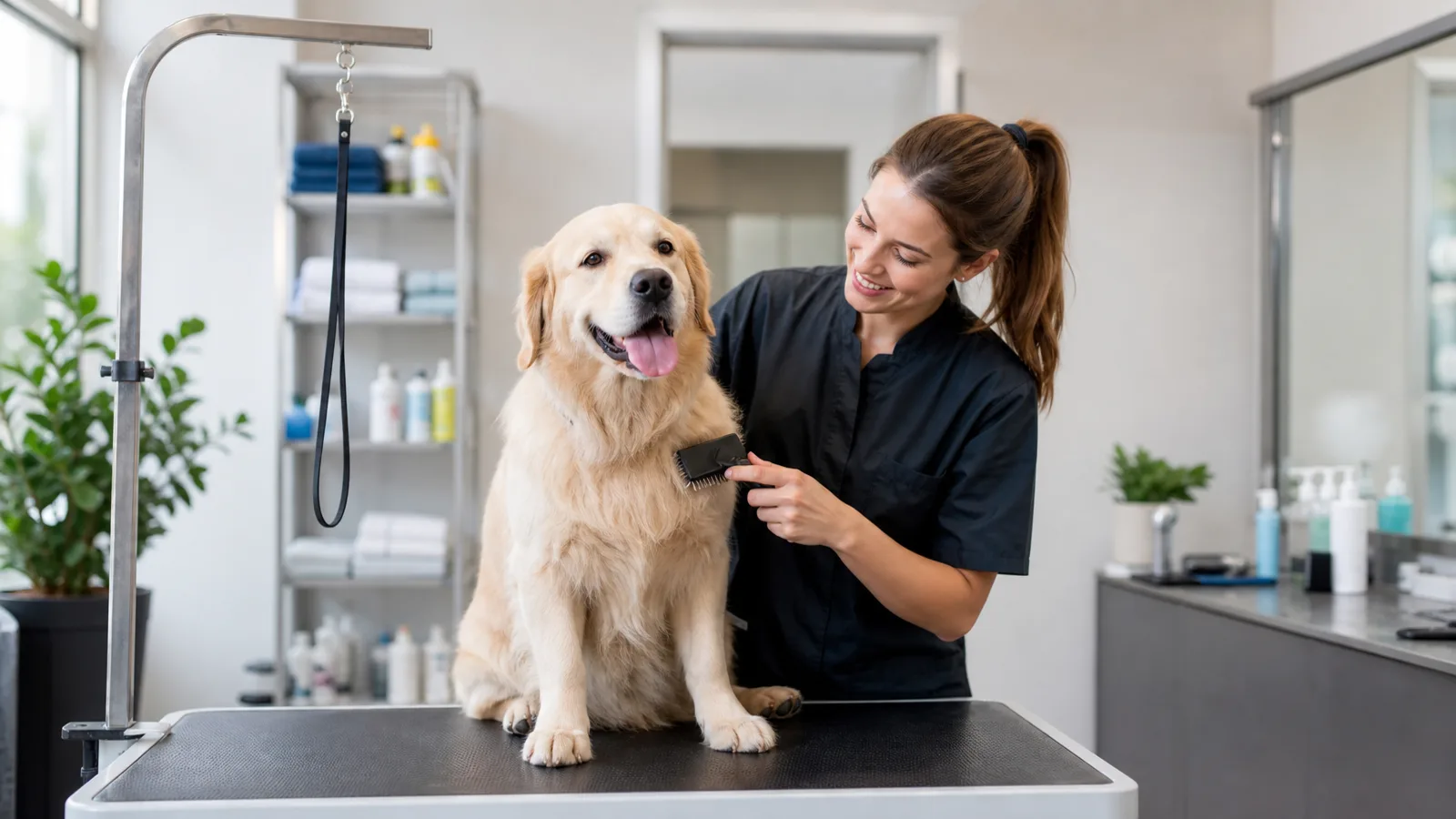
Pawfect Cuts operates 2 grooming salons in Portland, Oregon, processing 60-80 dogs and cats per day across both locations. The groomers snap quick after-grooming photos to post on Instagram and send to owners, but the salon backdrop is cluttered — leashes hanging on hooks, wet grooming tables, hair clippings on smocks, and harsh fluorescent lighting that washes out coat colors. The owner spent evenings manually editing the best 5-10 photos daily, but most went unposted. Their Instagram had stalled at 1,200 followers despite 3 years of posting, because the inconsistent photo quality undermined their feed aesthetic.
The Solution
Groomers now photograph each pet immediately after grooming using a dedicated salon iPad. Magic Eraser removes the cluttered salon background — leashes, equipment, wet surfaces, and other pets waiting in kennels. Background replacement drops each pet onto a clean pastel backdrop that matches the salon's brand colors. AI Enhance brings out the true coat colors and adds natural-looking lighting that makes freshly groomed fur shine. The streamlined workflow means every single groom gets a photo posted, not just the handful the owner had time to edit.
Results
Instagram followers grew from 1,200 to 4,800 in 6 months after switching to consistently polished, branded pet photos posted for every grooming appointment.
Appointments booked through Instagram DMs and the link-in-bio increased 40%, driven by pet owners tagging friends and sharing their pet's grooming photos.
Daily social posts increased from 3-5 manually edited photos to 30-40 polished images covering nearly every appointment.
“Every pet parent wants to show off their freshly groomed baby. Now every photo we send looks like a professional pet portrait, and owners share them everywhere. It's the best marketing we've ever had — and it's basically free.”
Jasmine Torres
Owner, Pawfect Cuts
Related industry and workflow pages
This representative case study maps to the roadmap segment for pet services / grooming teams and links to deeper implementation pages.
Industries
Use cases
Tools Used
Want to make every groom a marketing moment?
Try Magic Eraser free and turn everyday grooming photos into share-worthy pet portraits that drive bookings.
Try Magic Eraser freeRelated use cases
See how professionals use these tools in real-world workflows.
Listing photos cluttered with personal items, parked cars, or construction equipment can turn buyers away. Magic Eraser uses AI to clean up your property photos instantly — no Photoshop skills required.
Product listings need clear images before shoppers can judge the item. Magic Eraser helps sellers remove messy backgrounds, table edges, labels, props, glare, and other distractions so each product photo is easier to review before publishing.
Photobombers ruining your travel pics? Messy backgrounds killing your selfie game? Stop wasting hours in Photoshop. Magic Eraser removes distractions, cleans up cluttered shots, and expands your photos to fit any platform format — all in one tap.
Related comparisons
See how Magic Eraser compares to similar tools.
TouchRetouch is a popular paid mobile app for removing objects and blemishes. Magic Eraser offers free AI-powered editing on any device with no install required. See how they compare across features, pricing, and ease of use.
Cleanup.pictures is a free web tool with one generic eraser brush. Magic Eraser gives you 100+ purpose-built removal tools — one for emoji, glasses, watermarks, sky, power lines, and dozens more — plus background removal, AI enhance, and mobile apps, in 16 languages. See how breadth changes the result.
remove.bg is the market leader for background removal, offering a powerful API and integrations with Photoshop and Figma. Magic Eraser goes further with eight AI-powered editing tools — from object removal and generative fill to AI enhance and design — all in one editor.
Two powerful AI photo editors with different strengths. Magic Eraser offers a broader set of generative AI tools for creative editing, while Photoroom excels at e-commerce product photography and batch processing. See which fits your workflow.
Related guides
Explore more guides and editorial content related to this workflow.
Learn how to use Magic Eraser to remove objects, people, text, and distractions from photos with cleaner AI editing results.
Learn how to remove people from photos using AI in seconds. Step-by-step guide for travel photos, real estate shots, and product images.
Step-by-step guide to removing watermarks from your own photos using AI. Learn when it is appropriate, the best techniques, and how Magic Eraser handles it.