
Seoul Bowl
How a food truck business used Magic Eraser to create appetizing menu photos from chaotic service-window shots, increasing average order value by 18% and growing their catering business.
The Challenge
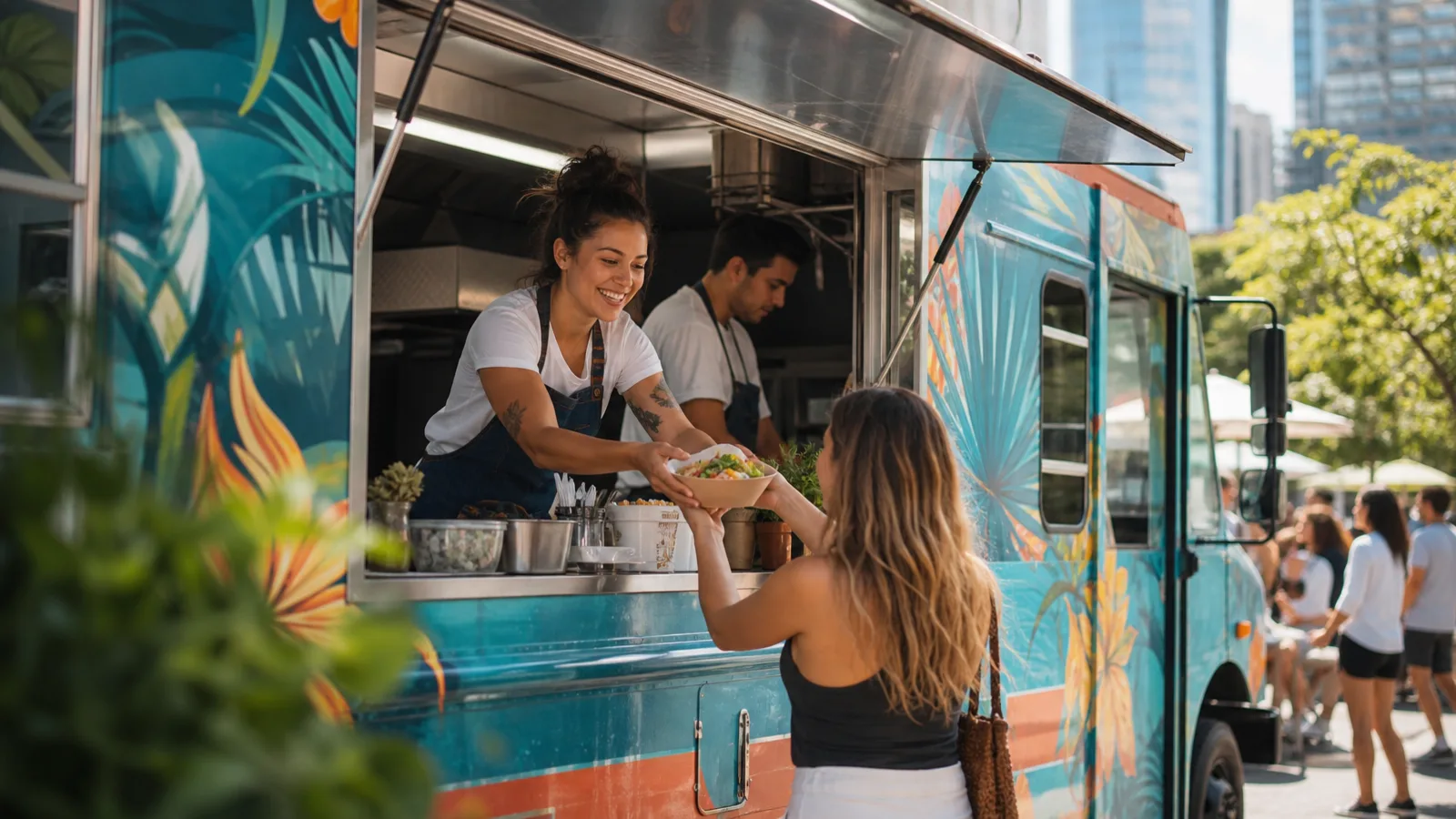
Seoul Bowl operates a Korean fusion food truck in the Denver metro area, serving at 4-5 locations weekly plus private catering events. Menu photos are the primary sales tool — displayed on the truck's digital menu board, the ordering app, Instagram, and catering proposal decks. But food truck photography happens in the worst possible conditions: the service window with grease splatters, parking lot backgrounds with asphalt and dumpsters, paper boat containers that look cheap in photos, inconsistent lighting from overcast days to harsh afternoon sun, and other food trucks parked alongside competing for the same shot angles. The owner's spouse handled social media but lacked editing skills, resulting in unappetizing photos that undersold the food quality.
The Solution
The owner now photographs plated dishes during prep before service begins and quick hero shots out the service window during peak hours. Magic Eraser removes the parking lot background, grease spots on the service counter, competing food truck signage, and trash visible in the scene. Background replacement puts each dish on a clean surface — warm wood for the rustic brand feel on Instagram, pure white for the ordering app and digital menu board. AI Enhance corrects the flat, washed-out look of outdoor food photography, bringing out the deep reds of gochujang glaze, the golden crisp of fried chicken, and the vibrant greens of scallion garnishes.
Results
Average ticket size increased from $14.50 to $17.10 after updating the digital menu board and ordering app with appetizing, professionally edited food photos that prompted more add-ons.
Monthly catering inquiry volume tripled after the owner started sending proposal decks with studio-quality food photography instead of parking-lot snapshots.
Average likes and comments per post more than doubled, with food photos consistently outperforming the previous average by driving saves and shares.
“Nobody wants to order from a photo of bibimbap sitting on a greasy counter with a dumpster in the background. Now our Instagram looks like a restaurant magazine, and we're getting catering requests from companies that never would have found us before.”
Jin-soo Park
Owner & Chef, Seoul Bowl
Related industry and workflow pages
This representative case study maps to the roadmap segment for food service / food truck teams and links to deeper implementation pages.
Industries
Use cases
Tools Used
Want your food photos to match your food quality?
Try Magic Eraser free and turn chaotic food truck snapshots into appetite-inducing menu imagery.
Try Magic Eraser freeRelated use cases
See how professionals use these tools in real-world workflows.
Listing photos cluttered with personal items, parked cars, or construction equipment can turn buyers away. Magic Eraser uses AI to clean up your property photos instantly — no Photoshop skills required.
Product listings need clear images before shoppers can judge the item. Magic Eraser helps sellers remove messy backgrounds, table edges, labels, props, glare, and other distractions so each product photo is easier to review before publishing.
Photobombers ruining your travel pics? Messy backgrounds killing your selfie game? Stop wasting hours in Photoshop. Magic Eraser removes distractions, cleans up cluttered shots, and expands your photos to fit any platform format — all in one tap.
Related comparisons
See how Magic Eraser compares to similar tools.
TouchRetouch is a popular paid mobile app for removing objects and blemishes. Magic Eraser offers free AI-powered editing on any device with no install required. See how they compare across features, pricing, and ease of use.
Cleanup.pictures is a free web tool with one generic eraser brush. Magic Eraser gives you 100+ purpose-built removal tools — one for emoji, glasses, watermarks, sky, power lines, and dozens more — plus background removal, AI enhance, and mobile apps, in 16 languages. See how breadth changes the result.
remove.bg is the market leader for background removal, offering a powerful API and integrations with Photoshop and Figma. Magic Eraser goes further with eight AI-powered editing tools — from object removal and generative fill to AI enhance and design — all in one editor.
Two powerful AI photo editors with different strengths. Magic Eraser offers a broader set of generative AI tools for creative editing, while Photoroom excels at e-commerce product photography and batch processing. See which fits your workflow.
Related guides
Explore more guides and editorial content related to this workflow.
Learn how to use Magic Eraser to remove objects, people, text, and distractions from photos with cleaner AI editing results.
Learn how to remove people from photos using AI in seconds. Step-by-step guide for travel photos, real estate shots, and product images.
Step-by-step guide to removing watermarks from your own photos using AI. Learn when it is appropriate, the best techniques, and how Magic Eraser handles it.