

AI TrendsJordan Kim
The Future of AI in Business
Explore how AI is reshaping business operations, from automation to data analysis and more personalized customer experiences.
Guides, workflows, and editorial content around AI editing, design, and creative work with Magic Eraser.
Explore how AI is reshaping business operations, from automation to data analysis and more personalized customer experiences.

Learn how to use Magic Eraser to remove unwanted objects from photos faster, cleaner, and with more natural results.

Learn how to use a Figma translate plugin to localize design files faster while keeping layout changes under control.
Learn how to remove people from photos using AI in seconds. Step-by-step guide for travel photos, real estate shots, and product images.
Step-by-step guide to removing watermarks from your own photos using AI. Learn when it is appropriate, the best techniques, and how Magic Eraser handles it.
Learn how to remove the background from any photo in seconds using AI tools. Step-by-step guide covering transparent, white, and custom backgrounds.
Fix blurry, low-resolution, and out-of-focus photos using AI enhancement. Learn how AI upscaling works and when it delivers the best results.

Learn how AI outpainting extends your photos beyond their original borders. Fix tight crops, change aspect ratios, and create wider compositions in seconds.
Learn how AI filters transform photos with style transfer and intelligent adjustments. Step-by-step guide for Instagram, LinkedIn, ecommerce, and more.

Learn how generative fill (inpainting) replaces objects, fixes damaged areas, and extends backgrounds. Step-by-step guide using Magic Eraser's AI Fill.

Learn how text-to-image AI works and how to write effective prompts. Step-by-step guide using Magic Eraser's AI Create for marketing, social media, and concept art.

Discover the top photo editing apps for iPhone in 2026. Compare Magic Eraser, Snapseed, VSCO, and Lightroom Mobile to find the best fit for your needs.

Learn practical product photography tips for ecommerce. Cover lighting, background removal, image enhancement, and batch editing for Amazon, Etsy, and Shopify.

Learn how to make your Instagram photos stand out with AI editing tools, consistent feed aesthetics, and smart design techniques for stories and reels.
Compare AI photo editing tools and Photoshop across speed, skill level, cost, and results. Find out which approach fits your workflow best.
Learn how to remove text, captions, watermarks, and overlays from photos using AI tools. Step-by-step guide with tips for clean results.
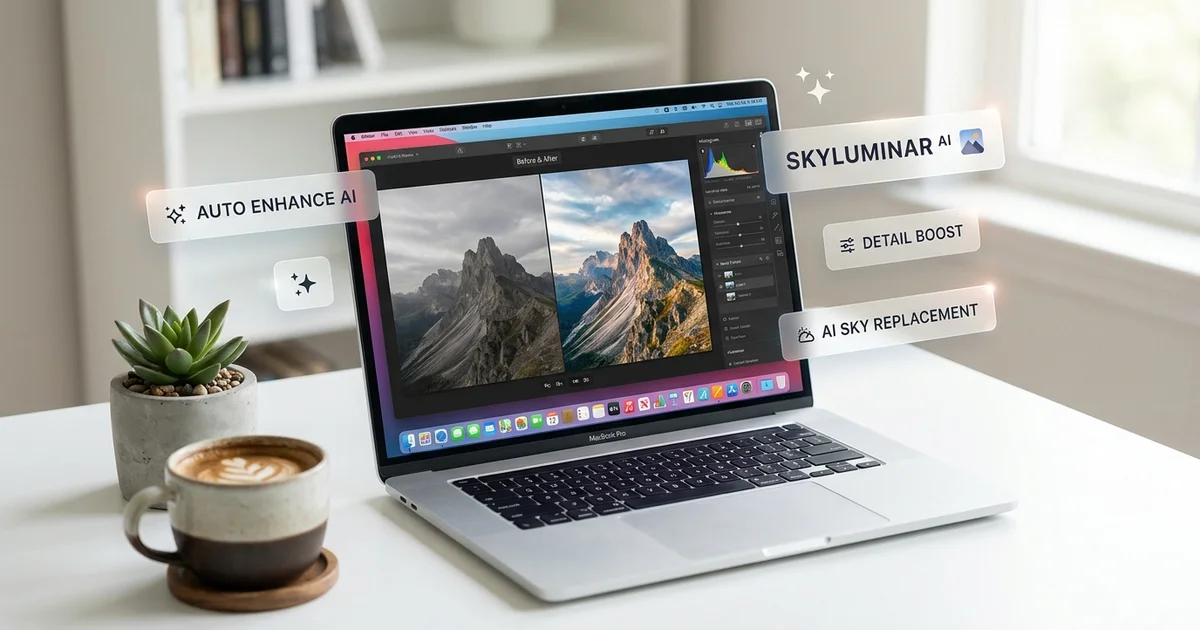
Learn how marketing teams use batch photo editing to process images at scale. Covers workflows for background removal, enhancement, and resizing.

Remove unwanted objects from any photo with Magic Eraser. Step-by-step instructions for removing people, wires, text, signs, and debris.
Remove and replace product photo backgrounds for Amazon, Shopify, and Etsy with AI: white backgrounds, transparent PNGs, and batch workflows.

Restore and enhance old, faded, or low-quality photos with AI: fix color fading, sharpen details, remove scratches, upscale low-res images.

Go beyond object removal with AI generative fill: extend canvases, replace objects, generate context, and create design variations.
Meet Amazon's product photo requirements with AI background removal: white-background mandates, image dimensions, A+ Content, and batch workflows.

How real estate agents and photographers use AI to edit listings: remove clutter, enhance dim interiors, fix exteriors, meet MLS requirements.

Restore vintage and damaged photos with AI: fix tears, remove mold damage, repair water stains, upscale small prints, and preserve family archives.