
Magic Eraser vs Watermark Remover.io: One Tool or Many?
Magic EraserとWatermark Remover.ioを比較。機能、価格、使いやすさを並べて確認。AI写真編集にMagic Eraserが最適な理由をご覧ください。
Last updated
Magic Eraserを無料で試すComparison rows are editorial summaries from the latest page review, not a guarantee of current pricing, limits, watermark policy, batch support, speed, or platform availability.
概要
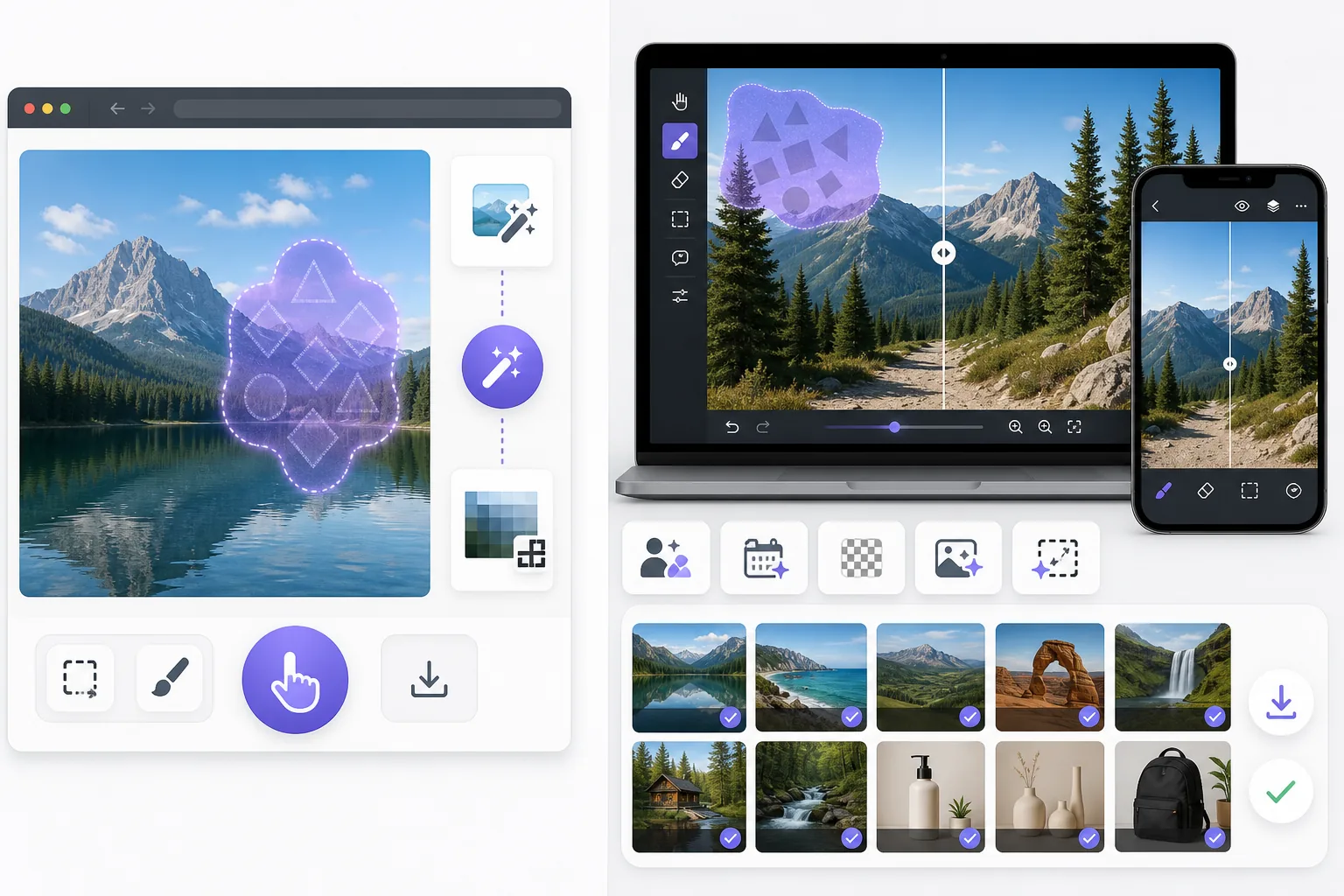
Magic Eraserは、不要物の削除、背景の切り抜き、画質向上、画像拡張、AI塗りつぶし、AIフィルター、一括処理が可能な無料のウェブベースAI写真エディターです。ブラウザさえあればどのデバイスでも使用でき、インストール不要です。
Watermark Remover.io is a single-purpose web tool that auto-detects and removes watermarks in one click. It is fast for simple cases, but it does only watermark removal, runs the removal automatically without manual control, and offers no broader editing once the watermark is gone.
機能比較
Magic Eraserは、不要物の削除、背景の切り抜き、画質向上、画像拡張、AI塗りつぶし、AIフィルター、一括処理が可能な無料のウェブベースAI写真エディターです。ブラウザさえあればどのデバイスでも使用でき、インストール不要です。
Watermark Remover.io is a single-purpose web tool that auto-detects and removes watermarks in one click. It is fast for simple cases, but it does only watermark removal, runs the removal automatically without manual control, and offers no broader editing once the watermark is gone.
| Feature | Magic Eraser | Watermark Remover.io |
|---|---|---|
| Watermark removal | Yes — AI brush, manual control | Yes — one-click auto |
| Object / person removal | Yes — 130+ tools | No |
| Emoji / sticker removal | Yes — dedicated tools | No |
| Background removal | Yes | No |
| AI enhancement / upscale | Yes | No |
| Generative fill | Yes | No |
| Batch processing | Yes | Limited |
| Sign-in required to start | Yes | Yes |
| Best for | All-in-one photo cleanup | Quick one-off watermark strip |
Feature rows summarize visible product positioning and should be rechecked against official product pages before purchase, migration, or compliance decisions.
- Last content review June 21, 2026
- Watermark Remover.io source: official product site (https://www.watermarkremover.io/)
- Magic Eraser source: https://magiceraser.live/ja/product/magic-eraser
- Pricing, feature availability, platform support, and limits can change; recheck official sources before relying on a buying decision.
価格比較
| Plan | Magic Eraser | Watermark Remover.io |
|---|---|---|
| Free tier | Free — sign-in required | Free — reduced resolution |
| Monthly | $9.99/mo | Subscription (varies) |
| Annual | $4.99/mo (billed yearly) | Discounted annual |
Prices as of June 2026. Check each provider for current rates.
Pricing rows are snapshots from review time. Free tiers, subscriptions, trials, export limits, and regional availability can change without notice.
- Last content review June 21, 2026
- Watermark Remover.io source: official product site (https://www.watermarkremover.io/)
- Magic Eraser source: https://magiceraser.live/ja/product/magic-eraser
- Pricing, feature availability, platform support, and limits can change; recheck official sources before relying on a buying decision.
Magic Eraserの強み
Manual control on hard watermarks
A fully automated pass works on a clean watermark over a simple background, but struggles when a logo sits over a busy scene or a face. Magic Eraser's AI brush lets you mark exactly what to remove, so complex or partial watermarks come out cleanly without erasing the content around them.
One tool for every removal
Most photos that need a watermark gone also need other fixes — a stray object, a date stamp, a photobomber. Watermark Remover.io stops at watermarks; Magic Eraser handles all of them in the same editor, so you don't bounce between single-purpose sites.
Cleanup continues after removal
Once the watermark is gone you often want to enhance, upscale, or expand the image. Magic Eraser carries the edit through the full pipeline. Watermark Remover.io returns a cleaned file and nothing more.
Reconstruction, not just deletion
Magic Eraser's generative fill rebuilds the area a watermark covered using scene context, rather than blurring or smearing it. That matters most when the watermark overlaps important detail.
よくある質問
Magic Eraserは無料ですか?
+
はい、Magic Eraserではすぐに無料で写真を編集できます。登録やインストールは不要です。無制限に処理するにはProプランにアップグレードできます。
Magic EraserはWatermark Remover.ioと比べてどうですか?
+
Magic Eraserは8つのAIツール(不要物削除、背景削除、画質向上、拡張、AI塗りつぶし、AIフィルター、AI画像生成、デザイン)を1つのプラットフォームに統合しています。Watermark Remover.ioと比べ、ソフトウェアのインストールなしでより多くの機能を提供します。
Magic Eraserはスマートフォンで使えますか?
+
はい、Magic EraserはiOS、Android、ウェブで利用可能です。デバイスを切り替えてもツールを変更する必要はありません。
アカウント作成は必要ですか?
+
いいえ、アカウントを作成せずにすぐ編集を始められます。ブラウザを開いて開始するだけです。
関連するユースケース
プロフェッショナルが実際のワークフローでこれらのツールをどのように活用しているかをご覧ください。
生活感あふれる私物や路上駐車、工事機材が写り込んだ物件写真は、内見意欲を下げてしまいます。Magic Eraserを使えば、Photoshopのスキルがなくても瞬時にきれいな物件写真に仕上がります。
背景がごちゃごちゃした商品写真では、お客様はすぐにスクロールして通り過ぎてしまいます。Magic Eraserなら、プロ品質の商品画像を数秒で作成できます。Photoshopのスキルは不要。アップロードして、不要な部分を消して、すぐに出品しましょう。
旅行写真に知らない人が写り込んでいませんか?自撮りの背景がごちゃごちゃしていませんか?Photoshopで何時間もかける必要はもうありません。Magic Eraserなら不要なオブジェクトの除去、背景のクリーンアップ、各プラットフォーム向けのリサイズがワンタップで完了します。
他の比較
Magic Eraserが他の写真編集ツールとどう比較されるかをご覧ください。
Cleanup.picturesはオブジェクト除去に特化した無料ウェブツールです。Magic Eraserは8つのAI編集ツール、モバイルアプリ、高度な処理機能を備えています。両者の違いをご覧ください。
異なる強みを持つ2つの強力なAI写真エディター。Magic Eraserはより幅広いジェネレーティブAIツールを提供し、Photoroomはeコマース商品撮影とバッチ処理に優れています。あなたのワークフローに合うのはどちらか確認しましょう。
主要なAI写真編集ツールをテスト・比較しました。オブジェクト除去から背景置換まで、あなたのワークフローに最適なエディターを見つけましょう。
Fotorはテンプレートと美顔ツールを備えた幅広いオンライン写真エディターを提供します。Magic Eraserは実用的なAIクリーンアップ、背景除去、補正、生成編集に特化し、日々のワークフローをより速くします。
Snapseedは依然として人気の無料モバイル編集アプリですが、手動調整や従来型の写真ツールへの依存度が高めです。Magic Eraserは、より少ない手間で素早くクリーンアップや補正を行いたいユーザー向けに、最新のAIワークフローを追加します。
Pixlr はレイヤーやエフェクトを備えた、クラシックなブラウザベースの編集環境をユーザーに提供します。Magic Eraser は、本格的な編集インターフェースなしで洗練された仕上がりを求めるユーザーのために、AIを最優先したクリーンアップ、強調、背景処理に特化しています。