
Remove the Sky and Objects Without Luminar's Desktop Install
Luminar Neo is best known for AI Sky Replacement and AI-powered object/structure removal — genuinely impressive, but they live in a paid desktop app you install and learn. If your goal is just to remove the sky (or power lines, antennas, and clutter against it) from a single photo, Magic Eraser's /remove/sky does exactly that, free, in your browser — brush, erase, download, on web, iOS, and Android. Luminar is the better pick for a full creative develop-and-grade workflow; this is the fast, no-install path for the removal itself.
Last updated
Try Magic Eraser freeComparison rows are editorial summaries from the latest page review, not a guarantee of current pricing, limits, watermark policy, batch support, speed, or platform availability.
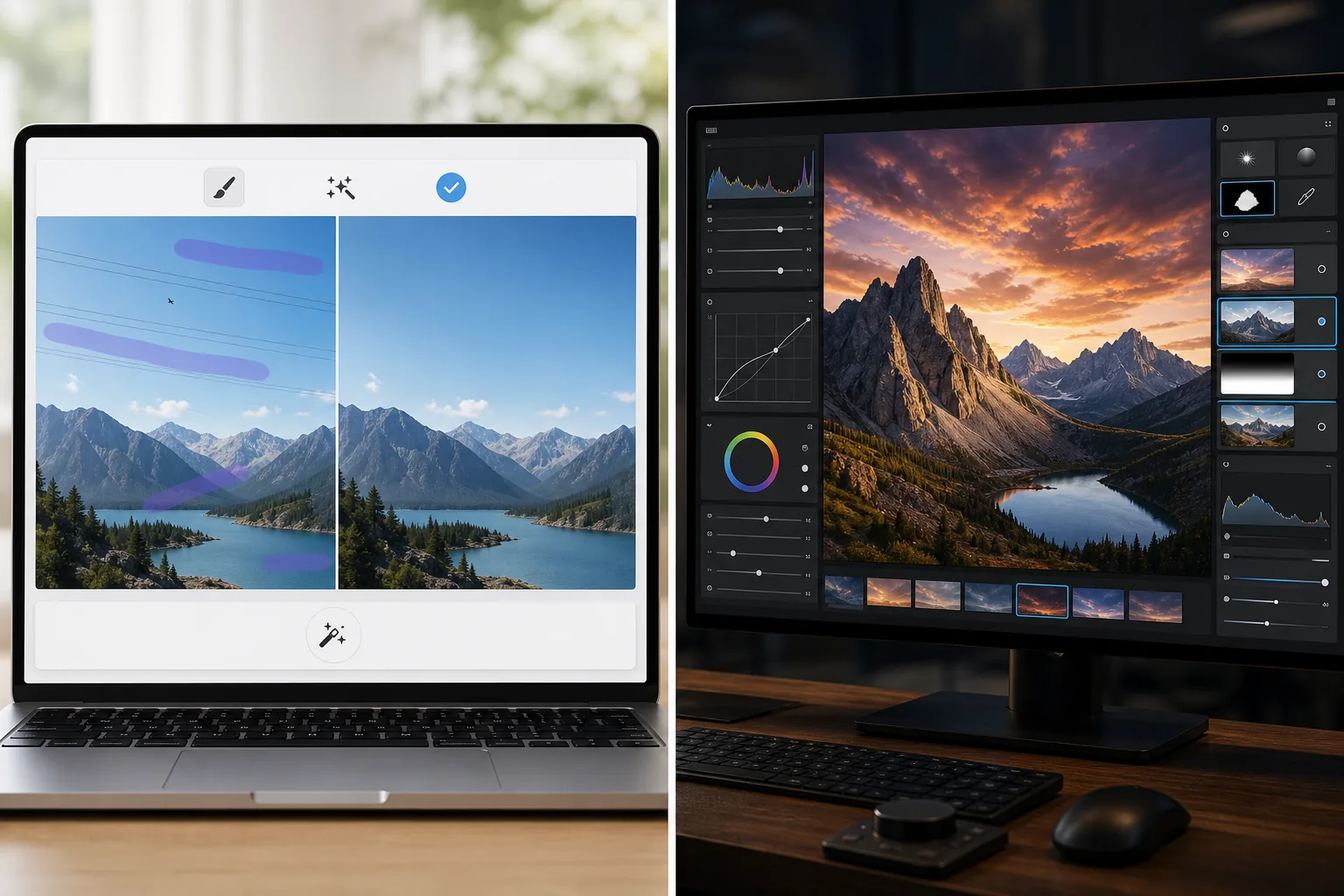
Overview
Magic Eraser focuses on practical AI tasks: remove distractions, erase backgrounds, enhance photos, and create polished visuals quickly from any device.
Luminar Neo is a desktop-first AI photo editor with advanced enhancement, relighting, sky replacement, masking, and creative controls aimed at photographers.
Feature Comparison
Magic Eraser focuses on practical AI tasks: remove distractions, erase backgrounds, enhance photos, and create polished visuals quickly from any device.
Luminar Neo is a desktop-first AI photo editor with advanced enhancement, relighting, sky replacement, masking, and creative controls aimed at photographers.
| Feature | Magic Eraser | Luminar Neo |
|---|---|---|
| AI object removal | Yes | Yes |
| Background removal | Yes | Limited |
| Creative relighting | No | Yes |
| AI enhancement | Yes | Yes — advanced |
| Web editing | Yes | No |
| Mobile access | Yes | Limited |
| Best for | Fast practical edits | Photographer desktop workflows |
| Setup complexity | Low | Medium to high |
Feature rows summarize visible product positioning and should be rechecked against official product pages before purchase, migration, or compliance decisions.
- Last content review June 21, 2026
- Luminar Neo source: official product site (https://skylum.com/luminar)
- Magic Eraser source: https://magiceraser.live/en/product/magic-eraser
- Pricing, feature availability, platform support, and limits can change; recheck official sources before relying on a buying decision.
Pricing Comparison
| Plan | Magic Eraser | Luminar Neo |
|---|---|---|
| Free tier | Free — limited edits | 7-day trial |
| Monthly | $9.99/mo | $14.95/mo |
| Annual | $4.99/mo (billed yearly) | $9.95/mo (billed yearly) |
Prices as of May 2026. Check each provider for current rates.
Pricing rows are snapshots from review time. Free tiers, subscriptions, trials, export limits, and regional availability can change without notice.
- Last content review June 21, 2026
- Luminar Neo source: official product site (https://skylum.com/luminar)
- Magic Eraser source: https://magiceraser.live/en/product/magic-eraser
- Pricing, feature availability, platform support, and limits can change; recheck official sources before relying on a buying decision.
Why Choose Magic Eraser
Quicker for non-photographer teams
Marketing teams, sellers, and creators often care more about speed and consistency than pro-grade desktop controls. Magic Eraser is optimized for that reality.
Stronger browser workflow
Luminar Neo centers around desktop use. Magic Eraser keeps editing accessible from the browser and mobile devices without requiring a workstation setup.
Better for cleanup-first jobs
When your main need is removing clutter, cleaning products, fixing listing photos, or erasing text and people, Magic Eraser gets there faster.
Easy to adopt across a team
Magic Eraser gives teams a simpler standard workflow for recurring image cleanup jobs without deep training in a photographer-oriented interface.
Frequently Asked Questions
Is Luminar Neo more powerful than Magic Eraser?
+
For advanced desktop photography and creative control, yes. For fast AI cleanup and easier cross-device editing, Magic Eraser is often the better fit.
Can Magic Eraser enhance photos like Luminar Neo?
+
Yes. Magic Eraser includes AI enhancement tools for sharpening detail and improving image quality, though Luminar Neo offers a broader professional enhancement toolkit.
Which tool is better for e-commerce teams?
+
Magic Eraser is often better for e-commerce and marketing teams because it is faster for repeatable cleanup, background editing, and presentation-ready image prep.
Does Luminar Neo work in the browser?
+
No. Luminar Neo is primarily desktop-focused. Magic Eraser is browser-based and also available on mobile.
Which editor is easier for beginners?
+
Magic Eraser is easier for beginners because it is built around clear AI editing tasks instead of a more complex photography workflow.
Want AI editing without desktop complexity?
Try Magic Eraser free and get cleaner photos, faster background fixes, and sharper visuals from any device.
Try Magic Eraser freeRelated use cases
See how professionals use these tools in real-world workflows.
Listing photos cluttered with personal items, parked cars, or construction equipment can turn buyers away. Magic Eraser uses AI to clean up your property photos instantly — no Photoshop skills required.
Product listings need clear images before shoppers can judge the item. Magic Eraser helps sellers remove messy backgrounds, table edges, labels, props, glare, and other distractions so each product photo is easier to review before publishing.
Photobombers ruining your travel pics? Messy backgrounds killing your selfie game? Stop wasting hours in Photoshop. Magic Eraser removes distractions, cleans up cluttered shots, and expands your photos to fit any platform format — all in one tap.
Related guides
Explore more guides and editorial content related to this workflow.
Learn how to use Magic Eraser to remove objects, people, text, and distractions from photos with cleaner AI editing results.
Learn how to remove people from photos using AI in seconds. Step-by-step guide for travel photos, real estate shots, and product images.
Step-by-step guide to removing watermarks from your own photos using AI. Learn when it is appropriate, the best techniques, and how Magic Eraser handles it.
Other comparisons
See how Magic Eraser compares to other photo editing tools.
Fotor is a capable all-round AI editor that competes on the big head-term features. Magic Eraser wins on depth: 130+ task-specific removal tools — including the emoji and sticker niches Fotor has no dedicated tool for — each tuned for that exact job. When your need is "remove THIS specific thing," the depth is the difference.
RetouchMe uses human retouchers for portrait and body edits with results delivered in minutes. Magic Eraser uses AI for instant results across object removal, background editing, enhancement, and generative tools — giving you more control and faster turnaround.
AirBrush is a selfie and beauty editor focused on portrait retouching and filters. Magic Eraser is a versatile AI photo editor built for object removal, background removal, enhancement, and generative editing across all photo types.
We tested the top photo editing apps for iPhone to find which ones deliver the best results for AI editing, object removal, enhancement, and creative effects. Here are our picks for the best iPhone photo editors this year.
We tested the top photo editing apps available on Android to compare AI editing, object removal, enhancement, and creative tools. Here are the best Android photo editors this year and how they compare.
Meitu is a popular beauty and selfie editor with extensive portrait filters. Magic Eraser serves a broader range of editing needs — AI object removal, background removal, image enhancement, generative fill, and creative tools — making it the better choice for users who edit more than just selfies.