
Remove Blemishes, Dark Circles & Objects From a Selfie
Facetune is the dominant selfie/portrait retoucher — skin smoothing, teeth whitening, reshaping — and it's excellent at that, on a paid plan. But selfie cleanup is often less about beauty filters and more about removing things: dark circles under the eyes, a blemish, a stray object or photobomber behind you. That's Magic Eraser's core — /remove/dark-circles, /remove/blemishes, and object/background removal — free in your browser, no subscription. Use Facetune when you want full beauty retouching; use Magic Eraser when you just need to erase what's distracting from the shot.
Last updated
Try Magic Eraser freeComparison rows are editorial summaries from the latest page review, not a guarantee of current pricing, limits, watermark policy, batch support, speed, or platform availability.
Overview
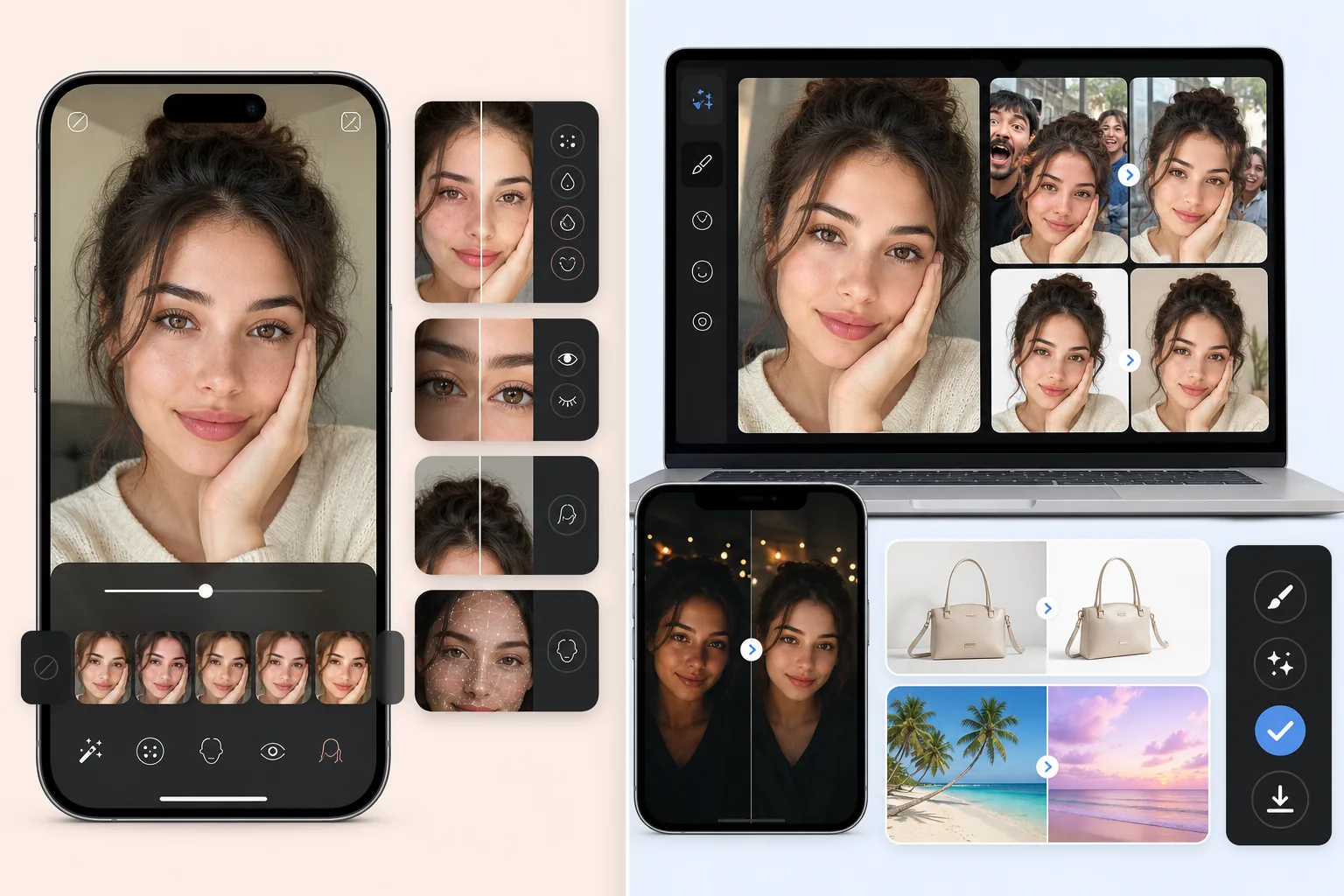
Magic Eraser is a general AI photo editor with the cleanup-and-edit workflow as its center of gravity: Magic Eraser brush for distraction removal, Background Eraser for background swaps, AI Fill for generative fill and outpainting, AI Enhance for sharpening / denoising / upscaling, AI Filter for color grading. The full feature set runs on web, iOS, and Android with a free tier on every platform and a $29.99/year Premium tier. Face and portrait work is supported — Background Eraser cleans backgrounds for headshots, AI Enhance recovers detail in low-light selfies, Magic Eraser brush removes blemishes or stray hairs — but the product isn't optimized around the specialized selfie-retouch workflow Facetune is built for (face-shape adjustments, eye enhancements, body reshaping, specific beauty filters).
Facetune is Lightricks's flagship selfie and portrait editor — 200M+ downloads across iOS and Android with strong cross-installation among creators and influencers. The product surfaces are face retouch (skin smoothing, blemish removal, even-tone correction), face-shape adjustments (jawline, nose, cheekbones), eye enhancements (whitening, brightening, color shift, makeup), teeth whitening, hair (color, style, fly-aways), and body reshaping (slim, expand, posture). Pricing is $69.99/year or $7.99/week ($415/year if you stay on weekly billing), with a Facetune+ subscription that includes additional AI features and Facetune Video. The product targets users editing selfies, portraits, and personal-brand photos where the polish is the primary goal.
Feature Comparison
Magic Eraser is a general AI photo editor with the cleanup-and-edit workflow as its center of gravity: Magic Eraser brush for distraction removal, Background Eraser for background swaps, AI Fill for generative fill and outpainting, AI Enhance for sharpening / denoising / upscaling, AI Filter for color grading. The full feature set runs on web, iOS, and Android with a free tier on every platform and a $29.99/year Premium tier. Face and portrait work is supported — Background Eraser cleans backgrounds for headshots, AI Enhance recovers detail in low-light selfies, Magic Eraser brush removes blemishes or stray hairs — but the product isn't optimized around the specialized selfie-retouch workflow Facetune is built for (face-shape adjustments, eye enhancements, body reshaping, specific beauty filters).
Facetune is Lightricks's flagship selfie and portrait editor — 200M+ downloads across iOS and Android with strong cross-installation among creators and influencers. The product surfaces are face retouch (skin smoothing, blemish removal, even-tone correction), face-shape adjustments (jawline, nose, cheekbones), eye enhancements (whitening, brightening, color shift, makeup), teeth whitening, hair (color, style, fly-aways), and body reshaping (slim, expand, posture). Pricing is $69.99/year or $7.99/week ($415/year if you stay on weekly billing), with a Facetune+ subscription that includes additional AI features and Facetune Video. The product targets users editing selfies, portraits, and personal-brand photos where the polish is the primary goal.
| Feature | Magic Eraser | Facetune |
|---|---|---|
| Primary use case | General AI photo editing | Selfie + portrait retouch |
| Object / distraction removal | One-click Magic Eraser brush | Patch tool, more limited |
| Background removal / swap | One-click Background Eraser | Background Mode (manual selection) |
| Generative AI fill (text-prompt) | Yes — AI Fill with text prompts | Limited generative features |
| AI sharpening / denoising / upscaling | AI Enhance, single action | Filters + AI enhance (separate flow) |
| Color grading / filters | AI Filter presets + adjust | Looks + photo filters |
| Face retouch (skin / blemish / tone) | Magic Eraser brush + AI Enhance | Yes — primary feature, specialized tools |
| Face-shape adjustment (jaw / nose / cheekbones) | Not supported (intentional) | Yes — Reshape tool |
| Eye / teeth / hair enhancements | Not specialized | Yes — dedicated tools |
| Body reshaping | Not supported (intentional) | Yes — primary feature |
| Best workflow shape | General photo editing across many photo types | Selfie + portrait polish |
| Mobile (iOS / Android) | Yes — full feature set | Yes — primary platform |
| Web app | Yes | No (mobile only) |
| Pricing | Free + $29.99/year Premium | $69.99/year or $7.99/week |
Feature rows summarize visible product positioning and should be rechecked against official product pages before purchase, migration, or compliance decisions.
- Last content review May 16, 2026
- Facetune source: official product site (https://www.facetuneapp.com/)
- Magic Eraser source: https://magiceraser.live/en/product/magic-eraser
- Pricing, feature availability, platform support, and limits can change; recheck official sources before relying on a buying decision.
Pricing Comparison
| Plan | Magic Eraser | Facetune |
|---|---|---|
| Free tier | Free — limited edits | Free — basic features |
| Monthly | $9.99/mo | $9.99/mo (VIP) |
| Annual | $4.99/mo (billed yearly) | $4.17/mo (VIP, billed yearly) |
Prices as of May 2026. Check each provider for current rates.
Pricing rows are snapshots from review time. Free tiers, subscriptions, trials, export limits, and regional availability can change without notice.
- Last content review May 16, 2026
- Facetune source: official product site (https://www.facetuneapp.com/)
- Magic Eraser source: https://magiceraser.live/en/product/magic-eraser
- Pricing, feature availability, platform support, and limits can change; recheck official sources before relying on a buying decision.
Why Choose Magic Eraser
General photo editing that handles every photo type, not just selfies
Facetune is exceptional at what it does — selfie and portrait polish — but the product shape doesn't extend to product photos, real-estate listings, food photography, social-promo graphics, or any non-portrait editing task. Users who shoot a mix of personal selfies AND product photos AND lifestyle imagery either run multiple specialized tools (Facetune for selfies, something else for products) or settle for sub-optimal results on the non-selfie photos. Magic Eraser handles selfies and portraits via Background Eraser + AI Enhance + Magic Eraser brush plus every other photo type via the same unified workflow. For users whose photo work includes selfies but isn't limited to them, the general AI editor is the right shape.
Cross-platform web + iOS + Android — Facetune is mobile-only
Facetune is iOS and Android only with no web app, which means desktop editing requires using the mobile app (impractical for batch work) or switching to a different tool entirely for desktop sessions. Magic Eraser ships native iOS and Android apps alongside the web app, with full feature parity across all three. For users who edit on desktop (small-business owners working on product catalogs, indie authors prepping covers, podcasters batch-producing per-episode graphics, course creators producing lesson screenshots), the web availability is a meaningful operational advantage; for users editing only on phone, both tools cover the platform but the cross-device sync via the web app is still useful for the occasional desktop touch-up.
Generative AI Fill with text-prompt control that Facetune doesn't offer
Facetune's product surface is selfie-and-portrait retouch operations — the AI features are calibrated for that use case (skin smoothing, face reshape, eye enhancement, beauty filters). Magic Eraser's AI Fill exposes text-prompt control for generative-content addition into a photo: 'warm wood texture matching the foreground,' 'sunset sky above the existing horizon,' 'beige limestone facade with three arched windows.' For workflows that need new content generated into the photo rather than face polish (real-estate virtual staging, product-photo background generation, social-promo backgrounds, scaffolding-covered landmark reconstruction), Magic Eraser's prompt-driven generation is the right shape; Facetune handles a different problem space.
$29.99/year Premium vs $69.99/year Facetune — less than half the price for general editing
Facetune is $69.99/year on annual billing or $7.99/week ($415/year if you stay on weekly billing — and the weekly default is what most casual users land on). Magic Eraser Premium is $29.99/year for effectively unlimited use of every feature including the cleanup + background swap + AI Fill + AI Enhance + AI Filter stack. For users whose work doesn't need Facetune's specialized face-reshape / eye-enhance / body-reshape tools, paying $69.99-415/year for the selfie-specialized feature set is overpay for the general editing they actually do. Users who specifically want Facetune's selfie-retouch specialization should pay for it; users whose photo work is broader should pay less for the broader general tool.
Free tier indefinite vs Facetune's 7-day trial then subscription required
Facetune offers a 7-day free trial after which the subscription is required to keep using the product (the free tier is heavily watermarked and limited in features). Magic Eraser's free tier exports unwatermarked images with daily usage limits, indefinitely. For users editing 5-15 photos a week — the typical creator and small-business volume — the free tier supports real work without paying. For users who upgrade, $29.99/year Premium is less than half of Facetune's annual subscription. The pricing isn't directly comparable (Facetune is a specialized portrait product; Magic Eraser is a general editor) but for users whose work is broader than selfie-retouch, the general-editor pricing is the right shape.
Frequently Asked Questions
Is Magic Eraser a replacement for Facetune?
+
No — they solve different problems. Facetune is a specialist selfie and portrait editor optimized for face retouch, skin smoothing, face-shape adjustments, eye enhancement, teeth whitening, hair, and body reshaping. Magic Eraser is a general AI photo editor optimized for cleanup, background swap, generative fill, AI Enhance, and AI Filter across every photo type. For users whose primary photo work is selfies and personal portraits with deep retouch needs (face reshape, body reshape, specific beauty filters), Facetune is the right tool. For users whose photo work spans product photos, real-estate, food photography, social-promo graphics, and occasional selfies that just need basic cleanup and color grade, Magic Eraser is the right tool. Many users run both — Facetune for selfie sessions, Magic Eraser for general editing across the rest of their photo work.
Does Magic Eraser do face retouch like Facetune?
+
Partially. Magic Eraser's brush handles blemish removal, stray-hair cleanup, distracting-element cleanup around the face, background swaps for clean headshot backgrounds, and AI Enhance recovers low-light selfie detail and sharpens. What Magic Eraser intentionally doesn't include: face-shape adjustments (jawline, nose, cheekbones), body reshaping, specialized eye enhancements (whitening, color shift, makeup overlays), teeth whitening as a one-tap operation, and specialized beauty filters. The product positioning is around general editing where face polish is one of many possible operations, not the central use case. For users wanting Facetune's depth on face-specialized operations, Facetune is the right tool.
What's the right tool for a professional LinkedIn headshot from a phone selfie?
+
Magic Eraser is the better pick for this workflow. The LinkedIn-headshot prep workflow is: clean background (swap to brand-color solid), enhance the source quality (sharpen, denoise, recover detail), light blemish cleanup, consistent color grade. Magic Eraser's Background Eraser + AI Enhance + Magic Eraser brush + AI Filter handles all four in one workflow. Facetune's face-reshape and body-reshape features actively work against the professional-headshot use case — recruiters and hiring managers scan headshots for authenticity signals, and an obviously-retouched face reshape often reads as 'this photo doesn't represent the person' which damages the headshot's product-marketing job. For professional headshots specifically, Magic Eraser's lighter cleanup-focused approach produces better results than Facetune's polish-heavy default.
What's the right tool for editing personal selfies for social media before posting?
+
Facetune is the more efficient pick for this workflow, especially if the use case is the polish-the-selfie-before-Instagram pattern that Facetune is built for. The product's specialized tools (one-tap skin smoothing, eye enhancement, teeth whitening, light face-reshape if desired) are calibrated for exactly this use case and produce results faster than Magic Eraser's general workflow. Magic Eraser can do the cleanup-and-color-grade leg but isn't optimized for the deep-polish leg the way Facetune is. For users whose social-media workflow involves heavy selfie retouch as the primary use case, Facetune's specialization is the right shape.
Can I use both Magic Eraser and Facetune together?
+
Yes, and the hybrid workflow makes sense for creators whose photo work spans both deep-selfie-retouch and broader editing needs. Facetune handles the selfie-and-portrait sessions where face retouch / skin smoothing / eye enhancement / face reshape are the primary operations. Magic Eraser handles the broader editing — product photos, real-estate shots, social-promo graphics, A+ Content, book covers, food photography, lifestyle imagery, brand assets — where general AI editing is needed. Cost: Facetune $69.99/year + Magic Eraser Premium $29.99/year = under $100/year for both, comparable to a single Adobe Photography Plan but covering very different operational shapes.
What's the privacy and data-retention difference between the two?
+
Both products process photos in their respective cloud or on-device pipelines. Check each product's current privacy policy for specifics on retention, model training data use, and data deletion. As a general operational principle for any AI photo editor: avoid uploading photos containing sensitive personal information (children with identifying context, medical imagery, photos with visible private documents) to any cloud-processing service without first reviewing the service's data-handling commitments. For Magic Eraser specifically, the magic-eraser-privacy-retention-deletion blog post on the same site documents the data-handling commitments in detail.
Does the AI handle the ethical concerns around heavy beauty filtering?
+
This is a product-positioning difference rather than a technical capability difference. Facetune's product surface (face-reshape, body-reshape, specialized beauty filters) is designed around the use case where users actively want the polish-heavy result. Magic Eraser's intentional non-inclusion of those operations reflects a product-positioning choice toward general editing rather than specialized beauty filtering — the product targets workflows where the goal is 'clean, well-edited photo' rather than 'idealized version of the person.' For users and audiences concerned about authentic representation in personal photos, the lighter cleanup-focused approach is the safer default; for users explicitly wanting the beauty-polish use case, Facetune's specialization is the appropriate tool with disclosure considerations that go beyond the tool choice itself.
General AI editing instead of selfie specialization
Magic Eraser handles the full range of photo work — cleanup, background swap, generative AI fill, AI Enhance, AI Filter — across every photo type. Web, iOS, and Android with a free tier on every platform; $29.99/year Premium is less than half of Facetune's annual subscription.
Try Magic Eraser freeRelated use cases
See how professionals use these tools in real-world workflows.
Listing photos cluttered with personal items, parked cars, or construction equipment can turn buyers away. Magic Eraser uses AI to clean up your property photos instantly — no Photoshop skills required.
Product listings need clear images before shoppers can judge the item. Magic Eraser helps sellers remove messy backgrounds, table edges, labels, props, glare, and other distractions so each product photo is easier to review before publishing.
Photobombers ruining your travel pics? Messy backgrounds killing your selfie game? Stop wasting hours in Photoshop. Magic Eraser removes distractions, cleans up cluttered shots, and expands your photos to fit any platform format — all in one tap.
Related guides
Explore more guides and editorial content related to this workflow.
Learn how to use Magic Eraser to remove objects, people, text, and distractions from photos with cleaner AI editing results.
Learn how to remove people from photos using AI in seconds. Step-by-step guide for travel photos, real estate shots, and product images.
Step-by-step guide to removing watermarks from your own photos using AI. Learn when it is appropriate, the best techniques, and how Magic Eraser handles it.
Other comparisons
See how Magic Eraser compares to other photo editing tools.
We tested and compared the top AI photo editing tools so you don't have to. From object removal to background replacement, see which editor delivers the best results for your workflow.
Adobe Photoshop is powerful, but most people only use a fraction of its features. Magic Eraser delivers the photo cleanup tools you actually need — object removal, background removal, AI enhancement, and generative fill — in a simpler interface that works on web and mobile with no subscription required to start.
Tried to remove an object or background and hit a Pro paywall in Canva, Adobe Express/Photoshop, or Fotor? Magic Eraser does the same job — object removal, background removal, watermark cleanup, and enhancement — for free. No subscription, and no watermark stamped on your download.
If you searched for magic-eraser.io and landed here, note that these are two separate, unaffiliated products with similar names. Magic Eraser at magiceraser.live offers limited free photo cleanup, watermark-free exports, 100+ task-specific removal tools, and iOS and Android apps. Try it as your alternative and decide which fits your workflow.
Pixelcut is a strong AI editor built around e-commerce product photography — and its object-removal feature is even called "Magic Eraser," which is where a lot of the confusion starts. If you're shopping for a Pixelcut alternative, Magic Eraser (at magiceraser.live) is a separate, general-purpose tool: erase objects, people, text, and backgrounds on any kind of photo, with a genuinely free tier that adds no watermark and asks for. Rated 4.9 from over 559,700 users, on web, iOS, and Android.
Adobe Express is built template-first — you start from a design, and the object/background erase tools live a few menus deep inside the content-creation suite. When you just need something gone from a photo, that's friction. Magic Eraser opens straight to the canvas: upload, brush over what you want removed, erase, download. A faster alternative when the job is photo cleanup, not designing a post.