
The Adobe Express Alternative That Opens Straight to Erase
Adobe Express is built template-first — you start from a design, and the object/background erase tools live a few menus deep inside the content-creation suite. When you just need something gone from a photo, that's friction. Magic Eraser opens straight to the canvas: upload, brush over what you want removed, erase, download. A faster alternative when the job is photo cleanup, not designing a post.
Last updated
Try Magic Eraser freeComparison rows are editorial summaries from the latest page review, not a guarantee of current pricing, limits, watermark policy, batch support, speed, or platform availability.
Overview
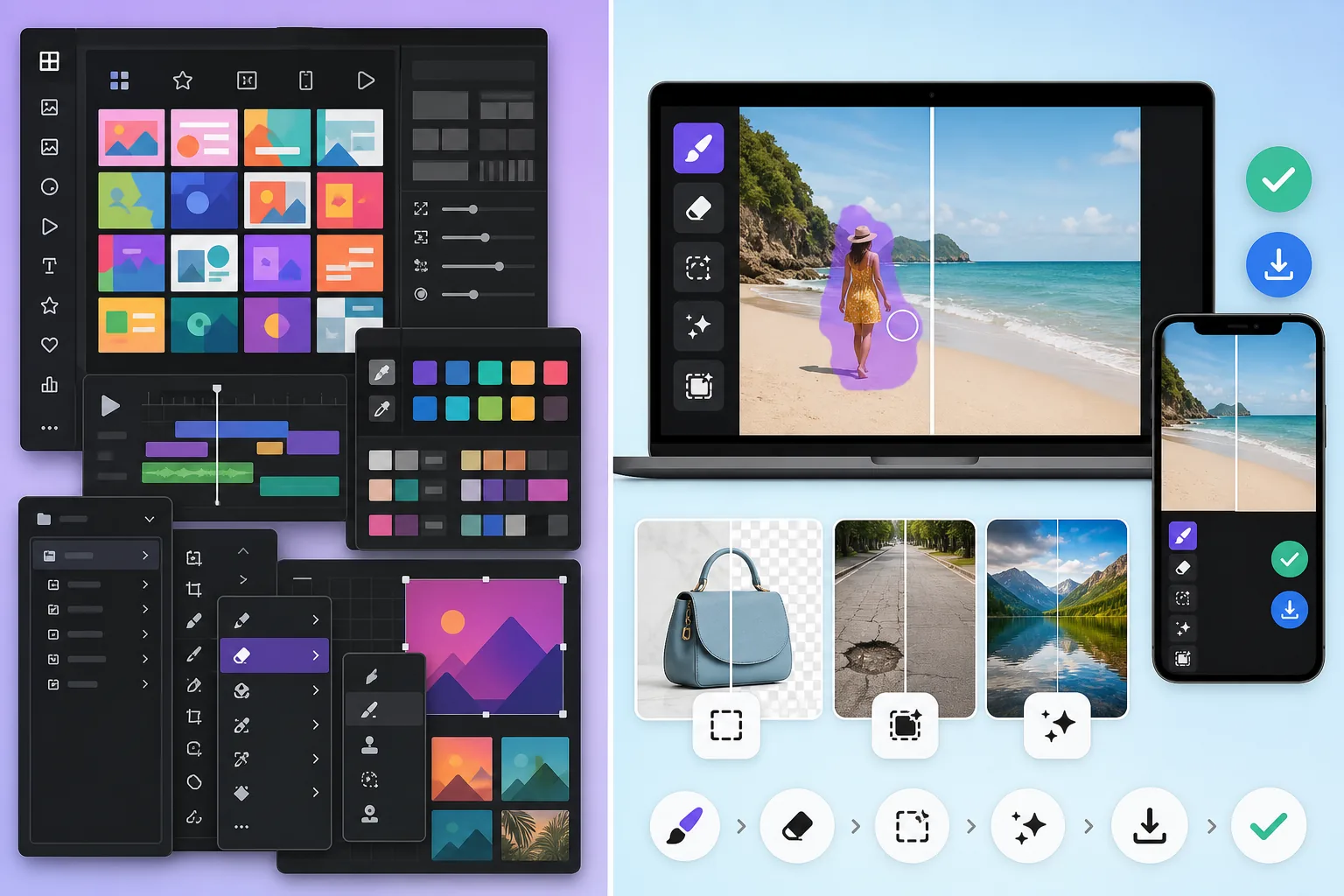
Magic Eraser is a focused AI photo editor for cleanup tasks: erase people, remove watermarks, replace backgrounds, generative-fill missing detail, and enhance dish or product shots — across web, iOS, and Android with a free tier on every platform.
Adobe Express is a design-and-content creation suite for social posts, flyers, presentations, and short videos. Its photo editing tools sit alongside template design, video timelines, and brand kits, and are powered by Adobe Firefly with Creative Cloud integration.
Feature Comparison
Magic Eraser is a focused AI photo editor for cleanup tasks: erase people, remove watermarks, replace backgrounds, generative-fill missing detail, and enhance dish or product shots — across web, iOS, and Android with a free tier on every platform.
Adobe Express is a design-and-content creation suite for social posts, flyers, presentations, and short videos. Its photo editing tools sit alongside template design, video timelines, and brand kits, and are powered by Adobe Firefly with Creative Cloud integration.
| Feature | Magic Eraser | Adobe Express |
|---|---|---|
| Object removal | Yes — dedicated AI tool | Yes — Firefly-powered |
| Background removal | Yes — core feature, free tier | Yes — Premium feature |
| Generative fill | Yes — AI Fill core feature | Yes — Firefly-powered |
| Image enhancement | Yes — AI Enhance | Limited (presets-driven) |
| Design templates | No | Yes — extensive library |
| Brand kit / brand controls | No | Yes — Premium tier |
| Video editing | No | Yes — short-form |
| Pricing | Free + $29.99/year Premium | Free + $9.99/month Premium |
| Best workflow | Photo cleanup first | Design + content first |
| Platforms | Web + iOS + Android | Web + iOS + Android |
| Time to first edit | Under 10 seconds | Template-flow dependent |
Feature rows summarize visible product positioning and should be rechecked against official product pages before purchase, migration, or compliance decisions.
- Last content review June 21, 2026
- Adobe Express source: official product site (https://www.adobe.com/express/)
- Magic Eraser source: https://magiceraser.live/en/product/magic-eraser
- Pricing, feature availability, platform support, and limits can change; recheck official sources before relying on a buying decision.
Pricing Comparison
| Plan | Magic Eraser | Adobe Express |
|---|---|---|
| Free tier | Free — limited edits | Free — basic features |
| Monthly | $9.99/mo | $9.99/mo (Premium) |
| Annual | $4.99/mo (billed yearly) | $9.99/mo (Premium, billed yearly) |
Prices as of May 2026. Check each provider for current rates.
Pricing rows are snapshots from review time. Free tiers, subscriptions, trials, export limits, and regional availability can change without notice.
- Last content review June 21, 2026
- Adobe Express source: official product site (https://www.adobe.com/express/)
- Magic Eraser source: https://magiceraser.live/en/product/magic-eraser
- Pricing, feature availability, platform support, and limits can change; recheck official sources before relying on a buying decision.
Why Choose Magic Eraser
Faster on photo-only tasks
Magic Eraser opens directly to the editing canvas. Adobe Express opens to a template chooser and design canvas. If your task is 'clean this photo,' Magic Eraser saves you the design-flow detour every time.
Free tier covers the core cleanup workflow
Magic Eraser's free tier includes object removal, background removal, and AI enhancement with daily usage limits. Adobe Express puts most equivalents behind the Premium tier or Firefly generative-credits paywall, which adds up quickly for high-volume photo work.
Lower price for photo-first users
$29.99/year (Magic Eraser Premium) vs $9.99/month / $99.99/year (Adobe Express Premium). For users who only need photo cleanup, not the full design suite, the price gap is meaningful.
Cleaner mobile workflow
Magic Eraser's iOS and Android apps are built around the brush-and-erase loop on a phone screen. Adobe Express's mobile apps inherit the design-suite affordances, which adds friction when the task is single-photo cleanup.
Used in combination with Adobe Express
Many teams use Magic Eraser to clean up the source photo, then bring the result into Adobe Express for the layout, text overlay, or video frame. Magic Eraser is the upstream image-prep step; Adobe Express is the downstream composition step.
Frequently Asked Questions
Is Magic Eraser better than Adobe Express for object removal?
+
For dedicated object cleanup on a single photo, Magic Eraser is usually faster because it opens directly to the editing canvas with no design-flow detour. Adobe Express's Firefly-powered object removal is technically capable but sits inside a heavier interface. For users editing one photo at a time, the speed difference compounds quickly.
Which has better background removal?
+
Both produce comparable cutouts on most subjects. The difference is access: Magic Eraser includes background removal in the free tier; Adobe Express makes it a Premium feature. For a free-tier user with high-volume background removal needs, Magic Eraser is the cheaper path.
Does Adobe Express have generative fill?
+
Yes, powered by Adobe Firefly. Firefly is generally regarded as a top-tier generative-fill model, on par with the strongest commercial competitors. Magic Eraser's AI Fill is also competitive. For users already on Creative Cloud, Adobe Express's Firefly integration may feel more native; for users who want fast generative fill without learning Creative Cloud, Magic Eraser is more direct.
What about price — which is cheaper?
+
Magic Eraser Premium is $29.99/year. Adobe Express Premium is $9.99/month or about $99.99/year. The gap matters most for users who only need photo cleanup, not the full Adobe Express design suite. If you need template-based design and brand controls in addition to photo editing, Adobe Express's price is reasonable for what it includes.
Should I use both tools together?
+
Yes, this is the common pattern for marketing teams. Use Magic Eraser to clean the source photo (remove distractions, replace background, enhance detail). Then bring the polished image into Adobe Express for layout work, text overlays, branded social posts, or short-form video frames. The two tools complement each other rather than overlap.
Which is better for batch photo editing?
+
Magic Eraser is better for batch single-photo cleanup (24 dishes for a delivery menu, 36 portraits for a salon gallery, 40 listing photos for a contractor's Google Business Profile). Adobe Express is better for batch template-based creative output (12 social posts in a series, weekly newsletter graphics). Match the tool to the work shape.
Does Magic Eraser work without Creative Cloud or an Adobe account?
+
Yes. Magic Eraser is standalone — no Adobe account, no Creative Cloud subscription, no Firefly credit accounting. The free tier and Premium tier both run as independent products on web, iOS, and Android. For users avoiding the Adobe ecosystem, this is often the deciding factor.
Want photos clean before they hit the design canvas?
Use Magic Eraser to remove distractions, replace backgrounds, and enhance dish or product shots — then bring polished images into Adobe Express or any design tool for the composition step.
Try Magic Eraser freeRelated use cases
See how professionals use these tools in real-world workflows.
Listing photos cluttered with personal items, parked cars, or construction equipment can turn buyers away. Magic Eraser uses AI to clean up your property photos instantly — no Photoshop skills required.
Product listings need clear images before shoppers can judge the item. Magic Eraser helps sellers remove messy backgrounds, table edges, labels, props, glare, and other distractions so each product photo is easier to review before publishing.
Photobombers ruining your travel pics? Messy backgrounds killing your selfie game? Stop wasting hours in Photoshop. Magic Eraser removes distractions, cleans up cluttered shots, and expands your photos to fit any platform format — all in one tap.
Related guides
Explore more guides and editorial content related to this workflow.
Learn how to use Magic Eraser to remove objects, people, text, and distractions from photos with cleaner AI editing results.
Learn how to remove people from photos using AI in seconds. Step-by-step guide for travel photos, real estate shots, and product images.
Step-by-step guide to removing watermarks from your own photos using AI. Learn when it is appropriate, the best techniques, and how Magic Eraser handles it.
Other comparisons
See how Magic Eraser compares to other photo editing tools.
We tested and compared the top AI photo editing tools so you don't have to. From object removal to background replacement, see which editor delivers the best results for your workflow.
Adobe Photoshop is powerful, but most people only use a fraction of its features. Magic Eraser delivers the photo cleanup tools you actually need — object removal, background removal, AI enhancement, and generative fill — in a simpler interface that works on web and mobile with no subscription required to start.
Tried to remove an object or background and hit a Pro paywall in Canva, Adobe Express/Photoshop, or Fotor? Magic Eraser does the same job — object removal, background removal, watermark cleanup, and enhancement — for free. No subscription, and no watermark stamped on your download.
If you searched for magic-eraser.io and landed here, note that these are two separate, unaffiliated products with similar names. Magic Eraser at magiceraser.live offers limited free photo cleanup, watermark-free exports, 100+ task-specific removal tools, and iOS and Android apps. Try it as your alternative and decide which fits your workflow.
Pixelcut is a strong AI editor built around e-commerce product photography — and its object-removal feature is even called "Magic Eraser," which is where a lot of the confusion starts. If you're shopping for a Pixelcut alternative, Magic Eraser (at magiceraser.live) is a separate, general-purpose tool: erase objects, people, text, and backgrounds on any kind of photo, with a genuinely free tier that adds no watermark and asks for. Rated 4.9 from over 559,700 users, on web, iOS, and Android.
The names overlap on purpose-built confusion: Pixelcut's object-removal feature is called “Magic Eraser,” and Magic Eraser is also a standalone app at magiceraser.live. Both run on web, iOS, and Android with free and paid tiers. Pixelcut leans into e-commerce product photos with templates; the Magic Eraser app is purpose-built for fast AI cleanup across every kind of photo. This comparison shows which one to use — and which you were probably looking for.