
Удалить текст с фотографии
Удалите текст с ваших фотографий за секунды с помощью Magic Eraser. ИИ автоматически восстанавливает фон. Бесплатно на iOS, Android и в интернете.
Последнее обновление
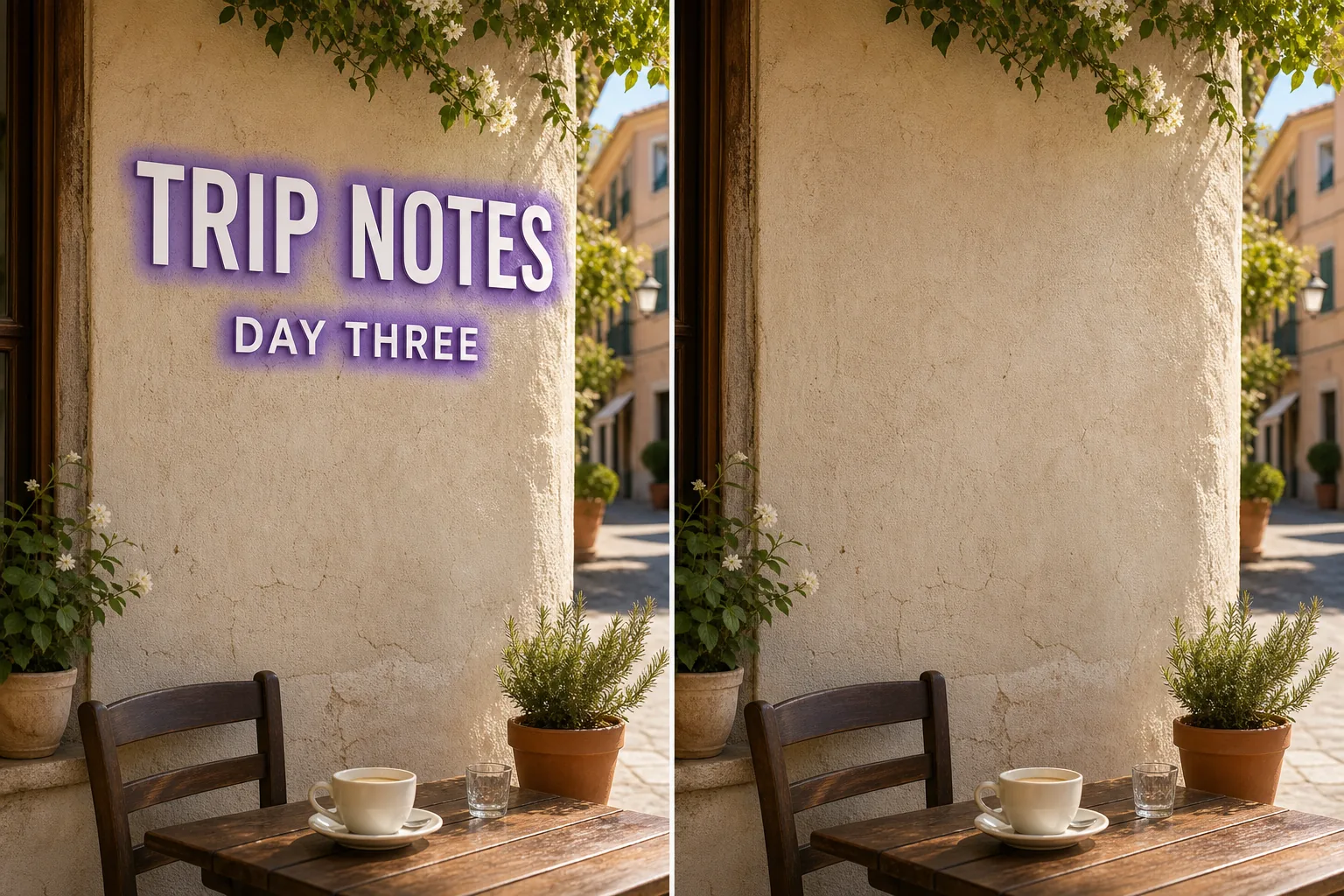
Как работает ИИ-удаление: текст
Удалите текст с ваших фотографий за секунды с помощью Magic Eraser. ИИ автоматически восстанавливает фон. Бесплатно на iOS, Android и в интернете. Откройте Magic Eraser в интернете, на iOS или Android и загрузите фото с объектом (текст), который хотите удалить. Поддерживаются JPEG, PNG и WebP. Закрасьте кистью текст, который нужно удалить. Используйте кисть чуть шире объекта — так ИИ создаст более чистые края. ИИ восстановит фон за секунды. Проверьте результат, доработайте кистью ретуши при необходимости и экспортируйте в полном разрешении.
Пошаговая инструкция
- 1
Загрузите фото
Откройте Magic Eraser в интернете, на iOS или Android и загрузите фото с объектом (текст), который хотите удалить. Поддерживаются JPEG, PNG и WebP.
- 2
Закрасьте область
Закрасьте кистью текст, который нужно удалить. Используйте кисть чуть шире объекта — так ИИ создаст более чистые края.
- 3
Удалите и скачайте
ИИ восстановит фон за секунды. Проверьте результат, доработайте кистью ретуши при необходимости и экспортируйте в полном разрешении.
Лучше всего подходит для
- Откройте Magic Eraser в интернете, на iOS или Android и загрузите фото с объектом (текст), который хотите удалить. Поддерживаются JPEG, PNG и WebP.
- Закрасьте кистью текст, который нужно удалить. Используйте кисть чуть шире объекта — так ИИ создаст более чистые края.
- ИИ восстановит фон за секунды. Проверьте результат, доработайте кистью ретуши при необходимости и экспортируйте в полном разрешении.
- Бесплатно ли удалять текст с фотографии?
- Сколько времени занимает удаление?
- Работает ли на мобильных устройствах?
- Сохраняется ли качество изображения?
Важные замечания
Обычно несколько секунд. ИИ обрабатывает выделенную область и восстанавливает фон практически мгновенно. Нет. ИИ сохраняет исходное разрешение и качество фотографии. Восстановленная область соответствует освещению, цвету и текстуре окружения.
Часто задаваемые вопросы
- Бесплатно ли удалять текст с фотографии?
- Да. Бесплатный план Magic Eraser включает удаление текст с ежедневными лимитами использования. Premium ($29,99/год) снимает лимиты и открывает экспорт в высоком разрешении.
- Сколько времени занимает удаление?
- Обычно несколько секунд. ИИ обрабатывает выделенную область и восстанавливает фон практически мгновенно.
- Работает ли на мобильных устройствах?
- Да. Magic Eraser работает на iOS, Android и в веб-браузере. Вы можете удалить текст с любого устройства.
- Сохраняется ли качество изображения?
- Нет. ИИ сохраняет исходное разрешение и качество фотографии. Восстановленная область соответствует освещению, цвету и текстуре окружения.