
Magic Eraser vs Watermark Remover.io: One Tool or Many?
Magic Eraser की Watermark Remover.io से तुलना करें। फ़ीचर, कीमत और उपयोग में आसानी एक साथ देखें। जानें AI फ़ोटो एडिटिंग के लिए Magic Eraser बेहतर क्यों है।
Last updated
Magic Eraser मुफ़्त आज़माएंComparison rows are editorial summaries from the latest page review, not a guarantee of current pricing, limits, watermark policy, batch support, speed, or platform availability.
अवलोकन
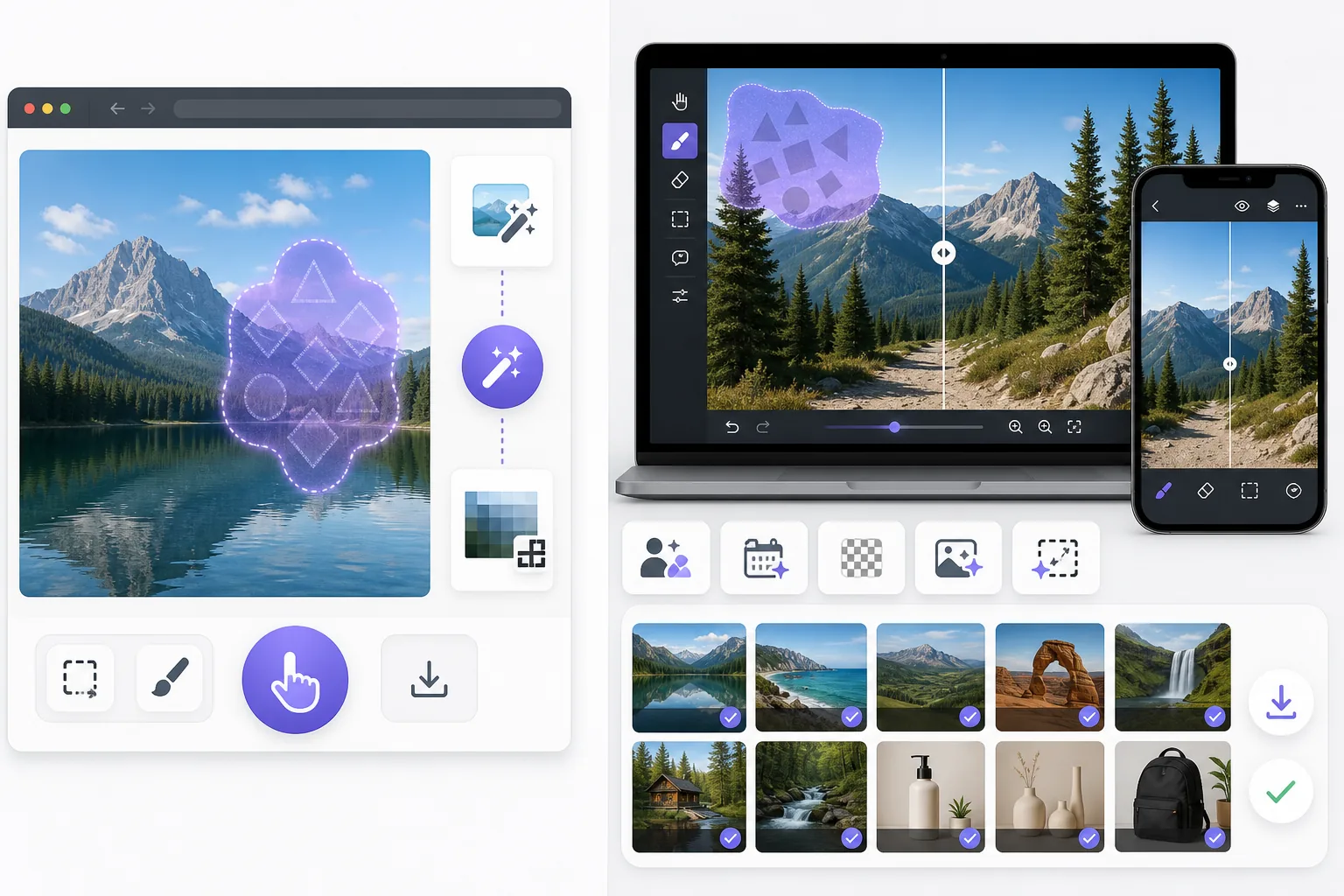
Magic Eraser एक मुफ़्त वेब-आधारित AI फ़ोटो एडिटर है जिसमें ऑब्जेक्ट रिमूवल, बैकग्राउंड रिमूवल, फ़ोटो एन्हांसमेंट, इमेज एक्सपेंशन, AI फ़िल, AI फ़िल्टर और बैच प्रोसेसिंग शामिल है। किसी भी ब्राउज़र वाले डिवाइस पर काम करता है — इंस्टॉलेशन ज़रूरी नहीं।
Watermark Remover.io is a single-purpose web tool that auto-detects and removes watermarks in one click. It is fast for simple cases, but it does only watermark removal, runs the removal automatically without manual control, and offers no broader editing once the watermark is gone.
फ़ीचर तुलना
Magic Eraser एक मुफ़्त वेब-आधारित AI फ़ोटो एडिटर है जिसमें ऑब्जेक्ट रिमूवल, बैकग्राउंड रिमूवल, फ़ोटो एन्हांसमेंट, इमेज एक्सपेंशन, AI फ़िल, AI फ़िल्टर और बैच प्रोसेसिंग शामिल है। किसी भी ब्राउज़र वाले डिवाइस पर काम करता है — इंस्टॉलेशन ज़रूरी नहीं।
Watermark Remover.io is a single-purpose web tool that auto-detects and removes watermarks in one click. It is fast for simple cases, but it does only watermark removal, runs the removal automatically without manual control, and offers no broader editing once the watermark is gone.
| Feature | Magic Eraser | Watermark Remover.io |
|---|---|---|
| Watermark removal | Yes — AI brush, manual control | Yes — one-click auto |
| Object / person removal | Yes — 130+ tools | No |
| Emoji / sticker removal | Yes — dedicated tools | No |
| Background removal | Yes | No |
| AI enhancement / upscale | Yes | No |
| Generative fill | Yes | No |
| Batch processing | Yes | Limited |
| Sign-in required to start | Yes | Yes |
| Best for | All-in-one photo cleanup | Quick one-off watermark strip |
Feature rows summarize visible product positioning and should be rechecked against official product pages before purchase, migration, or compliance decisions.
- Last content review June 21, 2026
- Watermark Remover.io source: official product site (https://www.watermarkremover.io/)
- Magic Eraser source: https://magiceraser.live/hi/product/magic-eraser
- Pricing, feature availability, platform support, and limits can change; recheck official sources before relying on a buying decision.
कीमत तुलना
| Plan | Magic Eraser | Watermark Remover.io |
|---|---|---|
| Free tier | Free — sign-in required | Free — reduced resolution |
| Monthly | $9.99/mo | Subscription (varies) |
| Annual | $4.99/mo (billed yearly) | Discounted annual |
Prices as of June 2026. Check each provider for current rates.
Pricing rows are snapshots from review time. Free tiers, subscriptions, trials, export limits, and regional availability can change without notice.
- Last content review June 21, 2026
- Watermark Remover.io source: official product site (https://www.watermarkremover.io/)
- Magic Eraser source: https://magiceraser.live/hi/product/magic-eraser
- Pricing, feature availability, platform support, and limits can change; recheck official sources before relying on a buying decision.
Magic Eraser के फ़ायदे
Manual control on hard watermarks
A fully automated pass works on a clean watermark over a simple background, but struggles when a logo sits over a busy scene or a face. Magic Eraser's AI brush lets you mark exactly what to remove, so complex or partial watermarks come out cleanly without erasing the content around them.
One tool for every removal
Most photos that need a watermark gone also need other fixes — a stray object, a date stamp, a photobomber. Watermark Remover.io stops at watermarks; Magic Eraser handles all of them in the same editor, so you don't bounce between single-purpose sites.
Cleanup continues after removal
Once the watermark is gone you often want to enhance, upscale, or expand the image. Magic Eraser carries the edit through the full pipeline. Watermark Remover.io returns a cleaned file and nothing more.
Reconstruction, not just deletion
Magic Eraser's generative fill rebuilds the area a watermark covered using scene context, rather than blurring or smearing it. That matters most when the watermark overlaps important detail.
अक्सर पूछे जाने वाले सवाल
क्या Magic Eraser मुफ़्त है?
+
हाँ, Magic Eraser आपको तुरंत मुफ़्त में फ़ोटो एडिट करने देता है। साइन अप या इंस्टॉलेशन ज़रूरी नहीं। अनलिमिटेड प्रोसेसिंग के लिए Pro प्लान में अपग्रेड कर सकते हैं।
Magic Eraser की तुलना Watermark Remover.io से कैसे होती है?
+
Magic Eraser एक प्लेटफ़ॉर्म पर 8 AI टूल्स को जोड़ता है — ऑब्जेक्ट रिमूवल, बैकग्राउंड रिमूवल, एन्हांसमेंट, एक्सपेंशन, AI फ़िल, AI फ़िल्टर, AI इमेज जनरेशन और डिज़ाइन। Watermark Remover.io की तुलना में, Magic Eraser बिना सॉफ़्टवेयर इंस्टॉल किए ज़्यादा फ़ीचर देता है।
क्या Magic Eraser मोबाइल पर काम करता है?
+
हाँ, Magic Eraser iOS, Android और वेब पर उपलब्ध है। आप डिवाइस के बीच आसानी से स्विच कर सकते हैं।
क्या मुझे अकाउंट बनाना होगा?
+
नहीं, आप बिना अकाउंट बनाए तुरंत एडिटिंग शुरू कर सकते हैं। बस ब्राउज़र खोलें और शुरू करें।
Magic Eraser आज़माने के लिए तैयार हैं?
अपनी पहली फ़ोटो मुफ़्त में एडिट करें — साइन अप ज़रूरी नहीं।
Magic Eraser मुफ़्त आज़माएंसंबंधित उपयोग के मामले
देखें कि पेशेवर इन उपकरणों का कैसे उपयोग करते हैं।
निजी सामान, खड़ी कारों या निर्माण उपकरणों से भरी लिस्टिंग तस्वीरें खरीदारों को दूर कर सकती हैं। Magic Eraser आपकी प्रॉपर्टी तस्वीरों को तुरंत साफ करने के लिए AI का उपयोग करता है — Photoshop कौशल की कोई जरूरत नहीं।
धुंधले बैकग्राउंड और बिखरी हुई प्रोडक्ट तस्वीरें हर दिन आपकी बिक्री घटाती हैं। Magic Eraser आपको सेकंडों में साफ, प्रोफेशनल प्रोडक्ट इमेज बनाने में मदद करता है — Photoshop की जरूरत नहीं। बस अपलोड करें, ध्यान भटकाने वाली चीजें मिटाएँ, और भरोसे के साथ लिस्ट करें।
अनचाहे लोग आपकी ट्रैवल तस्वीरें खराब कर रहे हैं? गंदा बैकग्राउंड आपकी सेल्फी बिगाड़ रहा है? Photoshop में घंटों बर्बाद करना बंद करें। Magic Eraser ध्यान भटकाने वाली चीज़ें हटाता है, बिखरी हुई तस्वीरें साफ करता है और आपकी फोटो को किसी भी प्लेटफॉर्म फॉर्मेट के लिए बढ़ाता है — सब एक टैप में।
संबंधित गाइड
इस वर्कफ़्लो से संबंधित और गाइड देखें।
जानें कि Magic Eraser से फ़ोटो में ऑब्जेक्ट, लोग, टेक्स्ट और ध्यान भटकाने वाली चीज़ें हटाकर साफ़ AI एडिटिंग परिणाम कैसे पाएँ।
AI से कुछ ही सेकंड में फ़ोटो से लोगों को हटाना सीखें। यात्रा, रियल एस्टेट और प्रोडक्ट फ़ोटो के लिए गाइड।
AI का उपयोग करके अपनी फ़ोटो से वॉटरमार्क हटाने की चरण-दर-चरण गाइड। कब उपयुक्त है, बेहतरीन तकनीकें, और Magic Eraser इसे कैसे संभालता है।
अन्य तुलनाएं
देखें कि Magic Eraser अन्य फोटो एडिटिंग टूल्स से कैसे तुलना करता है।
Cleanup.pictures त्वरित ऑब्जेक्ट रिमूवल के लिए एक मुफ़्त वेब टूल है. Magic Eraser 8 AI-संचालित एडिटिंग टूल, मोबाइल ऐप्स और उन्नत प्रोसेसिंग के साथ इससे आगे जाता है. देखें कि दोनों की तुलना कैसी है.
अलग-अलग ताकत वाले दो शक्तिशाली AI फ़ोटो एडिटर। Magic Eraser रचनात्मक संपादन के लिए जेनरेटिव AI उपकरणों का व्यापक सेट प्रदान करता है, जबकि Photoroom ई-कॉमर्स उत्पाद फ़ोटोग्राफ़ी और बैच प्रोसेसिंग में उत्कृष्ट है। देखें कौन-सा आपके वर्कफ़्लो में फ़िट बैठता है।
हमने शीर्ष AI फोटो एडिटिंग टूल्स का परीक्षण और तुलना की ताकि आपको ऐसा न करना पड़े। ऑब्जेक्ट हटाने से लेकर बैकग्राउंड बदलने तक, देखें कि कौन-सा एडिटर आपके वर्कफ़्लो के लिए सर्वोत्तम परिणाम देता है।
Fotor टेम्पलेट्स और ब्यूटी टूल्स के साथ एक व्यापक ऑनलाइन फोटो एडिटर प्रदान करता है। Magic Eraser व्यावहारिक AI सफाई, बैकग्राउंड हटाने, एन्हांसमेंट और तेज़ दैनिक वर्कफ़्लो के लिए जेनरेटिव एडिटिंग पर केंद्रित है।
Snapseed एक लोकप्रिय मुफ्त मोबाइल एडिटर बना हुआ है, लेकिन यह मैनुअल एडजस्टमेंट और पारंपरिक फोटो टूल्स पर अधिक निर्भर करता है। Magic Eraser उन यूज़र्स के लिए आधुनिक AI वर्कफ्लो जोड़ता है जो कम मेहनत में तेज़ सफाई और एन्हांसमेंट चाहते हैं।
Pixlr उपयोगकर्ताओं को लेयर्स और इफ़ेक्ट्स के साथ एक क्लासिक ब्राउज़र-आधारित संपादन वातावरण देता है। Magic Eraser उन उपयोगकर्ताओं के लिए AI-प्रथम सफ़ाई, एन्हांसमेंट और बैकग्राउंड कार्य पर ध्यान केंद्रित करता है जो पूर्ण संपादन इंटरफ़ेस के बिना परिष्कृत परिणाम चाहते हैं।