
An Alternative to magic-eraser.io for AI Object Removal
Magic Eraser की magic-eraser.io से तुलना करें। फ़ीचर, कीमत और उपयोग में आसानी एक साथ देखें। जानें AI फ़ोटो एडिटिंग के लिए Magic Eraser बेहतर क्यों है।
Last updated
Magic Eraser मुफ़्त आज़माएंComparison rows are editorial summaries from the latest page review, not a guarantee of current pricing, limits, watermark policy, batch support, speed, or platform availability.
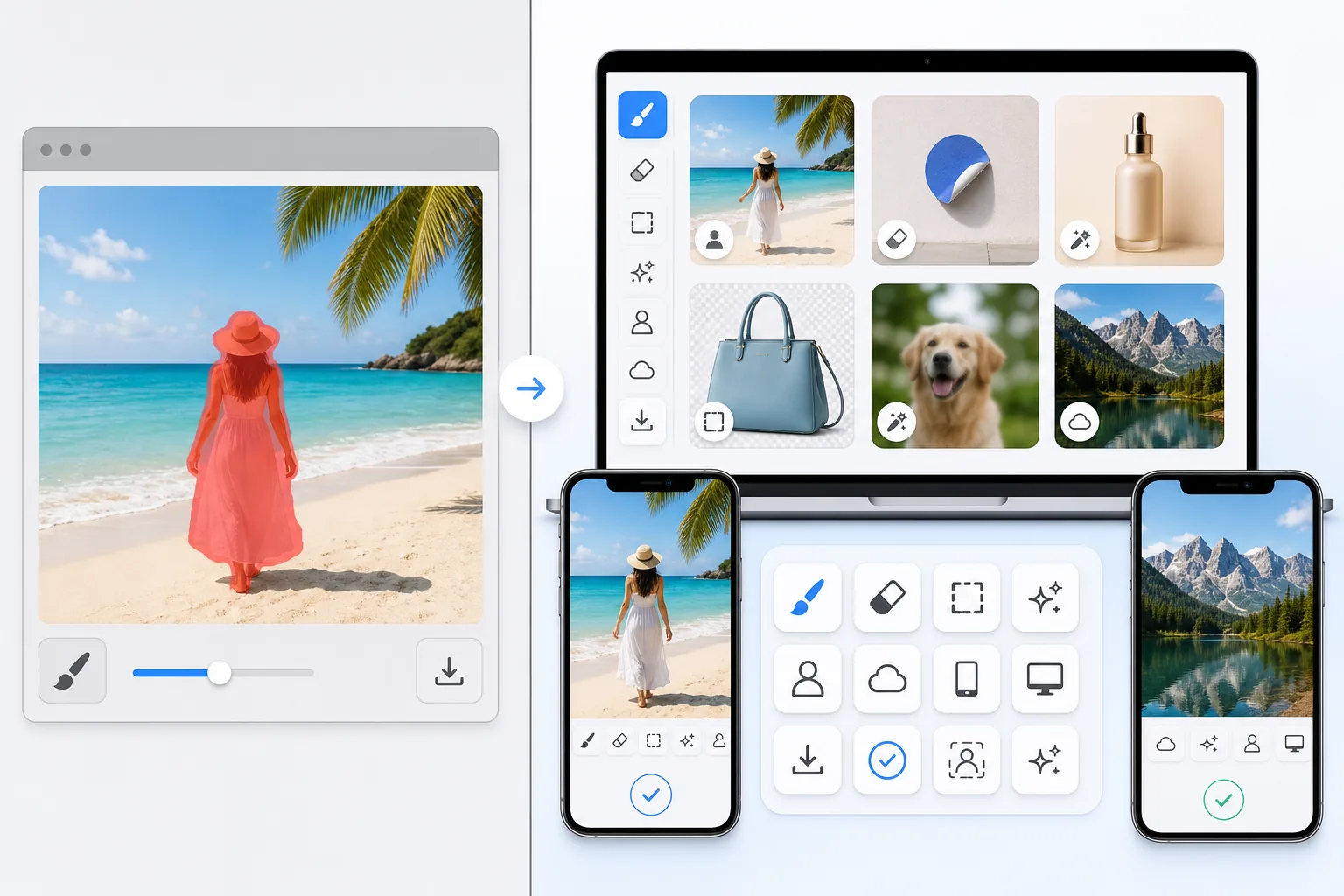
अवलोकन
Magic Eraser एक मुफ़्त वेब-आधारित AI फ़ोटो एडिटर है जिसमें ऑब्जेक्ट रिमूवल, बैकग्राउंड रिमूवल, फ़ोटो एन्हांसमेंट, इमेज एक्सपेंशन, AI फ़िल, AI फ़िल्टर और बैच प्रोसेसिंग शामिल है। किसी भी ब्राउज़र वाले डिवाइस पर काम करता है — इंस्टॉलेशन ज़रूरी नहीं।
magic-eraser.io is a separate online eraser tool with a similar name, operated by a different company. It is not affiliated with Magic Eraser (magiceraser.live). For its exact current features, pricing, and terms, please check magic-eraser.io directly — we describe it only in general terms and make no claims about its specifics.
फ़ीचर तुलना
Magic Eraser एक मुफ़्त वेब-आधारित AI फ़ोटो एडिटर है जिसमें ऑब्जेक्ट रिमूवल, बैकग्राउंड रिमूवल, फ़ोटो एन्हांसमेंट, इमेज एक्सपेंशन, AI फ़िल, AI फ़िल्टर और बैच प्रोसेसिंग शामिल है। किसी भी ब्राउज़र वाले डिवाइस पर काम करता है — इंस्टॉलेशन ज़रूरी नहीं।
magic-eraser.io is a separate online eraser tool with a similar name, operated by a different company. It is not affiliated with Magic Eraser (magiceraser.live). For its exact current features, pricing, and terms, please check magic-eraser.io directly — we describe it only in general terms and make no claims about its specifics.
| Feature | Magic Eraser | magic-eraser.io |
|---|---|---|
| Price | Limited free edits | Check their site |
| Watermark on results | No watermark | Varies — check their site |
| Signup required | Sign-in required to start | Varies — check their site |
| Task-specific removal tools | 100+ dedicated tools | Web tool |
| Mobile apps | Native iOS and Android apps | Check their site |
| Object, people & text removal | Yes — AI-powered | Web-based eraser |
| Background removal | Yes — instant | Varies — check their site |
| User rating | 4.9 across 559,700 reviews | Check their site |
Feature rows summarize visible product positioning and should be rechecked against official product pages before purchase, migration, or compliance decisions.
- Last content review June 20, 2026
- magic-eraser.io source: official product site (https://magic-eraser.io/)
- Magic Eraser source: https://magiceraser.live/hi/product/magic-eraser
- Pricing, feature availability, platform support, and limits can change; recheck official sources before relying on a buying decision.
Magic Eraser के फ़ायदे
Limited free edits with no watermark
Magic Eraser includes limited free edits after sign-in and adds no watermark to exported images. Upload a photo, brush over what you want gone, and download a clean result — no credit card and no stamped logo across your image.
100+ task-specific removal tools
Beyond a general eraser, Magic Eraser offers more than 100 dedicated tools built for specific jobs — removing people, text, watermarks, objects, glare, reflections, stickers, date stamps, and more. Each tool is tuned for its task so you can jump straight to what you need.
Native iOS and Android apps
Edit on the web or on the go. Magic Eraser ships native apps for iOS and Android, so you can clean up photos directly on your phone with the same AI removal tools available on desktop.
Trusted by users at scale
Magic Eraser holds a 4.9 rating across 559,700 reviews on the app stores. That track record reflects a tool people return to for fast, reliable photo cleanup across a wide range of everyday removal tasks.
अक्सर पूछे जाने वाले सवाल
क्या Magic Eraser मुफ़्त है?
+
हाँ, Magic Eraser आपको तुरंत मुफ़्त में फ़ोटो एडिट करने देता है। साइन अप या इंस्टॉलेशन ज़रूरी नहीं। अनलिमिटेड प्रोसेसिंग के लिए Pro प्लान में अपग्रेड कर सकते हैं।
Magic Eraser की तुलना magic-eraser.io से कैसे होती है?
+
Magic Eraser एक प्लेटफ़ॉर्म पर 8 AI टूल्स को जोड़ता है — ऑब्जेक्ट रिमूवल, बैकग्राउंड रिमूवल, एन्हांसमेंट, एक्सपेंशन, AI फ़िल, AI फ़िल्टर, AI इमेज जनरेशन और डिज़ाइन। magic-eraser.io की तुलना में, Magic Eraser बिना सॉफ़्टवेयर इंस्टॉल किए ज़्यादा फ़ीचर देता है।
क्या Magic Eraser मोबाइल पर काम करता है?
+
हाँ, Magic Eraser iOS, Android और वेब पर उपलब्ध है। आप डिवाइस के बीच आसानी से स्विच कर सकते हैं।
क्या मुझे अकाउंट बनाना होगा?
+
नहीं, आप बिना अकाउंट बनाए तुरंत एडिटिंग शुरू कर सकते हैं। बस ब्राउज़र खोलें और शुरू करें।
Magic Eraser आज़माने के लिए तैयार हैं?
अपनी पहली फ़ोटो मुफ़्त में एडिट करें — साइन अप ज़रूरी नहीं।
Magic Eraser मुफ़्त आज़माएंसंबंधित उपयोग के मामले
देखें कि पेशेवर इन उपकरणों का कैसे उपयोग करते हैं।
निजी सामान, खड़ी कारों या निर्माण उपकरणों से भरी लिस्टिंग तस्वीरें खरीदारों को दूर कर सकती हैं। Magic Eraser आपकी प्रॉपर्टी तस्वीरों को तुरंत साफ करने के लिए AI का उपयोग करता है — Photoshop कौशल की कोई जरूरत नहीं।
धुंधले बैकग्राउंड और बिखरी हुई प्रोडक्ट तस्वीरें हर दिन आपकी बिक्री घटाती हैं। Magic Eraser आपको सेकंडों में साफ, प्रोफेशनल प्रोडक्ट इमेज बनाने में मदद करता है — Photoshop की जरूरत नहीं। बस अपलोड करें, ध्यान भटकाने वाली चीजें मिटाएँ, और भरोसे के साथ लिस्ट करें।
अनचाहे लोग आपकी ट्रैवल तस्वीरें खराब कर रहे हैं? गंदा बैकग्राउंड आपकी सेल्फी बिगाड़ रहा है? Photoshop में घंटों बर्बाद करना बंद करें। Magic Eraser ध्यान भटकाने वाली चीज़ें हटाता है, बिखरी हुई तस्वीरें साफ करता है और आपकी फोटो को किसी भी प्लेटफॉर्म फॉर्मेट के लिए बढ़ाता है — सब एक टैप में।
संबंधित गाइड
इस वर्कफ़्लो से संबंधित और गाइड देखें।
जानें कि Magic Eraser से फ़ोटो में ऑब्जेक्ट, लोग, टेक्स्ट और ध्यान भटकाने वाली चीज़ें हटाकर साफ़ AI एडिटिंग परिणाम कैसे पाएँ।
AI से कुछ ही सेकंड में फ़ोटो से लोगों को हटाना सीखें। यात्रा, रियल एस्टेट और प्रोडक्ट फ़ोटो के लिए गाइड।
AI का उपयोग करके अपनी फ़ोटो से वॉटरमार्क हटाने की चरण-दर-चरण गाइड। कब उपयुक्त है, बेहतरीन तकनीकें, और Magic Eraser इसे कैसे संभालता है।
अन्य तुलनाएं
देखें कि Magic Eraser अन्य फोटो एडिटिंग टूल्स से कैसे तुलना करता है।
हमने शीर्ष AI फोटो एडिटिंग टूल्स का परीक्षण और तुलना की ताकि आपको ऐसा न करना पड़े। ऑब्जेक्ट हटाने से लेकर बैकग्राउंड बदलने तक, देखें कि कौन-सा एडिटर आपके वर्कफ़्लो के लिए सर्वोत्तम परिणाम देता है।
Adobe Photoshop शक्तिशाली है, लेकिन ज़्यादातर लोग इसकी सुविधाओं का सिर्फ़ एक छोटा हिस्सा ही इस्तेमाल करते हैं। Magic Eraser आपको वही फोटो क्लीनअप टूल देता है जिनकी आपको सचमुच ज़रूरत होती है — ऑब्जेक्ट रिमूवल, बैकग्राउंड रिमूवल, AI एन्हांसमेंट और जेनरेटिव फिल — एक सरल इंटरफ़ेस में जो वेब और मोबाइल पर काम करता है और शुरू करने के लिए किसी सब्सक्रिप्शन की ज़रूरत नहीं।
Tried to remove an object or background and hit a Pro paywall in Canva, Adobe Express/Photoshop, or Fotor? Magic Eraser does the same job — object removal, background removal, watermark cleanup, and enhancement — for free. No subscription, and no watermark stamped on your download.
Magic Eraser की Pixelcut से तुलना करें। फ़ीचर, कीमत और उपयोग में आसानी एक साथ देखें। जानें AI फ़ोटो एडिटिंग के लिए Magic Eraser बेहतर क्यों है।
Adobe Express फोटो एडिटिंग को Adobe Firefly से जुड़े डिज़ाइन और कंटेंट-क्रिएशन सूट के भीतर बंडल करता है। Magic Eraser विशेष रूप से AI फोटो क्लीनअप के लिए बनाया गया है: ऑब्जेक्ट रिमूवल, बैकग्राउंड रिप्लेसमेंट, जनरेटिव फिल और एन्हांसमेंट। यह तुलना दिखाती है कि प्रत्येक टूल कहाँ सबसे उपयुक्त है।
Magic Eraser और Pixelcut दोनों ही वेब, iOS और Android पर मुफ्त टियर और भुगतान वाले Pro टियर के साथ AI-संचालित फोटो एडिटिंग प्रदान करते हैं। Pixelcut टेम्पलेट्स के साथ ई-कॉमर्स प्रोडक्ट फोटो की ओर भारी झुका हुआ है। Magic Eraser फोटो कार्य की पूरी श्रृंखला में AI क्लीनअप कार्यों के लिए विशेष रूप से बनाया गया है। यह तुलना दिखाती है कि प्रत्येक टूल कहाँ जीतता है।