Food template
Food Template 4 for Restaurant & Menu Posts
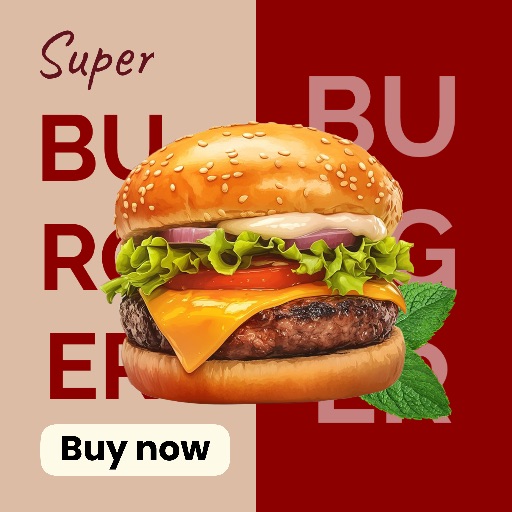
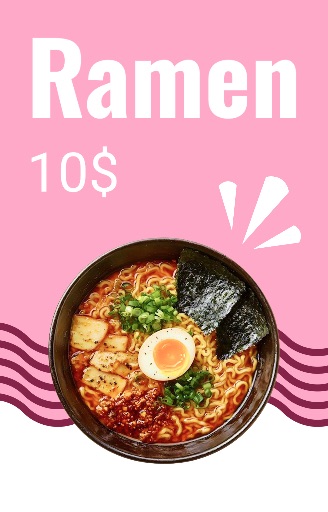
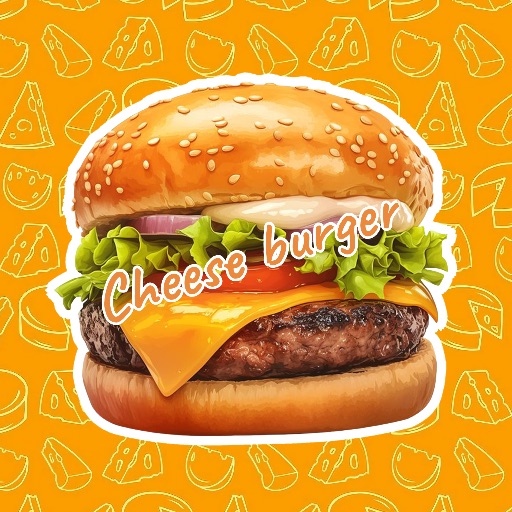
Preview this food design layout before opening the editor. It is suited to restaurant promotions, menu highlights, recipe posts, and packaged-food graphics.
Open editor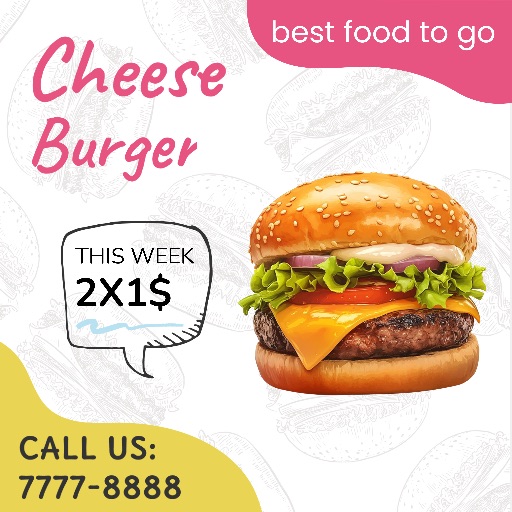
Category
Food template
Canvas
2048 x 2048
Availability
Available in the app template catalog
Food template
Showcase a dish or drink in a ready-made promotional layout.
Food template
Create menu highlights, restaurant announcements, or recipe posts faster.
Food template
Reuse the visual style across a food brand campaign or social series.
How to use this design template
How to use this design template
Open the editor, upload your image, and place the dish or product in the food layout.
Clean up distracting crumbs, reflections, or background objects and choose the crop before adding text.
Add accurate names, ingredients, prices, or offer details, then check the canvas size for the intended channel.
Template tips
- Use a sharp, well-lit food photo with one clear focal point.
- Keep editable text away from the main dish and verify menu or offer details before publishing.
- Match the crop to the destination, such as a square feed post, story, or menu screen.
Before you export
- Check that the dish and key text remain clear at thumbnail size.
- Keep names, prices, and promotional details editable until final review.
- Save a reusable version when creating a menu series or campaign.
Frequently asked questions
Is this a template from the app?
Yes. The preview comes from the Magic Eraser app template catalog.
Can I change the text?
Yes. Use the layout as a starting point and add menu names, prices, ingredients, or brand copy as editable elements.
What image works best?
Use a clear, well-lit dish or product photo with one main subject. You can clean up the image before placing it in the layout.
Related templates