Food template
Food Template 3 for Menu and Restaurant Posts
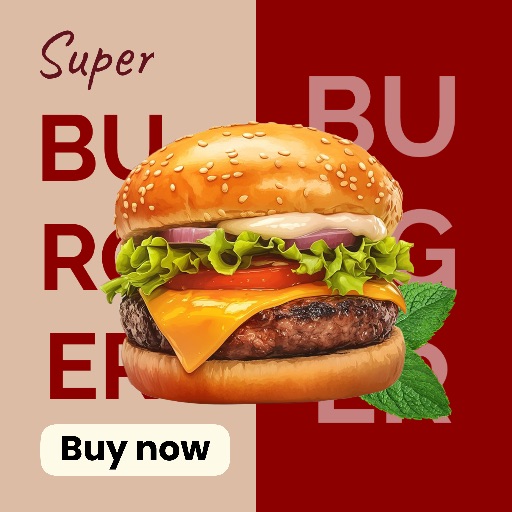
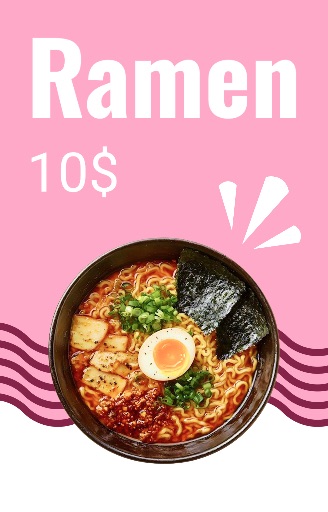
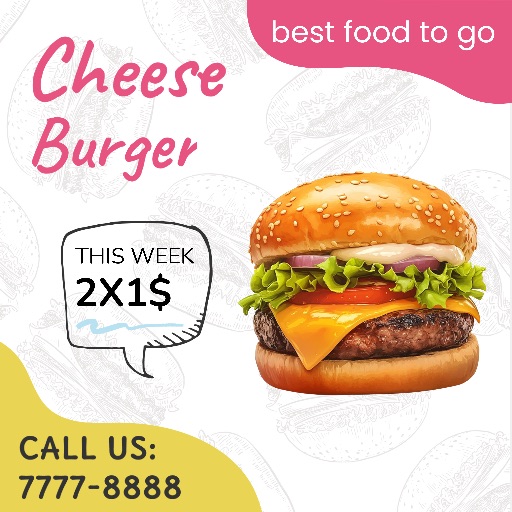
Preview this food template from the Magic Eraser app before opening the editor. Its square layout is a practical starting point for menu promotions, restaurant posts, recipe cards, and packaged-food graphics.
Open editor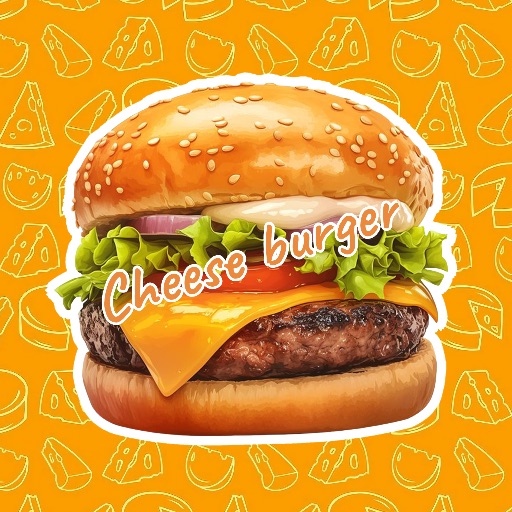
Category
Food template
Canvas
1080 x 1080
Availability
Available in the app template catalog
Food template
Present a dish or drink in a ready-made promotional layout.
Food template
Create restaurant specials, menu announcements, or delivery posts faster.
Food template
Build recipe cards and food product graphics with a consistent visual style.
How to use this food template
How to use this food template
Open the editor, upload your food or product photo, and use the template as the starting layout.
Clean the image edges, remove distracting details, and adjust the crop before adding your copy.
Check the 1080 × 1080 canvas and export format for the channel where you will publish.
Food design tips
- Use a sharp, well-lit photo with one clear focal dish or product.
- Keep prices, dish names, and promotional text away from the main food detail.
- Check contrast so text remains readable over the image.
Before exporting
- Confirm names, prices, dates, and offer terms are accurate.
- Preview the design at phone size to check readability.
- Keep an editable version for future menu or campaign updates.
Frequently asked questions
Is this a template from the app?
Yes. The preview comes from the Magic Eraser app template catalog.
Can I replace the food photo and text?
Use the layout as a starting point, then add your own image and editable copy in the editor.
What image works best?
Choose a sharp, well-lit image with a clear main dish, drink, or packaged product.
Related templates