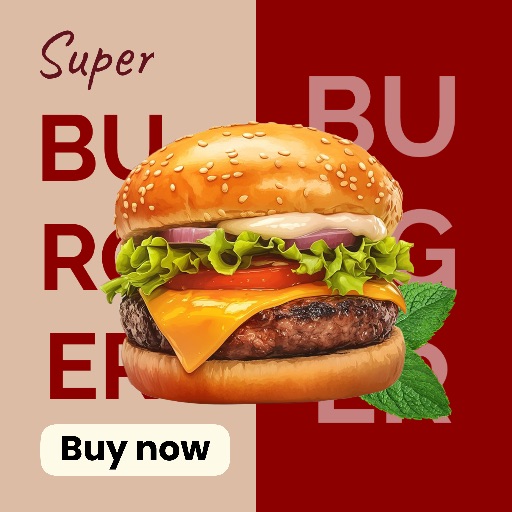
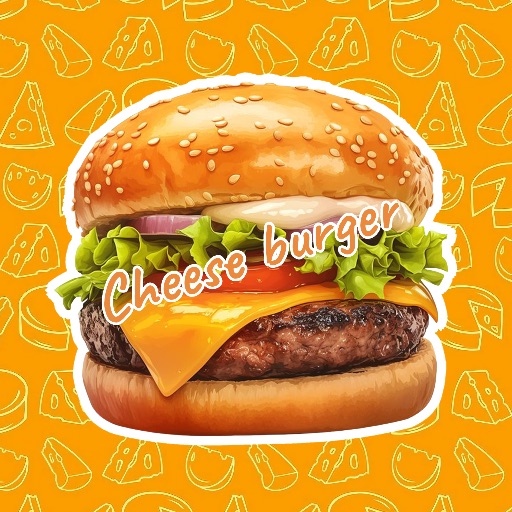
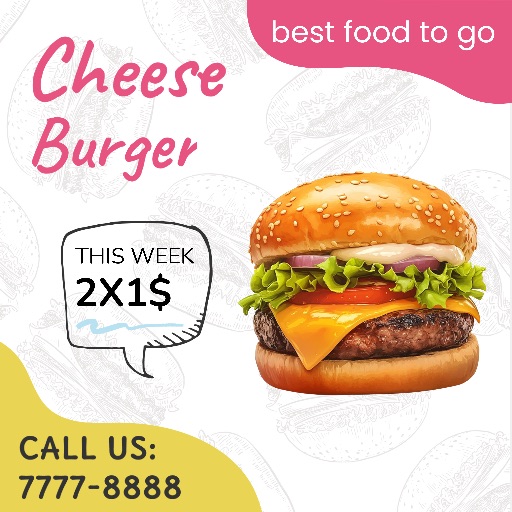
Food template
Food Template 2 for Menus & Restaurant Posts
Preview this 1600 × 2500 vertical layout from the Magic Eraser template catalog. Use it to turn a clear food photo into a menu graphic, special-offer poster, or restaurant social post.
Open the editor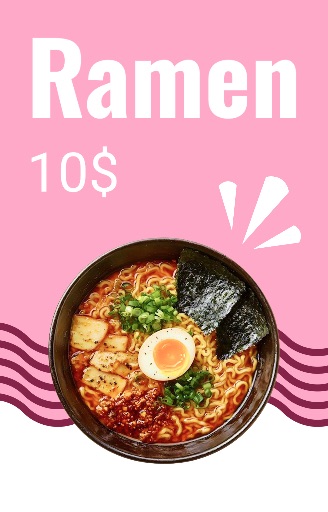
Category
Food template
Canvas
1600 x 2500
Availability
Available in the app template catalog
Food template
Feature a signature dish or seasonal offer.
Food template
Create menu posters and restaurant posts faster.
Food template
Keep a consistent visual direction across a food campaign.
How to use this template
How to use this template
Open the editor and upload a clear food photo.
Remove distractions, choose the crop, and place the photo in the layout.
Add the dish name, price, and offer details as editable text.
Design tips
- Use a well-lit photo with one clear hero dish.
- Leave space for the dish name and price.
- Check text readability on a small screen before export.
Before you export
- Verify dish names, prices, and offer details.
- Confirm the photo stays sharp at the final size.
- Save a reusable version for future campaigns.
Frequently asked questions
Is this an in-app template?
Yes. The preview comes from the Magic Eraser app template catalog.
Can I change the text?
Yes. Add dish names, prices, and brand copy as editable elements.
Related templates