
Remove an Emoji From an Instagram Story
Pelajari cara Hapus emoji dari Instagram Story dengan Magic Eraser. Panduan langkah demi langkah sederhana dengan alat AI gratis. Berfungsi di web, iOS, dan Android.
Last updated
Coba sekarang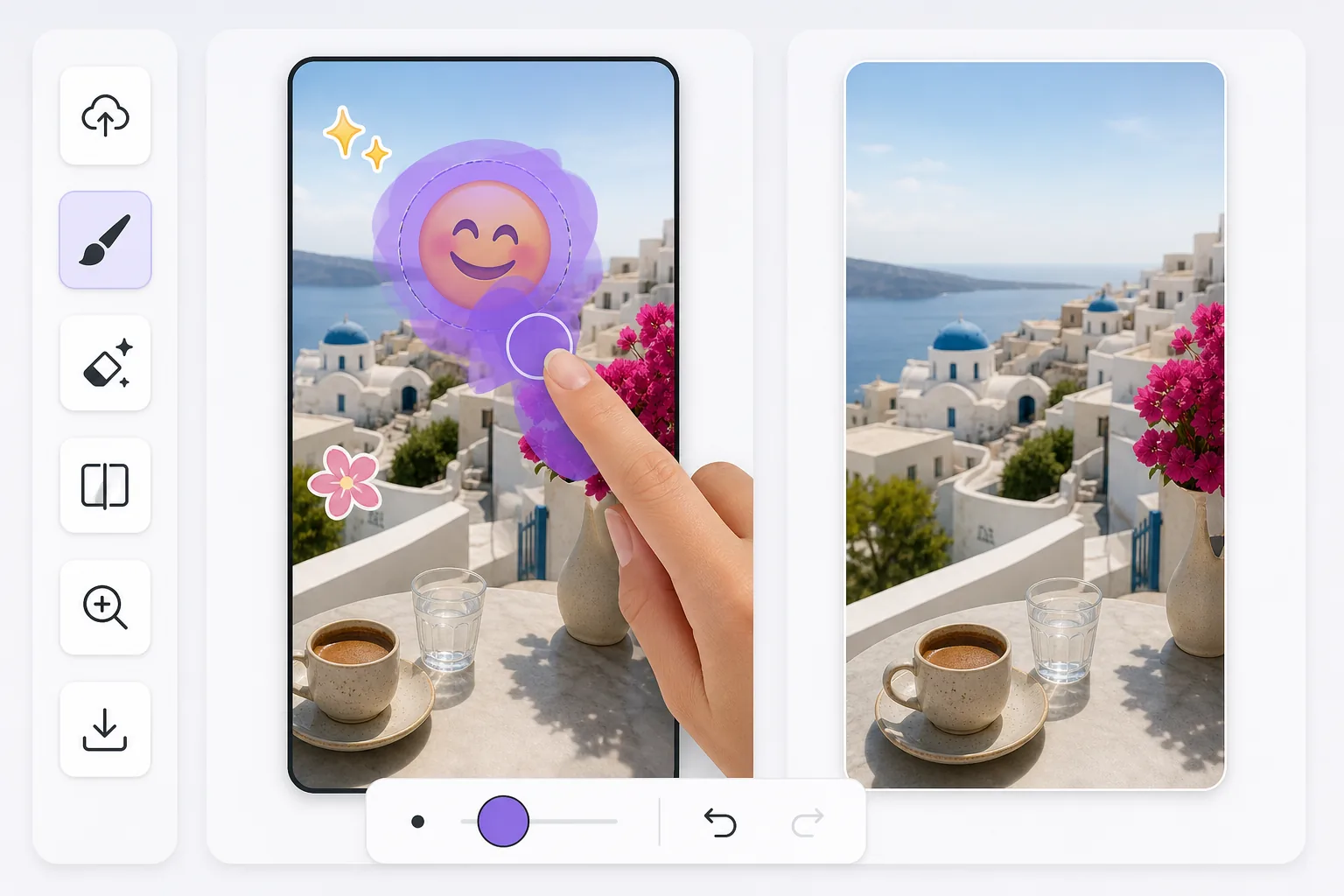
Cleaning up Instagram Story emoji stickers after the fact — Magic Eraser
Instagram Stories make it easy to drop an emoji sticker on a photo or video frame — a laughing face, a heart, a thumbs-up — right inside the in-app story editor. The trouble is that once you publish, Instagram flattens everything into one image. There is no layer panel to toggle the sticker off later. If all you have is a story you saved to your camera roll or a screenshot a friend sent you, the emoji is baked into the pixels. Magic Eraser works on that flattened result: you brush over the emoji sticker, and the AI fills the area with a reconstruction that matches the surrounding colors, lighting, and texture. Be clear about what this is — the AI synthesizes a believable patch, it does not recover the exact pixels that were hidden behind the sticker. For backgrounds like sky, walls, grass, or blurred scenery, the result usually looks seamless. Over fine detail or a face the sticker was covering, expect a plausible approximation rather than the true original.
Before you start
Instruksi langkah demi langkah
Start with upload foto. The result preview above and tips below use this guide's existing content; no separate before-and-after proof is assumed.
- 1
Upload foto
Buka Magic Eraser di web, iOS, atau Android. Seret dan lepas foto JPEG, PNG, HEIC, atau WebP Anda. Tidak perlu akun.
- 2
Pilih alat dan area
Pilih alat yang tepat dan tandai area yang akan diproses. AI akan menganalisis dan menerapkan perubahan secara otomatis dalam hitungan detik.
- 3
Download hasil
Pratinjau hasil dan download foto yang telah diedit. Ekspor dalam format PNG atau JPEG berkualitas tinggi.
Paling cocok untuk
- Recovering a photo where an emoji sticker landed right over the subject's face or the focal point of the shot
- Cleaning a story you saved to your camera roll before realizing the sticker ruined the framing
- Removing a friend's emoji from a screenshot of their story so you can reshare a tidier version
- Reusing an old Story photo as a regular Instagram post without the leftover sticker baked in
- Tidying up a quickly-posted story where you tapped on the wrong emoji and want a clean background back
Tips untuk hasil terbaik
Emoji stickers in the IG editor often sit on busy or detailed parts of a photo, so where you brush matters. Start with the highest-quality file — a direct save from Stories holds far more detail than a screenshot of a screenshot, and screenshots also lose data to compression. Brush slightly past the emoji's visible edge to catch the faint halo Instagram renders around stickers. For emojis over plain backgrounds (sky, a wall, water) the reconstruction is convincing; over intricate patterns or a covered face, treat the output as a plausible fill, not the literal hidden original. If the first pass leaves a smudge, undo, widen your selection, and erase again rather than stacking multiple erases on the same spot.
Pertanyaan yang sering diajukan
- Apakah fitur Hapus emoji dari Instagram Story gratis?
- Ya, Magic Eraser memungkinkan Anda Hapus emoji dari Instagram Story secara gratis dengan batas harian. Upgrade ke Pro untuk pemrosesan tanpa batas dan ekspor resolusi tinggi.
- Berapa lama waktu yang dibutuhkan untuk Hapus emoji dari Instagram Story?
- Hanya beberapa detik. AI Magic Eraser memproses foto dengan cepat — sebagian besar hasil tersedia segera setelah upload.
- Bisa digunakan di HP?
- Ya, Magic Eraser berfungsi di iOS, Android, dan semua browser web. Anda bisa beralih antar perangkat dengan bebas.
- Apakah kualitas gambar berkurang?
- Tidak, Magic Eraser menjaga kualitas foto asli. AI memproses secara cerdas untuk mempertahankan detail dan ketajaman.