
Remove the Background in GIMP — or Do It in 1 Click
Pelajari cara Remove the Background in GIMP — or Do It in 1 Click dengan Magic Eraser. Panduan langkah demi langkah sederhana dengan alat AI gratis. Berfungsi di web, iOS, dan Android.
Last updated
Coba sekarang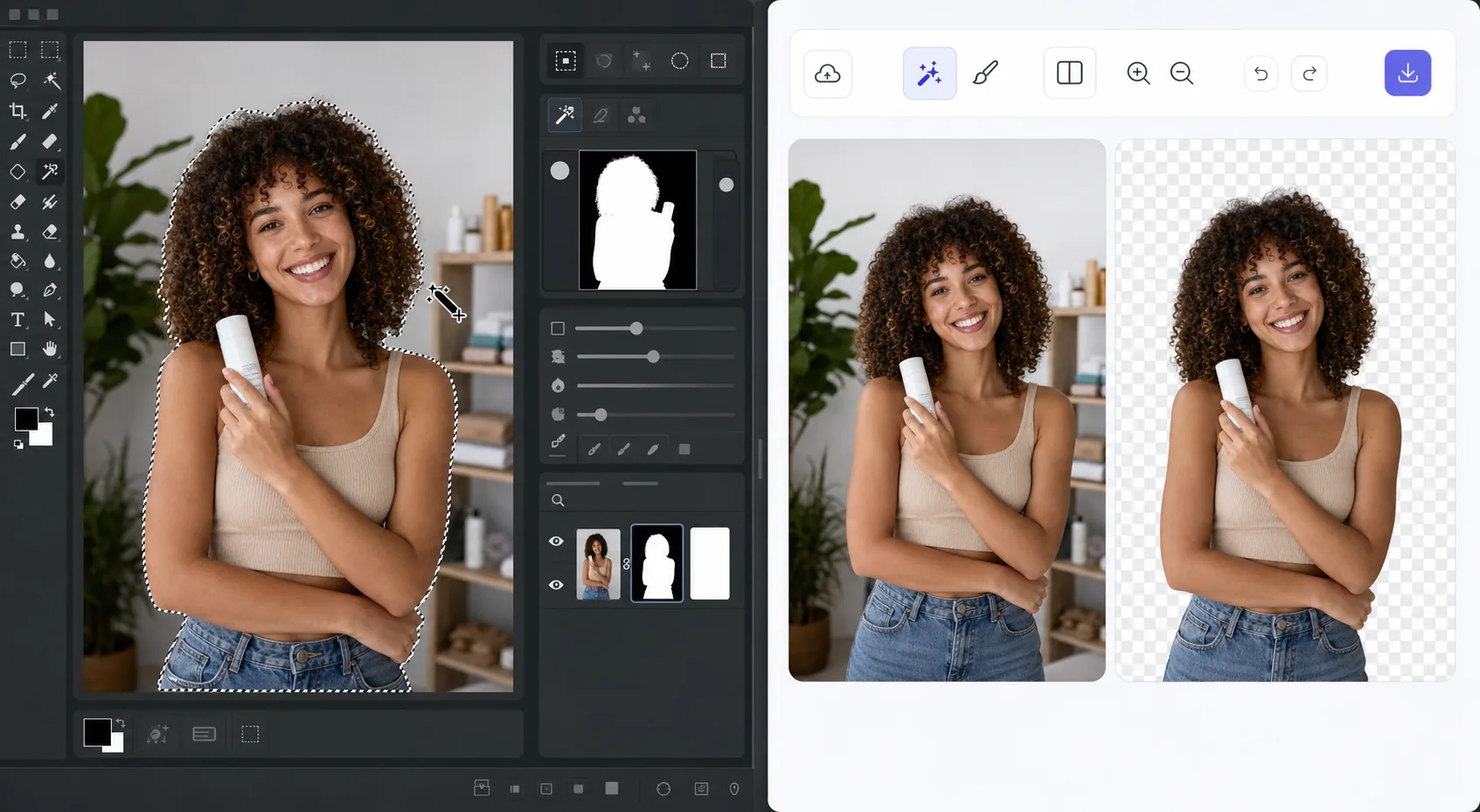
The GIMP method works — it just takes time — Magic Eraser
GIMP is a genuinely capable, free, open-source desktop editor, and removing a background in it is a well-trodden workflow. The usual route: open your image, add an alpha channel, then use the Fuzzy Select (magic wand) or Select by Color tool to grab the background. For clean, high-contrast edges you can often select and delete in a few clicks. For hair, fur, or busy backgrounds, you switch to a layer mask, paint with black to hide and white to reveal, and refine the edge by hand at high zoom. It's powerful and precise — but it's a learn-the-tools, manual process, and it lives on your desktop. If you just need a clean cutout fast, there's a shorter path that needs no install and runs on phone or browser.
Before you start
Instruksi langkah demi langkah
Start with upload foto. The result preview above and tips below use this guide's existing content; no separate before-and-after proof is assumed.
- 1
Upload foto
Buka Magic Eraser di web, iOS, atau Android. Seret dan lepas foto JPEG, PNG, HEIC, atau WebP Anda. Tidak perlu akun.
- 2
Pilih alat dan area
Pilih alat yang tepat dan tandai area yang akan diproses. AI akan menganalisis dan menerapkan perubahan secara otomatis dalam hitungan detik.
- 3
Download hasil
Pratinjau hasil dan download foto yang telah diedit. Ekspor dalam format PNG atau JPEG berkualitas tinggi.
Paling cocok untuk
- Product photos that need a clean white or transparent background for a store listing
- Profile pictures and headshots where you want the subject isolated fast
- Anyone without GIMP installed who needs a cutout right now in the browser
- Mobile editing on iOS or Android with no desktop software at hand
- Batch social and marketing images where per-image manual masking isn't worth the time
Tips untuk hasil terbaik
Use whichever path fits the task. For maximum pixel-level control — compositing, tricky semi-transparent edges, or work you want to keep fully local and offline — GIMP's layer masks reward the effort and cost nothing. For speed and convenience on a clean subject, Magic Eraser's 1-click removal gets you there without the learning curve or the install. A useful workflow: get the fast cutout in Magic Eraser, then open it in GIMP only if you need fine compositing afterward.
Pertanyaan yang sering diajukan
- Apakah fitur Remove the Background in GIMP — or Do It in 1 Click gratis?
- Ya, Magic Eraser memungkinkan Anda Remove the Background in GIMP — or Do It in 1 Click secara gratis dengan batas harian. Upgrade ke Pro untuk pemrosesan tanpa batas dan ekspor resolusi tinggi.
- Berapa lama waktu yang dibutuhkan untuk Remove the Background in GIMP — or Do It in 1 Click?
- Hanya beberapa detik. AI Magic Eraser memproses foto dengan cepat — sebagian besar hasil tersedia segera setelah upload.
- Bisa digunakan di HP?
- Ya, Magic Eraser berfungsi di iOS, Android, dan semua browser web. Anda bisa beralih antar perangkat dengan bebas.
- Apakah kualitas gambar berkurang?
- Tidak, Magic Eraser menjaga kualitas foto asli. AI memproses secara cerdas untuk mempertahankan detail dan ketajaman.