Interior template
Interior Template 9 for Room & Decor Visuals
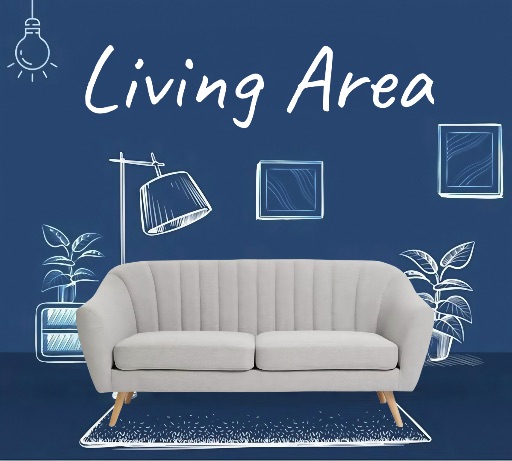
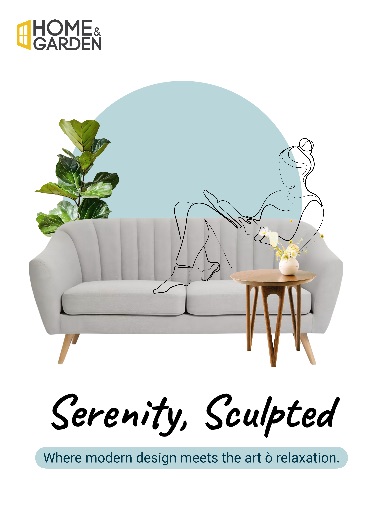
Preview this interior layout before opening the editor. Use it for room scenes, decor mood boards, furniture promotions, property posts, and interior design portfolio visuals.
Open editor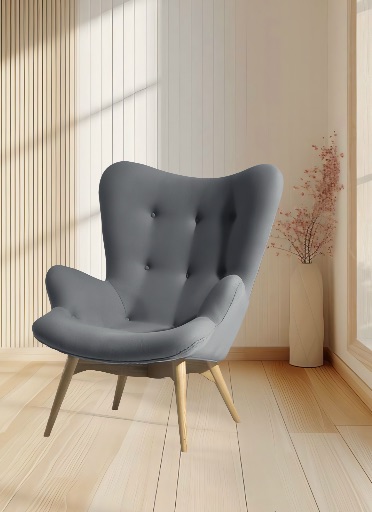
Category
Interior template
Canvas
1600 x 2200
Availability
Available in the app template catalog
Interior template
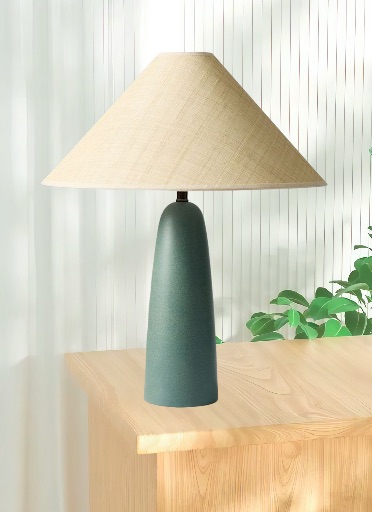
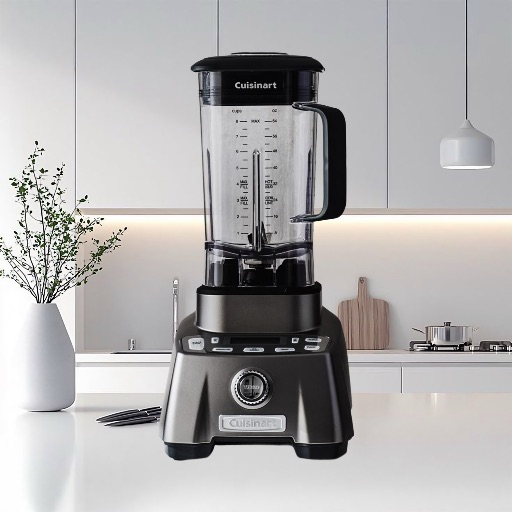
Place furniture, lighting, or decor cutouts into a polished interior visual.
Interior template
Create portfolio and property graphics for designers, real estate teams, or home brands.
Interior template
Reuse the layout for a coordinated series of room and decor posts.
How to use this interior template
How to use this interior template
Open the editor, upload your room, furniture, or decor image, and place the main subject in the layout.
Clean object edges and remove distracting items, then adjust the crop, scale, and perspective.
Add accurate project, property, or product details as editable text and review the final canvas before export.
Interior template tips
- Match the subject perspective and lighting to the room scene.
- Refine edges around furniture legs, plants, lamps, and detailed decor.
- Keep important architectural features and product details visible at thumbnail size.
Before you export
- Confirm that the subject and headline remain clear at the intended size.
- Keep names, dates, issue details, and brand marks editable until final review.
- Save a reusable version when building a coordinated editorial series.
Frequently asked questions
Is this a template from the app?
Yes. The preview comes from the Magic Eraser app template catalog.
Can I change the text?
Yes. Use the layout as a starting point and add your headline, names, dates, and publication details as editable elements.
What image works best?
Use a sharp portrait or product photo with one clear subject and enough space for editorial text.
Related templates