Interior template
Interior Template 8 Design Template
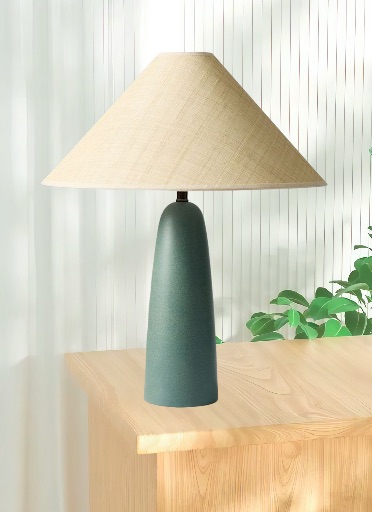
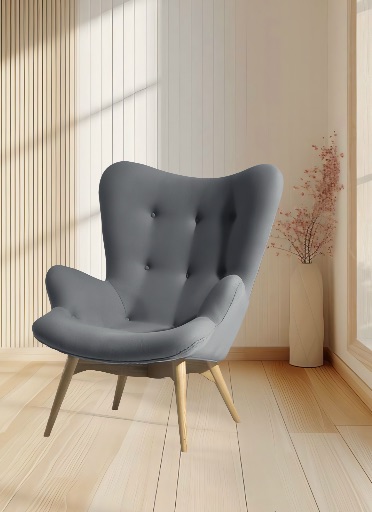
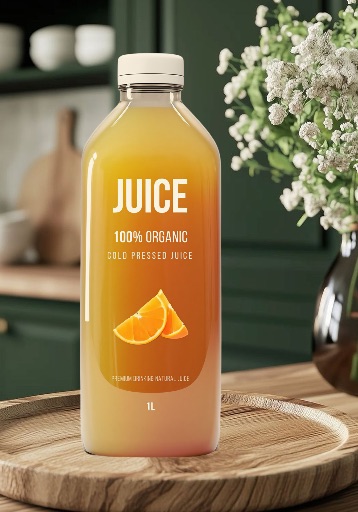
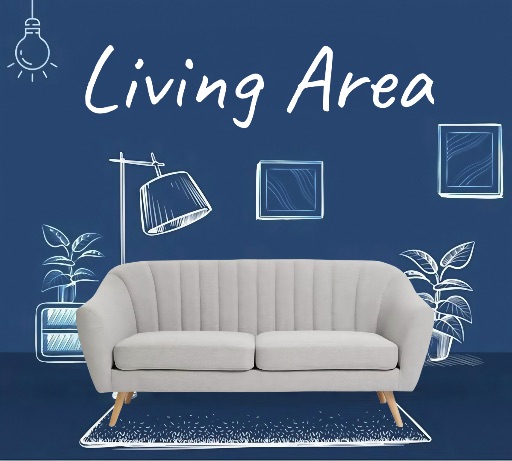
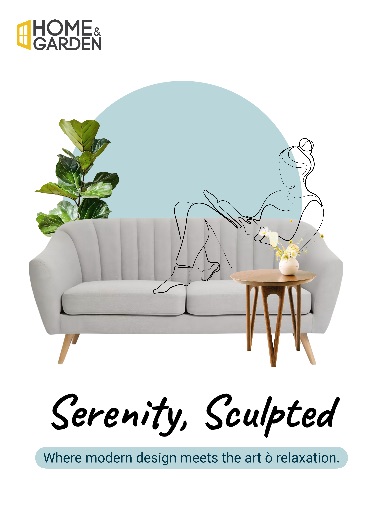
Preview this Magic Eraser app template before opening the editor. It is best for interior posts, real estate visuals, decor mood boards, furniture promos, and design portfolio assets, with a ready-made layout built from the app's remote template catalog.
Open editor
Category
Interior
Canvas
1600 x 2200
Availability
Available in the app catalog
Use case
Place product, furniture, or decor images into a cleaner interior-style visual.
Use case
Create portfolio and listing graphics for designers, realtors, and home brands.
Use case
Build consistent social posts around room scenes and decor themes.
Template workflow
How to use this design template
Open the editor, upload the image you want to edit, then use app templates to place the cutout into a ready-made layout from the interior collection.
Clean the subject edges, remove distracting background elements, and choose a crop before applying campaign text or brand details.
Check the final canvas size and export format so the template works for social, ecommerce, presentation, or campaign placement.
Template tips
- Match the subject perspective and lighting to the room-style background.
- Clean edges carefully on furniture, plants, lamps, and decor objects.
- Avoid mixing too many textures if the template already has strong interior detail.
Before you export
- Confirm the main subject is readable at thumbnail size.
- Keep exact text, pricing, dates, and brand marks editable until the final export.
- Save a reusable version if this template will support multiple posts or products.
FAQ
Is this an app template?
Yes. The preview comes from the Magic Eraser app template catalog and uses the app's remote thumbnail asset.
Can I change the text?
Use the template as a visual starting point, then add exact names, prices, dates, and brand copy as editable elements in the editor.
What photo works best?
Use a clear photo with one main subject. Background Eraser and cleanup tools help before placing it into the template.
Related templates