
Magic Eraser vs Canva: Welcher Editor ist besser fuer die Fotobereinigung?
Canva ist hervorragend fuer Layouts und Social-Media-Grafiken, aber viele Nutzer benoetigen schnelleres Entfernen von Objekten, sauberere Hintergrundbearbeitung und leistungsstaerkere KI-Fototools. Dieser Vergleich zeigt, wo Magic Eraser fuer bildorientierte Workflows besser passt.
Last updated
Magic Eraser kostenlos testenComparison rows are editorial summaries from the latest page review, not a guarantee of current pricing, limits, watermark policy, batch support, speed, or platform availability.
Ueberblick
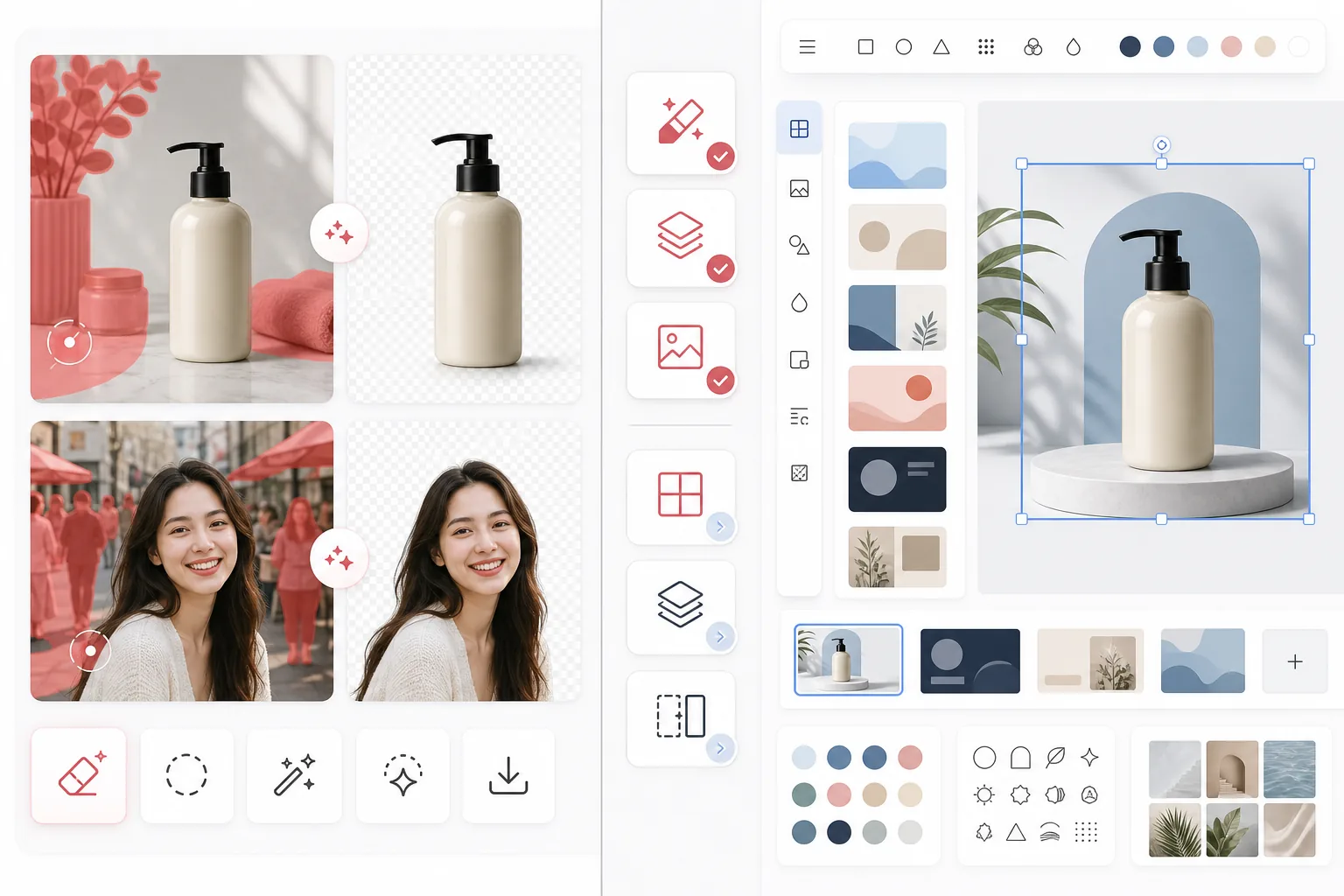
Magic Eraser konzentriert sich auf KI-Fotobearbeitungsaufgaben wie das Entfernen von Objekten, die Hintergrundbereinigung, die Bildverbesserung, das generative Fuellen und schnelle Bearbeitungen im Web und auf Mobilgeraeten.
Canva ist eine breite Designplattform fuer Praesentationen, Social-Media-Beitraege, Marketingmaterialien und Vorlagen. Sie enthaelt einige Fotobearbeitungstools, doch diese Tools sind Teil eines groesseren Design-Workflows.
Funktionsvergleich
Magic Eraser konzentriert sich auf KI-Fotobearbeitungsaufgaben wie das Entfernen von Objekten, die Hintergrundbereinigung, die Bildverbesserung, das generative Fuellen und schnelle Bearbeitungen im Web und auf Mobilgeraeten.
Canva ist eine breite Designplattform fuer Praesentationen, Social-Media-Beitraege, Marketingmaterialien und Vorlagen. Sie enthaelt einige Fotobearbeitungstools, doch diese Tools sind Teil eines groesseren Design-Workflows.
| Feature | Magic Eraser | Canva |
|---|---|---|
| Objektentfernung | Ja — dediziertes KI-Tool | Eingeschraenkt |
| Hintergrundentfernung | Ja — Kernfunktion | Ja — oft nur mit Pro |
| Bildverbesserung | Ja | Grundlegend |
| Designvorlagen | Nein | Ja — umfangreich |
| Generatives Fuellen | Ja | Eingeschraenkt |
| Bester Workflow | Fotobereinigung | Grafikdesign |
| Plattform | Web + iOS + Android | Web + iOS + Android |
| Zeit bis zur ersten Bearbeitung | Sehr schnell | Abhaengig vom Design-Ablauf |
Feature rows summarize visible product positioning and should be rechecked against official product pages before purchase, migration, or compliance decisions.
- Last content review May 1, 2026
- Canva source: official product site (https://www.canva.com/)
- Magic Eraser source: https://magiceraser.live/de/product/magic-eraser
- Pricing, feature availability, platform support, and limits can change; recheck official sources before relying on a buying decision.
Preisvergleich
| Plan | Magic Eraser | Canva |
|---|---|---|
| Kostenlose Stufe | Kostenlos — begrenzte Bearbeitungen | Kostenlos — grundlegende Funktionen |
| Monatlich | $9.99/mo | $14.99/mo (Pro) |
| Jaehrlich | $4.99/mo (jaehrliche Abrechnung) | $12.99/mo (Pro, jaehrliche Abrechnung) |
Preise Stand May 2026. Pruefen Sie die aktuellen Tarife beim jeweiligen Anbieter.
Pricing rows are snapshots from review time. Free tiers, subscriptions, trials, export limits, and regional availability can change without notice.
- Last content review May 1, 2026
- Canva source: official product site (https://www.canva.com/)
- Magic Eraser source: https://magiceraser.live/de/product/magic-eraser
- Pricing, feature availability, platform support, and limits can change; recheck official sources before relying on a buying decision.
Warum Magic Eraser waehlen
Speziell fuer die Fotobearbeitung entwickelt
Magic Eraser stellt die Bearbeitungsaktion in den Vordergrund. Sie muessen keine Design-Leinwand oeffnen, kein Layout auswaehlen oder Vorlagen-Steuerelemente durchgehen, bevor Sie ein Foto bereinigen.
Staerkerer Bereinigungs-Workflow
Zum Entfernen von Personen, Text, Kabeln, Unordnung und unaufgeraeumten Hintergruenden bietet Magic Eraser einen direkteren und konsistenteren KI-Bearbeitungsablauf als der breitere Allzweck-Editor von Canva.
Besser geeignet fuer bildlastige Teams
Verkaeufer, Marketer, Kreative und Agenturen, die grosse Mengen an Fotos verarbeiten, legen oft mehr Wert auf die Bereinigungsgeschwindigkeit als auf die Vielfalt der Vorlagen. Magic Eraser ist fuer diesen Anwendungsfall optimiert.
Saubererer Uebergang in die kreative Produktion
Viele Teams nutzen Magic Eraser, um zuerst ausgefeilte Bildmaterialien vorzubereiten, und bringen diese dann in Canva oder andere Designtools fuer die finale Layoutarbeit.
Haeufig gestellte Fragen
Ist Magic Eraser besser als Canva fuer die Hintergrundentfernung?
+
Fuer dedizierte Hintergrundbereinigung und bildorientierte Workflows ist Magic Eraser meist die schnellere Wahl. Canva ist besser, wenn Sie das Bild auch sofort in ein gestaltetes Asset verwandeln muessen.
Kann Canva Objekte aus Fotos entfernen?
+
Canva enthaelt einige Bearbeitungstools, aber Magic Eraser ist staerker auf zuverlaessiges KI-Entfernen von Objekten und feinkoernige Bereinigungsaufgaben ausgerichtet.
Sollte ich beide Tools zusammen verwenden?
+
Ja. Viele Teams nutzen Magic Eraser, um Bilder zu bereinigen, und bringen das fertige Asset dann in Canva fuer Praesentationen, Anzeigen, Social-Media-Grafiken und vorlagenbasierte Designarbeit.
Welches Tool ist besser fuer E-Commerce-Produktbilder?
+
Magic Eraser ist oft besser fuer die Bereinigung von E-Commerce-Fotos, da das Entfernen von Ablenkungen und das Freistellen von Produkten sein zentraler Workflow ist.
Unterstuetzt Magic Eraser die mobile Bearbeitung?
+
Ja. Magic Eraser funktioniert auf iOS, Android und im Web, sodass Sie von jedem Geraet aus bearbeiten koennen.
Moechten Sie sauberere Fotos, bevor Sie gestalten?
Nutzen Sie Magic Eraser, um Ablenkungen zu entfernen, Hintergruende zu verbessern und Bilder vorzubereiten, bevor sie ueberhaupt Ihre Design-Leinwand erreichen.
Magic Eraser kostenlos testenVerwandte Anwendungsfälle
Erfahren Sie, wie Profis diese Tools in realen Workflows einsetzen.
Exposé-Fotos voller persönlicher Gegenstände, geparkter Autos oder Baustellenmaterial schrecken Käufer ab. Magic Eraser räumt Ihre Immobilienfotos per KI blitzschnell auf — ganz ohne Photoshop-Kenntnisse.
Unscharfe Hintergründe und unaufgeräumte Produktbilder kosten Sie jeden Tag Umsatz. Magic Eraser erstellt professionelle Produktbilder in Sekunden — ganz ohne Photoshop-Kenntnisse. Hochladen, Störendes entfernen, mit Vertrauen einstellen.
Fremde Personen ruinieren deine Reisefotos? Unordentliche Hintergründe verderben deine Selfies? Schluss mit stundenlangem Photoshop. Magic Eraser entfernt Störungen, räumt Hintergründe auf und passt Fotos an jedes Format an — mit einem Klick.
Verwandte Anleitungen
Entdecke weitere Anleitungen und Inhalte zu diesem Workflow.
Erfahre, wie KI Geschäftsabläufe verändert, von Automatisierung über Datenanalyse bis hin zu stärker personalisierten Kundenerlebnissen.
Lerne, wie du mit Magic Eraser Objekte, Personen, Text und störende Details aus Fotos entfernst und sauberere KI-Ergebnisse erzielst.
Person aus Foto entfernen mit KI in Sekunden. Anleitung für Reisefotos, Immobilienbilder und Produktfotos.
Weitere Vergleiche
Sehen Sie, wie Magic Eraser im Vergleich zu anderen Bildbearbeitungstools abschneidet.
Wir haben die besten KI-Fotobearbeitungstools getestet und verglichen. Von der Objektentfernung bis zum Hintergrundwechsel — finden Sie den Editor, der die besten Ergebnisse für Ihren Workflow liefert.
PhotoRoom konzentriert sich auf Hintergrundentfernung und Vorlagen für Produktfotografie. Magic Eraser bietet dieselben Funktionen und ergänzt sie um leistungsstarke AI-Tools für Objektentfernung, Bildverbesserung, generatives Füllen und kreatives Design — und gibt dir so mehr Bearbeitungsmöglichkeiten im Web und auf dem Mobilgerät.
Canva ist eine vielseitige Design-Plattform, aber ihre Fotobearbeitungswerkzeuge sind gegenüber ihrem Designfokus zweitrangig. Magic Eraser ist speziell für KI-gestützte Fotobearbeitung entwickelt — und bietet bessere Objektentfernung, Hintergrundentfernung, Bildverbesserung und generatives Füllen für Nutzer, die spezialisierte Werkzeuge zur Fotobereinigung benötigen.
Wir haben die führenden KI-Hintergrundgeneratoren hinsichtlich Entfernungsqualität, Ersatzoptionen, kreativer Flexibilität und Benutzerfreundlichkeit getestet. Sehen Sie, welches Tool das Entfernen, Ersetzen und Generieren neuer Hintergründe für Ihre Fotos am einfachsten macht.
Wir haben die besten KI-Headshot-Generatoren auf Qualität, Realismus, Anpassbarkeit und Preis-Leistung getestet. Ob du Headshots für LinkedIn, Teamfotos oder professionelle Porträts brauchst, sieh, welches Tool die besten Ergebnisse liefert.
TouchRetouch ist eine beliebte kostenpflichtige mobile App zur Entfernung von Objekten und Makeln. Magic Eraser bietet kostenlose KI-Bearbeitung auf jedem Gerät ohne Installation. Vergleichen Sie Funktionen, Preise und Benutzerfreundlichkeit.