
الأدوات والميزات
اكتشف مجموعة أدوات Magic Eraser الكاملة لتنظيف الصور وإنشاء المرئيات وتحسين صور المنتجات وإنتاج أصول تسويقية أسرع.
التنظيف والخلفية
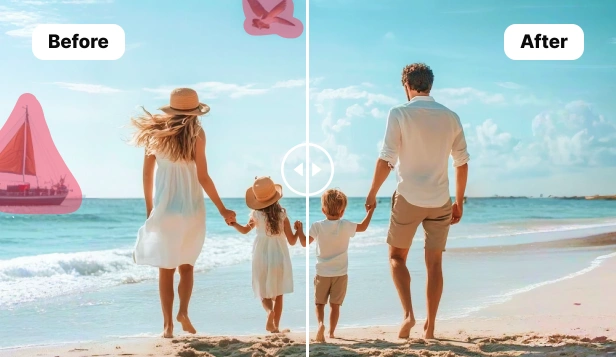
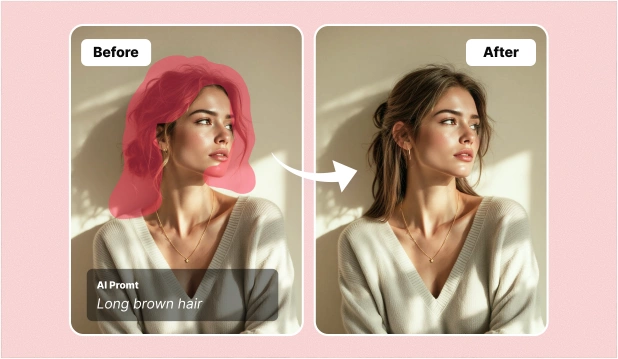
عالج مهام التنظيف الشائعة مثل إزالة الكائنات وإزالة الخلفية وإعادة بناء المناطق المفقودة.




التحسين والتنسيق
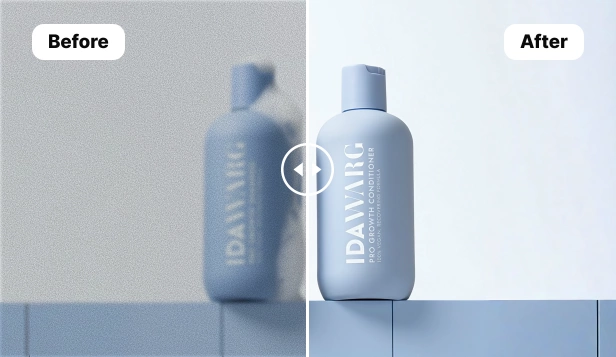
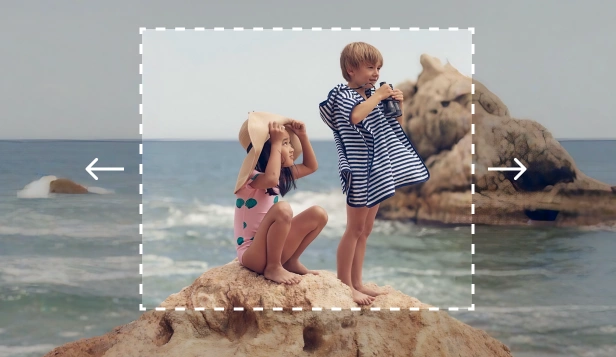
حسّن الجودة ووسّع التخطيط وطبّق الأنماط للمرئيات الاجتماعية والتجارية والتسويقية.


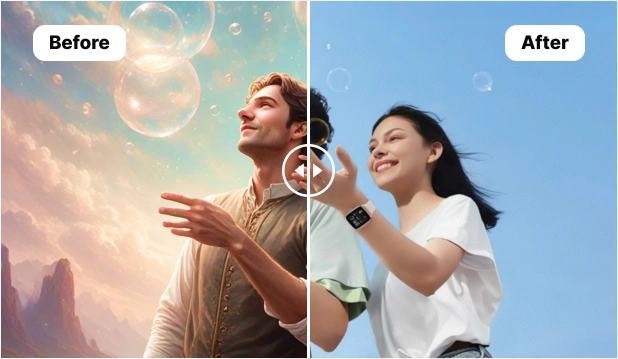

الإنشاء والتصميم
أنشئ مرئيات جديدة من النصوص أو اجمع أصولك النهائية في المحرر.




أدوات مجانية في المتصفح
أدوات صور سريعة قبل التحرير بالذكاء الاصطناعي
غيّر الحجم واضغط واقتص وحوّل واختر الألوان وافحص الملفات في المتصفح. افتح Magic Eraser عندما تحتاج إلى تنقيح بالذكاء الاصطناعي.
أداة شائعة
استخراج الألوان الدقيقة من أي صورة
اختر أي لون من الصورة التي تم تحميلها واحصل على رموز HEX وRGB وHSL الخاصة بها على الفور. أنشئ لوحات من الصور لتصميم الويب والعلامات التجارية والتوضيح.
أداة شائعة
استخراج لوحة الألوان من أي صورة
قم بتحميل صورة واستخرج 5-10 ألوان سائدة باستخدام رموز HEX وRGB وHSL. انسخ العينات، وقم بالتصدير كمتغيرات ASE أو CSS. لا حاجة للتسجيل.
أداة شائعة
تغيير حجم أي صورة إلى الأبعاد المثالية
قم بتغيير حجم الصور إلى أبعاد البكسل الدقيقة لوسائل التواصل الاجتماعي والويب والطباعة. لا يلزم الاشتراك. يدعم JPEG وPNG وWebP بحجم يصل إلى 50 ميجابايت.
أداة شائعة
تقليص أحجام ملفات الصور دون التضحية بالوضوح
يمكنك ضغط صور JPEG وPNG وWebP بنسبة تصل إلى 80% مع الحد الأدنى من فقدان الجودة المرئي. اضبط شريط تمرير الجودة للتحكم الكامل. لا حاجة للتسجيل.
أداة شائعة
قص الصور إلى الإطار الدقيق الذي تحتاجه
قم بقص الصور إلى أبعاد مخصصة أو نسب العرض إلى الارتفاع الشائعة مثل 16:9 و4:3 و1:1 و3:2. يعمل في المتصفح - بدون اشتراك، ولا تحميل على خوادم خارجية.
أداة شائعة
تحويل صور PNG إلى JPEG في ثواني
تحويل صور PNG إلى تنسيق JPEG على الفور. اضبط جودة الإخراج، واختر لون الخلفية للمناطق الشفافة، ثم قم بالتنزيل - دون الحاجة إلى الاشتراك.
أداة شائعة
تحويل صور JPEG إلى PNG مع دعم الشفافية
قم بتحويل صور JPEG إلى تنسيق PNG للحصول على جودة عالية ودعم الشفافية. مثالية قبل إزالة الخلفية. لا يلزم الاشتراك أو التثبيت.
أداة شائعة
تحويل الصور من وإلى تنسيق WebP
قم بتحويل JPEG وPNG إلى WebP لتحميل الصفحات بشكل أسرع، أو قم بتحويل WebP مرة أخرى إلى JPEG/PNG من أجل التوافق. لا يوجد اشتراك، لا تثبيت، يعمل في المتصفح.
أداة شائعة
قم بتحويل صور iPhone HEIC إلى JPEG على الفور
قم بتحويل صور Apple HEIC وHEIF إلى تنسيق JPEG متوافق عالميًا. يعمل في المتصفح - بدون تثبيت التطبيق، أو الاشتراك، أو تحميل الملفات إلى الخادم.
أداة شائعة
تدوير الصور وقلبها بنقرة واحدة
قم بتدوير الصور 90 أو 180 أو 270 درجة وقلبها أفقيًا أو رأسيًا. أصلح الصور الجانبية وأنشئ تأثيرات معكوسة - لا يلزم الاشتراك.
أداة شائعة
قص أي صورة إلى دائرة مثالية
قم بقص أي صورة إلى دائرة مثالية أو شكل بيضاوي مخصص. إخراج خلفية شفافة بصيغة PNG. رائعة لصور الملف الشخصي. لا حاجة للتسجيل.
أداة شائعة
قم بترتيب صور متعددة في صورة مجمعة واحدة في ثوانٍ
قم بدمج عدة صور في مجموعات مذهلة باستخدام تخطيطات الشبكة والمسافات المخصصة وألوان الخلفية. محرر السحب والإفلات دون الحاجة إلى الاشتراك.
تغيير حجم الصور واقتصاصها وتجهيزها
تحويل صيغ الصور والمستندات
إنشاء صور اجتماعية وصور ملفات شخصية
تجهيز صور المنتجات
اختيار الألوان وإنشاء عناصر التصميم
إنشاء تعديلات وصور قابلة للمشاركة
تطبيق تأثيرات سريعة على الصور
إنشاء صور احترافية
سير عمل شائعة يمكنك البدء بها الآن
تنظيف صور المنتجات
استخدم Remove Objects لإزالة العناصر المشتتة، ثم Background Remover للقص النظيف، ثم AI Enhance لتحسين الوضوح قبل التصدير.
إنتاج محتوى إعلاني واجتماعي
ابدأ بـ AI Create لإنشاء المفاهيم، ثم استخدم AI Filter أو AI Expand لضبط المزاج والتكوين، ثم أنهِ في Design.
الترميم والإعادة السريعة
عندما تحتاج لاستبدال أو إصلاح جزء من الصورة، استخدم AI Fill لإعادة بناء المنطقة بشكل طبيعي، ثم تابع مع AI Enhance أو Design.
أسئلة حول أدوات Magic Eraser
استخدم هذه الإجابات لاختيار الأداة المناسبة وفهم كيفية تكاملها ومعرفة أين تبدأ.
ما هو الغرض من صفحة أدوات Magic Eraser؟
هي المركز الرئيسي لسير عمل الصور مثل إزالة الكائنات وإزالة الخلفية والتحسين والتوسيع والفلاتر والتعبئة التوليدية وإنشاء الصور والتصميم.
من أين أبدأ؟
للتنظيف ابدأ بـ Remove Objects أو Background Remover. لإنشاء مرئيات جديدة استخدم AI Create أو Design. لتحسين الصور الموجودة استخدم AI Enhance أو AI Expand.
هل يمكن دمج عدة أدوات في نفس سير العمل؟
نعم. العديد من سير العمل الفعالة تجمع بين إزالة الخلفية وتحسين الصورة ثم إنهاء الأصل في Design.
هل هذا المركز مناسب للتجارة الإلكترونية والمحتوى الاجتماعي؟
نعم. يغطي صور المنتجات والمنشورات الاجتماعية والبانرات والإعلانات والصور المصغرة وأصول السوق التسويقية.