
Magic Eraser vs Watermark Remover.io: One Tool or Many?
将 Magic Eraser 与 Watermark Remover.io 进行对比。并排查看功能、价格和易用性。了解为什么 Magic Eraser 是 AI 照片编辑的更好选择。
Last updated
免费试用 Magic EraserComparison rows are editorial summaries from the latest page review, not a guarantee of current pricing, limits, watermark policy, batch support, speed, or platform availability.
概览
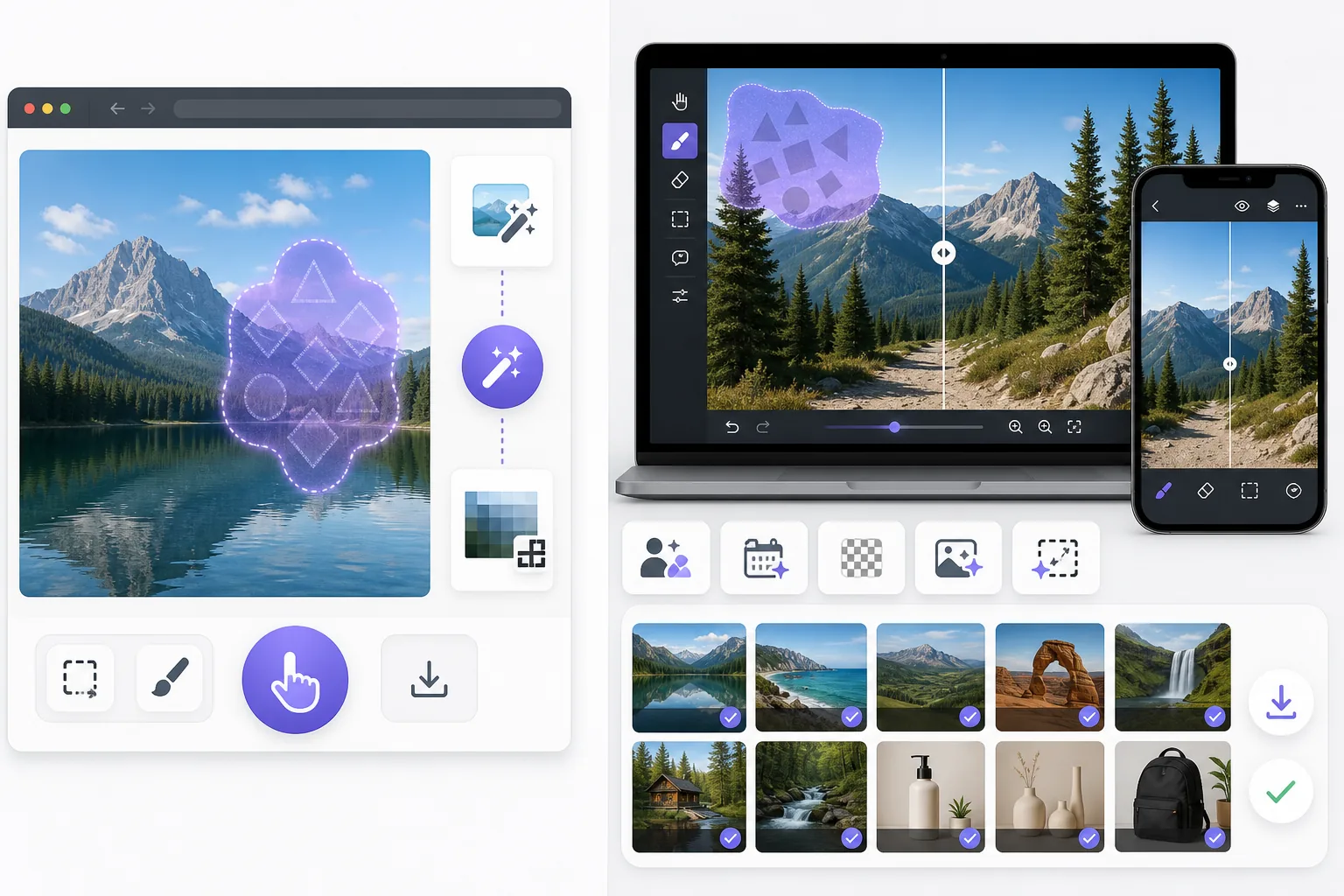
Magic Eraser 是一款免费的网页版 AI 照片编辑器,提供物体移除、背景去除、照片增强、图像扩展、AI 填充、AI 滤镜和批量处理功能。支持任何有浏览器的设备,无需安装。
Watermark Remover.io is a single-purpose web tool that auto-detects and removes watermarks in one click. It is fast for simple cases, but it does only watermark removal, runs the removal automatically without manual control, and offers no broader editing once the watermark is gone.
功能对比
Magic Eraser 是一款免费的网页版 AI 照片编辑器,提供物体移除、背景去除、照片增强、图像扩展、AI 填充、AI 滤镜和批量处理功能。支持任何有浏览器的设备,无需安装。
Watermark Remover.io is a single-purpose web tool that auto-detects and removes watermarks in one click. It is fast for simple cases, but it does only watermark removal, runs the removal automatically without manual control, and offers no broader editing once the watermark is gone.
| Feature | Magic Eraser | Watermark Remover.io |
|---|---|---|
| Watermark removal | Yes — AI brush, manual control | Yes — one-click auto |
| Object / person removal | Yes — 130+ tools | No |
| Emoji / sticker removal | Yes — dedicated tools | No |
| Background removal | Yes | No |
| AI enhancement / upscale | Yes | No |
| Generative fill | Yes | No |
| Batch processing | Yes | Limited |
| Sign-in required to start | Yes | Yes |
| Best for | All-in-one photo cleanup | Quick one-off watermark strip |
Feature rows summarize visible product positioning and should be rechecked against official product pages before purchase, migration, or compliance decisions.
- Last content review June 21, 2026
- Watermark Remover.io source: official product site (https://www.watermarkremover.io/)
- Magic Eraser source: https://magiceraser.live/zh/product/magic-eraser
- Pricing, feature availability, platform support, and limits can change; recheck official sources before relying on a buying decision.
价格对比
| Plan | Magic Eraser | Watermark Remover.io |
|---|---|---|
| Free tier | Free — sign-in required | Free — reduced resolution |
| Monthly | $9.99/mo | Subscription (varies) |
| Annual | $4.99/mo (billed yearly) | Discounted annual |
Prices as of June 2026. Check each provider for current rates.
Pricing rows are snapshots from review time. Free tiers, subscriptions, trials, export limits, and regional availability can change without notice.
- Last content review June 21, 2026
- Watermark Remover.io source: official product site (https://www.watermarkremover.io/)
- Magic Eraser source: https://magiceraser.live/zh/product/magic-eraser
- Pricing, feature availability, platform support, and limits can change; recheck official sources before relying on a buying decision.
Magic Eraser 的优势
Manual control on hard watermarks
A fully automated pass works on a clean watermark over a simple background, but struggles when a logo sits over a busy scene or a face. Magic Eraser's AI brush lets you mark exactly what to remove, so complex or partial watermarks come out cleanly without erasing the content around them.
One tool for every removal
Most photos that need a watermark gone also need other fixes — a stray object, a date stamp, a photobomber. Watermark Remover.io stops at watermarks; Magic Eraser handles all of them in the same editor, so you don't bounce between single-purpose sites.
Cleanup continues after removal
Once the watermark is gone you often want to enhance, upscale, or expand the image. Magic Eraser carries the edit through the full pipeline. Watermark Remover.io returns a cleaned file and nothing more.
Reconstruction, not just deletion
Magic Eraser's generative fill rebuilds the area a watermark covered using scene context, rather than blurring or smearing it. That matters most when the watermark overlaps important detail.
常见问题
Magic Eraser 是免费的吗?
+
是的,Magic Eraser 让您可以立即免费编辑照片。无需注册或安装。您可以升级到 Pro 计划获取无限处理量。
Magic Eraser 与 Watermark Remover.io 相比如何?
+
Magic Eraser 将 8 种 AI 工具集成在一个平台上——物体移除、背景去除、增强、扩展、AI 填充、AI 滤镜、AI 图像生成和设计。与 Watermark Remover.io 相比,Magic Eraser 无需安装软件即可提供更多功能。
Magic Eraser 支持手机使用吗?
+
是的,Magic Eraser 可在 iOS、Android 和网页上使用。您可以在设备之间无缝切换。
需要创建账户吗?
+
不需要,您可以立即开始编辑,无需创建账户。只需打开浏览器即可开始。
相关使用场景
了解专业人士如何在实际工作流程中使用这些工具。
其他对比
了解Magic Eraser与其他照片编辑工具的对比。
Cleanup.pictures是一款免费的网页端快速物体移除工具。Magic Eraser提供8种AI编辑工具、移动应用和高级处理能力。查看详细对比。
两款各具优势的强大AI照片编辑器。Magic Eraser提供更广泛的生成式AI工具集,而Photoroom在电商产品摄影和批量处理方面表现出色。看看哪款更适合您的工作流程。
我们测试并对比了顶级AI照片编辑工具。从物体移除到背景替换,看看哪个编辑器能为你的工作流程提供最佳效果。
Fotor 提供功能广泛的在线照片编辑器,配有模板和美颜工具。Magic Eraser 专注于实用的 AI 清理、背景移除、增强和生成式编辑,以实现更快的日常工作流程。
Snapseed 仍然是一款广受欢迎的免费移动端编辑器,但它更依赖手动调整和传统照片工具。Magic Eraser 加入了现代 AI 工作流程,适合希望以更少精力实现更快清理和增强的用户。
Pixlr 为用户提供经典的、基于浏览器的编辑环境,带有图层和特效。Magic Eraser 则专注于 AI 优先的清理、增强和背景处理,适合希望在没有完整编辑界面的情况下也能获得精致效果的用户。