
Sfondo trasparente del logo
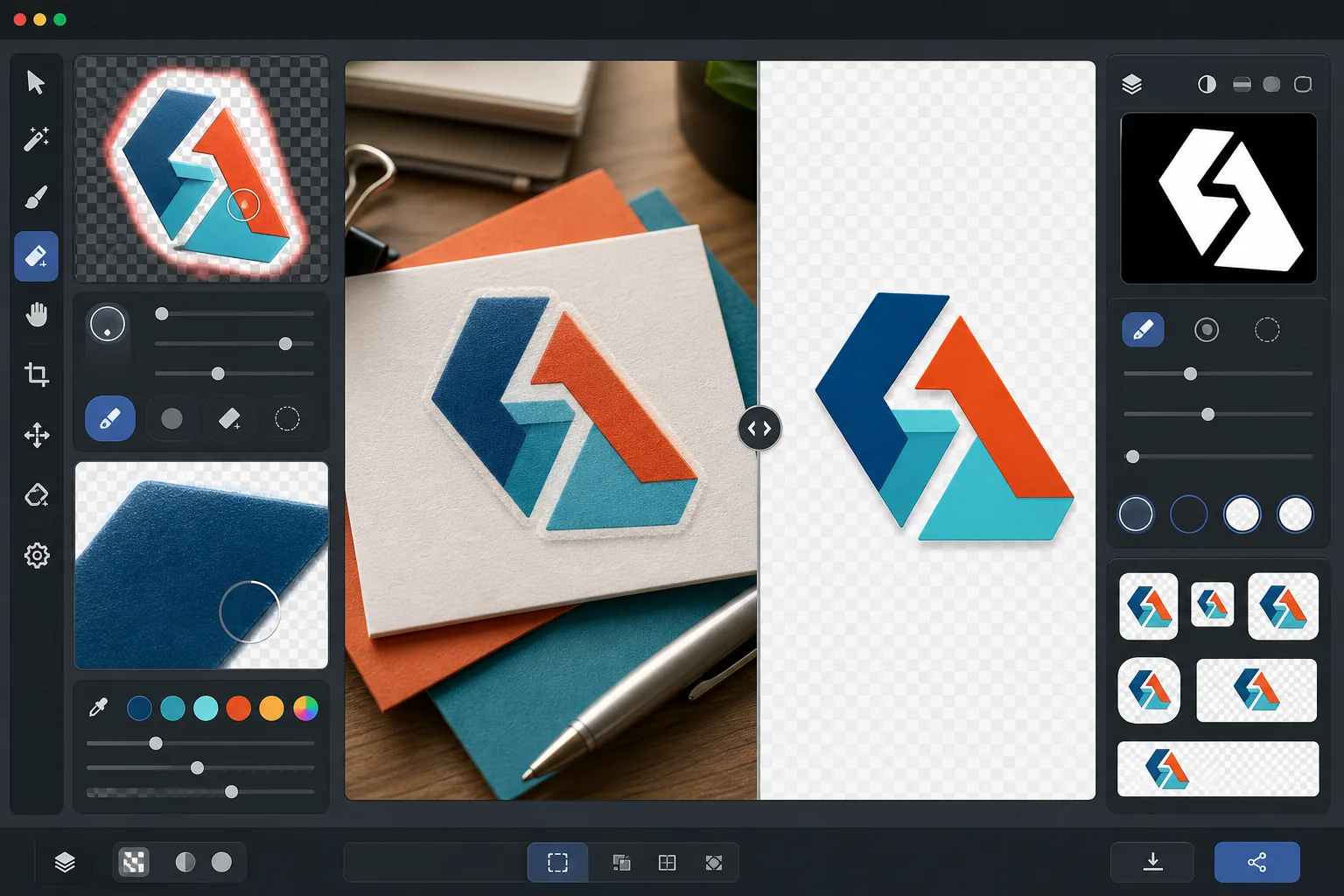
Estrai i loghi da qualsiasi sfondo ed esportali come PNG trasparenti con un perfezionamento dei bordi preciso al pixel. Questo modello gestisce loghi fotografati su carta, scansionati da biglietti da visita, acquisiti come screenshot da siti web o esportati da strumenti di progettazione con sfondi disordinati. L'output in più dimensioni copre favicon web, profili dei social media, firme e-mail e l'uso per la stampa ad alta risoluzione.
Prova gratis questo modelloDesign template preview
Cosa fa questo modello
Rimuove lo sfondo da loghi e logotipi per produrre file PNG trasparenti e puliti, pronti per l'uso su tutti i media. Background Eraser isola il logo dalla sua superficie originale, che si tratti della scansione di carta bianca, dello sfondo colorato di un sito web, della fotografia dell'insegna di un negozio o di un biglietto da visita su una scrivania. AI Enhance perfeziona i bordi per eliminare i pixel frastagliati, le frange bianche e gli artefatti ad alone che compaiono comunemente quando la rimozione dello sfondo taglia in modo troppo aggressivo attorno a caratteri sottili, linee fini ed elementi di icone dettagliati. L'output viene esportato in più dimensioni standard per l'uso immediato come favicon web, immagini del profilo social, grafiche per firme e-mail e risorse di brand a risoluzione di stampa.
Impostazioni del modello
| Rimozione dello sfondo | Trasparenza totale con bordo con anti-aliasing da 1px |
| Perfezionamento dei bordi | Smussatura sub-pixel (elimina le frange bianche e gli artefatti ad alone) |
| Conservazione del colore | Corrispondenza esatta dei valori esadecimali (nessuno scostamento di colore dovuto alla fuoriuscita dello sfondo) |
| Esportazione in più dimensioni | 16px, 32px, 180px, 512px, 1024px e risoluzione originale |
| Formato | PNG-32 con canale alfa (colore a 24 bit + trasparenza a 8 bit) |
Come usare questo modello
Carica l'immagine del tuo logo
Carica il logo in qualsiasi formato: un'esportazione di design ad alta risoluzione, la scansione di un biglietto da visita, uno screenshot da un sito web o persino la fotografia di un'insegna stampata. Il modello gestisce sia i loghi digitali nitidi come un vettoriale sia le acquisizioni imperfette del mondo reale con ombre, distorsione prospettica e illuminazione irregolare.
Rimuovi lo sfondo
Background Eraser isola il logo dalla sua superficie originale e crea un canale alfa trasparente. L'IA distingue tra gli elementi di design intenzionali del logo e lo sfondo, gestendo correttamente lo spazio negativo interno (come il foro in una O o una A), le linee sottili e le grazie fini.
Perfeziona bordi e colori
AI Enhance leviga l'anti-aliasing dei bordi per eliminare i pixel a gradini frastagliati su curve e diagonali, rimuove qualsiasi frangia bianca o colorata dovuta alla fuoriuscita dello sfondo e verifica che i colori del logo non siano cambiati durante l'estrazione. I colori del brand vengono conservati nei loro valori esadecimali originali.
Esporta in più dimensioni
Scarica un set completo di file del logo: favicon 16x16px, icona della scheda del browser 32x32px, icona Apple touch 180x180px, social media e app store 512x512px, alta risoluzione 1024x1024px e la risoluzione originale completa. Tutti i file sono in PNG-32 con sfondi trasparenti.
Consigli da professionisti per risultati ottimali
- ✓Per l'estrazione più pulita, parti dalla versione del logo alla risoluzione più alta che riesci a trovare. Un logo largo 2000px ridotto a 512px avrà bordi molto più puliti di un logo da 200px ingrandito a 512px. Se hai solo una versione piccola, l'upscaling con IA aiuta ma non può eguagliare la qualità di una sorgente nativamente grande.
- ✓Quando fotografi un logo stampato (su un'insegna, un prodotto o un biglietto da visita), scatta frontalmente per ridurre al minimo la distorsione prospettica. Il modello può correggere una lieve distorsione trapezoidale, ma uno scatto frontale produce un output geometricamente preciso senza alcun artefatto di correzione.
- ✓I loghi con linee molto sottili o grazie delicate a piccole dimensioni (sotto i 32px) possono perdere i dettagli fini. Per l'uso come favicon, valuta l'utilizzo di una versione semplificata a marchio o icona del tuo logo anziché il logotipo completo. L'esportazione in più dimensioni ti permette di verificare la leggibilità a ogni dimensione di destinazione prima del download.
- ✓Se il tuo logo utilizza elementi semitrasparenti come ombre, bagliori o effetti vetro, la rimozione dello sfondo conserva questi livelli di trasparenza nel canale alfa. Il risultato si compone correttamente su qualsiasi nuovo colore di sfondo senza perdere gli effetti tridimensionali del design originale.
Strumenti
Domande frequenti
È possibile estrarre un logo dalla fotografia di un'insegna?
+
Sì. Il modello gestisce acquisizioni del mondo reale, comprese fotografie di insegne di negozi, wrapping di veicoli, confezioni di prodotti e striscioni di fiere. L'IA corregge l'illuminazione irregolare, la lieve distorsione prospettica e la texture della superficie (come la grana del vinile o la trama del tessuto) per produrre un file del logo pulito e piatto. I risultati sono migliori quando la fotografia è nitida e scattata il più frontalmente possibile.
I colori del mio brand verranno conservati esattamente?
+
L'algoritmo di conservazione del colore mantiene i valori esadecimali originali dei colori del logo senza consentire al colore dello sfondo di fuoriuscire sui bordi. Per i loghi estratti da fotografie (a differenza dei file digitali), la precisione del colore dipende dall'illuminazione nella foto originale. Con un'illuminazione neutra, i colori estratti rientrano in genere entro un delta-E di 2 rispetto ai veri colori del brand.
Qual è la differenza tra PNG-32 e PNG normale?
+
PNG-32 include un canale alfa completo a 8 bit che supporta 256 livelli di trasparenza per pixel, consentendo bordi lisci con anti-aliasing ed effetti semitrasparenti come ombre esterne e bagliori. Il normale PNG-8 con trasparenza supporta solo pixel completamente trasparenti o completamente opachi, con conseguenti bordi frastagliati. Tutti gli output di questo modello utilizzano PNG-32 per la massima qualità di trasparenza.
Prepara il tuo logo per ogni piattaforma con un clic
Carica qualsiasi immagine di logo e ottieni file PNG trasparenti in tutte le dimensioni di cui hai bisogno, dai minuscoli favicon alle risorse di stampa ad alta risoluzione, con bordi perfettamente puliti.
Provalo gratisRelated templates
More design templates for your workflow.
Genera modelli realistici di copertine di libri con prospettiva 3D, rendering delle ombre e sfondi lifestyle per il marketing degli autori e le promozioni degli editori.
Progetta copertine di podcast che soddisfino le specifiche di Apple Podcast e Spotify con sostituzione dello sfondo, isolamento del ritratto dell'host e layout pronti per la tipografia.
Prepara opere d'arte e fotografie digitali per la stampa di grande formato con upscaling AI, espansione della tela, prove colore accurate ed esportazione di file pronti per la stampa.
Prepara le foto per l'invio all'agenzia stock con la rimozione del marchio, la modifica della conformità della liberatoria del modello, i controlli di qualità tecnica e i requisiti di formato specifici dell'agenzia.