Sports template
Sports Template 3
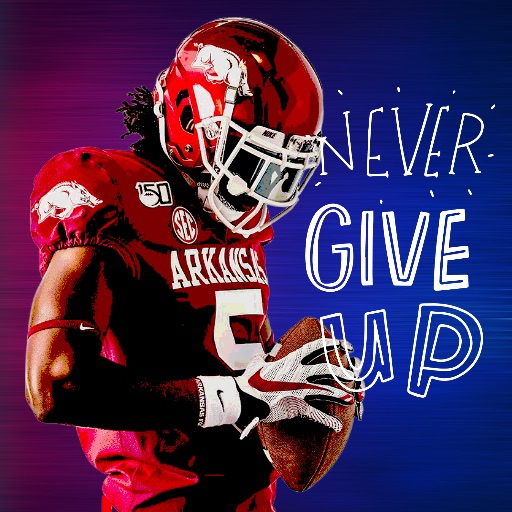
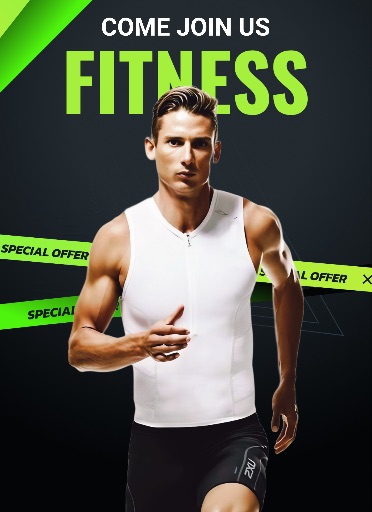
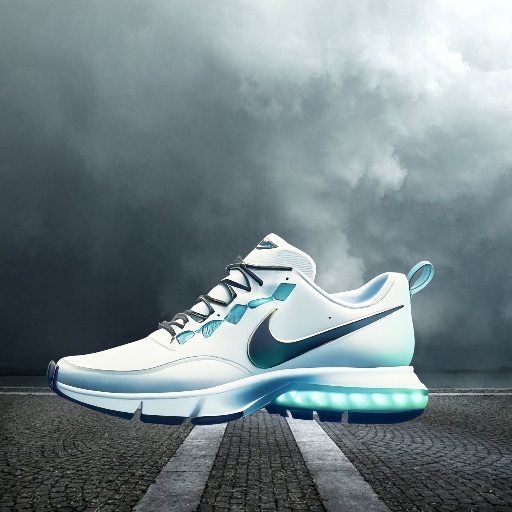
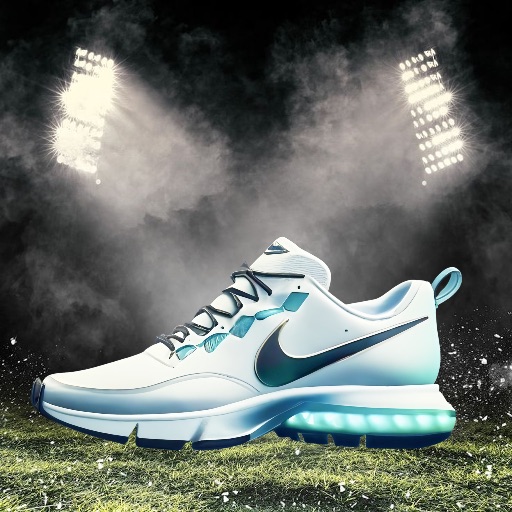
Preview this Magic Eraser app template before opening the editor. Its ready-made layout suits team posts, match-day graphics, athlete spotlights, and tournament promotions.
Open editor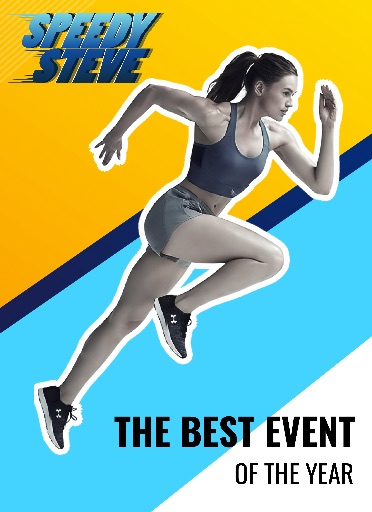
Category
Sports template
Canvas
1600 x 2200
Availability
Available in the app template catalog
Sports template
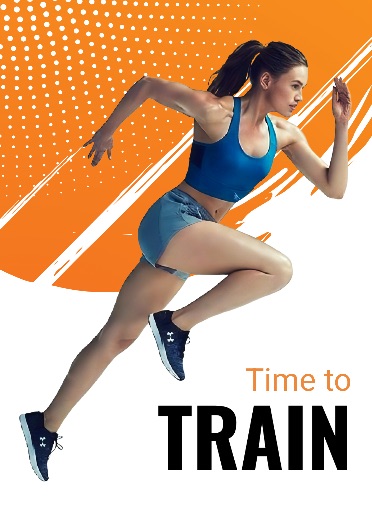
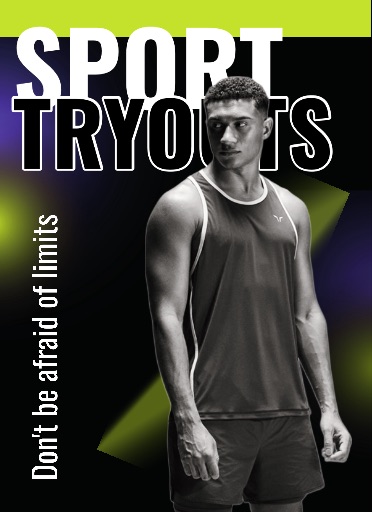
Highlight an athlete or team photo with a ready-made sports layout.
Sports template
Create match-day posts, recap graphics, and event announcements faster.
Sports template
Keep a consistent visual style across a season, club, or tournament.
How to use this template
How to use this template
Open the editor, upload an image, and place the subject in the sports layout.
Clean up edges, remove distractions, and choose the crop before adding campaign text.
Check the canvas size and export format for your intended channel.
Template tips
- Use a sharp action photo or portrait with the athlete clearly separated from the background.
- Leave room so graphics do not cover faces, logos, or equipment.
- Export square for feed posts, then recrop for stories or thumbnails.
Before you export
- Confirm the main subject remains clear at thumbnail size.
- Keep text, dates, and brand elements editable until the final export.
- Save a reusable version when creating a series of posts.
Frequently asked questions
Is this an app template?
Yes. The preview comes from the Magic Eraser app template catalog.
Can I change the text?
Yes. Use the layout as a starting point, then add names, dates, and brand copy as editable elements.
What photo works best?
Use a clear photo with one main subject. You can remove the background and clean up the image before placing it.
Related templates