Magazine template
Magazine Template 7 Design Template
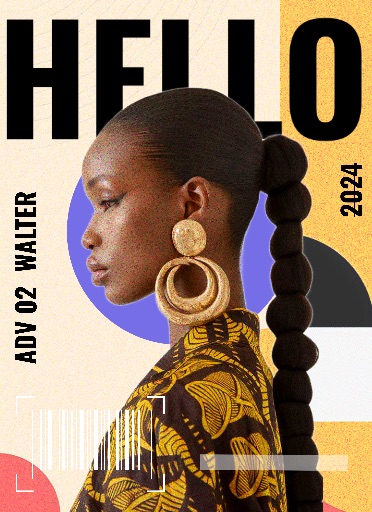
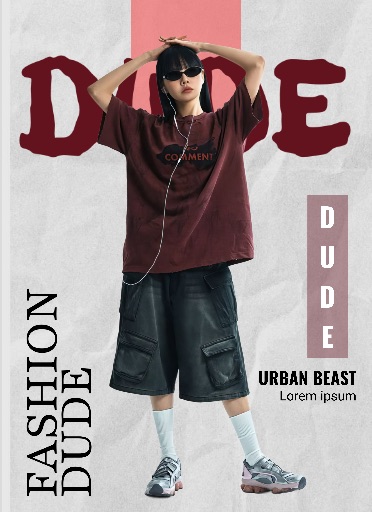
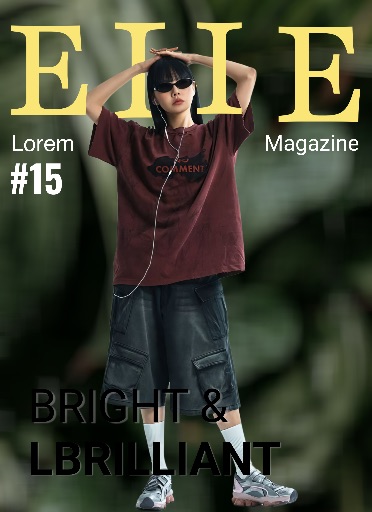
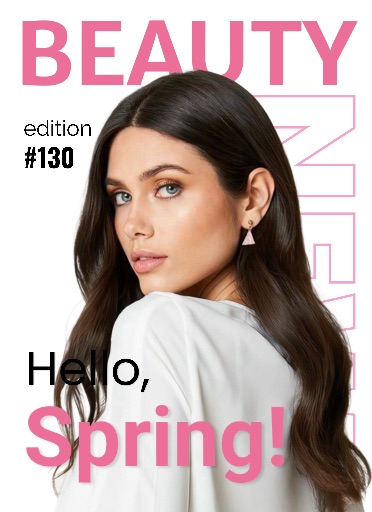
Preview this Magic Eraser app template before opening the editor. It is best for editorial covers, creator portraits, lookbook pages, feature graphics, and polished social posts, with a ready-made layout built from the app's remote template catalog.
Open editor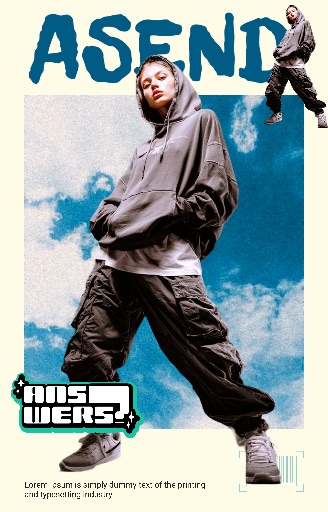
Category
Magazine
Canvas
1600 x 2500
Availability
Available in the app catalog
Use case
Create editorial-style previews from portraits, fashion shots, or campaign photos.
Use case
Prototype cover concepts and visual stories before a full design pass.
Use case
Give a product, creator, or event image a more premium layout quickly.
Template workflow
How to use this design template
Open the editor, upload the image you want to edit, then use app templates to place the cutout into a ready-made layout from the magazine collection.
Clean the subject edges, remove distracting background elements, and choose a crop before applying campaign text or brand details.
Check the final canvas size and export format so the template works for social, ecommerce, presentation, or campaign placement.
Template tips
- Use a strong hero subject with room for headline-style spacing.
- Add exact cover text in the editor rather than relying on the template preview text.
- Keep contrast high enough for thumbnails and mobile previews.
Before you export
- Confirm the main subject is readable at thumbnail size.
- Keep exact text, pricing, dates, and brand marks editable until the final export.
- Save a reusable version if this template will support multiple posts or products.
FAQ
Is this an app template?
Yes. The preview comes from the Magic Eraser app template catalog and uses the app's remote thumbnail asset.
Can I change the text?
Use the template as a visual starting point, then add exact names, prices, dates, and brand copy as editable elements in the editor.
What photo works best?
Use a clear photo with one main subject. Background Eraser and cleanup tools help before placing it into the template.
Related templates