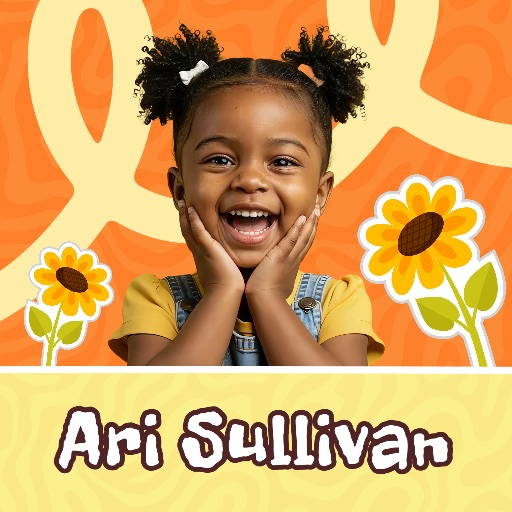
Kids template
Kids Template 10 for Playful Photos & Party Posts
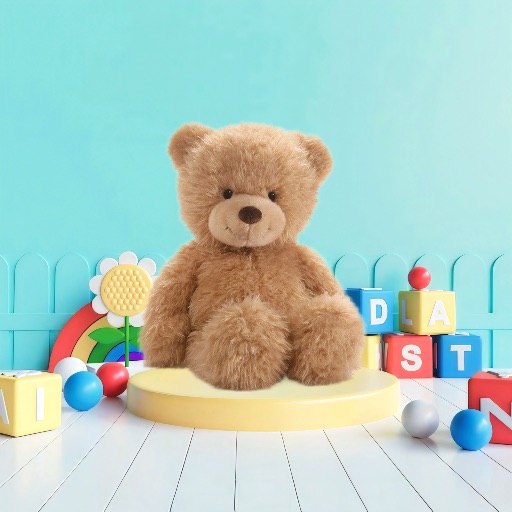
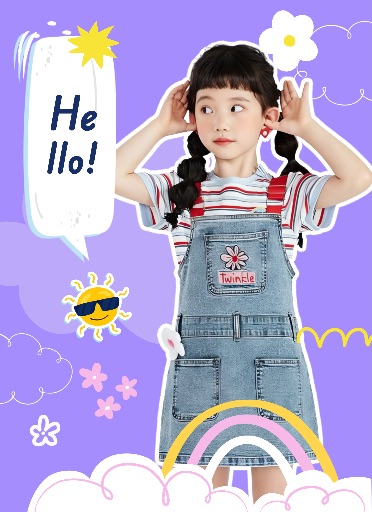
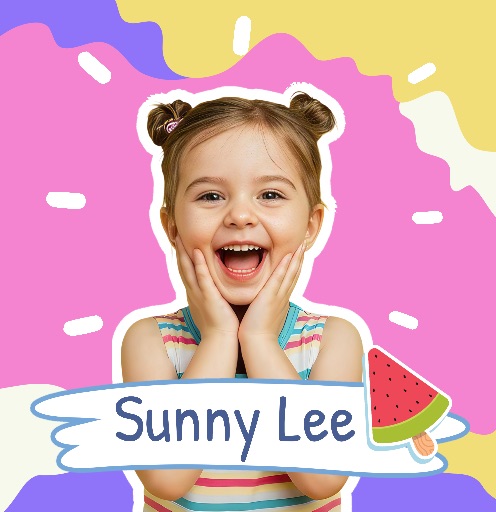
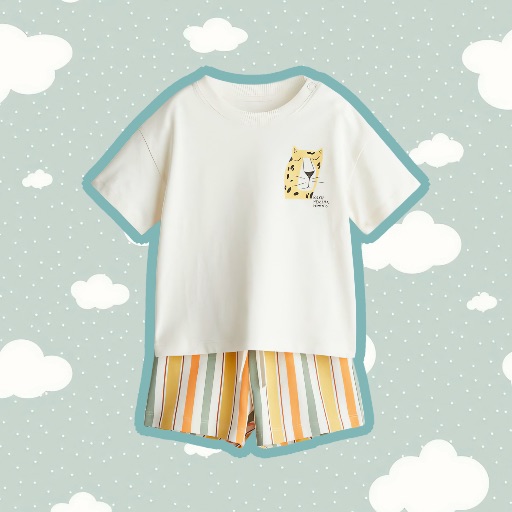
Preview this playful kids layout before opening the editor. It works well for children’s portraits, birthday posts, family memories, and event graphics.
Open editor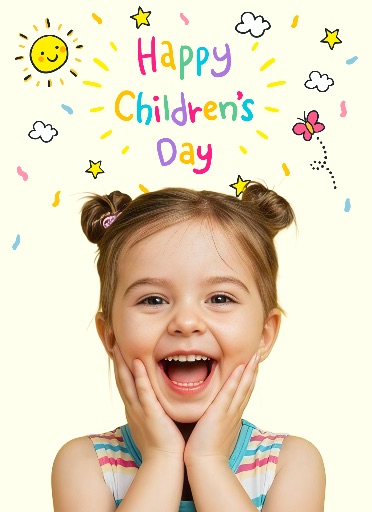
Category
Kids template
Canvas
1600 x 2200
Availability
Available in the app template catalog
Kids template
Turn a child’s portrait or family photo into a cheerful social post.
Kids template
Create birthday announcements, party graphics, or keepsake designs.
Kids template
Reuse the layout across a celebration album or family photo series.
How to use this kids template
How to use this kids template
Open the editor, upload a clear portrait or family photo, and place the main subject in the layout.
Remove distracting objects or clean the background, then crop without cutting off faces or hands.
Add accurate names, dates, ages, or event details as editable text before export.
Kids template tips
- Choose a bright, sharp photo with the child or family clearly visible.
- Keep decorative elements and text away from faces and important details.
- Review names, dates, and ages carefully before sharing the final design.
Before you export
- Confirm that the subject and headline remain clear at the intended size.
- Keep names, dates, issue details, and brand marks editable until final review.
- Save a reusable version when building a coordinated editorial series.
Frequently asked questions
Is this a template from the app?
Yes. The preview comes from the Magic Eraser app template catalog.
Can I change the text?
Yes. Use the layout as a starting point and add your headline, names, dates, and publication details as editable elements.
What image works best?
Use a sharp portrait or product photo with one clear subject and enough space for editorial text.
Related templates