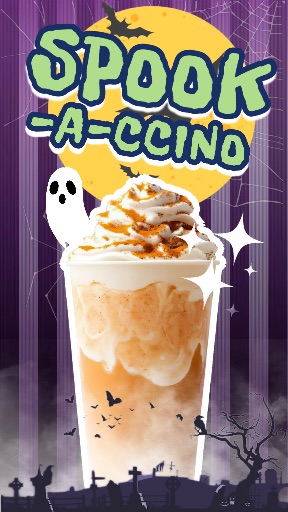
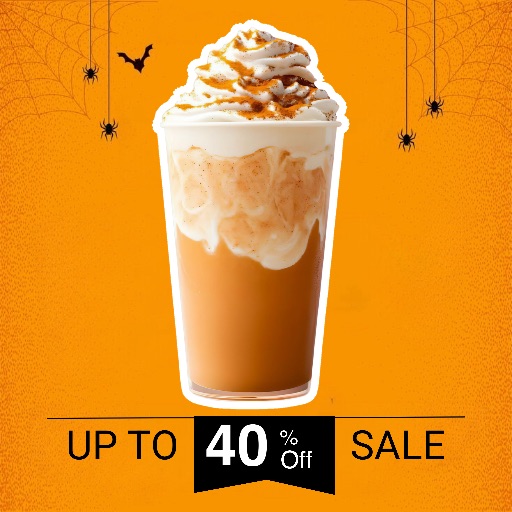
Halloween template
Halloween Template 9 for Costume Photos & Party Posts
Preview this Halloween layout before opening the editor. Use it for costume photos, party invitations, seasonal announcements, and spooky social posts.
Open editor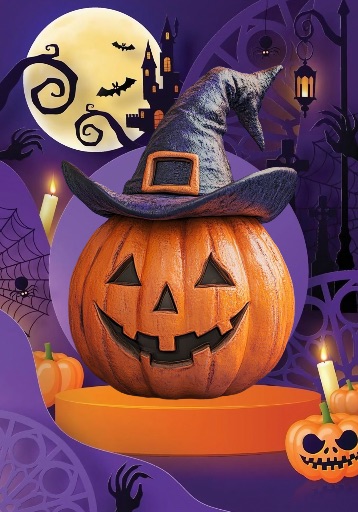
Category
Halloween template
Canvas
1400 x 2000
Availability
Available in the app template catalog
Halloween template
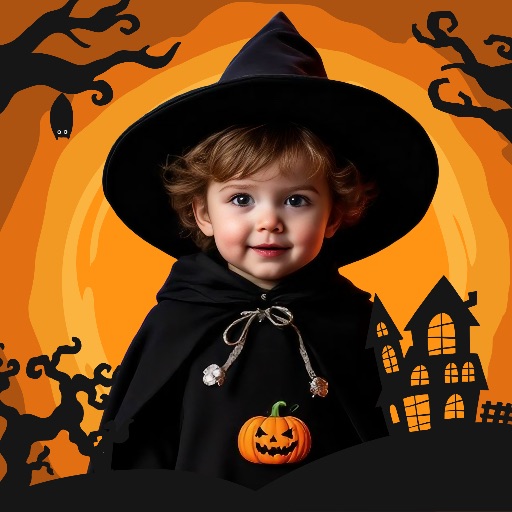
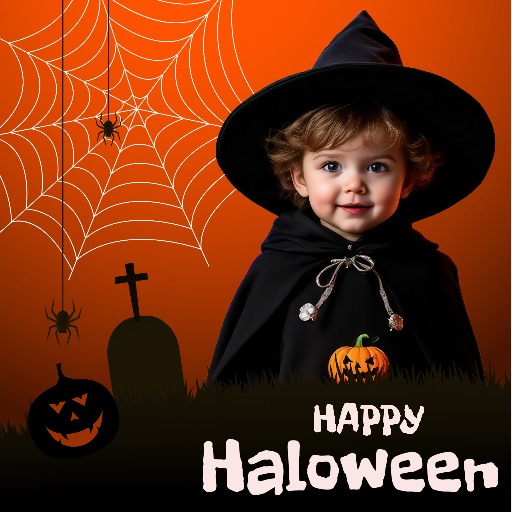
Frame a costume portrait as a Halloween party post.
Halloween template
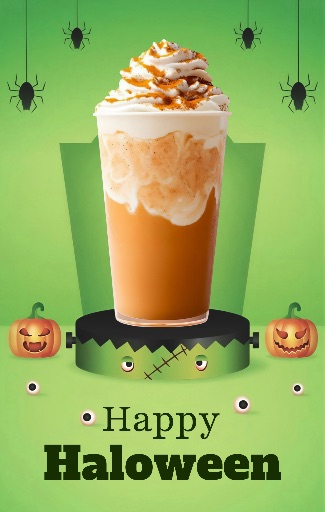
Create a seasonal invitation or event announcement.
Halloween template
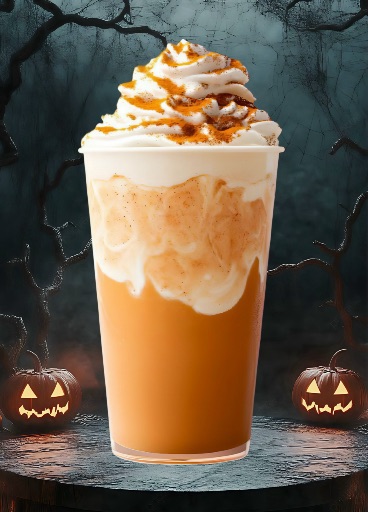
Reuse the design for a coordinated series of spooky social graphics.
How to use this Halloween template
How to use this Halloween template
Open the editor and add a clear costume, portrait, or event photo.
Remove distracting objects or clean the background, then position the subject inside the layout.
Replace placeholder text with accurate event details, then review the final design before export.
Halloween template tips
- Choose a sharp photo with enough contrast for the dark seasonal artwork.
- Keep names, dates, and venue details readable and away from faces.
- Check spelling and event information before sharing or printing.
Before you export
- Confirm that the subject and headline remain clear at the intended size.
- Keep names, dates, issue details, and brand marks editable until final review.
- Save a reusable version when building a coordinated editorial series.
Frequently asked questions
Is this a template from the app?
Yes. The preview comes from the Magic Eraser app template catalog.
Can I change the text?
Yes. Use the layout as a starting point and add your headline, names, dates, and publication details as editable elements.
What image works best?
Use a sharp portrait or product photo with one clear subject and enough space for editorial text.
Related templates