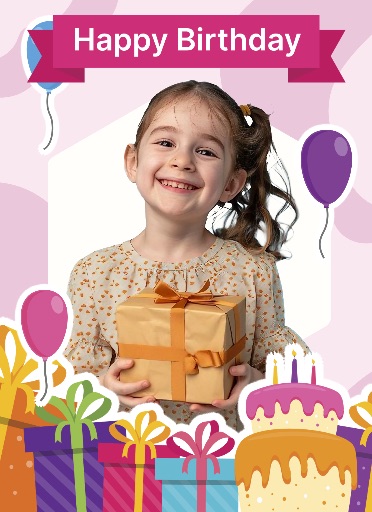
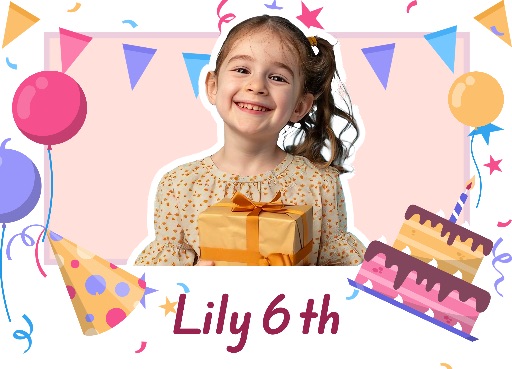
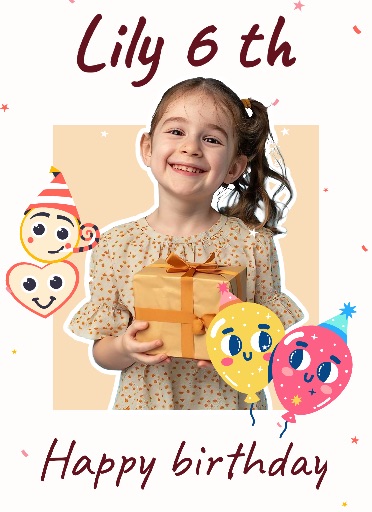
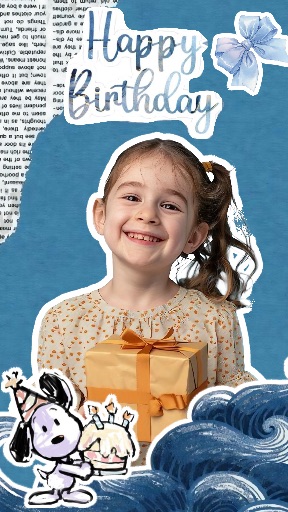
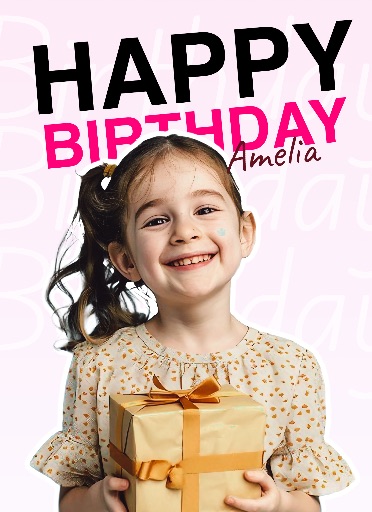
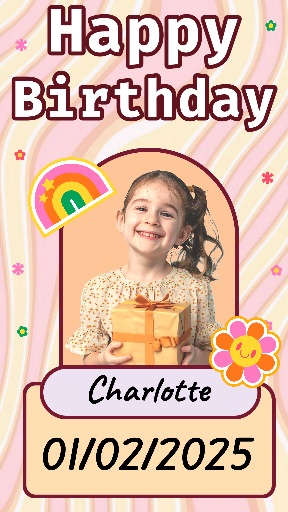
Birthday template
Birthday Photo Template 4
Preview Birthday Template 4 from the Magic Eraser app catalog before opening the editor. Use the ready-made layout for party invitations, birthday announcements, photo greetings, and celebration posts.
Open editor
Category
Birthday template
Canvas
2048 x 2048
Availability
Available in the app template catalog
Birthday template
Turn a portrait into a birthday greeting or celebration post.
Birthday template
Create a party invitation or birthday announcement without starting from a blank canvas.
Birthday template
Reuse the visual style for social posts, stories, or a digital card.
How to use this birthday template
How to use this birthday template
Open the editor, upload a photo, and place the subject in the birthday layout.
Remove distracting background details, refine the subject edges, and add editable names, ages, dates, or event details.
Check the crop and canvas size for the channel where you will share the design.
Birthday template tips
- Choose a bright, clear portrait with space around the face for decorations.
- Keep names, ages, dates, and venue details editable until the final export.
- Check that confetti, text, and graphics do not cover faces or important details.
Before you export
- Proofread names, ages, dates, and party details.
- Check that the main photo remains clear at thumbnail size.
- Export at the size required by your invitation or social channel.
Frequently asked questions
Is this a template from the app?
Yes. The preview comes from the Magic Eraser app template catalog.
Can I change the text?
Yes. Use the layout as a starting point and add names, dates, and party details as editable elements.
Which photo works best?
Use a clear photo with one main subject. You can remove the background and clean up distractions before placing it.
Related templates