
AI Create style
AI Sumi-e Symbolic Image Generator
Create symbolic sumi-e images from text prompts using expressive black ink, restrained brushwork, open space, and a single visual metaphor. This style suits contemplative posters, editorial illustrations, book covers, and identity concepts; describe the subject, symbol, paper texture, and accent color clearly.
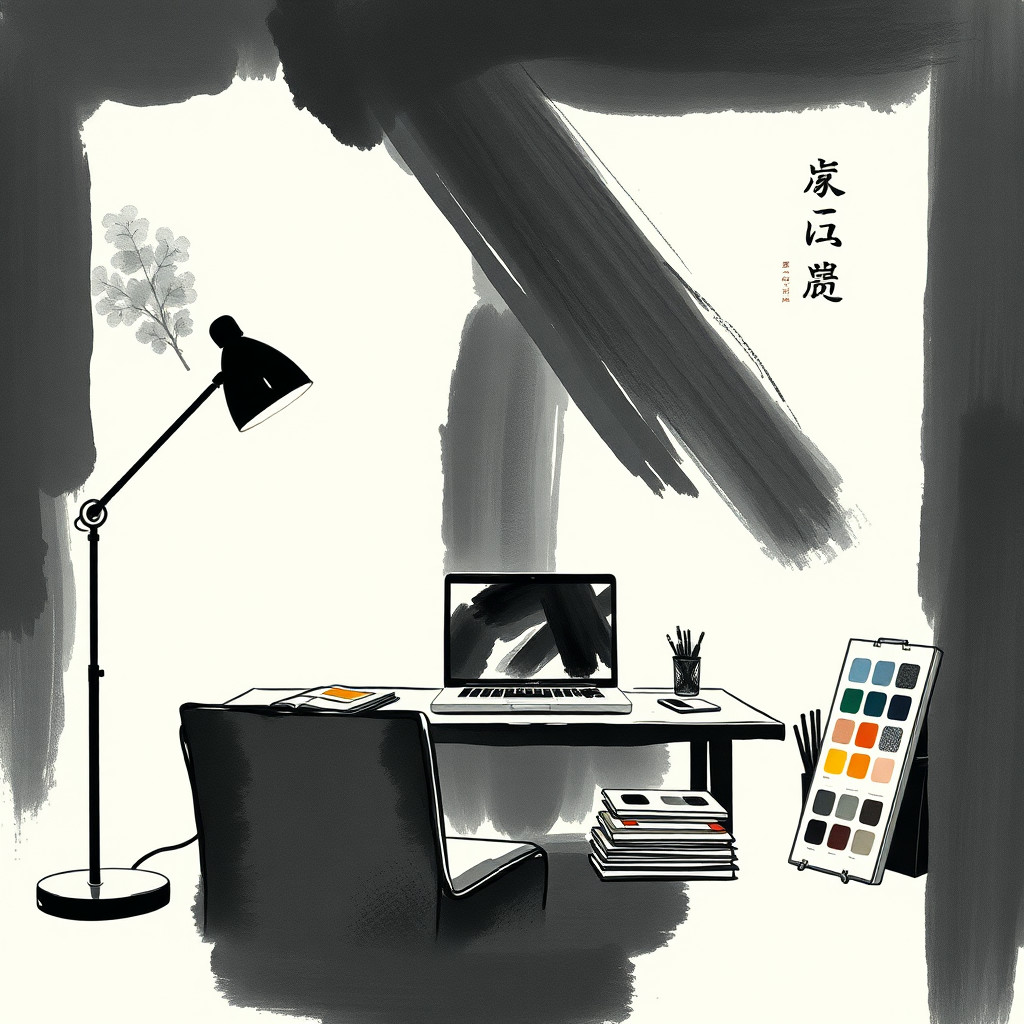
Use case
Contemplative posters, book covers, and editorial illustrations with a clear visual metaphor.
Use case
Minimal identity and packaging concepts built around one natural or symbolic motif.
Use case
Calm social artwork, greeting cards, and wall-art drafts with expressive ink texture.
Visual direction preview
Use the style thumbnail as the creative target
The preview gives users a concrete reference for color, texture, edge detail, and mood before they open the generator. Pair it with the prompt starters below to keep the page useful instead of only decorative.
Generated examples
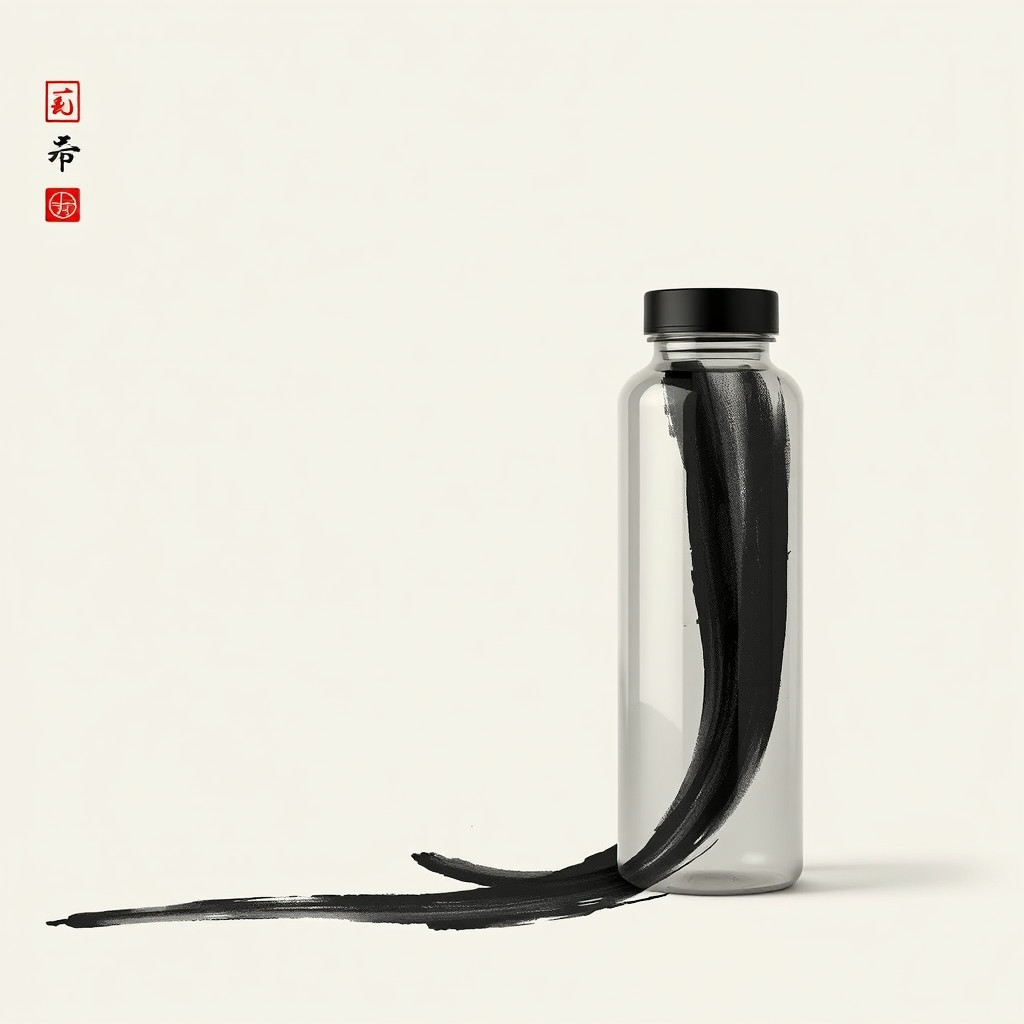
See the sumi-e symbolic style in real outputs
These examples were generated through the Magic Eraser AI Create API with the sumi-e symbolic style selected.
Prompt workflow
How to get a stronger sumi-e symbolic result
Choose one main symbol or natural subject and explain the idea it should represent.
Specify black ink wash, expressive brushstrokes, rice-paper texture, negative space, and any restrained accent color.
Generate several variations, select the clearest silhouette, then crop and remove distracting marks before export.
Prompt starters
- “Symbolic sumi-e crane rising through morning mist, expressive black ink, rice paper, generous negative space, small red sun”
- “Sumi-e mountain and winding river representing resilience, dry-brush texture, monochrome ink wash, minimal composition”
- “Symbolic sumi-e koi circling a lotus, fluid brushstrokes, warm ivory paper, restrained vermilion accent”
Style tips
- Keep the composition sparse so the symbol and brushwork remain readable.
- Describe the intended meaning rather than relying on the word symbolic alone.
- Add exact text, seals, and logos after generation for reliable typography and placement.
Output planning checklist
- Decide the final placement before prompting: square post, vertical story, product insert, poster, thumbnail, or wide banner.
- Keep one primary subject and one visual mood so the sumi-e symbolic style has a clear job.
- Describe the background as simple, detailed, bright, dark, studio, outdoor, or textured instead of leaving it open-ended.
- Generate variations first, then edit the selected image for crop, cleanup, and export size.
When to choose this style
Choose sumi-e symbolic when the image needs a clear creative direction before production: an ad concept, a social visual, a character idea, a packaging mood, or a fast design draft. Choose another style if the final asset must look like a camera photo, preserve exact product color, or include precise typography.
For commercial work, treat the generated image as a starting point. Review details, remove distracting artifacts, add exact text separately, and export the final size from the editor.
FAQ
Can I edit the generated image?
Yes. Generate the image, then continue with cleanup, crop, background, and export tools in Magic Eraser.
Should I include exact text?
Use AI Create for the visual direction. Add exact text later with editable design tools for cleaner spelling and layout.
Is this style selected automatically?
The CTA opens AI Create with the sumi-e symbolic style parameter, and the app falls back safely if the option changes.