
AI Create style
Colored Pencil Art AI Image Generator
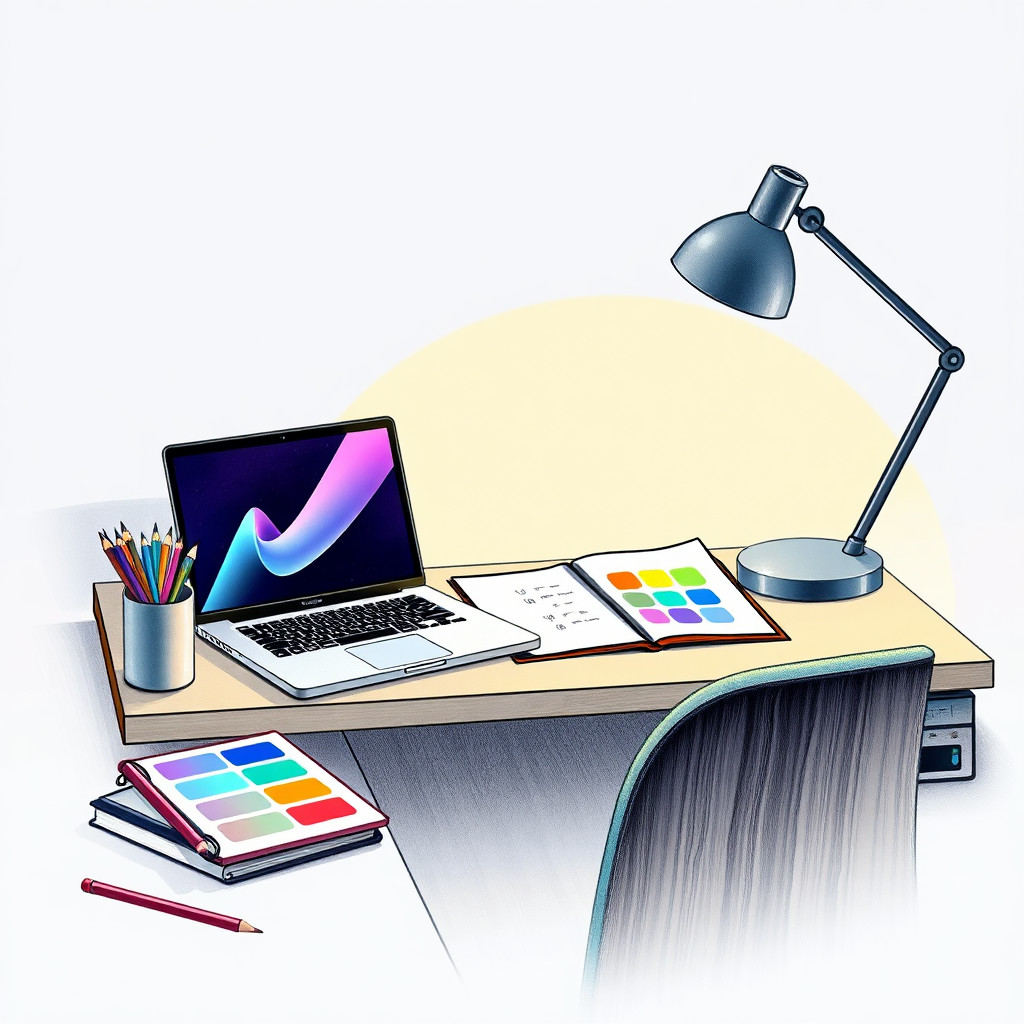
Generate colored pencil art with visible texture, gentle shading, and hand-drawn warmth. It works for packaging concepts, educational illustrations, children-oriented visuals, handmade product stories, and editorial images that should feel tactile.
Use case
Handmade product campaigns, recipe cards, educational visuals, and cozy editorial art.
Use case
Children's content, stationery ideas, and soft lifestyle graphics.
Use case
Product or botanical illustrations where texture matters more than polish.
Visual direction preview
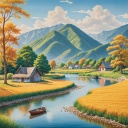
Use the style thumbnail as the creative target
The preview gives users a concrete reference for color, texture, edge detail, and mood before they open the generator. Pair it with the prompt starters below to keep the page useful instead of only decorative.
Generated examples
See the colored pencil art style in real outputs
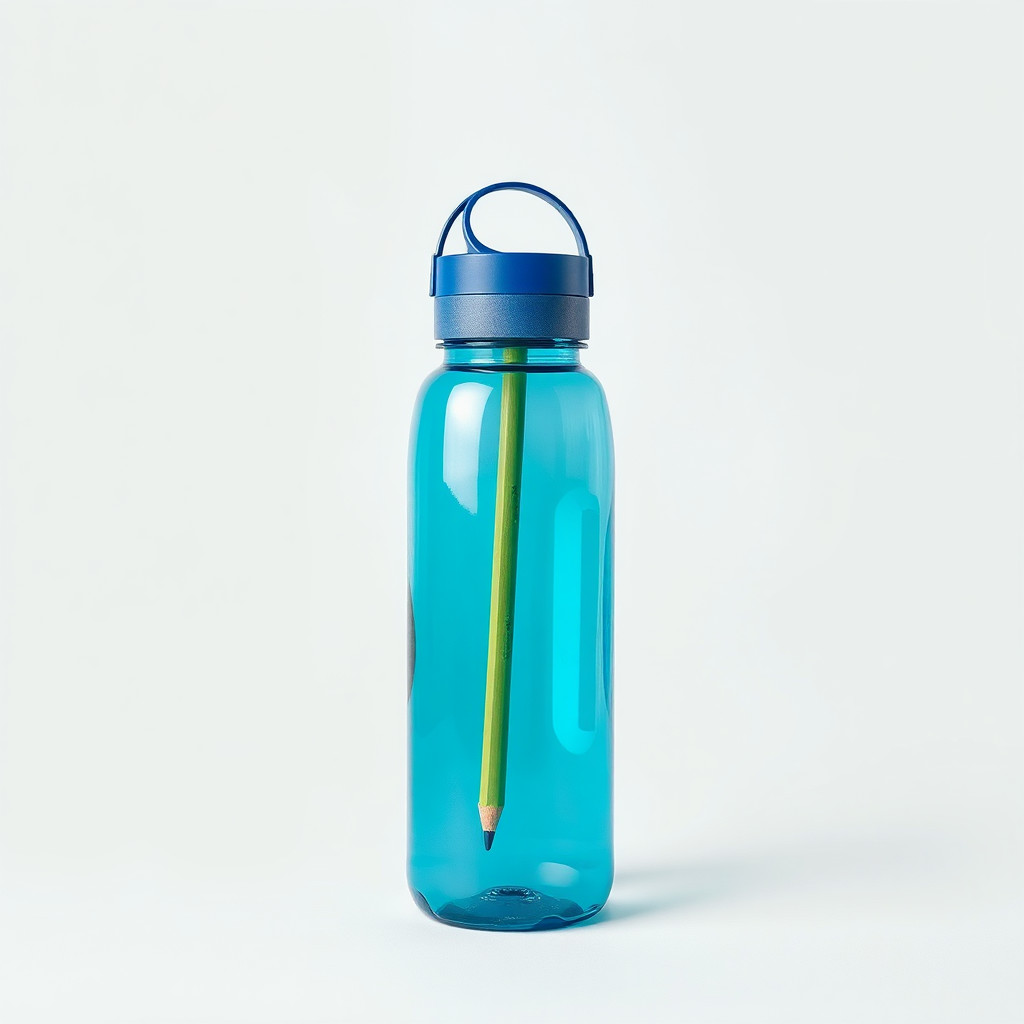
These examples were generated through the Magic Eraser AI Create API with the colored pencil art style selected.
Prompt workflow
How to get a stronger colored pencil art result
Prompt for colored pencil texture, paper grain, soft shading, and a restrained palette.
Generate several versions to find the right balance between sketch detail and finished illustration.
Clean the edges or crop the result before adding text, logos, or layout elements.
Prompt starters
- “Colored pencil drawing of fresh strawberries on textured paper, soft red and green palette, gentle shadows”
- “Colored pencil product concept for handmade candles with lavender, warm paper grain, cozy composition”
- “Colored pencil illustration of a friendly cat sitting by a window, soft shading, calm afternoon light”
Style tips
- Use natural objects, food, pets, and simple products for strong results.
- Mention paper background if you want the drawing to feel handmade.
- Avoid crowded scenes with many tiny elements.
Output planning checklist
- Decide the final placement before prompting: square post, vertical story, product insert, poster, thumbnail, or wide banner.
- Keep one primary subject and one visual mood so the colored pencil art style has a clear job.
- Describe the background as simple, detailed, bright, dark, studio, outdoor, or textured instead of leaving it open-ended.
- Generate variations first, then edit the selected image for crop, cleanup, and export size.
When to choose this style
Choose colored pencil art when the image needs a clear creative direction before production: an ad concept, a social visual, a character idea, a packaging mood, or a fast design draft. Choose another style if the final asset must look like a camera photo, preserve exact product color, or include precise typography.
For commercial work, treat the generated image as a starting point. Review details, remove distracting artifacts, add exact text separately, and export the final size from the editor.
FAQ
Can I edit the generated image?
Yes. Generate the image, then continue with cleanup, crop, background, and export tools in Magic Eraser.
Should I include exact text?
Use AI Create for the visual direction. Add exact text later with editable design tools for cleaner spelling and layout.
Is this style selected automatically?
The CTA opens AI Create with the colored pencil art style parameter, and the app falls back safely if the option changes.