
AI Filter style
KI-Anime-Fotofilter
Verwandle Porträts und Alltagsfotos in einen Anime-inspirierten Look mit ausdrucksstarken Gesichtszügen, klaren Farben und stilisiertem Licht. Geeignet für Profilbilder, Creator-Posts, Avatare und verspielte Social-Media-Motive, bei denen Pose und Bildausschnitt des Originals erhalten bleiben.


Use case
Profilbilder, Avatare und Creator-Porträts.
Use case
Illustrierte Social-Posts und Vorschaubilder.
Use case
Vorher-Nachher-Inhalte mit klarer Foto-zu-Illustration-Verwandlung.
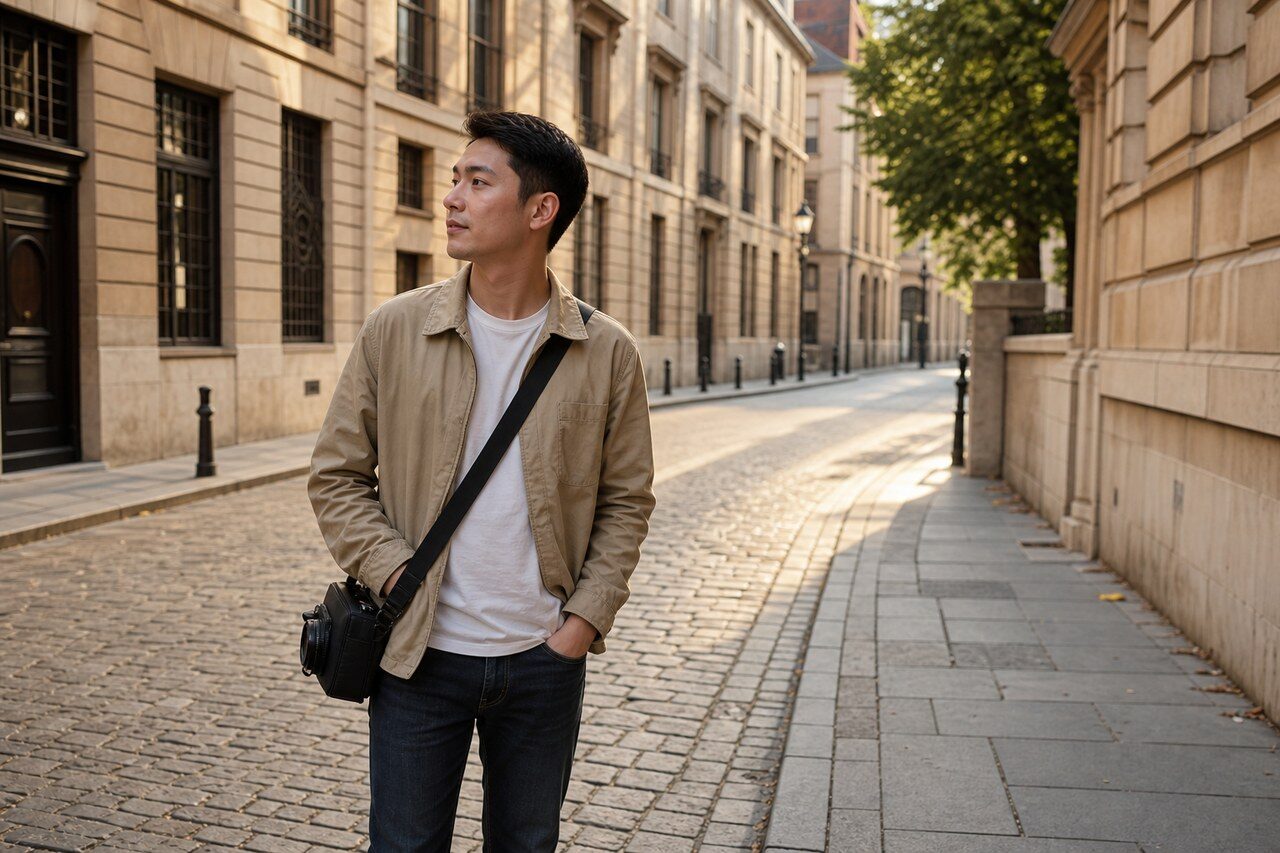
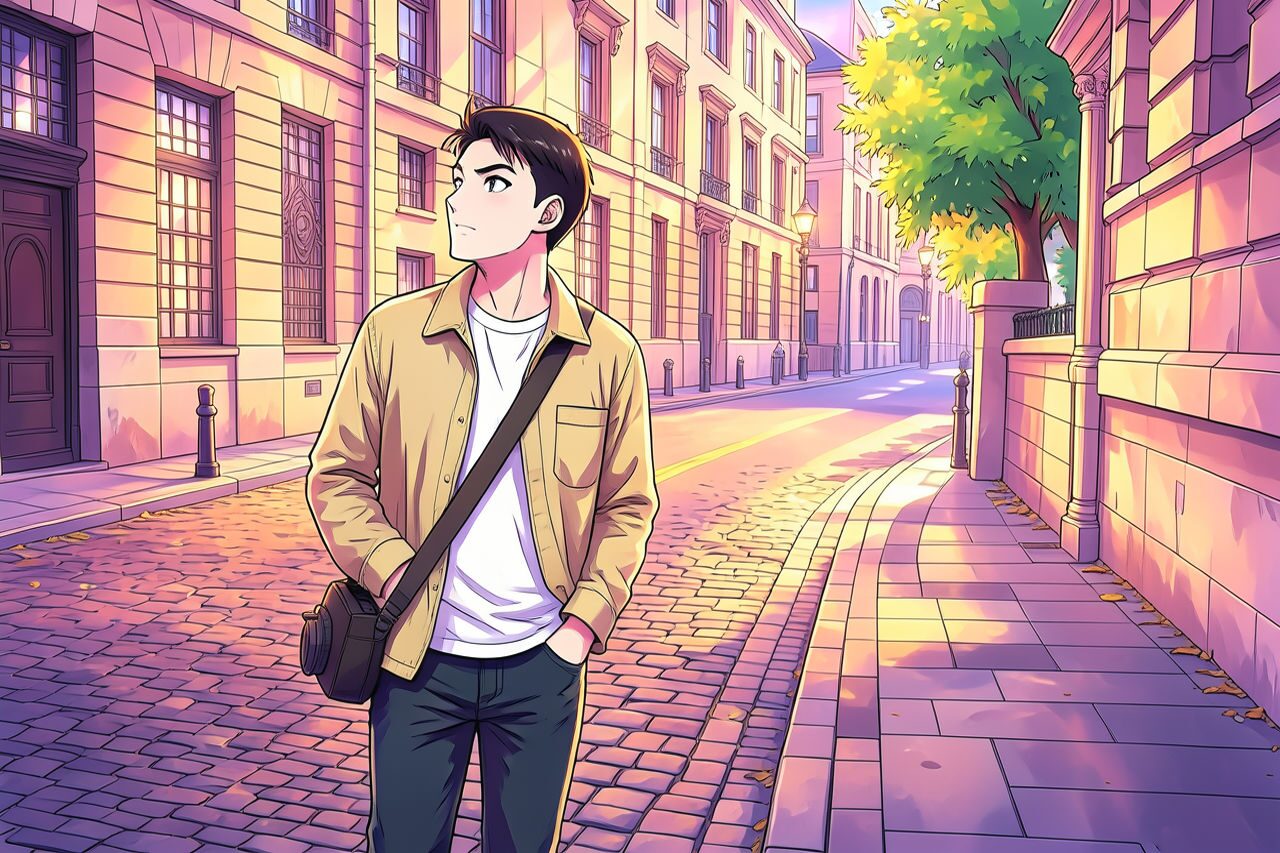
Filter preview
Compare the original photo with the anime result
The example uses a generated source photo and the same filter API path as the app, so users can judge the visual treatment before uploading their own image.
More examples
Test the anime filter on different photo types
Compare portrait, product, and pet examples before opening the filter. Each result uses the same filter API path as the Magic Eraser app.


Portrait
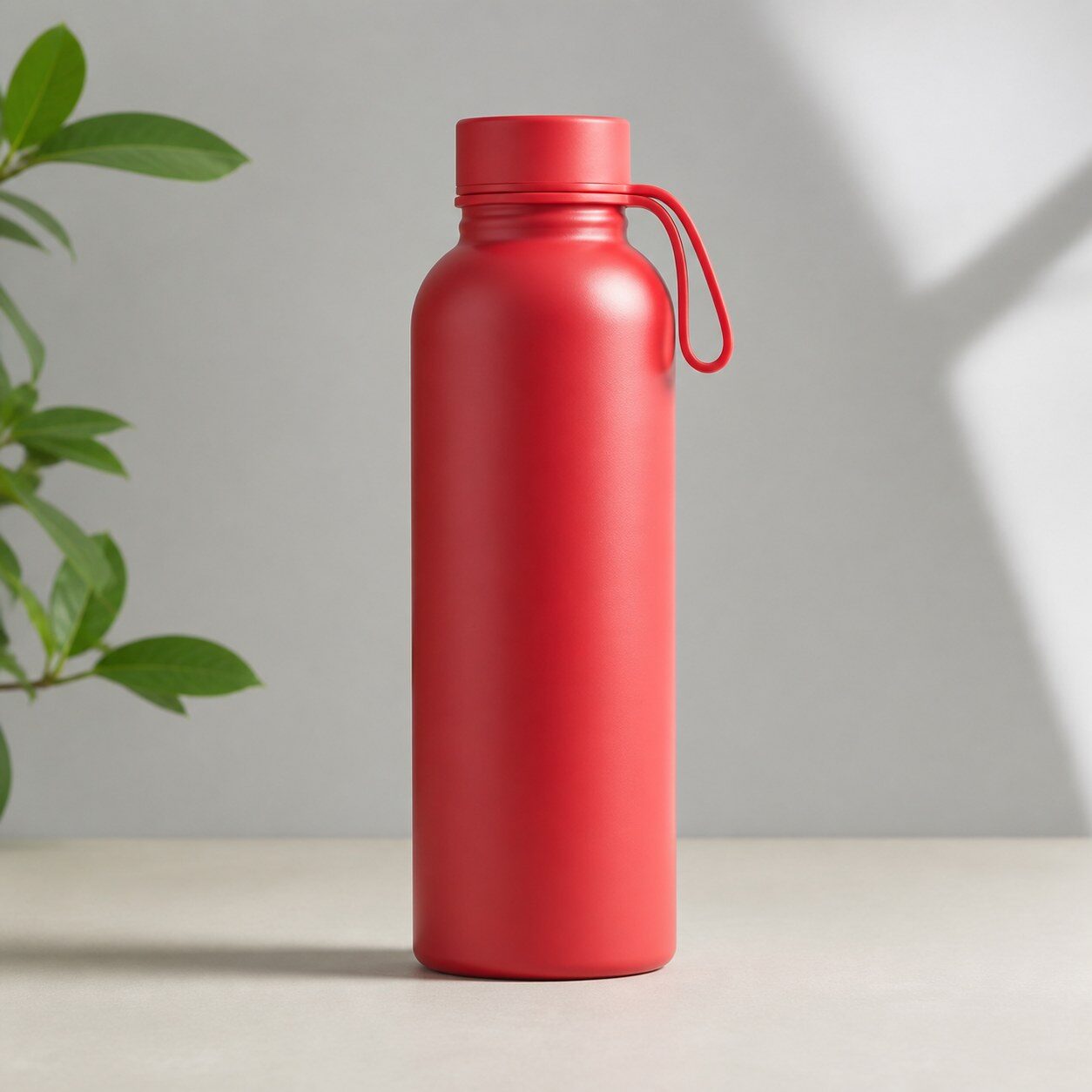
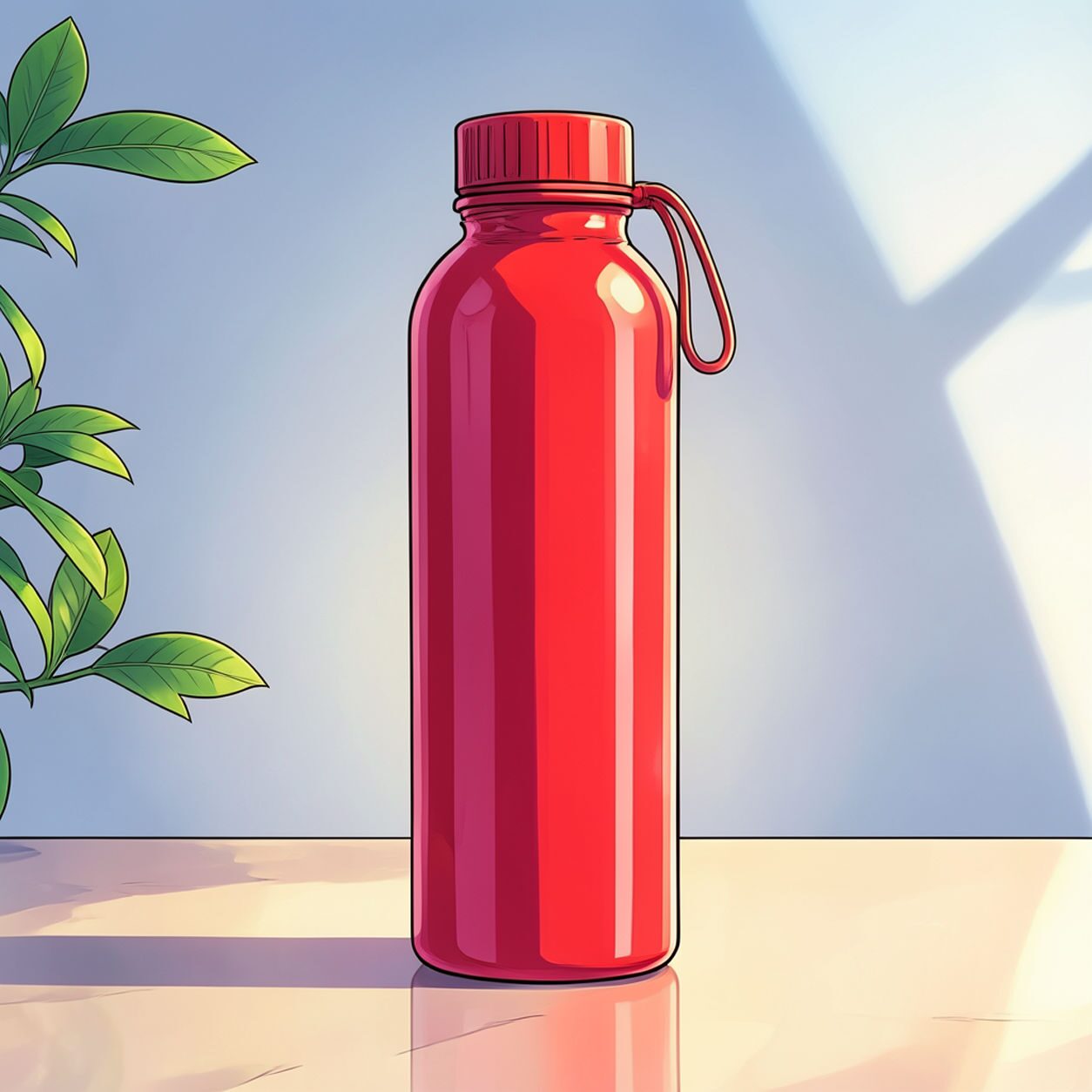
Product


Pet
Photo workflow
How to get a cleaner anime filter result
Wähle ein scharfes Porträt oder Halbprofil, auf dem das Gesicht gut sichtbar ist.
Öffne den Anime-Filter direkt, lade das Foto hoch und prüfe die Vorschau vor dem Download.
Entferne störende Elemente und schneide das Bild zu, wenn Hintergrund oder Kanten ablenken.
Best source photos
- Selfies mit klar erkennbaren Gesichtszügen.
- Creator-Headshots und Profilfotos.
- Alltagsporträts vor einfachem Hintergrund.
Filter tips
- Gute Beleuchtung und ruhige Hintergründe liefern meist bessere Ergebnisse.
- Vermeide sehr kleine Gesichter und Gruppenfotos, wenn ein klares Anime-Porträt gewünscht ist.
- Nutze eigene Fotos und erwecke nicht den Eindruck einer Verbindung zu geschützten Franchises.
Before upload checklist
- Use the largest clean version of the photo, not a compressed screenshot or reposted image.
- Crop loosely before filtering so the AI has enough room around the subject.
- Remove obvious distractions first if they sit directly on the face, product, or main subject.
- Check the result at the size where it will be used: profile image, feed post, story, thumbnail, or banner.
When this filter is a good fit
Choose the anime filter when the original photo already has a clear subject and the goal is a recognizable stylized version, not a fully new generated scene. It is strongest for social, creator, profile, event, and campaign images where mood matters more than documentary accuracy.
Use a different workflow when the image needs exact product color, legal documentation, medical accuracy, or unmodified identity details. In those cases, use cleanup, crop, enhancement, or background tools instead of a heavy creative filter.
Free browser tools after filtering
FAQ
What should I upload?
Use a clear photo with one main subject. Strong lighting and simple backgrounds usually make the AI filter easier to control.
Can I keep editing after the filter?
Yes. After applying the filter, use Magic Eraser to crop, clean distractions, refine backgrounds, and export the final image.
Is this filter selected automatically?
The CTA opens AI Filter with the anime style parameter, and the app falls back safely if the filter changes.