
AI Create style
KI-Generator für Buntstiftzeichnungen
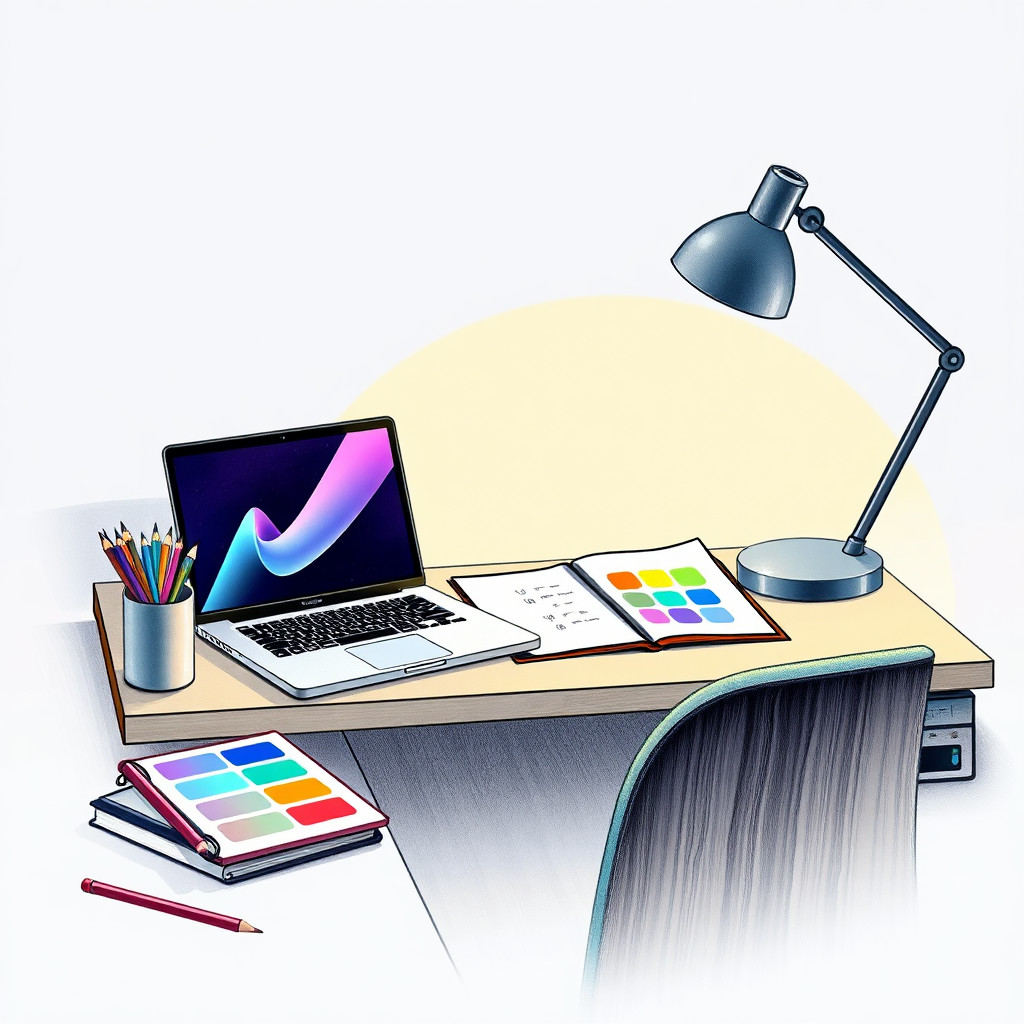
Erstelle Buntstiftzeichnungen aus Texteingaben mit sichtbarer Papierstruktur, sanfter Schattierung und handgezeichneter Wärme. Der Stil eignet sich für Verpackungskonzepte, Lernillustrationen, kindgerechte Motive, Geschichten über handgefertigte Produkte und haptisch wirkende redaktionelle Bilder.
Use case
Kampagnen für Handgemachtes, Rezeptkarten und Lernmaterialien.
Use case
Kinderinhalte, Papeterie-Ideen und sanfte Lifestyle-Grafiken.
Use case
Produkt- oder Pflanzenillustrationen, bei denen Textur wichtiger als Hochglanz ist.
Visual direction preview
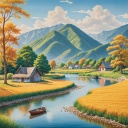
Use the style thumbnail as the creative target
The preview gives users a concrete reference for color, texture, edge detail, and mood before they open the generator. Pair it with the prompt starters below to keep the page useful instead of only decorative.
Generated examples
See the buntstiftzeichnung style in real outputs
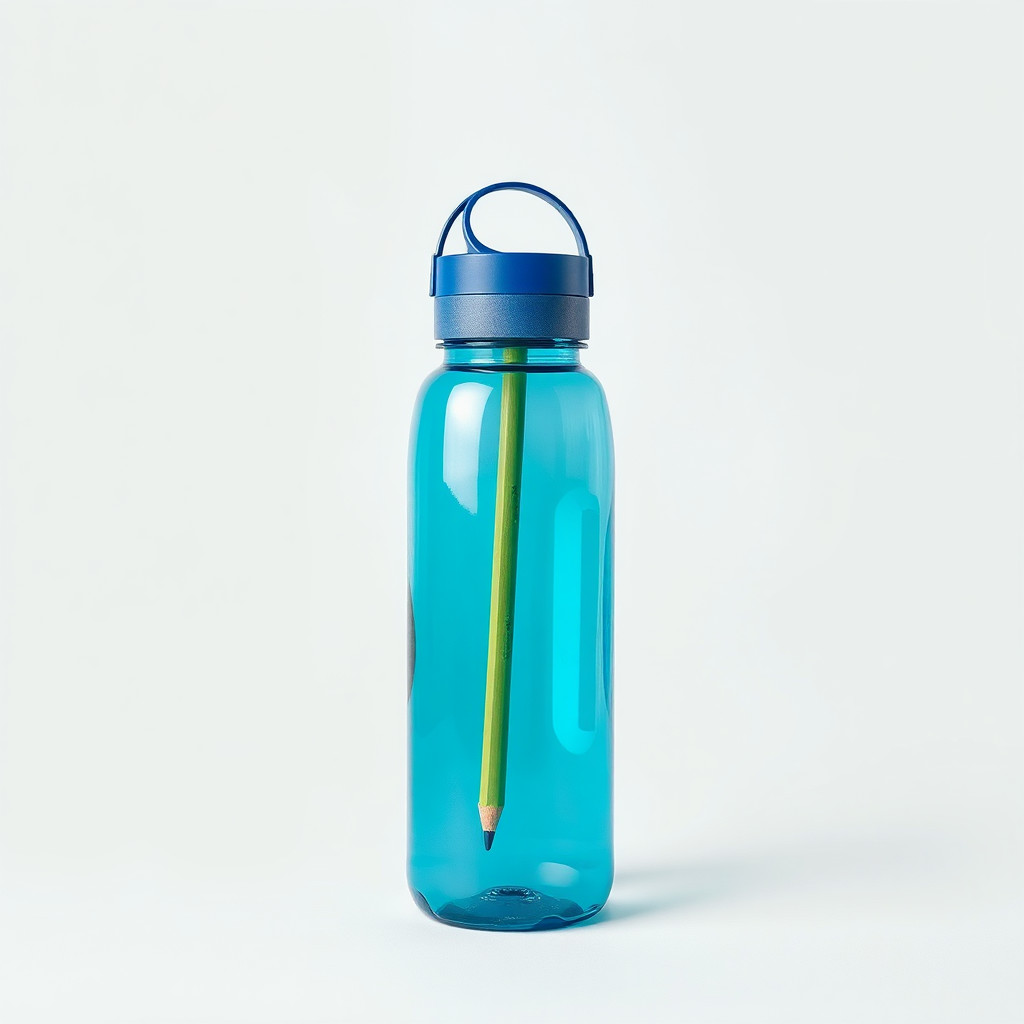
These examples were generated through the Magic Eraser AI Create API with the buntstiftzeichnung style selected.
Prompt workflow
How to get a stronger buntstiftzeichnung result
Beschreibe Buntstiftstruktur, Papierkörnung, weiche Schatten und eine reduzierte Palette.
Erzeuge mehrere Varianten und vergleiche Skizzencharakter und Ausarbeitung.
Bereinige Kanten oder schneide das Bild zu, bevor Text und Logos ergänzt werden.
Prompt starters
- “Buntstiftzeichnung frischer Erdbeeren auf strukturiertem Papier, sanftes Rot und Grün”
- “Buntstift-Produktkonzept für handgemachte Kerzen mit Lavendel, warme Papierkörnung”
- “Freundliche Katze am Fenster als Buntstiftzeichnung, weiche Schatten, ruhiges Nachmittagslicht”
Style tips
- Naturmotive, Lebensmittel, Haustiere und einfache Produkte funktionieren meist gut.
- Nenne einen Papierhintergrund für einen handgemachten Eindruck.
- Vermeide überladene Szenen mit vielen winzigen Elementen.
Output planning checklist
- Decide the final placement before prompting: square post, vertical story, product insert, poster, thumbnail, or wide banner.
- Keep one primary subject and one visual mood so the buntstiftzeichnung style has a clear job.
- Describe the background as simple, detailed, bright, dark, studio, outdoor, or textured instead of leaving it open-ended.
- Generate variations first, then edit the selected image for crop, cleanup, and export size.
When to choose this style
Choose buntstiftzeichnung when the image needs a clear creative direction before production: an ad concept, a social visual, a character idea, a packaging mood, or a fast design draft. Choose another style if the final asset must look like a camera photo, preserve exact product color, or include precise typography.
For commercial work, treat the generated image as a starting point. Review details, remove distracting artifacts, add exact text separately, and export the final size from the editor.
FAQ
Can I edit the generated image?
Yes. Generate the image, then continue with cleanup, crop, background, and export tools in Magic Eraser.
Should I include exact text?
Use AI Create for the visual direction. Add exact text later with editable design tools for cleaner spelling and layout.
Is this style selected automatically?
The CTA opens AI Create with the buntstiftzeichnung style parameter, and the app falls back safely if the option changes.